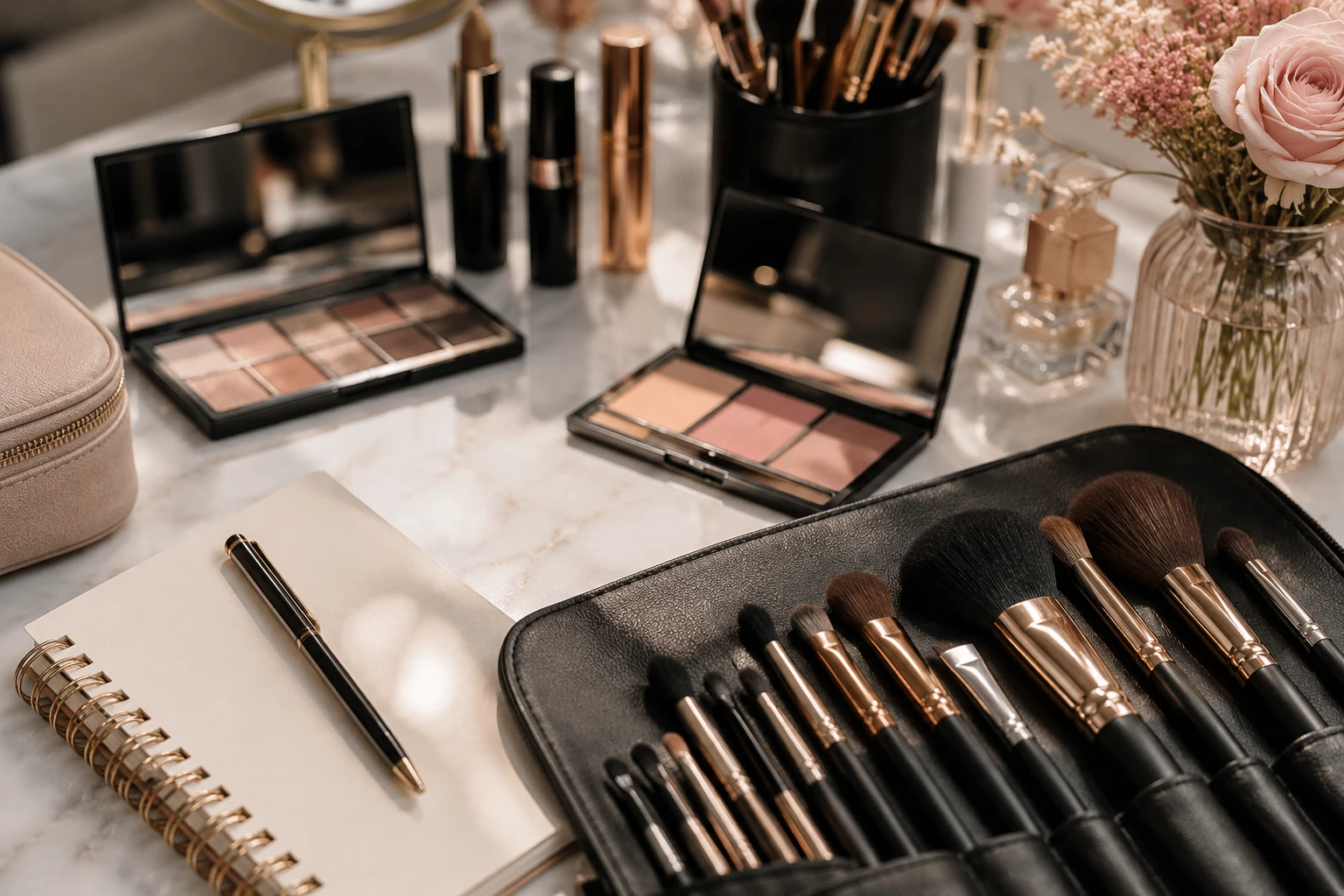
Freelance makeup artist client management means keeping each booking connected to the client’s preferences, products, photos and payment history. In Glamorph, one client profile holds that history, with a separate session for each trial, event or return appointment.
I’m Konstantina, a makeup artist, bridal MUA and Glamorph’s founder. This walkthrough shows how our app connects those parts of the job. The screenshots use fictional demo records, not customer results.
How do you connect an inquiry to a booking?
For a booking you arrange personally, add the client and appointment to Glamorph’s calendar. Keep the service, date and relevant location or preparation details with the session.
If you want clients to choose their own appointments, set up your services and working hours, preview your page and publish it. Glamorph’s online booking lets clients choose an available time and verify their email. You can confirm automatically or review requests first. Confirmed appointments enter the same calendar and client history.
Allow for the work around the appointment too. Set service durations and buffers, and use reserved time for travel, breaks or days off when it should block online availability. Configure email, SMS and WhatsApp reminders separately. WhatsApp needs a connected business number, an approved message and client permission, while SMS availability and costs vary. Clients can reschedule or cancel within your booking rules.
You can start with manually entered appointments. Publishing a booking page is optional.
What should you save after a makeup appointment?
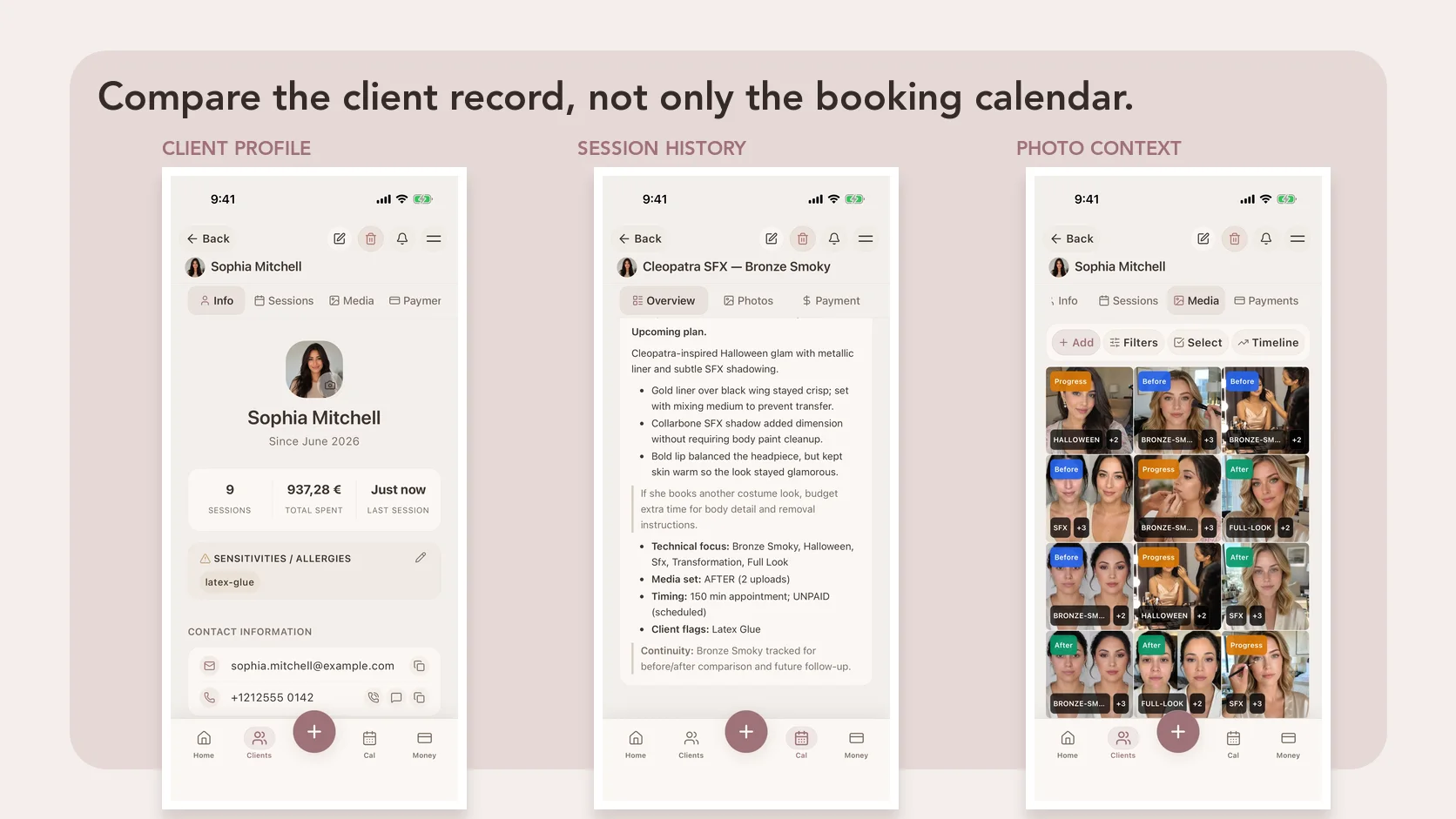
Keep lasting details in the client profile: their preferred finish, client-reported sensitivities and anything they want you to remember. Confirm what has changed before the next service.
Use the session note for the work on that date. Record the skin prep, foundation and concealer shades, powder placement, lip combination and lashes, alongside the client’s feedback. Attach useful photos to that same session.
A fictional bridal-trial note might read: “Soft glam with a satin finish. Client liked the individual lashes. For the wedding, keep the eye shape and bring a deeper lip option.” Save the actual product names and shades used alongside that note.
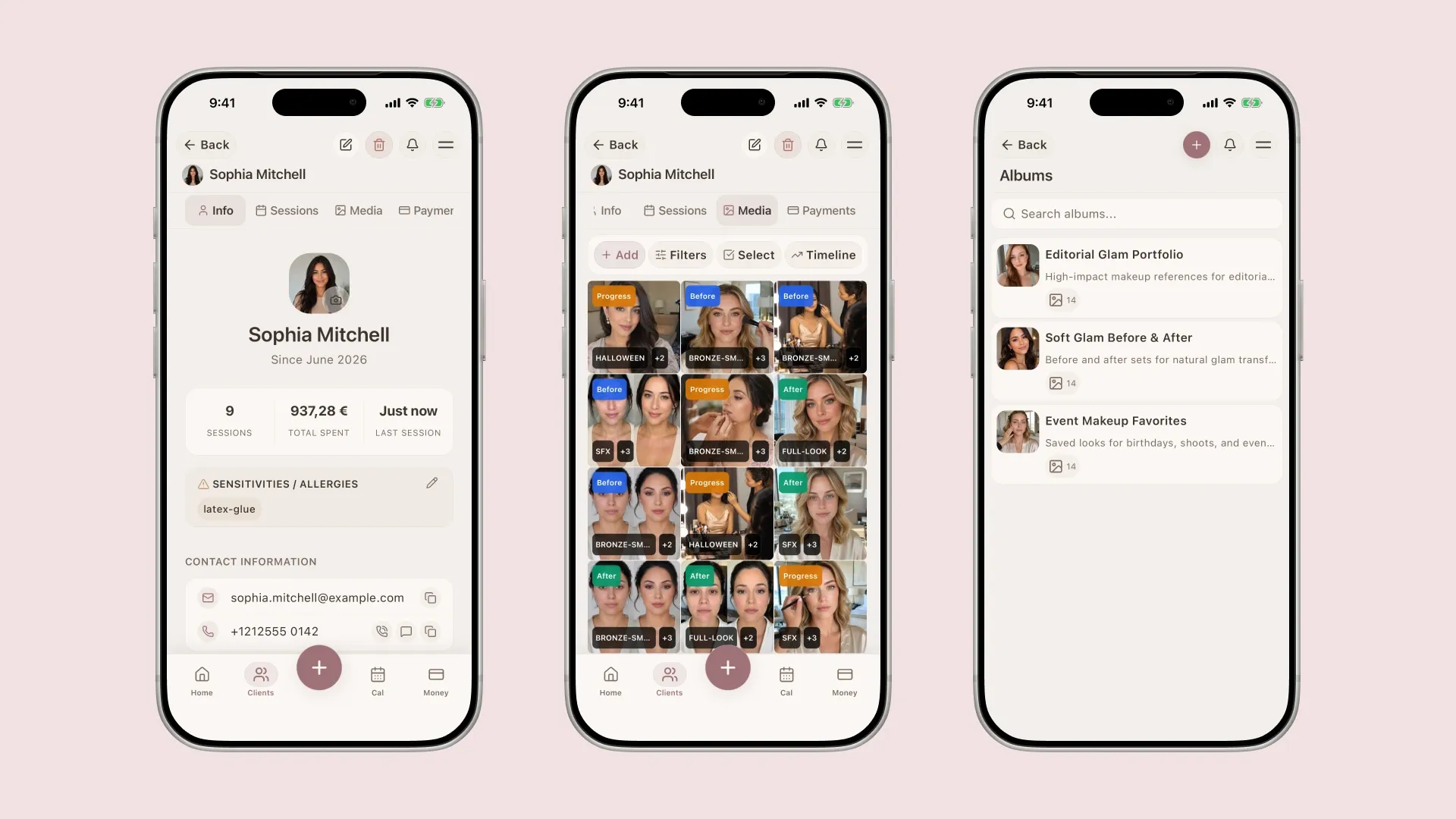
Existing app screens with fictional demo records. They show the profile, photo library and albums, not a real client’s treatment history.
The point of session tracking is to preserve what happened. Add a new wedding-day session rather than overwriting the trial, so the original look and the agreed changes remain available.
How do you keep forms and payments with the client?
Consultation details, service consent and photo permission answer different questions. Glamorph lets you prepare documents, request an in-person or remote signature, and keep finalized PDFs with the client or session. Our beauty consent-form guide explains what to separate.
For payments, distinguish money already received from money you want to collect. Record an external cash or bank-transfer payment against the relevant work. Eligible businesses can also connect Stripe, SumUp or Square and collect a deposit, balance or in-person card payment with the methods supported by that provider.
That is real online collection, alongside manual tracking. Check merchant-country and connected-account eligibility before relying on it.
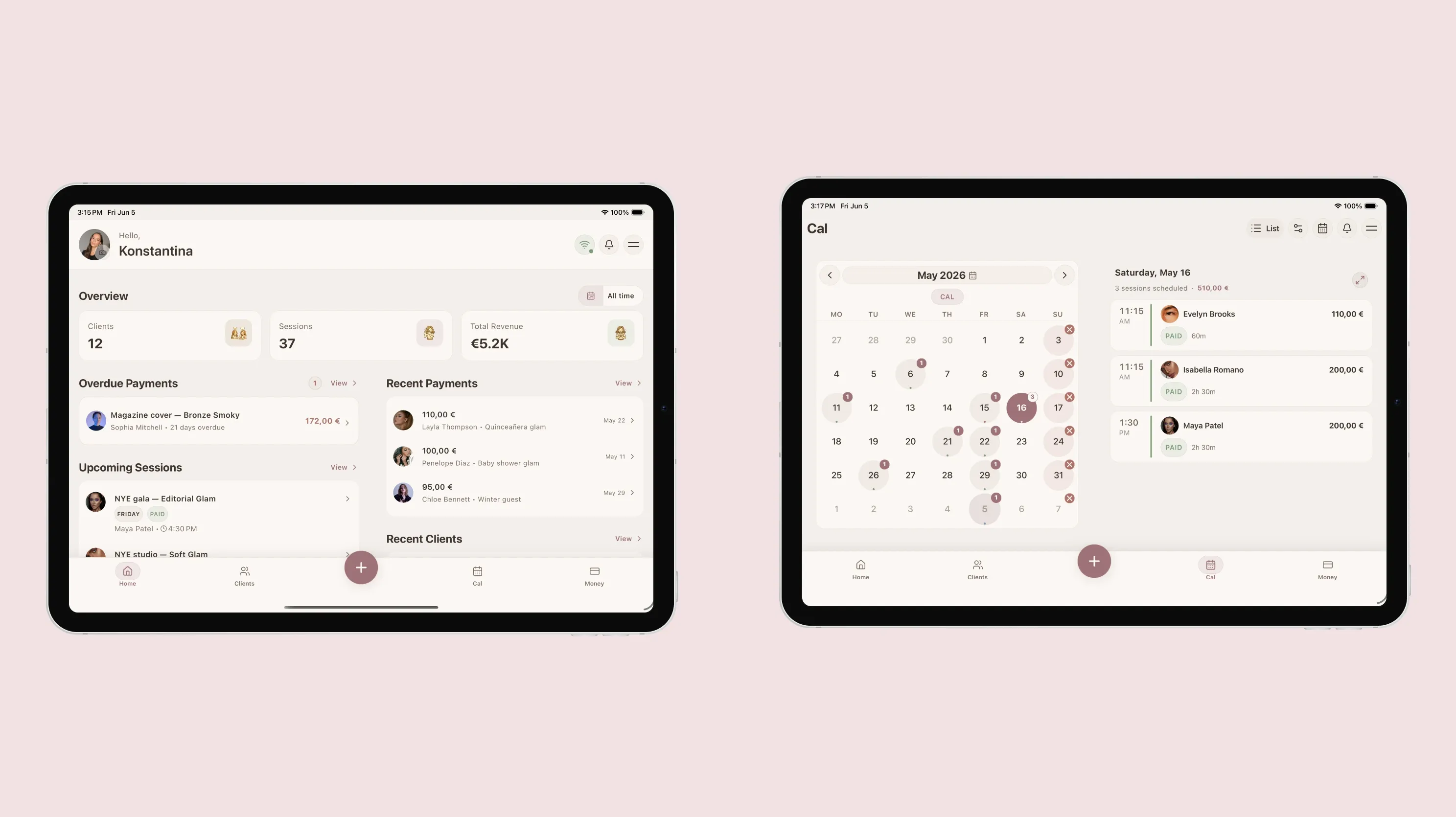
The overview and calendar show recorded work and payment status. This image is not a checkout demonstration or a revenue claim.
What do you review before the client returns?
Open the previous session and look at the products, result photos, feedback and next-time note. Then check the upcoming appointment and its payment status. For bridal work, the trial should explain the planned wedding look without replacing a fresh conversation with the bride.
If another artist is involved, invite them to a workspace with their own login and an appropriate role. Authorized teammates can work with the permitted client history and calendar without receiving unrestricted financial or administrative access.
How do you start without setting up everything?
Add one client, create one session and save the details you would want before seeing them again. Attach a useful photo or document. Enable booking or invite a teammate when that becomes useful.
Glamorph works on iPhone, Android and web. You do not have to configure every feature or import your whole client list before starting.
If you are still comparing products, use our makeup artist app comparison. To try this workflow, explore Glamorph for makeup artists, then create a client record and carry one appointment through from booking to service note and payment.
Written by
Professional makeup artist and founder of Glamorph
Makeup artist and Glamorph founder with 5+ years of experience. Working closely with professionals across the beauty industry, she writes about client management, booking and everyday salon workflows.
You might also like
Best Makeup Artist Software in 2026: 6 Apps Compared
Compare six makeup artist software options for client records, bridal notes, products and shades, photos, forms, booking, deposits, offline access, and devices.
Read more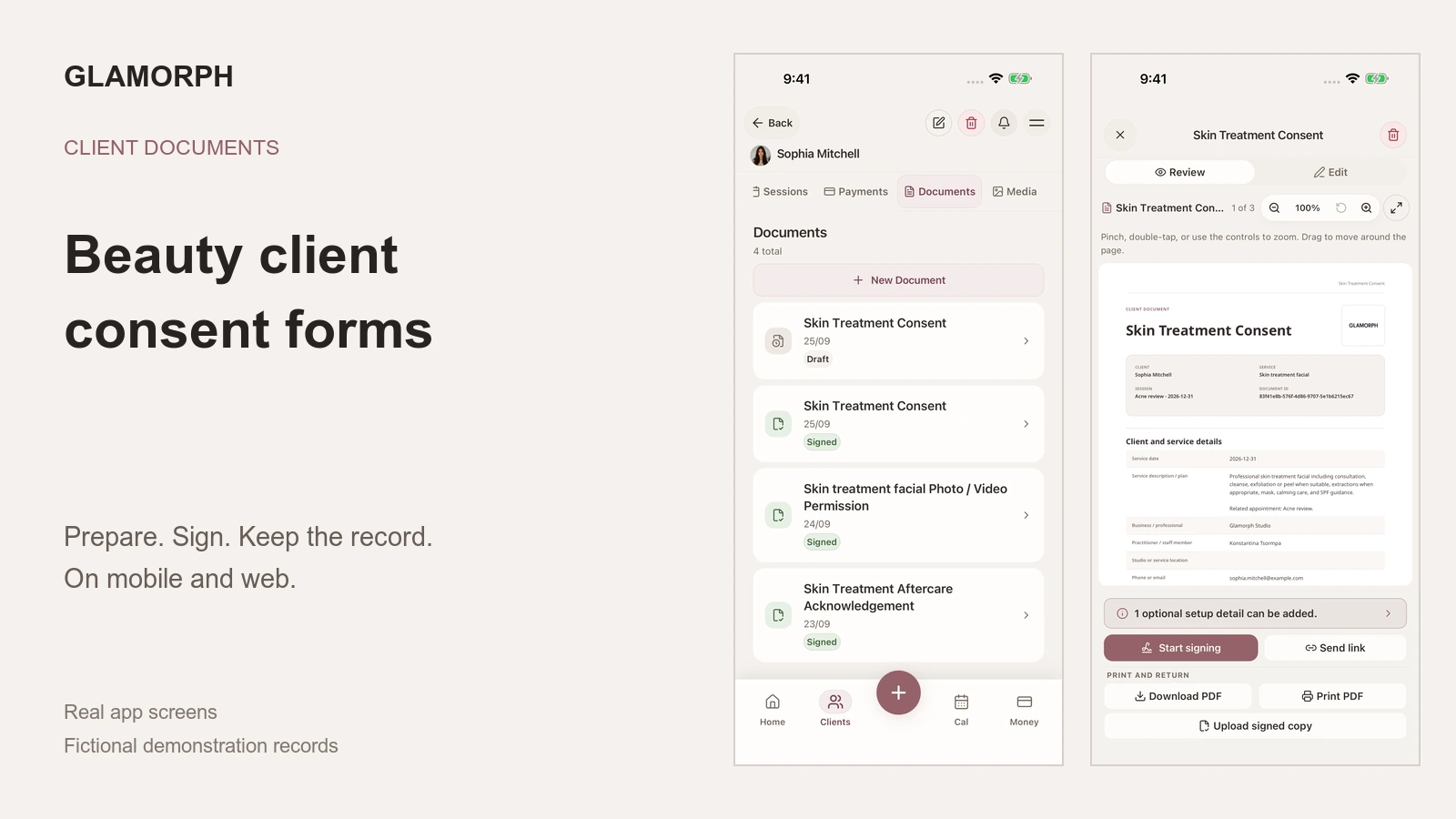
Beauty Client Consent Forms: What to Include and How to Use Them
What should a beauty consent form include? See how to prepare, sign, print, upload and retrieve client forms in Glamorph on mobile and web.
Read more
How to Organize Before-and-After Client Photos
Organize before-and-after client photos in Glamorph: link images to sessions, add useful tags, retrieve past looks and share only selected work.
Read more