For a working nail tech, start with Glamorph for booking, payments and detailed nail-client history, Goldie for appointment scheduling with client notes and photo galleries, or Fresha for booking connected to its marketplace. All three deserve a look. The right choice depends on how you want to manage the next appointment and remember the last set.
This comparison is for freelance nail techs, home studios and small nail teams. It covers business software, not nail-design generators or virtual try-on apps.
Glamorph publishes this article. Competitor details were checked against official pages on September 6, 2026. Glamorph’s payment workflow was updated on September 21, 2026. We have not tested paid competitor accounts. The recommendations below are judgments about fit, not independent ratings.
Which nail tech app fits your business?
Glamorph: booking and payments connected to nail-client history
Glamorph connects the client profile with separate sessions, product notes, design photos, documents, payment records and appointments. That is useful when a regular asks for the same pink as last time, but with a shorter shape and a different finish.
Save the brand, product line and shade code in the session notes. Keep the result photo with that appointment, then add how the set wore and what you want to change. You can work with those records on iPhone, Android and web.
Its public booking page feeds the same client history and calendar. Set professional working hours, service duration and cleanup buffers, reserve breaks and time off, and choose automatic confirmation or request approval. Email, SMS and WhatsApp reminders support confirmed online bookings and manually entered appointments. Each channel has separate settings. WhatsApp needs a connected business number, approved messages and client permission. SMS availability and costs vary.
Connect Stripe, SumUp or Square through Glamorph payments to collect a deposit or the balance after a set. You can send a payment link, use a supported phone payment method, or collect through a paired SumUp Solo or Square Terminal. Confirmed payments stay with the client and appointment. Supported booking rules also let you request a deposit or full payment. Methods and processing fees depend on your business country, account, provider and device.
Small teams have separate logins, professional calendars and ready-made or custom roles, with financial access controlled independently. You can keep consultation and consent documents with the client, request a signature remotely or in person, and retrieve the finalized PDF without requiring the client to book online.
Choose Glamorph for nail technicians when you want bookings, payments and repeat-client details connected. Inventory, payroll and fiscal POS remain separate requirements.
It is quick to get started: add your first client, record a set and save the relevant notes or photos. Booking setup lets you choose services and hours and preview the page before publishing. A team can use the same workspace without sharing one login.
Goldie: appointments and a client photo gallery
Goldie’s nail-salon page lists online booking, reminders, deposits, client notes, appointment history and individual client photo galleries. It also describes team management, inventory and product sales.
That makes Goldie a credible option if booking and day-to-day business management are your main priorities. It would be inaccurate to say it only stores appointments or cannot keep nail photos.
During a trial, open a returning client’s previous set. Check how you connect its product notes, photos and fill history, and whether the relevant plan includes the forms and payment tools you need. Compare the actual workflow, not a claim that one app has “client management” and another does not.
Fresha: booking with marketplace discovery
Fresha is worth considering if you want clients to find and book you through its marketplace as well as your own booking links. Its booking guidance explains the client-account requirement for online booking.
It also has meaningful record tools. Its client-file documentation confirms that documents and before-and-after photos can be stored in a client profile. Its form workflow supports forms attached to an appointment or profile, including automatic sending for selected services.
Try the client-facing booking flow and a repeat appointment before deciding. Check current subscription, payment and marketplace-acquisition charges for your country. Being listed does not guarantee new clients.
What should you be able to find before an infill?
The last appointment should tell you the service, shape, length, product system, exact shade and design. It should also tell you how the set wore, whether repairs were needed and what the client wanted changed.
Stable preferences belong in the client profile. The products and result from one appointment belong in that appointment’s record. Otherwise, changing today’s note can erase the detail you need from the previous set.
Here is a fictional example of a useful appointment note:
Builder gel infill, medium almond. Soft pink, shade 04, clear base and gloss top coat from the recorded product system. Shortened both index nails at the client’s request. Client reports the previous set stayed comfortable, with one chipped corner before this visit. Final-set photo attached. Balance paid by bank transfer. Next time: ask how the shorter length wore.
Use real product names and codes in your own record. “Pink nails” is not enough to recreate a set, and the result photo cannot tell you which base or builder you used.
For reported reactions or sensitivities, record the client’s words and the action you took under the guidance that applies to your work. An app note is not a diagnosis or permission to continue an unsuitable service.
Keep the design photo beside the product note
A photo is most useful when you can open the appointment that produced it. That gives you the design and the details together: shade, finish, shape, length and any changes.
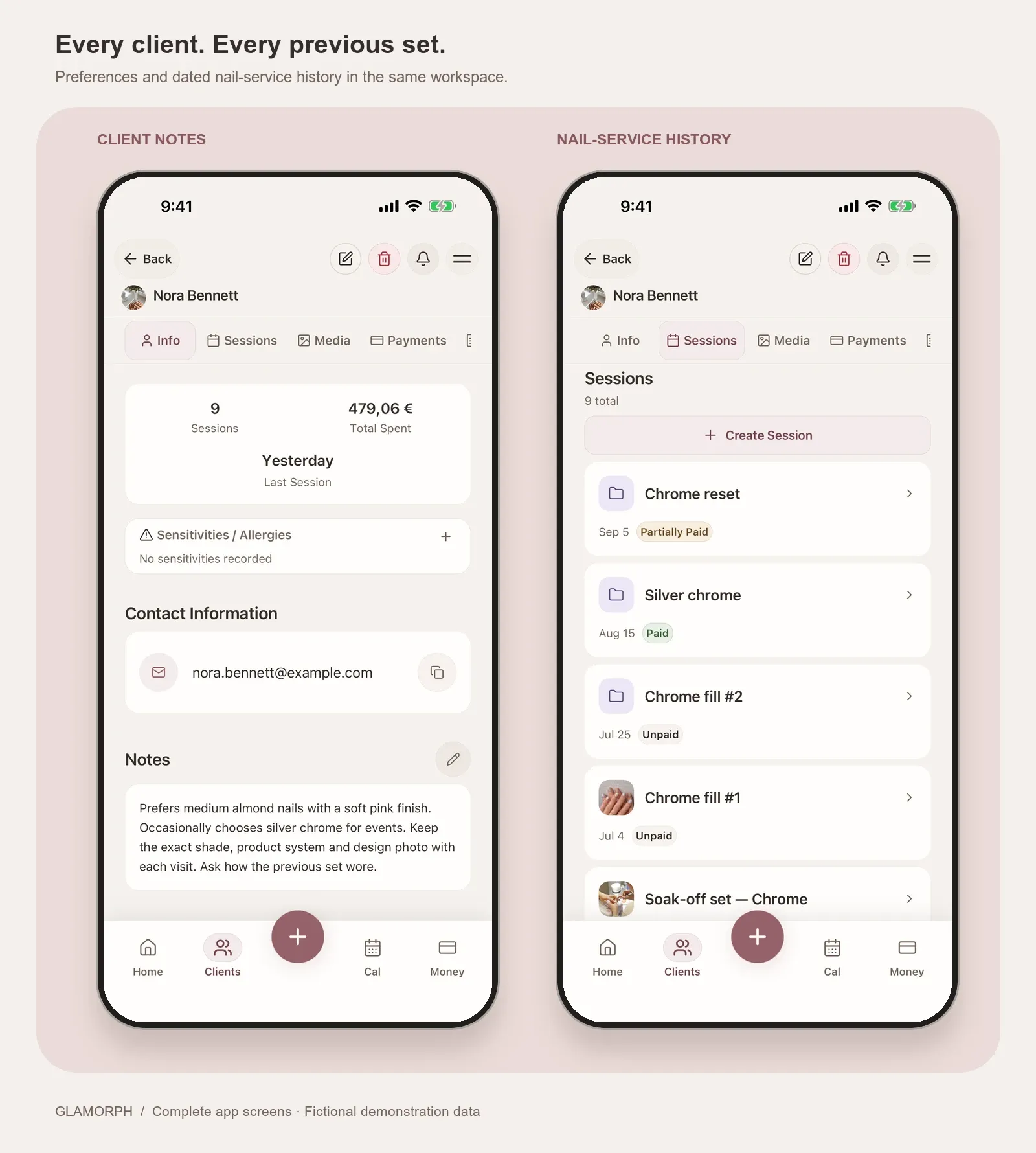
Real Glamorph simulator screens with fictional demonstration data. The profile keeps preferences. The dated sessions preserve each visit.
Glamorph’s session history keeps repeat visits separate. Its before-and-after photo workflow connects images with the relevant client and session.
Permission to keep a private service photo is not automatically permission to publish it. Store the client’s actual photo-use choice with the record. Keep the reviewed permission in client documents, alongside the relevant service record.
Test one returning client before moving your business
Create a fictional client in each app you are considering. Record a full set with exact product details and a photo, then create a later infill where the client changes the length.
Close the app and open that client again. Can you recover the original set without overwriting it? Can you find the later change, the relevant form and the recorded balance on the device you use at work?
Then test public booking if you need it. Reserve a lunch break and mark a day off as unavailable for client booking. Check the times your client sees, how a confirmed appointment reaches your calendar and whether the resulting service record stays together. If you work with another tech, repeat the record check under their actual role.
That is a more useful buying test than counting features. If you want bookings, the working day and each client’s products, designs and payments together, start with one complete returning-client workflow in Glamorph.
Written by

Professional makeup artist and founder of Glamorph
Makeup artist and Glamorph founder with 5+ years of experience. Working closely with professionals across the beauty industry, she writes about client management, booking and everyday salon workflows.
You might also like
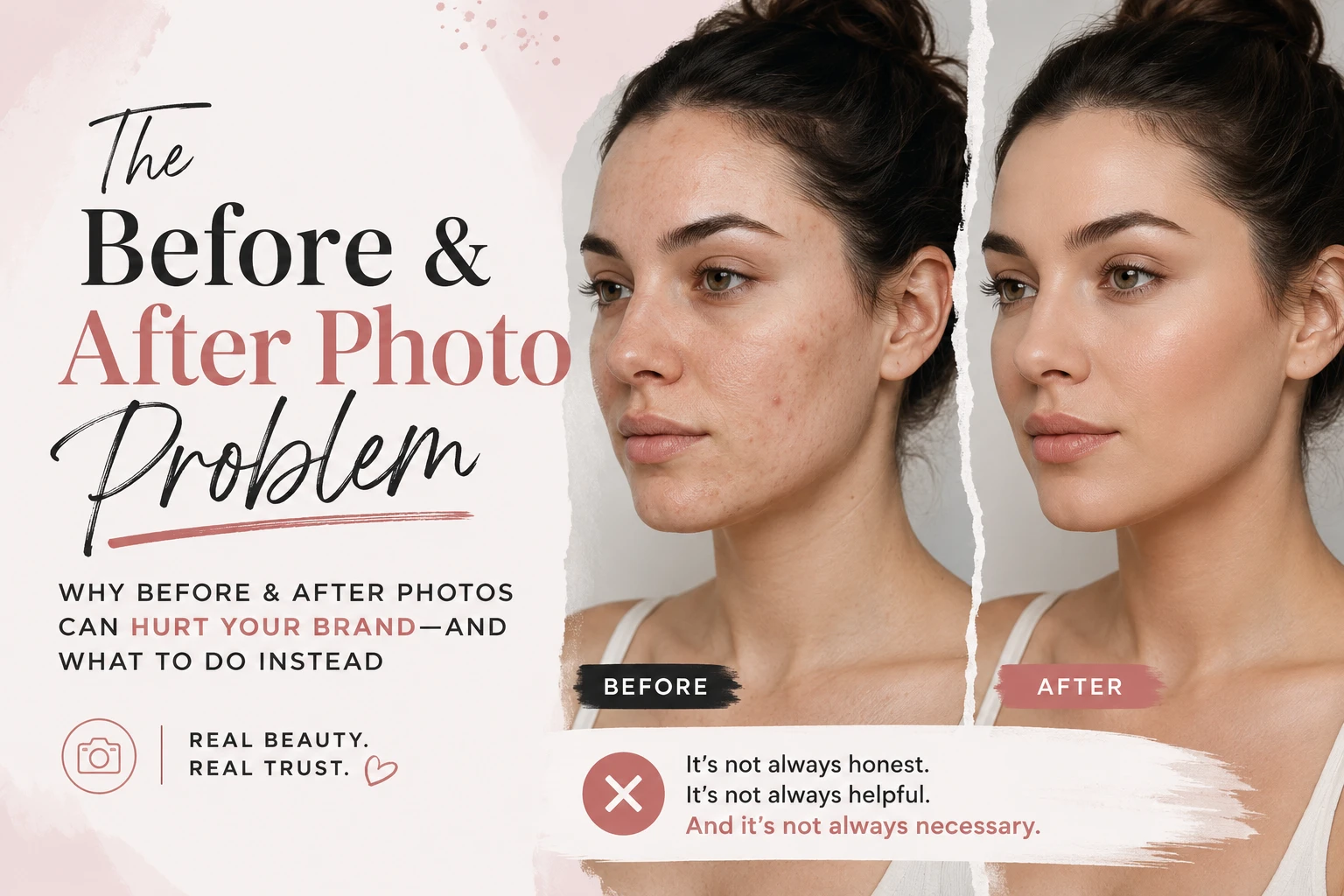
How to Organize Before-and-After Client Photos
Organize before-and-after client photos in Glamorph: link images to sessions, add useful tags, retrieve past looks and share only selected work.
Read more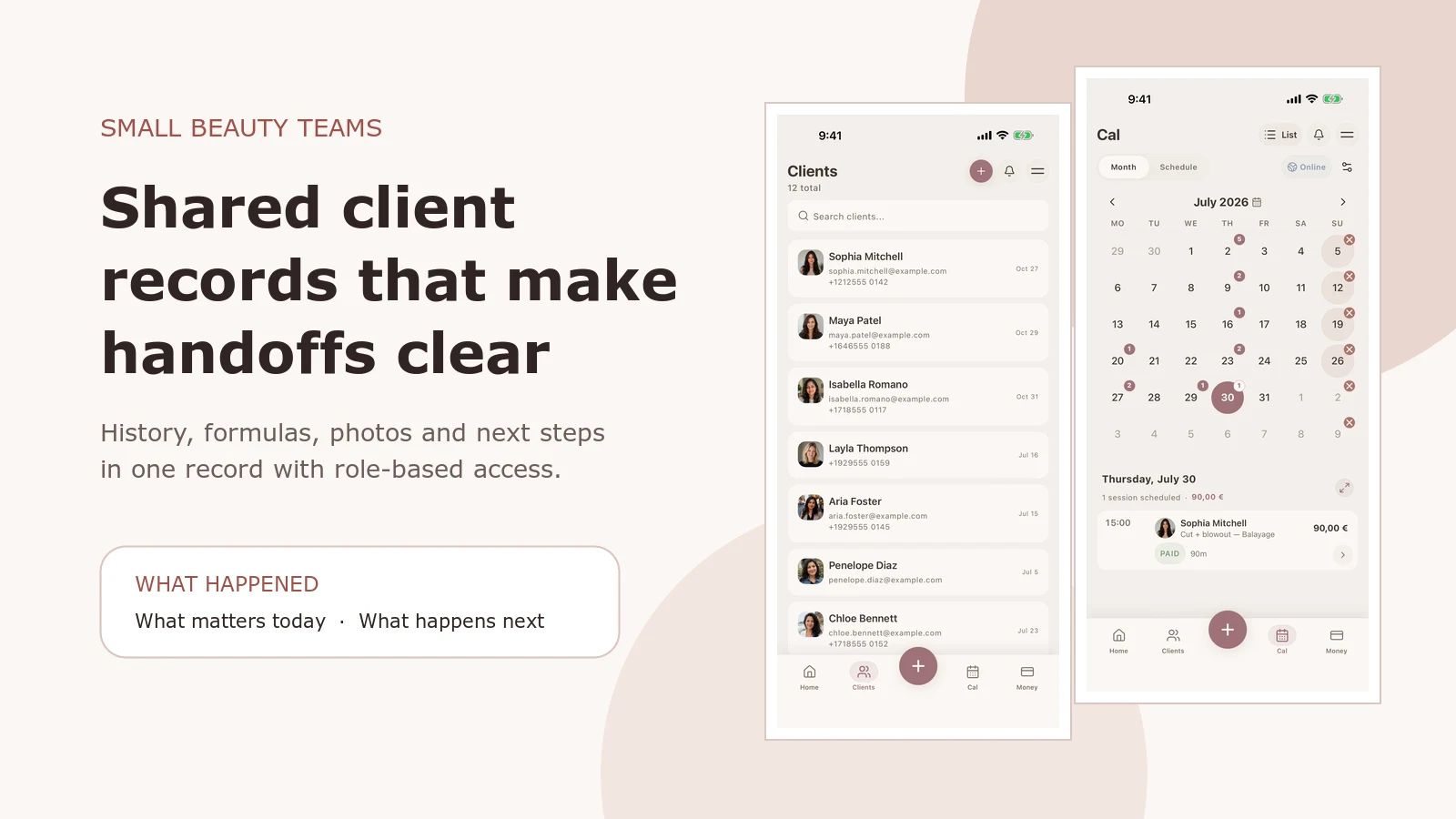
Salon Client Management Software: A Small-Team Workflow
See how Glamorph connects salon client records, booking, photos, signed forms, payments and team access. A practical workflow for small beauty teams.
Read more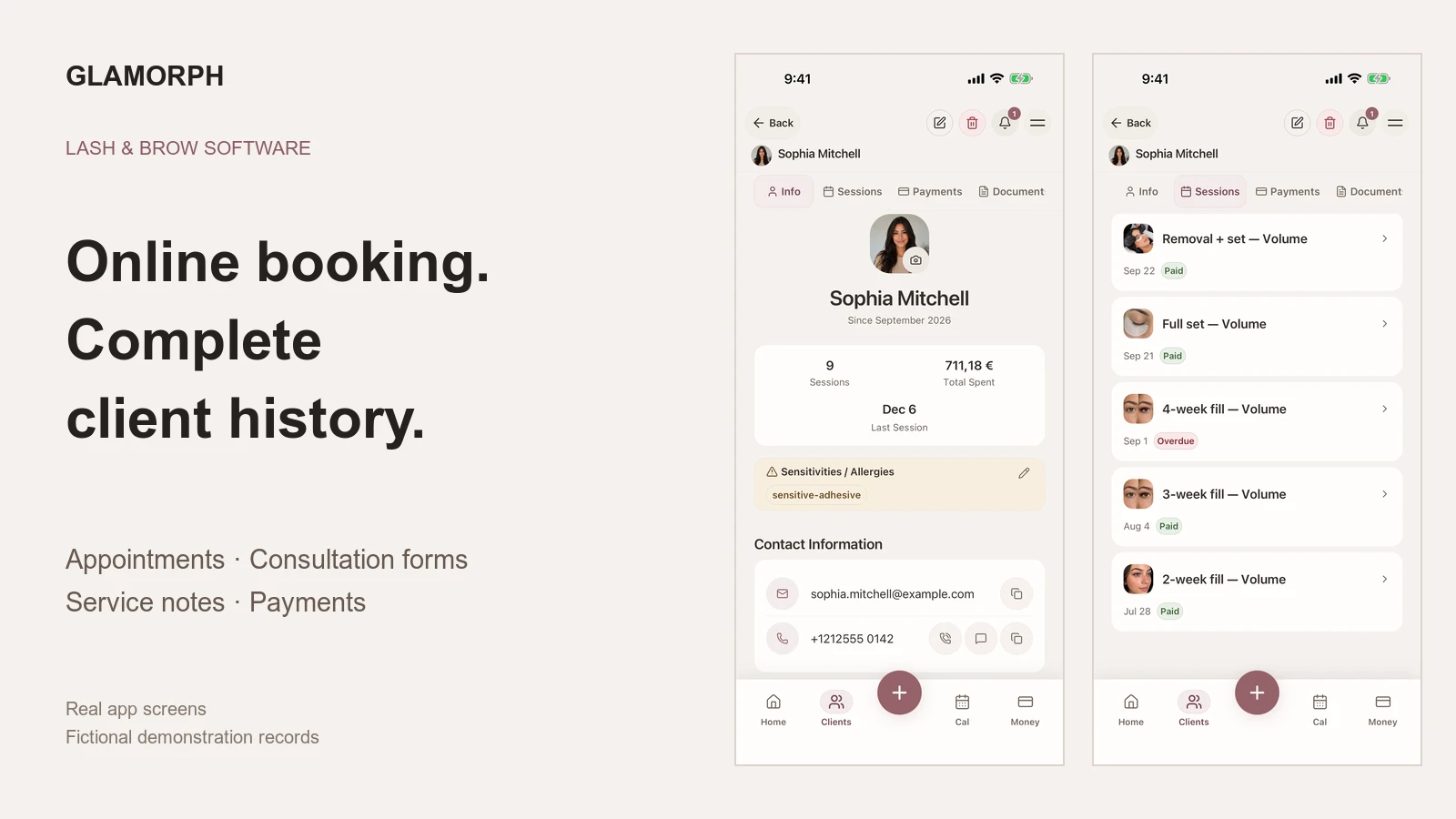
Best Booking Software for Lash and Brow Artists
Compare Glamorph, GlossGenius and Vagaro for lash and brow bookings, deposits, consultation forms and returning-client history, solo or with a small team.
Read more