Beauty client management in your browser
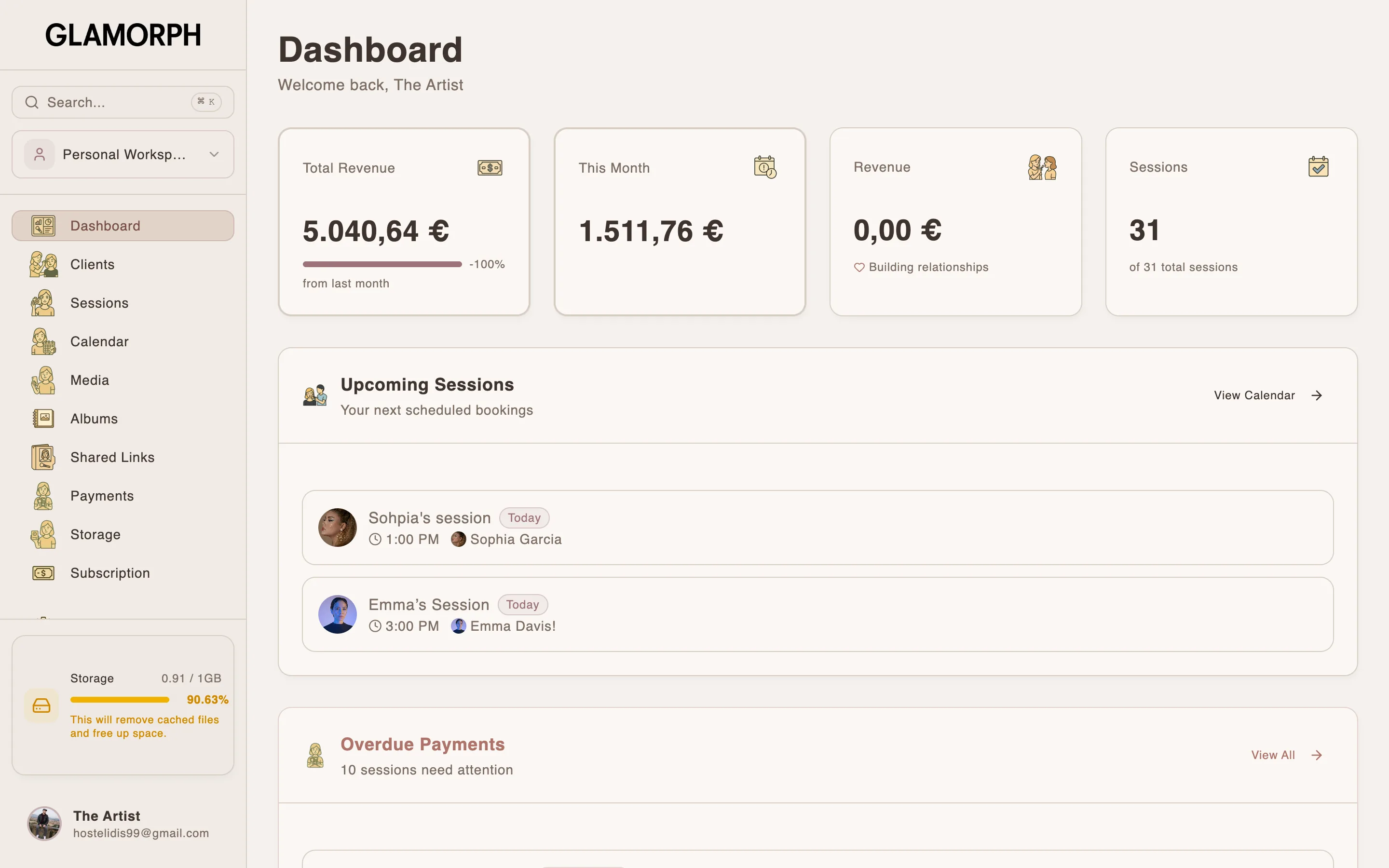
Open Glamorph on a laptop or tablet when a larger screen helps, then continue on iOS or Android with the same client records, calendar, photos, documents and money history.


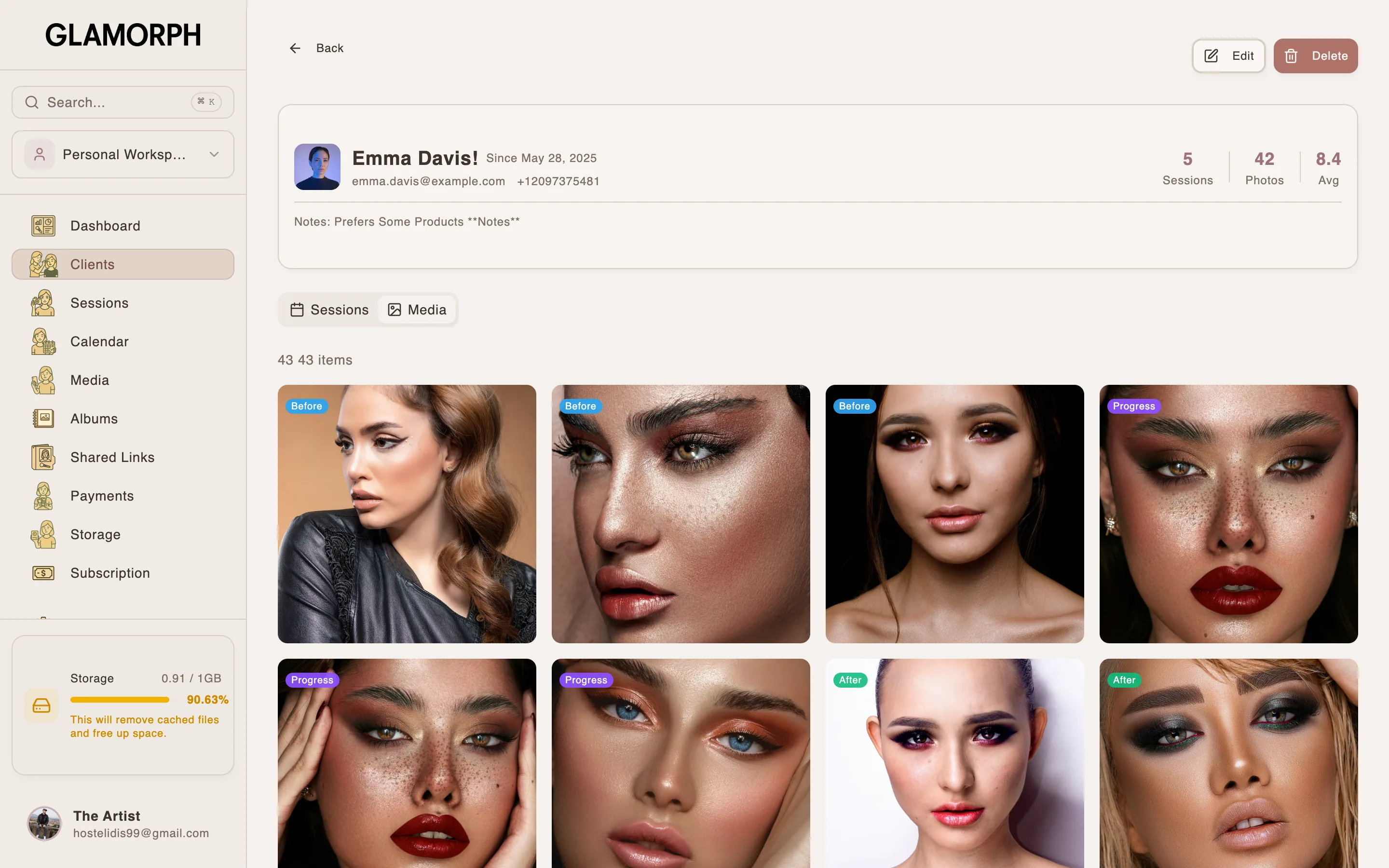
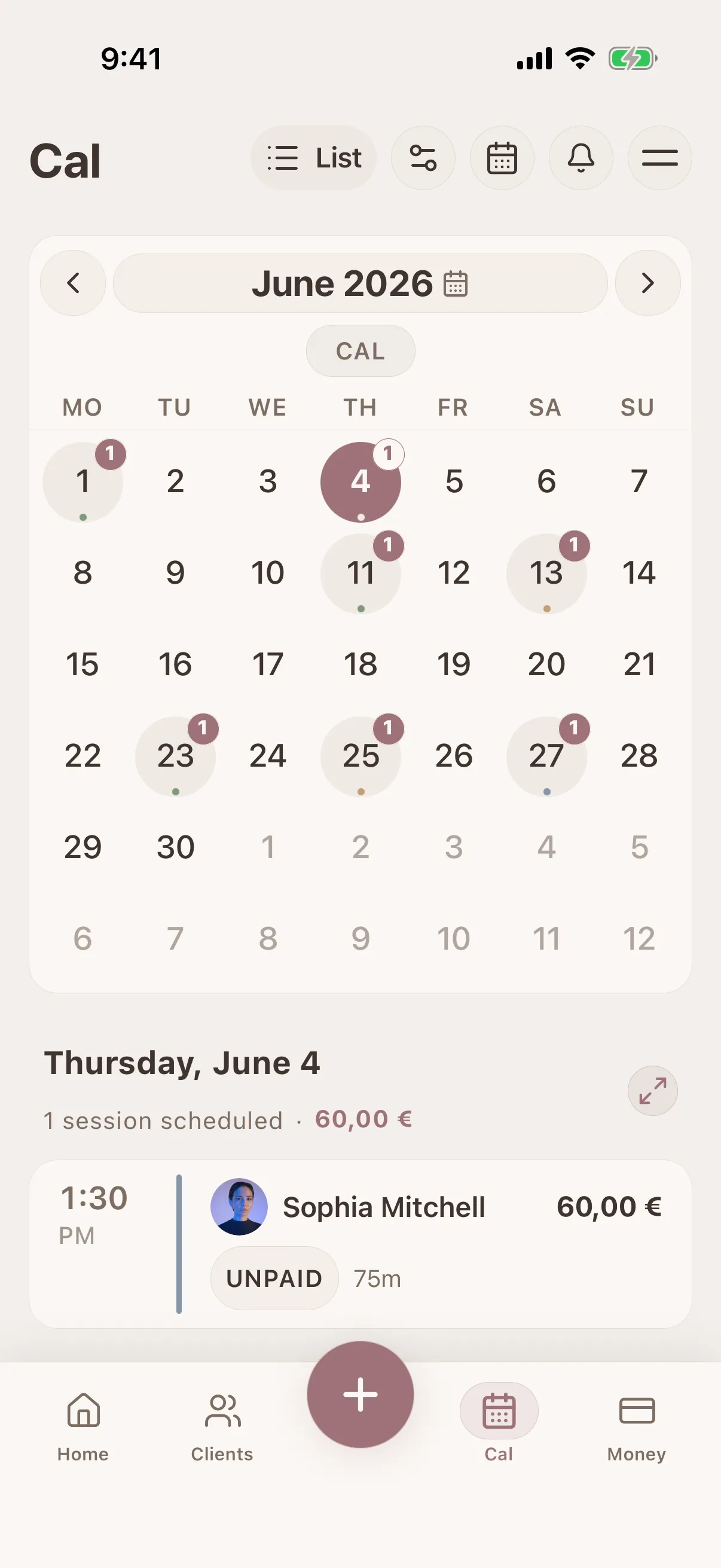
Glamorph is beauty business software for independent professionals and small teams. It brings online booking, calendars, client history, photos, signed documents, payments, and team work together in one place.

"Built from beauty work, developed for the business around it"
Glamorph co-founder Konstantina Tsormpa is a makeup and bridal artist. That background informs the attention to client history, while booking, payments and shared workspaces support independent professionals and small teams across beauty services.
How it helps your business
See how this feature makes your daily work easier
Complete beauty client records on a larger screen
Open a client profile to review contact details, preferences, allergies, notes, appointment and session history, formulas, photos, documents and payment records without squeezing the workflow onto a phone.
One calendar for manual and online bookings
Manage appointments from the browser, open the related client and session, and configure your public booking workflow from the same account. Confirmed online bookings join the same Glamorph calendar instead of creating a separate schedule.
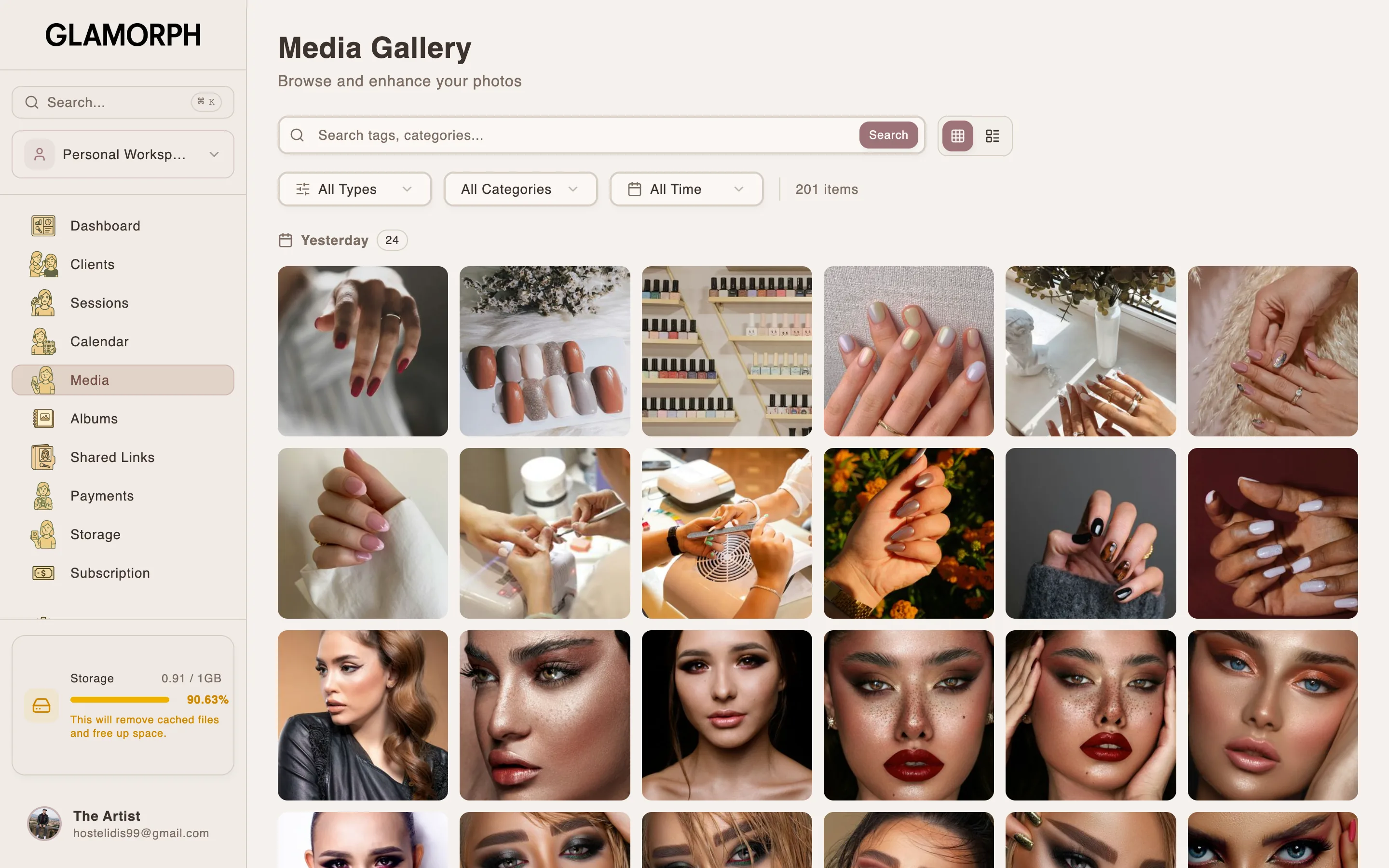
Photos, albums and documents with room to work
Review a client's photo timeline, organize albums and tags, prepare consent or intake documents, and inspect completed records on a desktop-sized workspace. Public galleries and signing links remain connected to the original client record.
Payments, expenses and business visibility
Collect deposits and balances, manage saved cards with client permission, and review payments, outstanding balances and expenses in your browser. Payment methods depend on your connected provider, business country and account.
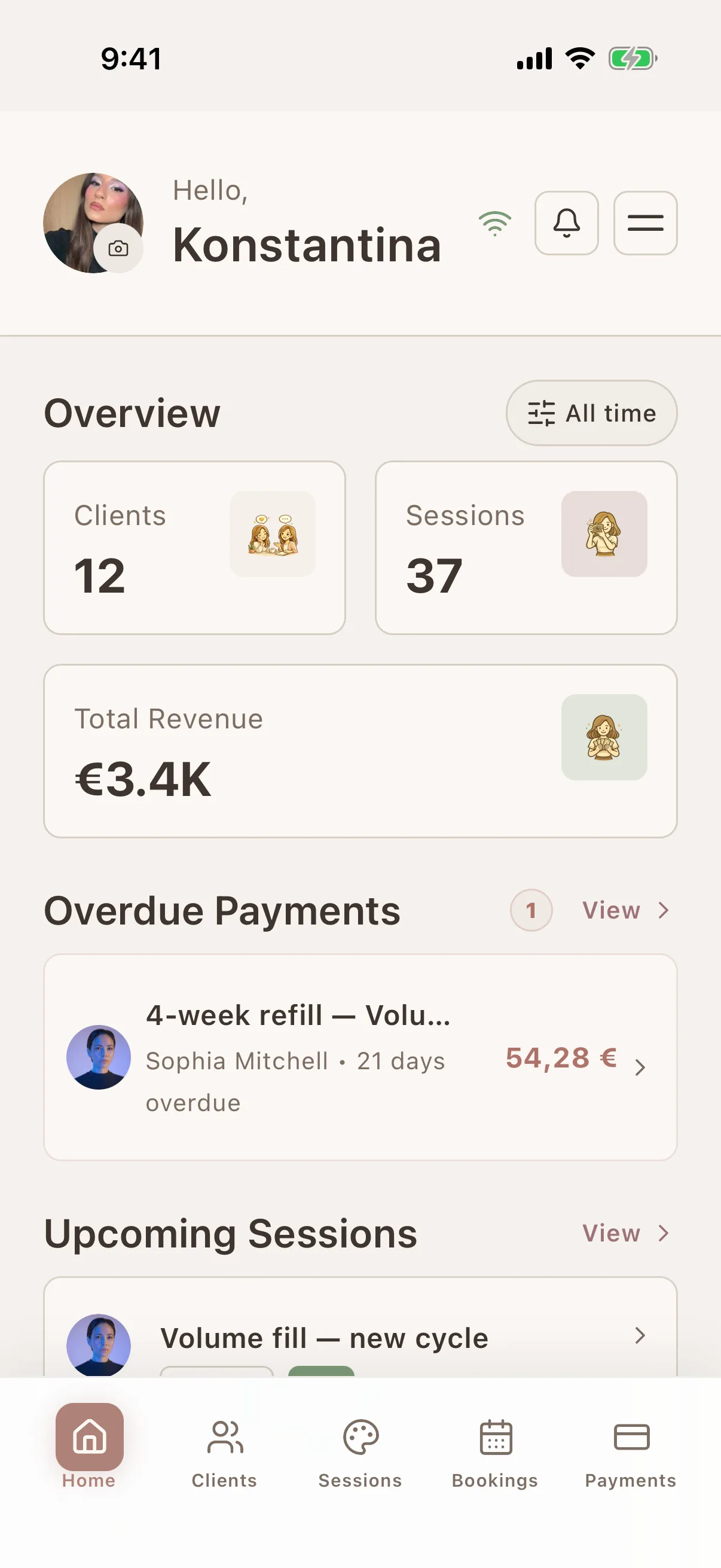
The same account across web and mobile
Changes made online are synchronized with the iOS and Android apps when devices are connected. Work from a laptop at home, then open the current client on your phone before the next appointment without maintaining two systems.
No desktop installation required
Go to app.glamorph.com in a supported browser and sign in with your Glamorph account. The responsive workspace works on laptops, desktops and tablets. Plan limits and workspace permissions still apply.
Where this fits in real client work
Connect this feature with the parts of Glamorph that help you remember the client, prepare faster, and follow up cleanly.
See all featuresUse it with
Real workflows
Stay ready before the next appointment
Know what happened last time, what is booked next, and what still needs your attention.
Starting from €11.99 per month · Free trial included
Frequently asked questions
What can I manage in the Glamorph web app?
The browser workspace includes client profiles and history, sessions, calendar and online-booking operations, photos and albums, client documents, payments, expenses, analytics, search, notifications and workspace settings. Availability still follows your plan, merchant market and workspace permissions.
Is browser access included with my Glamorph account?
Yes. Sign in at app.glamorph.com with the same account used on iOS or Android. There is no separate web-app add-on. Normal subscription, feature and active-calendar limits still apply.
Do changes synchronize between the web and mobile apps?
Yes. When connected, changes are synchronized through the same Glamorph account and workspace. You can update a client on a laptop and continue from the mobile app without copying the record.
Does the Glamorph web app work offline?
No. The browser app requires an internet connection. Supported mobile workflows keep synchronized client and session data available during brief connection loss and upload changes after reconnecting. Online booking, public links and online payments remain online-only.
Do I need to install desktop software?
No. Open app.glamorph.com in a supported browser on a laptop, desktop or tablet and sign in. The web app does not require an App Store or Google Play installation.
Can a small beauty team use the web app?
Yes. Workspace members can use shared clients, sessions, calendars and business records according to their assigned permissions. Glamorph is designed for solo professionals and small teams, not enterprise multi-location operations.
Is the web app a salon POS, inventory or accounting system?
No. Glamorph centers on beauty client records and the work connected to them. It does not replace fiscal POS, inventory, payroll, tax accounting or complex room and resource scheduling.
Take your client history with you
Use Glamorph for the details that usually live in DMs, notes, and your camera roll.
€11.99 per month
Trusted by beauty professionals across
From the blog
Tips and guides for beauty professionals