Find every beauty client photo in the session where it belongs
Keep consultation, before-and-after, progress, and reference images connected to the client, service history, and notes that explain them.


The problem
Your workflow
A camera roll can show when a photo was taken, but not reliably which client, service, formula, consent record, or follow-up decision it belongs to. That context becomes harder to reconstruct every month.
Problem solved
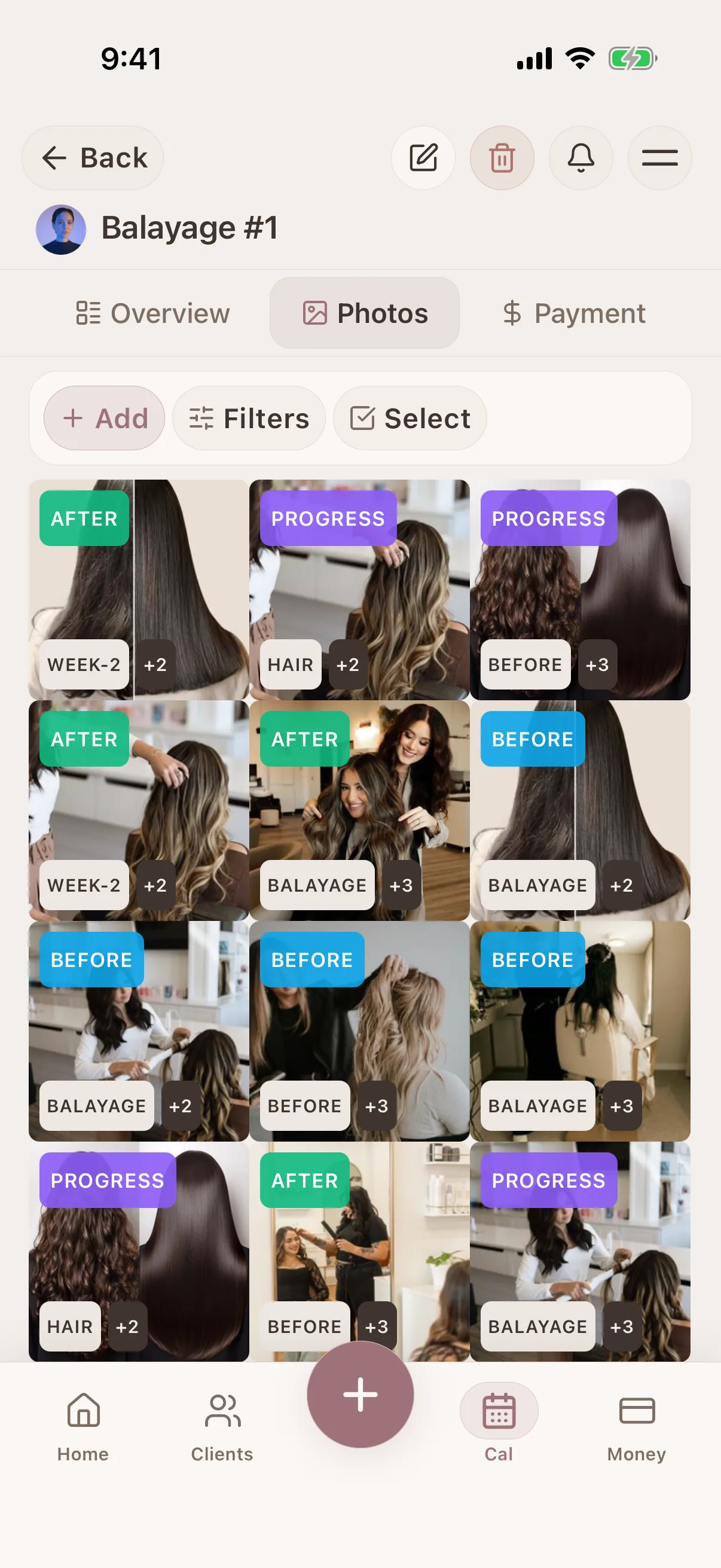
Glamorph stores media with the relevant client and session. Add useful tags and notes, review changes across appointments, and create a shareable album only from the images you deliberately choose.
How it works
A simple way to keep the details together before, during, and after the appointment.
Open the correct client and session
Start from the service record so every new or imported image is attached to the right history.
Add notes for context
Note the service performed, products used, and any relevant details alongside the photos.
Find the record instead of scrolling
Return through the client timeline, session, and tags when you need a previous result or consultation reference.
Share only selected work
Build a shareable album from approved images without exposing the rest of the private client record.
What connects this workflow in Glamorph
Glamorph stores media with the relevant client and session. Add useful tags and notes, review changes across appointments, and create a shareable album only from the images you deliberately choose.
Features
Use Cases
Keep the whole workflow clear
Use Glamorph to keep client details, session history, photos, and payments connected around the work you actually do.
Starting from €11.99 per month · Free trial included
Frequently asked questions
Can I import photos from my camera roll?
Yes. Import existing photos and link them to client profiles. You can also take photos directly within Glamorph.
Do photos work offline?
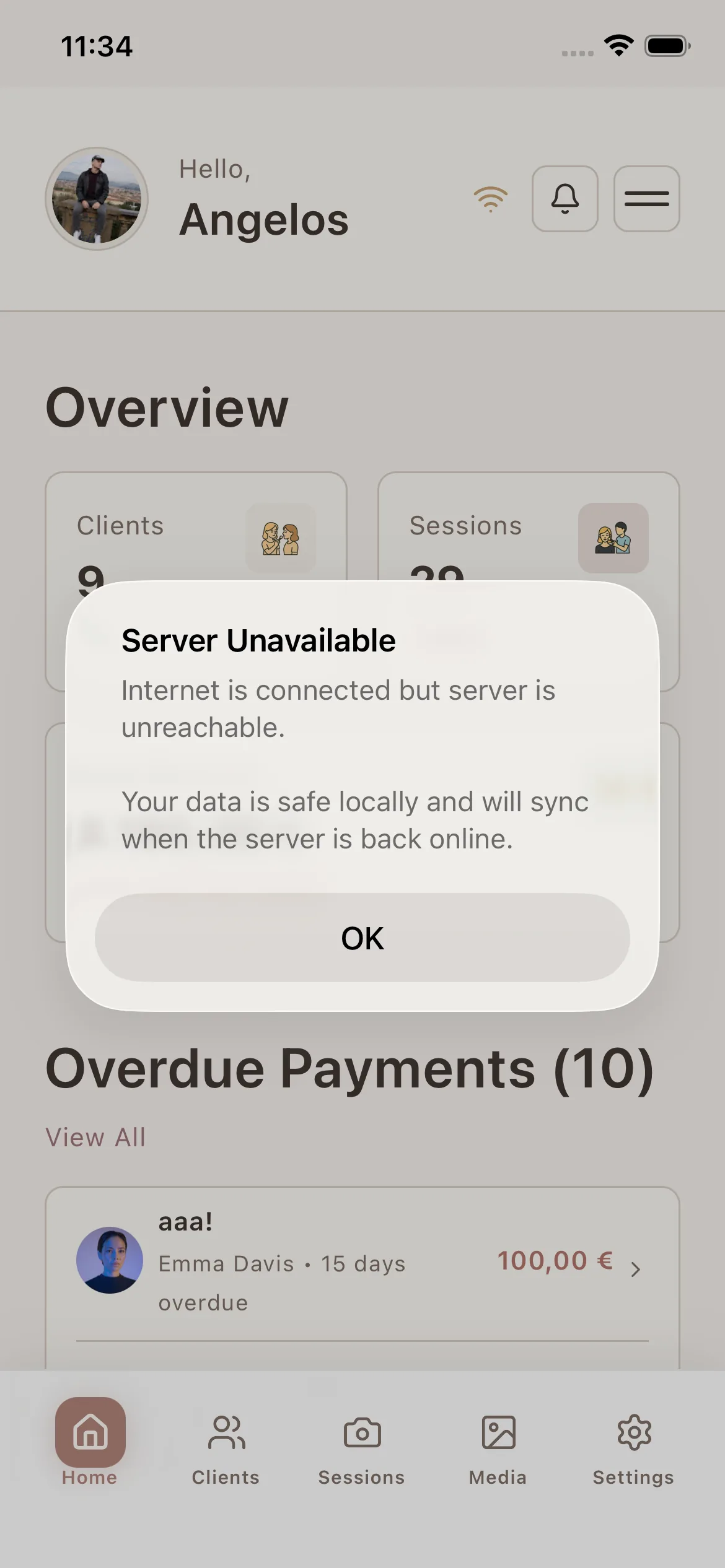
Supported mobile photo workflows can continue without a reliable connection and sync when connectivity returns. Previously synced availability still depends on the record and device state.
Does an album expose the complete client record?
No. A shareable album contains only the media you select. The client's notes, documents, and remaining history stay outside the shared gallery.
Trusted by beauty professionals across
For Businesses
Independent practice, salon or studio: explore the workflow that fits your services and team.