Keep client records useful when appointment internet is unreliable
Bad signal should not break your workflow. Log sessions, notes, and photos on the spot, then sync once you're back online.


The problem
Your workflow
Mobile beauty pros often work in homes, hotels, and venues with weak internet. If your app needs constant signal, details are missed and updates get delayed.
Problem solved
Glamorph's synced mobile record workflow can continue through connection gaps. Review available client history and capture session notes or media locally, then allow changes to synchronize when internet returns. Public booking, payment, approval, and other online commands still require a connection.
How it works
A simple way to keep the details together before, during, and after the appointment.
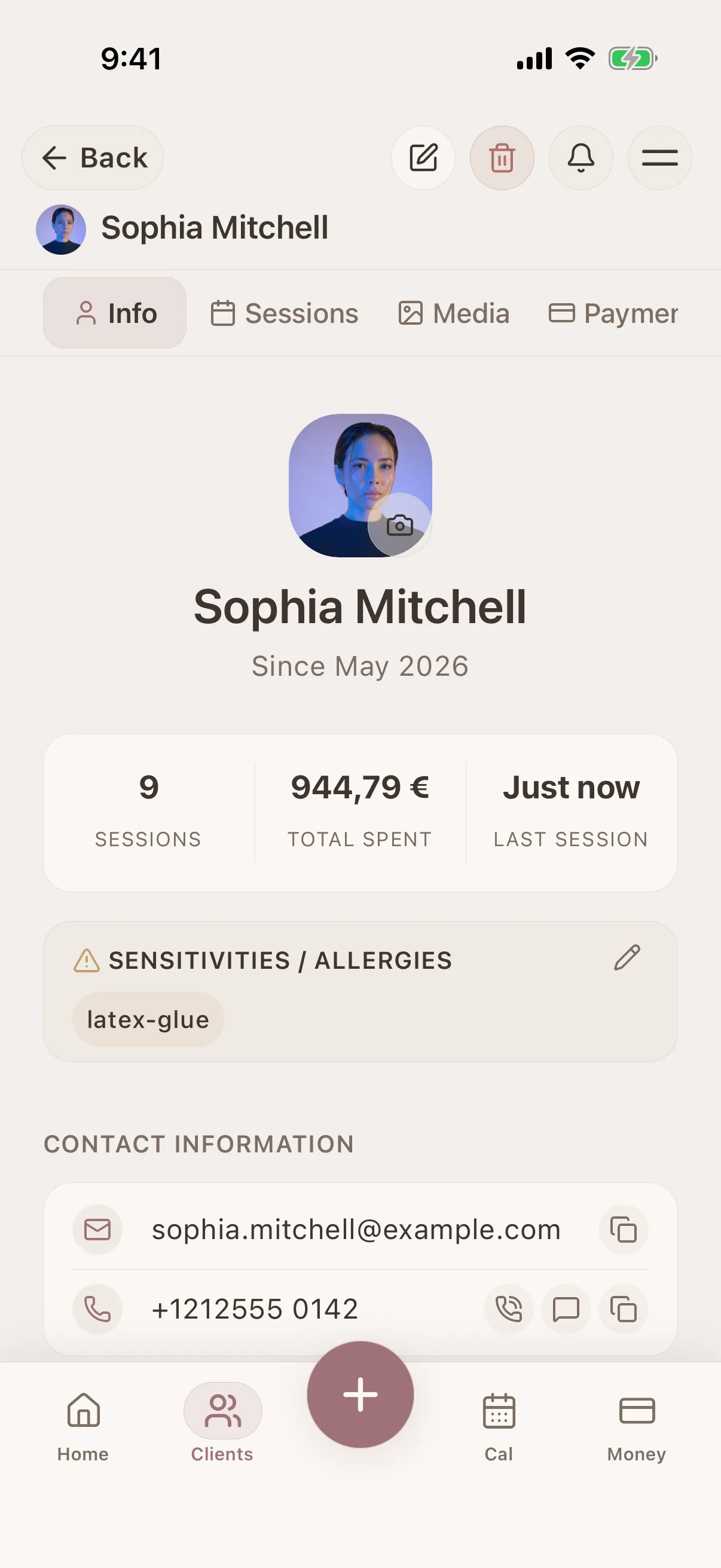
Open the client profile before your appointment
Start from the right client record so your notes and media stay attached to the correct history.
Log session details on-site without worrying about signal
Save service notes, outcomes, and key reminders while they are still fresh.
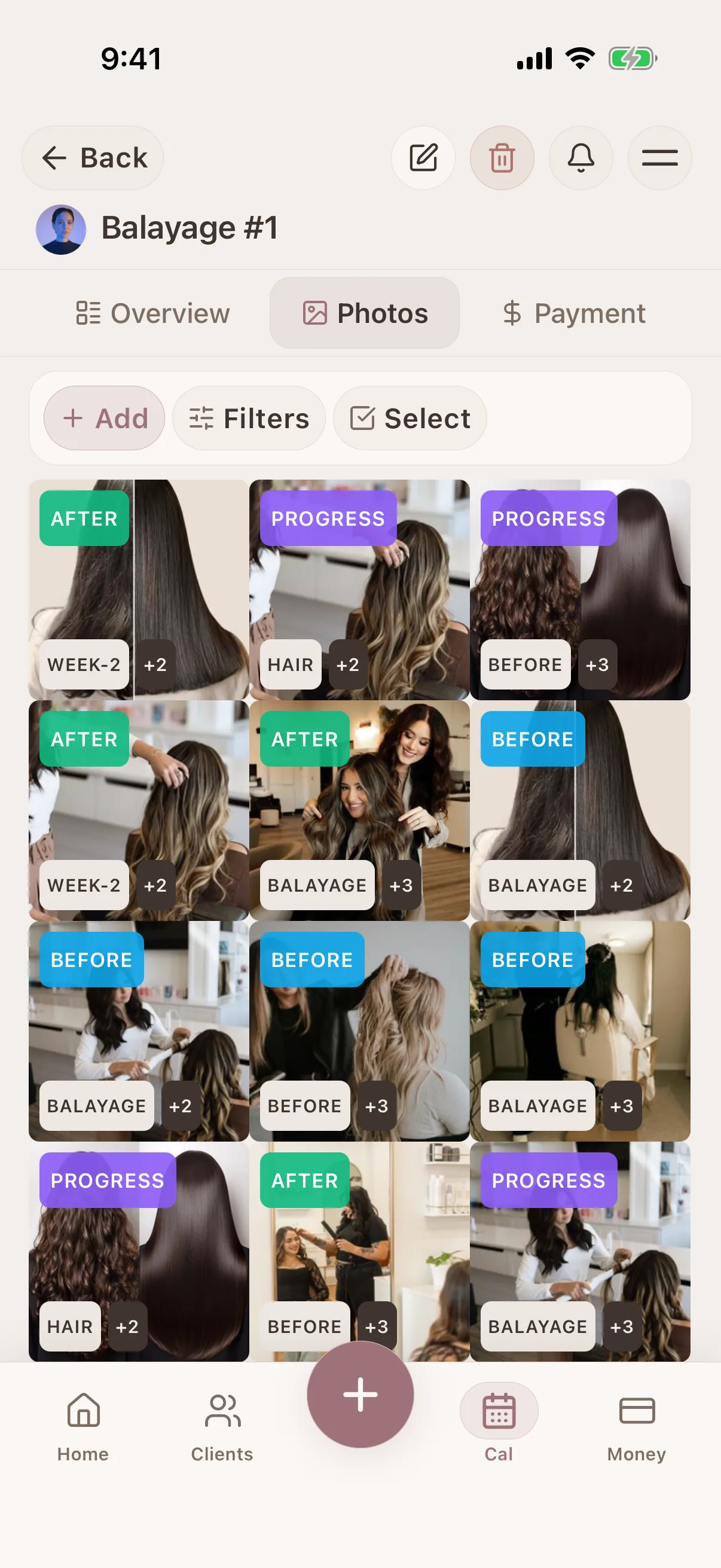
Add photos and updates immediately
Capture relevant media and attach it to the session even when your internet is unstable.
Let everything sync automatically later
Once you're back online, data syncs so your records stay up to date across devices.
What connects this workflow in Glamorph
Glamorph's synced mobile record workflow can continue through connection gaps. Review available client history and capture session notes or media locally, then allow changes to synchronize when internet returns. Public booking, payment, approval, and other online commands still require a connection.
Features
Use Cases
Keep the whole workflow clear
Use Glamorph to keep client details, session history, photos, and payments connected around the work you actually do.
Starting from €11.99 per month · Free trial included
Frequently asked questions
Do I need internet during the appointment?
Not for the supported synced client-record workflow. Public booking, payment collection, booking approval, and other server commands still require internet.
Will I lose updates made without connection?
No. Changes are stored locally first and then synced, so your workflow is not interrupted by weak coverage.
Is this useful only for mobile professionals?
It's especially valuable for mobile work, but it also helps anyone dealing with unstable wifi in salons or shared spaces.
Can I take before and after photos without internet?
Yes. Capture the session photos and notes locally, then let them synchronize after the connection returns.
Trusted by beauty professionals across
For Businesses
Independent practice, salon or studio: explore the workflow that fits your services and team.