Client management for makeup artists
Glamorph helps freelance, mobile, and bridal makeup artists remember every client: skin notes, allergies, product shades, session photos, deposits, and the exact look they loved.


The messy part of beauty work
The client details makeup artists need before the next appointment
Glamorph keeps those details attached to the right client
- 01
Bridal trial photos disappear into your camera roll
Six months later, the bride asks for the exact wedding-day version. The photos exist, but they are buried between screenshots, selfies, and other clients.
- 02
Client notes live in too many places
Skin type in Notes. Allergies in WhatsApp. Inspiration photos in Instagram DMs. The detail you need is always in a different app.
- 03
Trial-to-wedding-day continuity is fragile
The trial was perfect. Now you need the same contour, lash map, foundation mix, lip shade, and finish under wedding-day pressure.
- 04
Deposits and balances get messy fast
Bridal packages, party members, travel fees, early starts, and add-ons are easy to lose track of when payment notes are not tied to the client.
- 05
Allergies and sensitivities cannot be a memory game
Client-reported allergies, sensitivities, and previous reactions should be visible with the profile and reviewed before the next service.
- 06
Your best looks are hard to retrieve
You know you created a soft glam on hooded eyes, or a dewy brown-skin bridal look, but searching your phone for it takes longer than it should.
Who Glamorph is built for
Glamorph is built for makeup artists who need skin notes, product shades, look photos, bridal trials, deposits, and payment history in one place.
Good fit
Editorial & event freelance MUAs
Tag looks by lighting, palette, technique, and product so relevant references are easier to retrieve.
On-location MUAs
Pull up a client's foundation shade and allergies from a hotel suite when wifi is patchy.
Bridal & special-occasion specialists
Maintain trial notes, products, approved photos, and wedding-day changes in one client history across months of planning.
MUAs building a portfolio
Organize approved session photos with searchable tags so portfolio candidates are easier to review and select.
Not the right fit
Businesses needing additional operational systems
Glamorph supports solo professionals and small teams with booking, calendars, client records, documents and payments. It does not replace inventory, payroll, a legally required fiscal register or complex multi-location and resource management.
What is Glamorph?
Glamorph is beauty business software for independent professionals and small teams. It brings online booking, calendars, client history, photos, signed documents, payments, and team work together in one place.
Your workflow, transformed
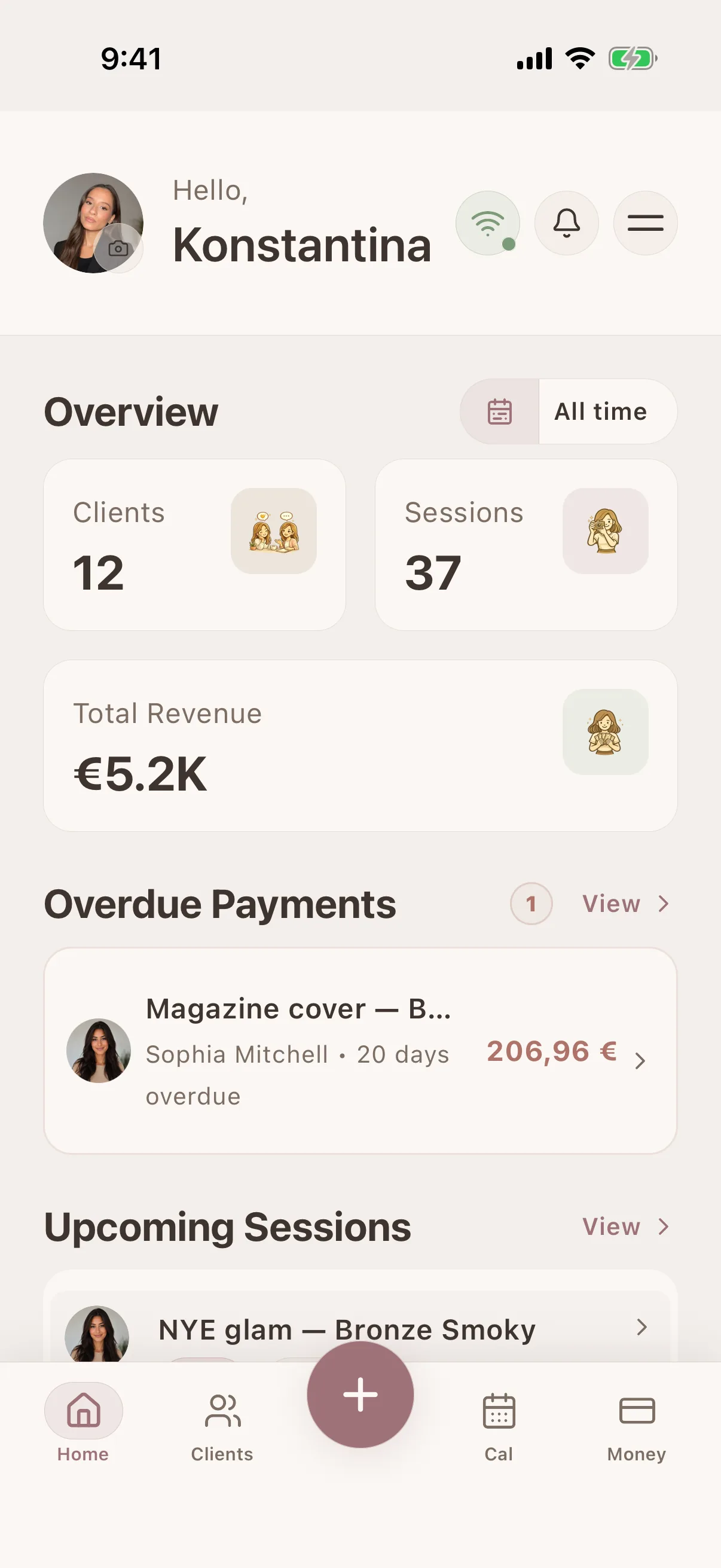
Keep bookings, client notes, photos and payments together.
Before Glamorph
Bridal trial photos buried in your camera roll
With Glamorph
Every bridal trial and event look attached to the right client
Before Glamorph
Allergy notes split between WhatsApp, Instagram, and Notes
With Glamorph
Allergies, sensitivities, skin type, and preferences visible first
Before Glamorph
Foundation shade, lash style, and lip combo remembered from memory
With Glamorph
Products, shades, lashes, finish, and notes saved per session
Before Glamorph
Deposits, balances, and add-ons checked in a spreadsheet
With Glamorph
Deposits, payments, add-ons and remaining balances linked to the client and service
Results you can repeat
Keep the notes, photos, payments, and history that make the next appointment smoother.
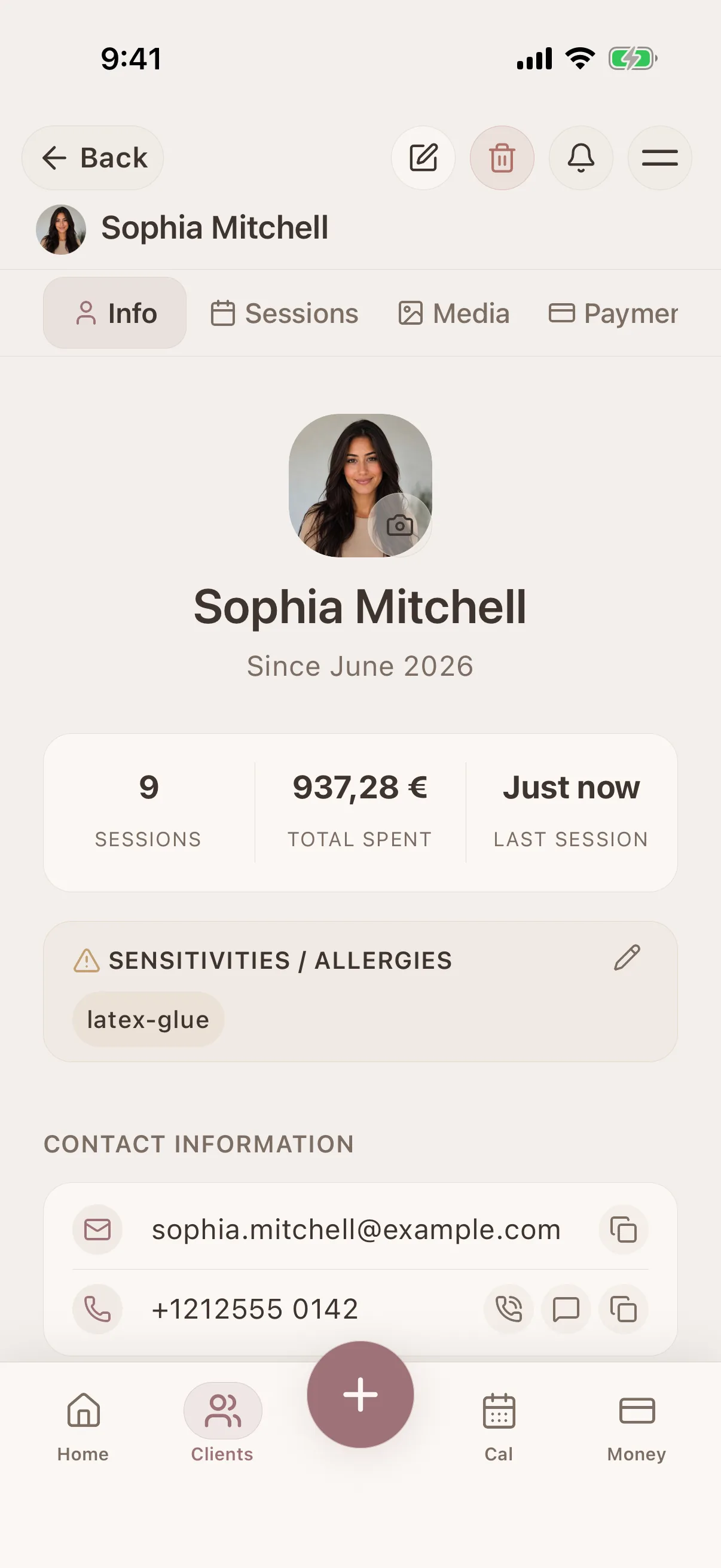
Makeup-specific client profiles
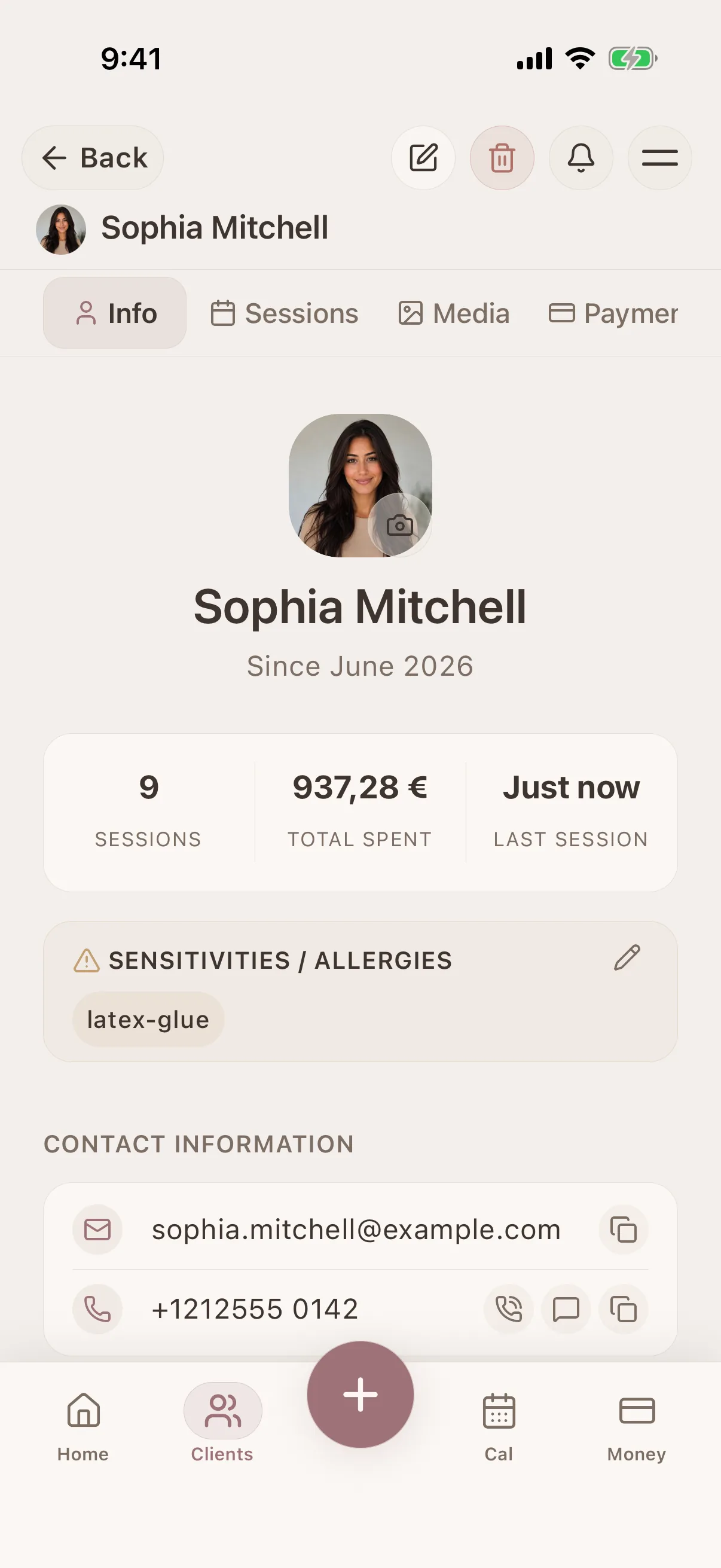
Keep contact details, skin type, undertone, allergies, sensitivities, preferences, and important notes attached to the client - not buried in DMs.
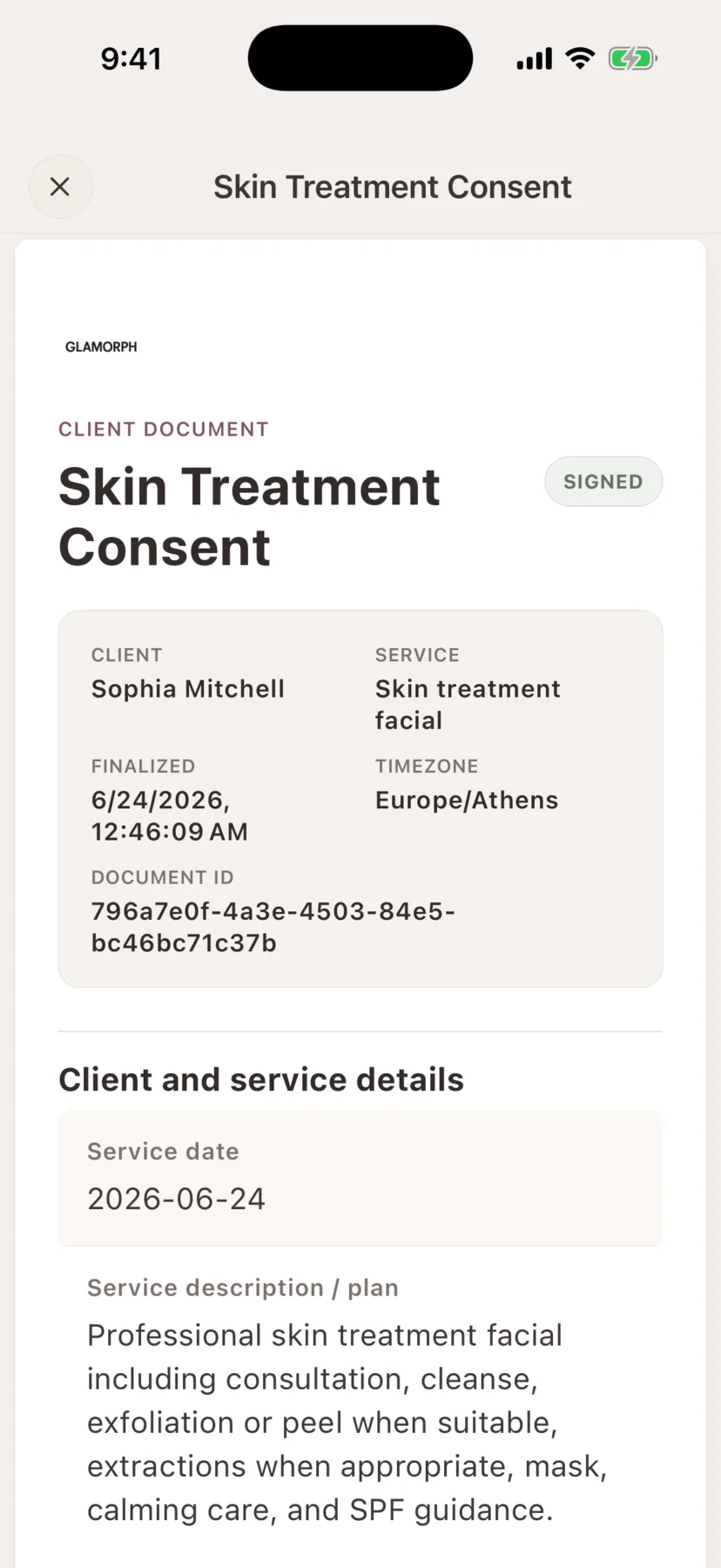
Consent, intake and photo-release forms in the client record
Create consent forms, intake forms, patch tests, aftercare instructions and photo releases, then keep the signed PDF with the client history.
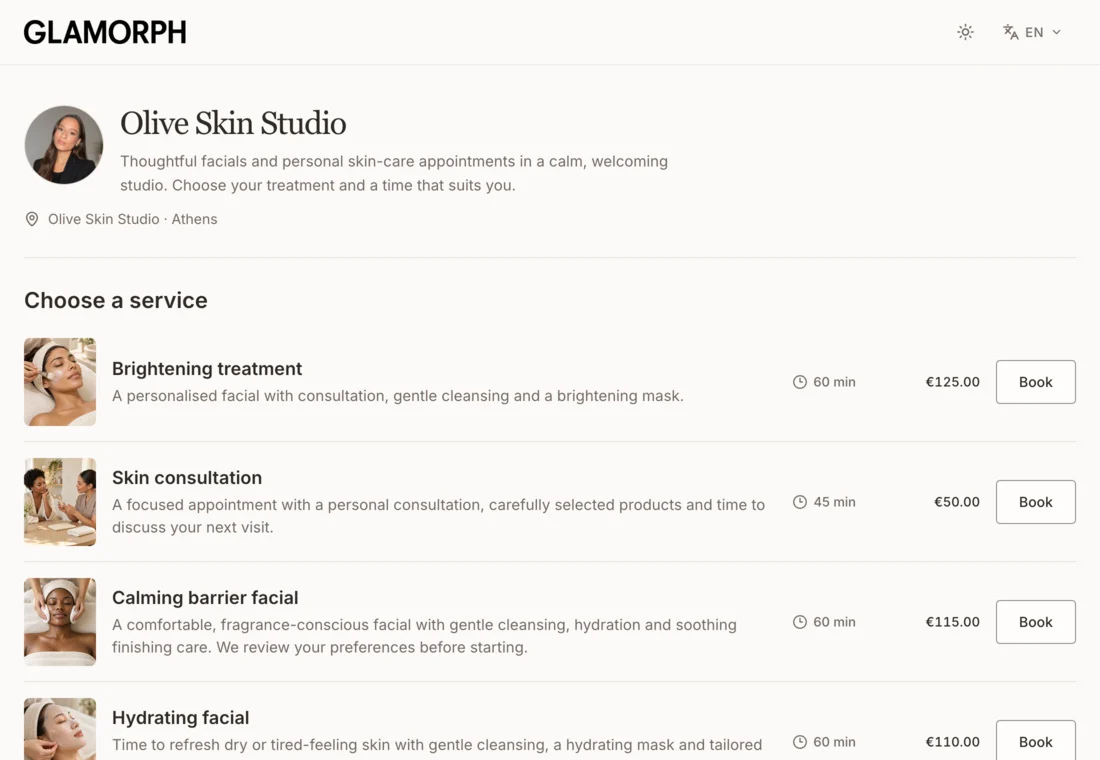
Online booking connected to the client record
Let clients book services, variations and add-ons on your own booking page. Keep appointments, client history and payments connected, whether you work solo or with a team.
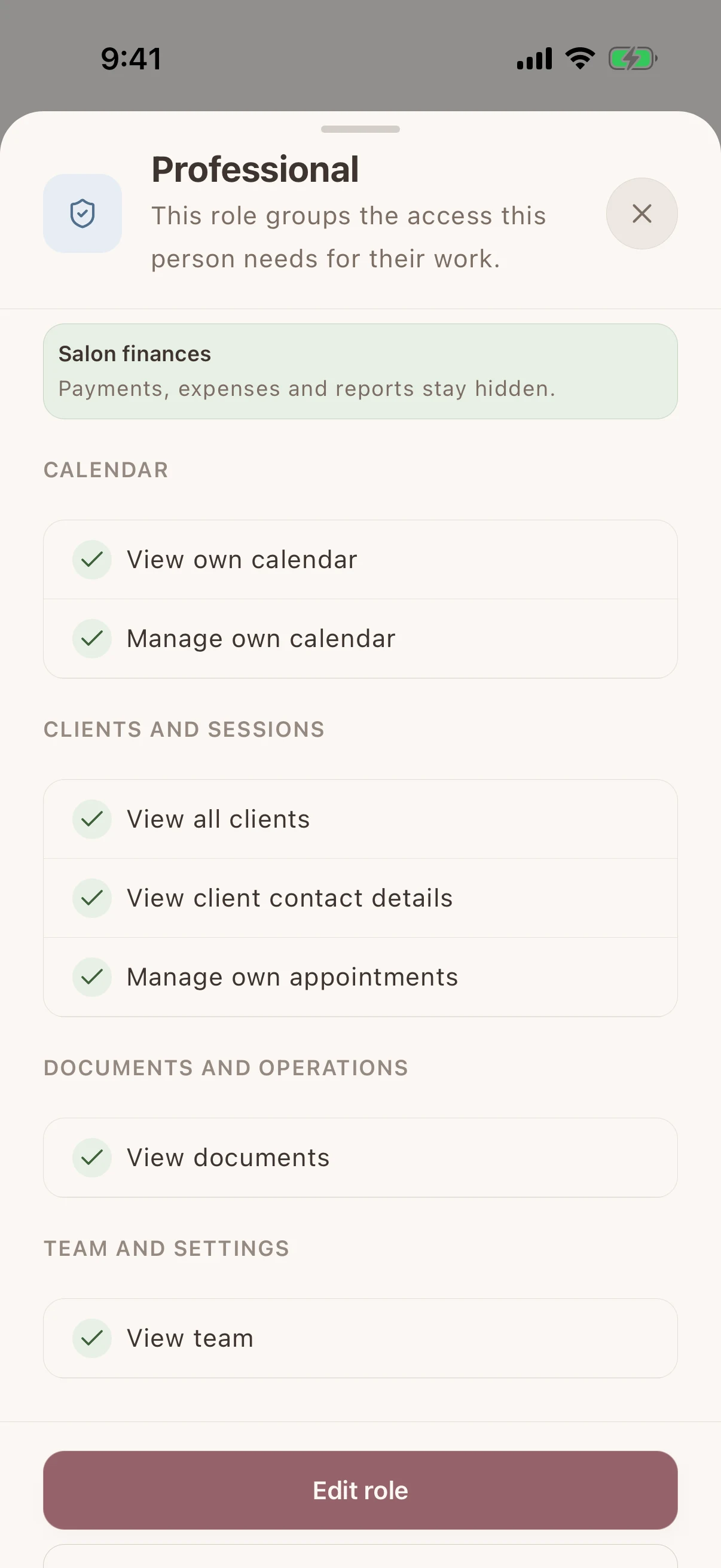
Shared client history, separate staff access
Give each team member their own login and calendar. Choose who can see client records, signed documents and financial information without sharing the owner's account.
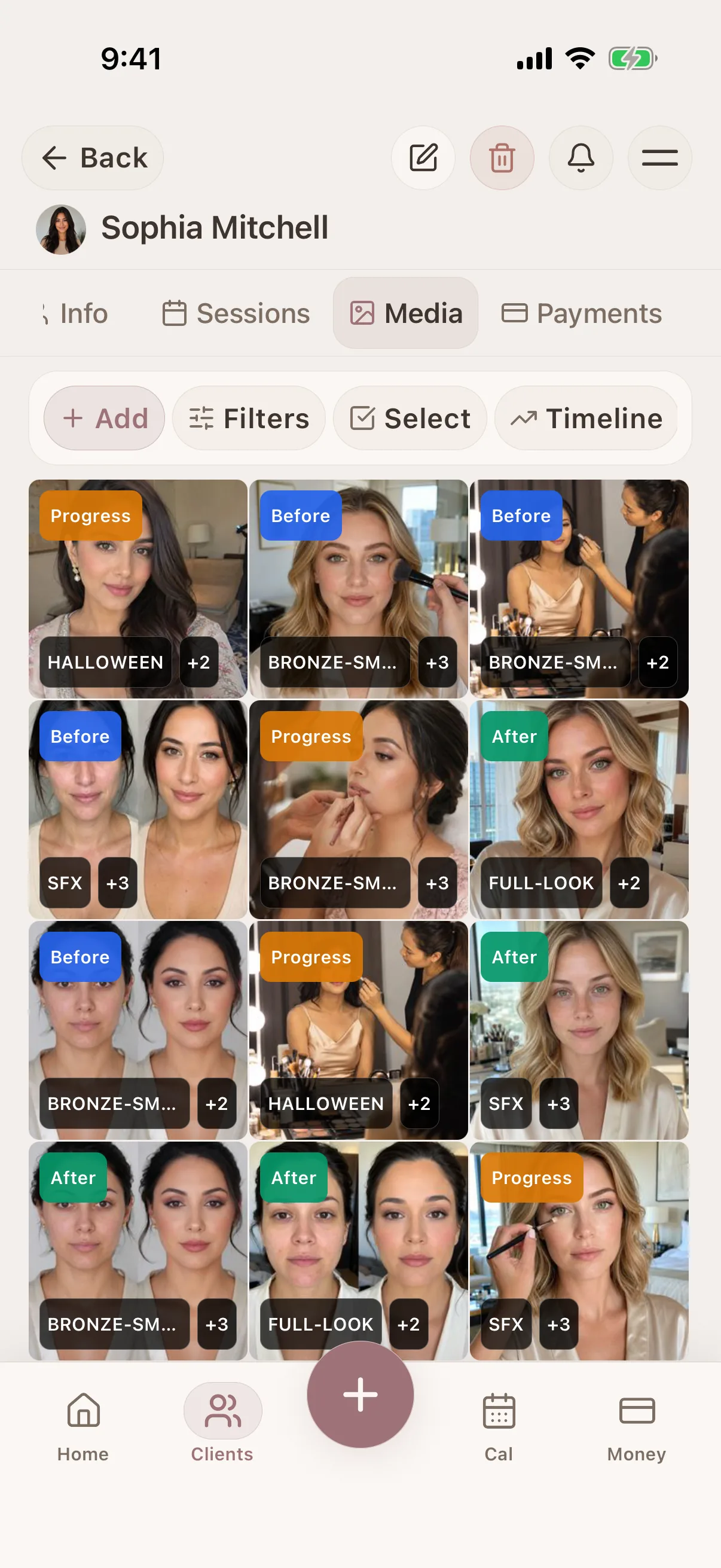
Before/after photos by client and session
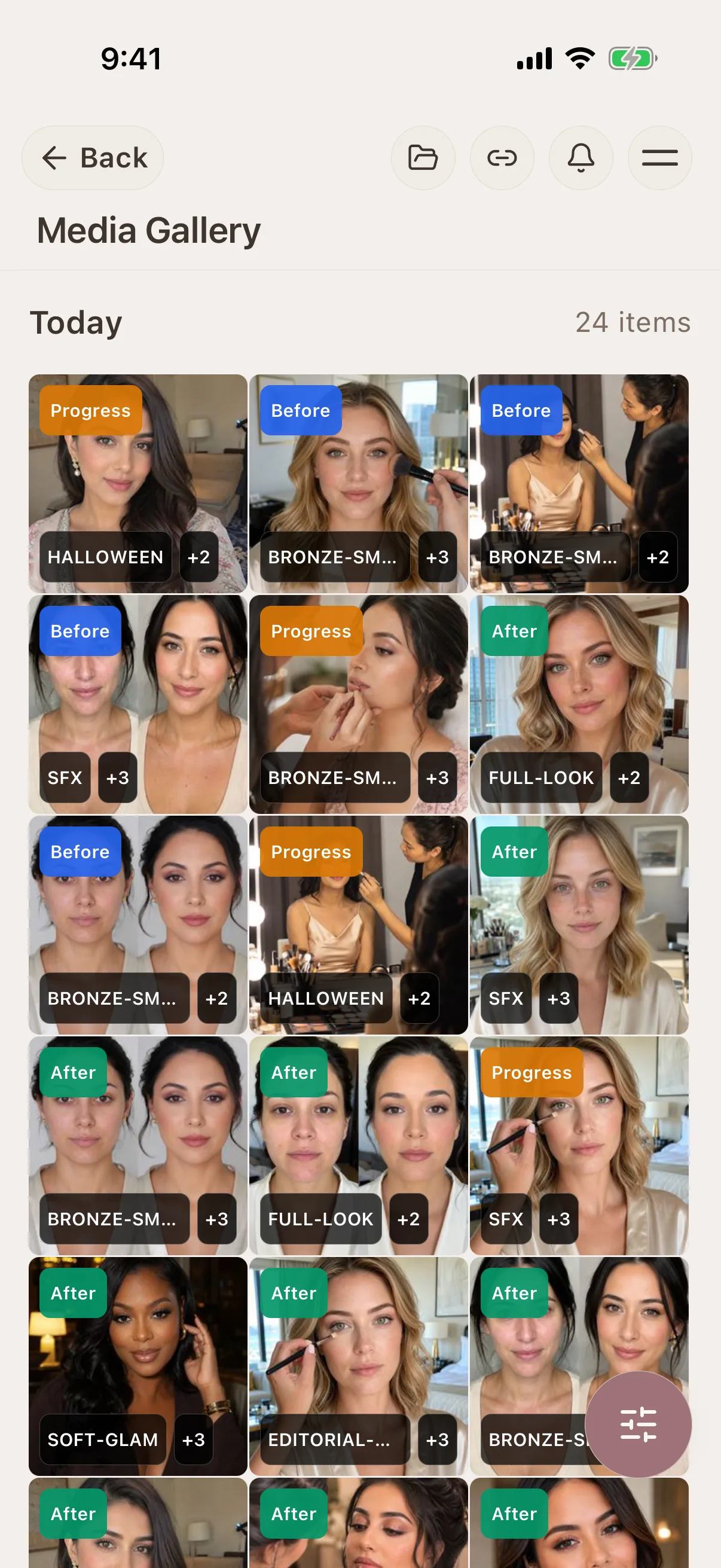
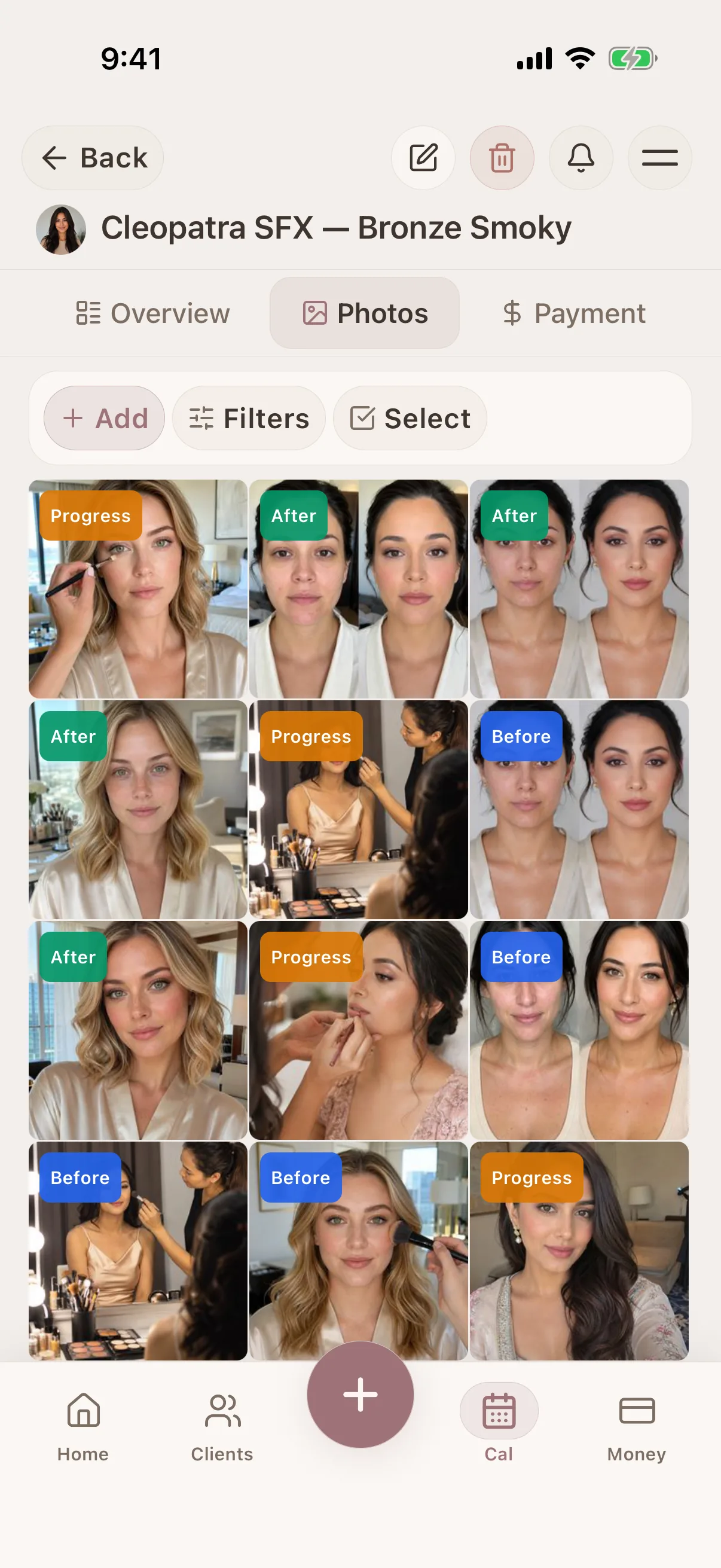
Save trial photos, wedding-day photos, event glam, and touch-up references to the right session so every look has context.
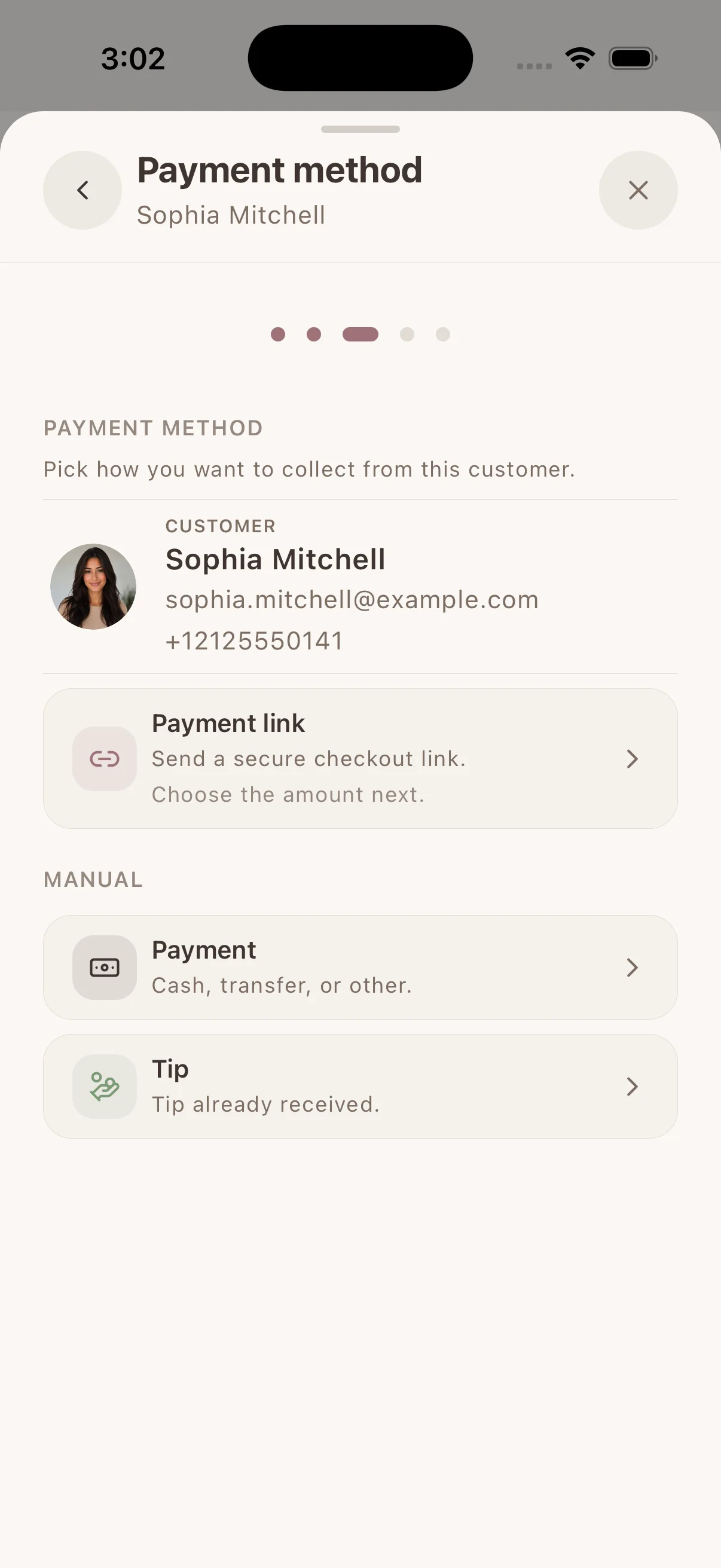
Collect & track payments
Collect by payment link, supported phone or connected terminal through Stripe, SumUp or Square. Available methods depend on your provider, business country and device. Keep confirmed payments with the client. Record cash or other payments separately.
Real workflows
A simple way to keep the details together before, during, and after the appointment.
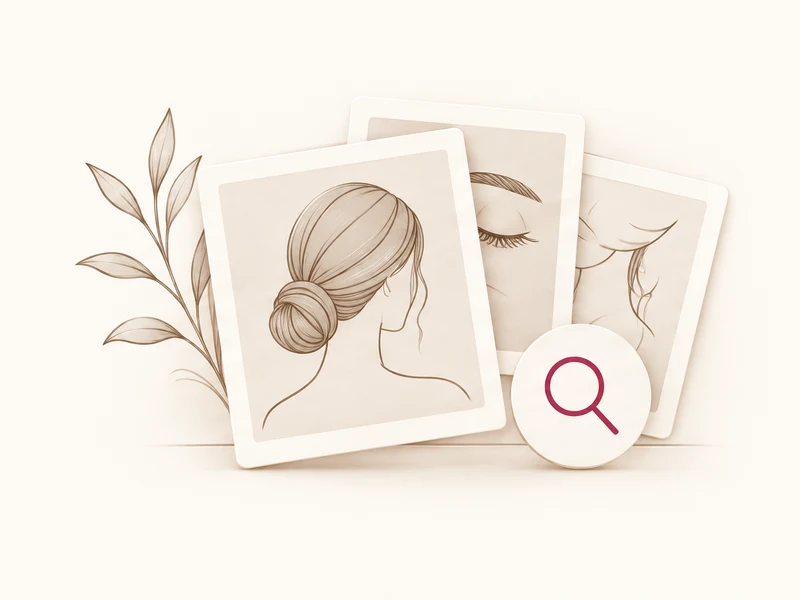
Find every beauty client photo in the session where it belongs
Keep consultation, before-and-after, progress, and reference images connected to the client, service history, and notes that explain them.
Learn more
Let beauty clients book without back-and-forth messages
Share one booking link from your social profiles, website, or anywhere clients find you. They choose a service, professional, and genuinely available time without waiting for you to answer.
Learn more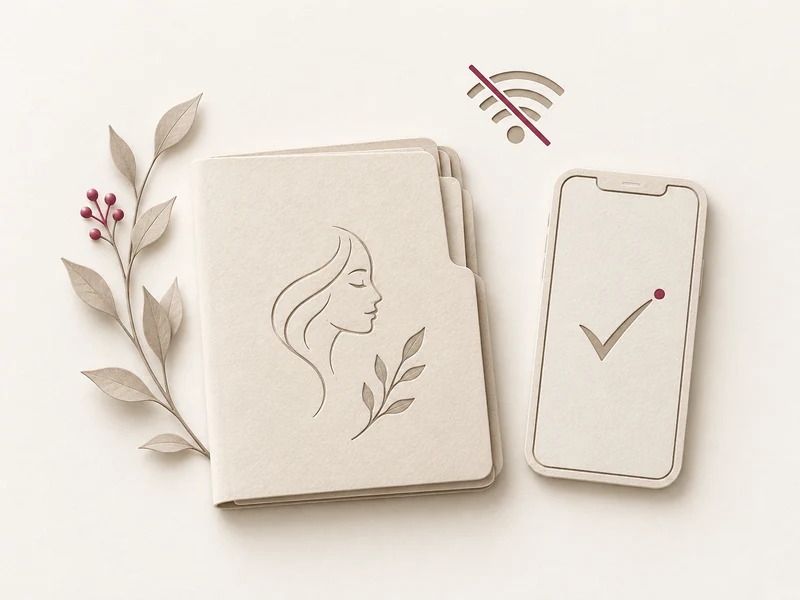
Keep client records useful when appointment internet is unreliable
Bad signal should not break your workflow. Log sessions, notes, and photos on the spot, then sync once you're back online.
Learn moreMakeup artist client-management guides
Compare the software options, build a complete client record, and organize trials, products, photos, documents, deposits, and repeat work.
Best Makeup Artist Software in 2026: 6 Apps Compared
Compare six makeup artist software options for client records, bridal notes, products and shades, photos, forms, booking, deposits, offline access, and devices.
Learn more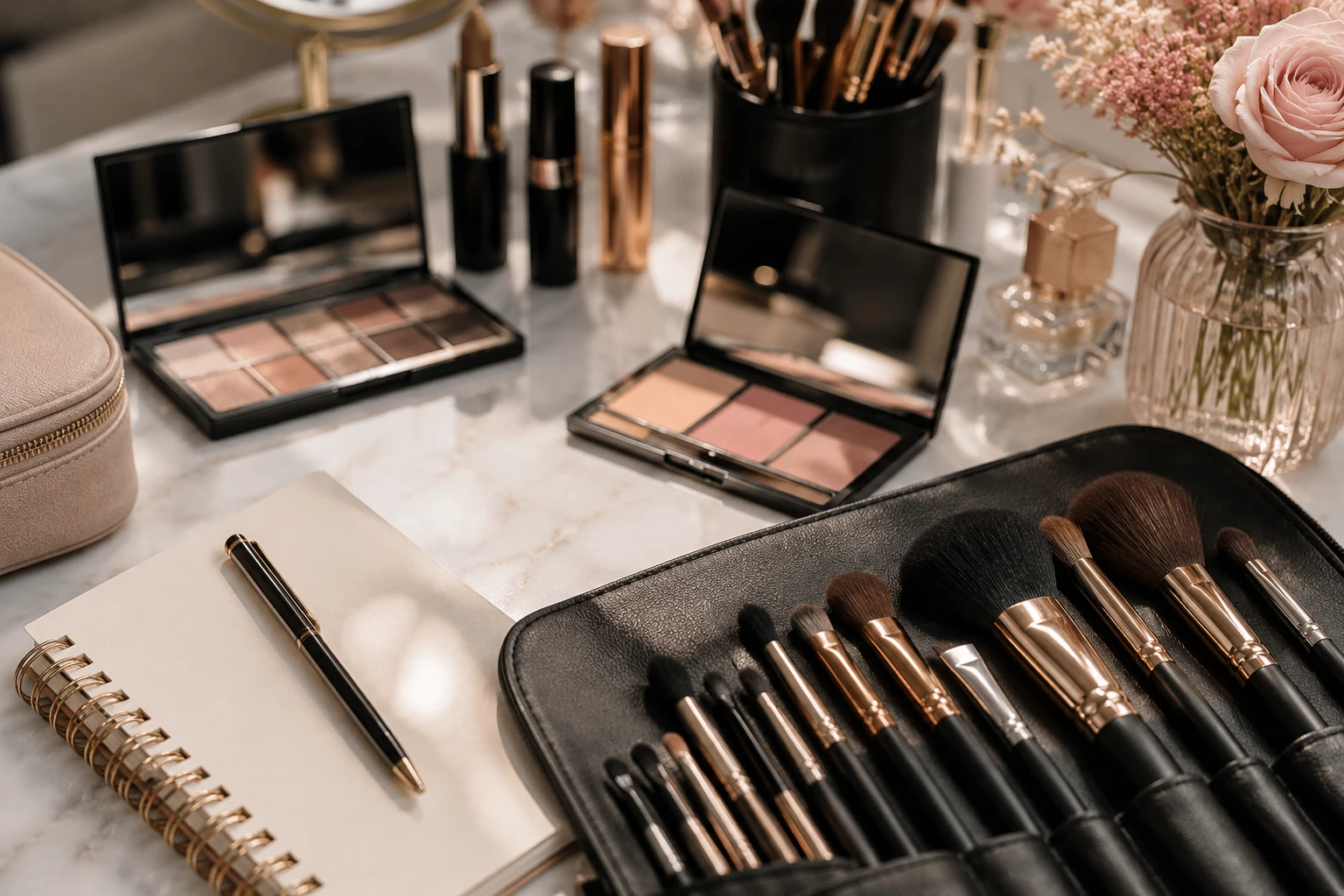
Freelance Makeup Artist Client Management
See how Glamorph connects makeup bookings, trial notes, product shades, photos, signed forms and payments in one client-management workflow.
Learn moreFrom the first booking to the next visit
Spend less of the appointment finding information. Keep the booking, the work and the payment with the same client.
Let clients choose a time that works
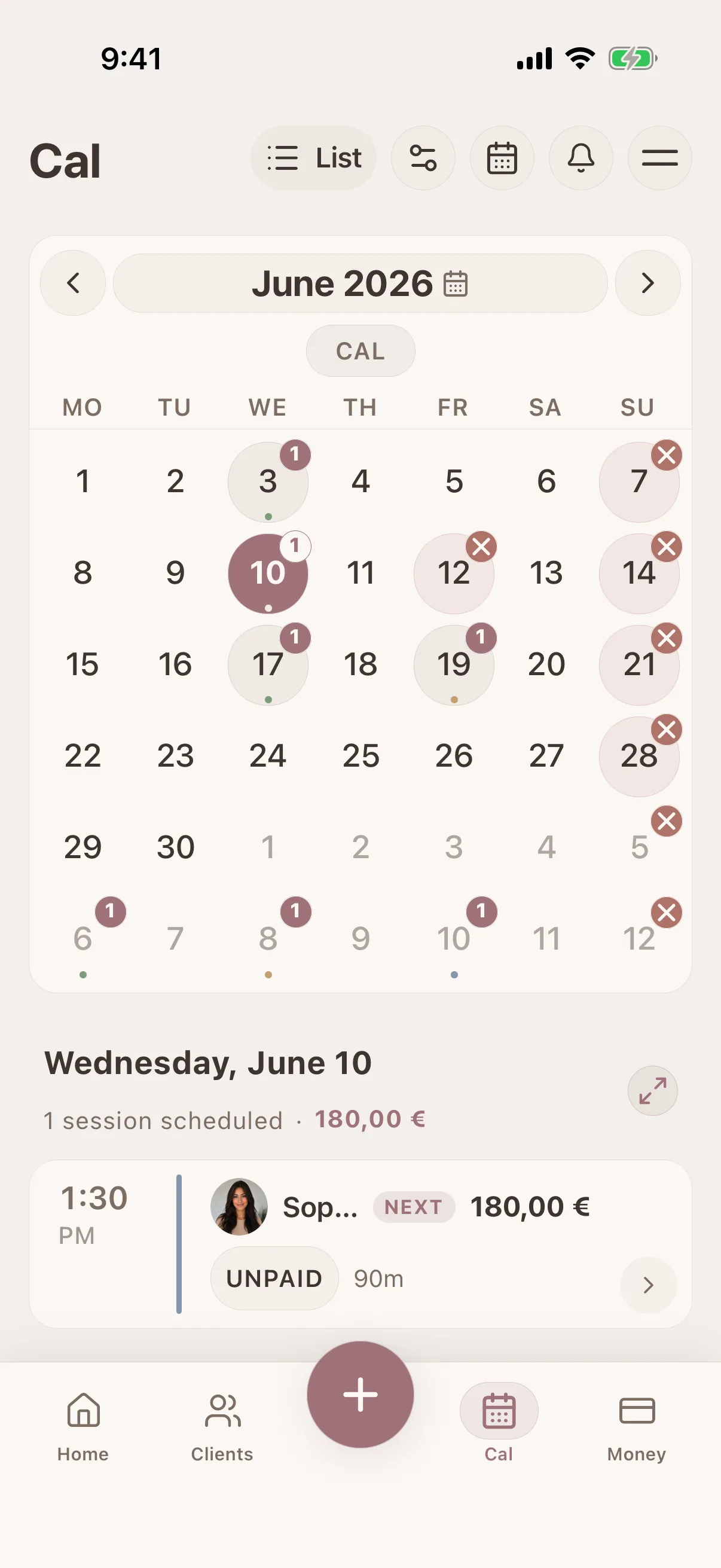
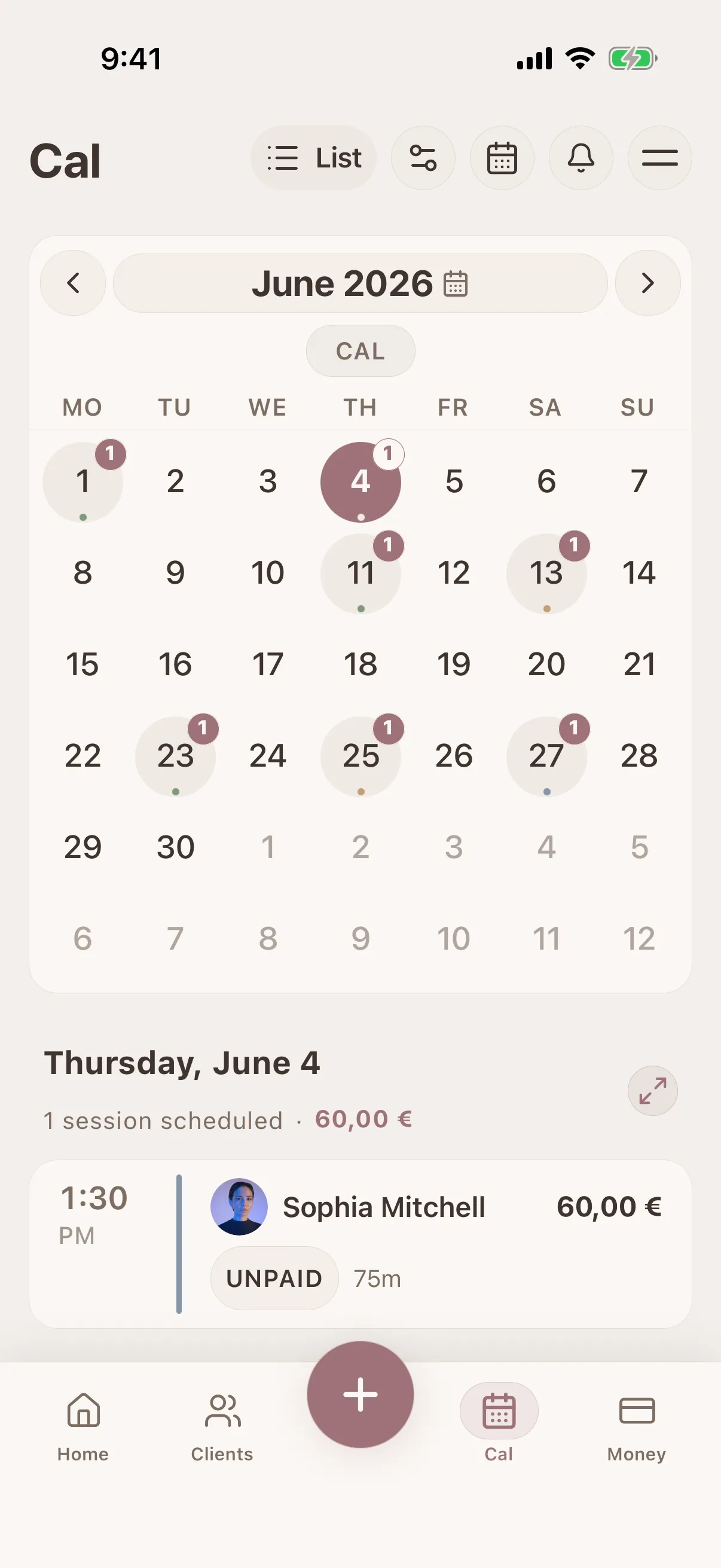
Share your own booking page with services and live availability. Confirmed bookings and appointments you enter yourself use the same calendar.
Makeup-specific client profiles
Keep contact details, skin type, undertone, allergies, sensitivities, preferences, and important notes attached to the client - not buried in DMs.
Finish the visit with everything in place
Save the work, photos and signed forms with the appointment. Collect an eligible payment or record what was paid, then find that history at the next visit.
iOS · Android · Web App
See it in action
Swipe through real app screens
Client profile: skin, allergies, preferences
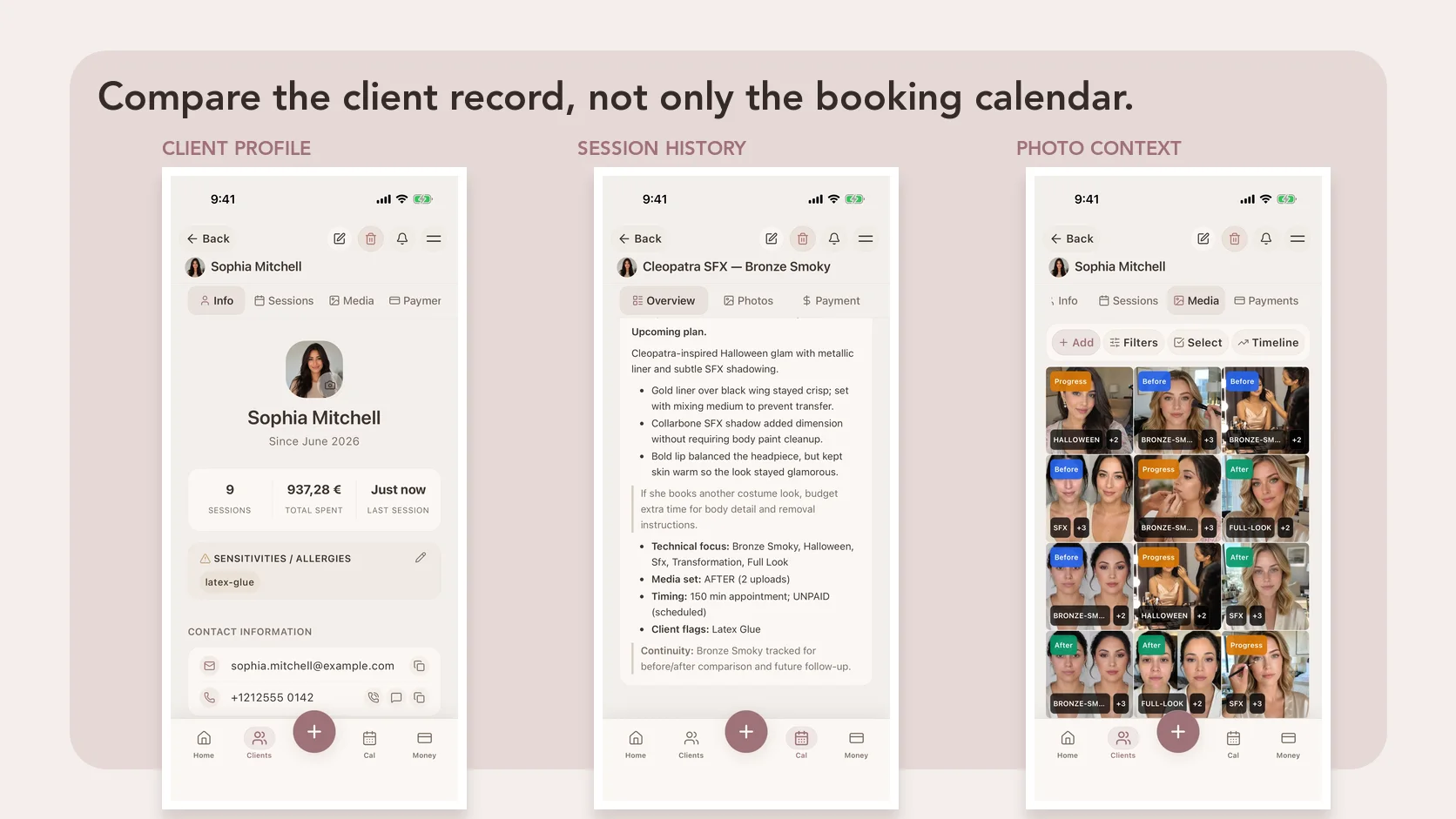
The screen a MUA opens before the brush touches skin: contact details, skin notes, undertone, allergies, sensitivities, and preferences in one profile.
Product and shade history per appointment
Foundation mix, primer, powder, lash style, lip combo, finish, and client feedback saved beside the exact session.
Tagged look library for bridal and glam work
Tag uploaded Glamorph photos by bridal, soft glam, mature skin, airbrush, after, red lip, or any label you use with clients.
Before/after photos with client context
Trial, wedding-day, event glam, and touch-up reference photos stay attached to the right client and session.
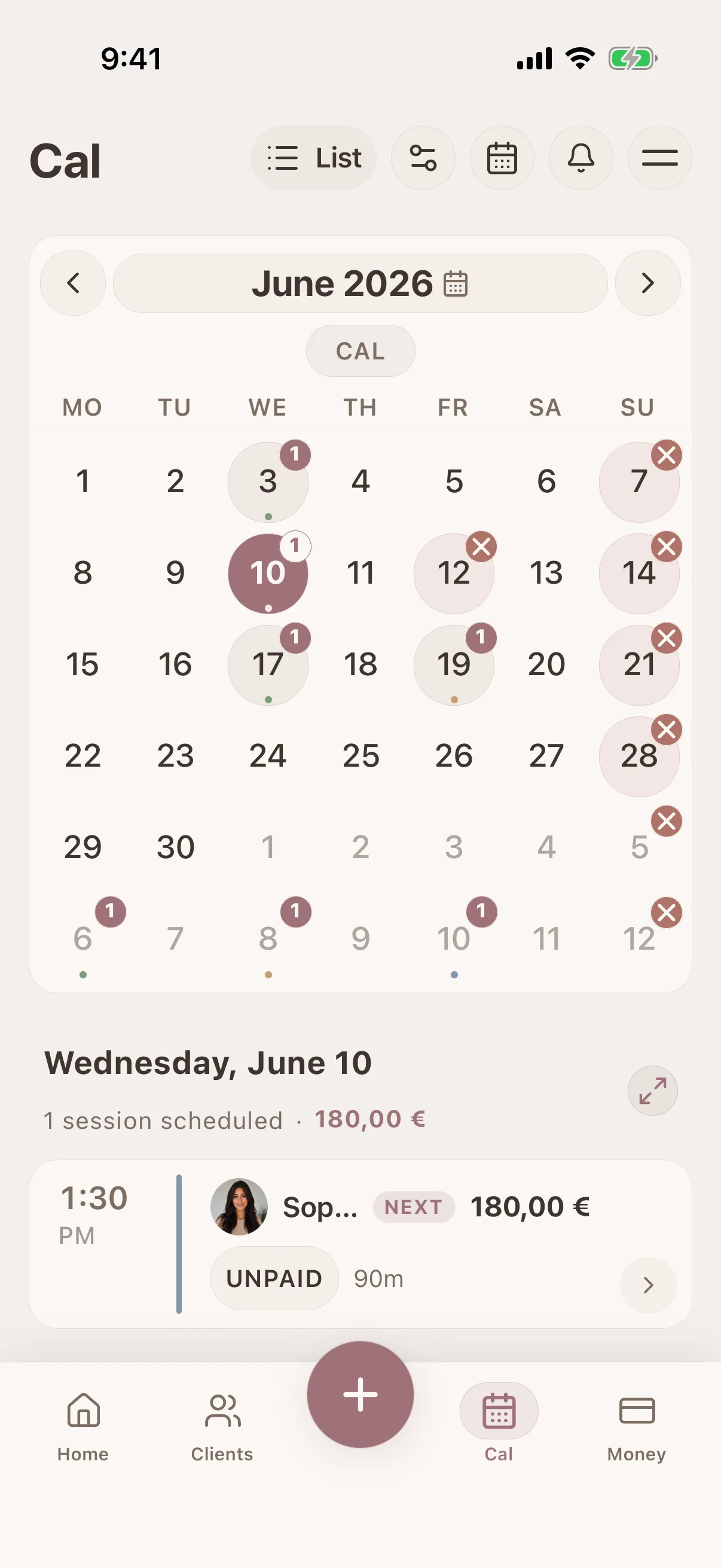
Wedding-morning notes even with no signal
Open trial records, allergy flags, product notes, and photos at hotels, venues, and home visits where the internet is unreliable.
See Glamorph for your beauty profession
Glamorph connects client profiles, treatment history, formulas, photos, documents, appointments and payments in one workspace without turning a small beauty business into an enterprise-software project.
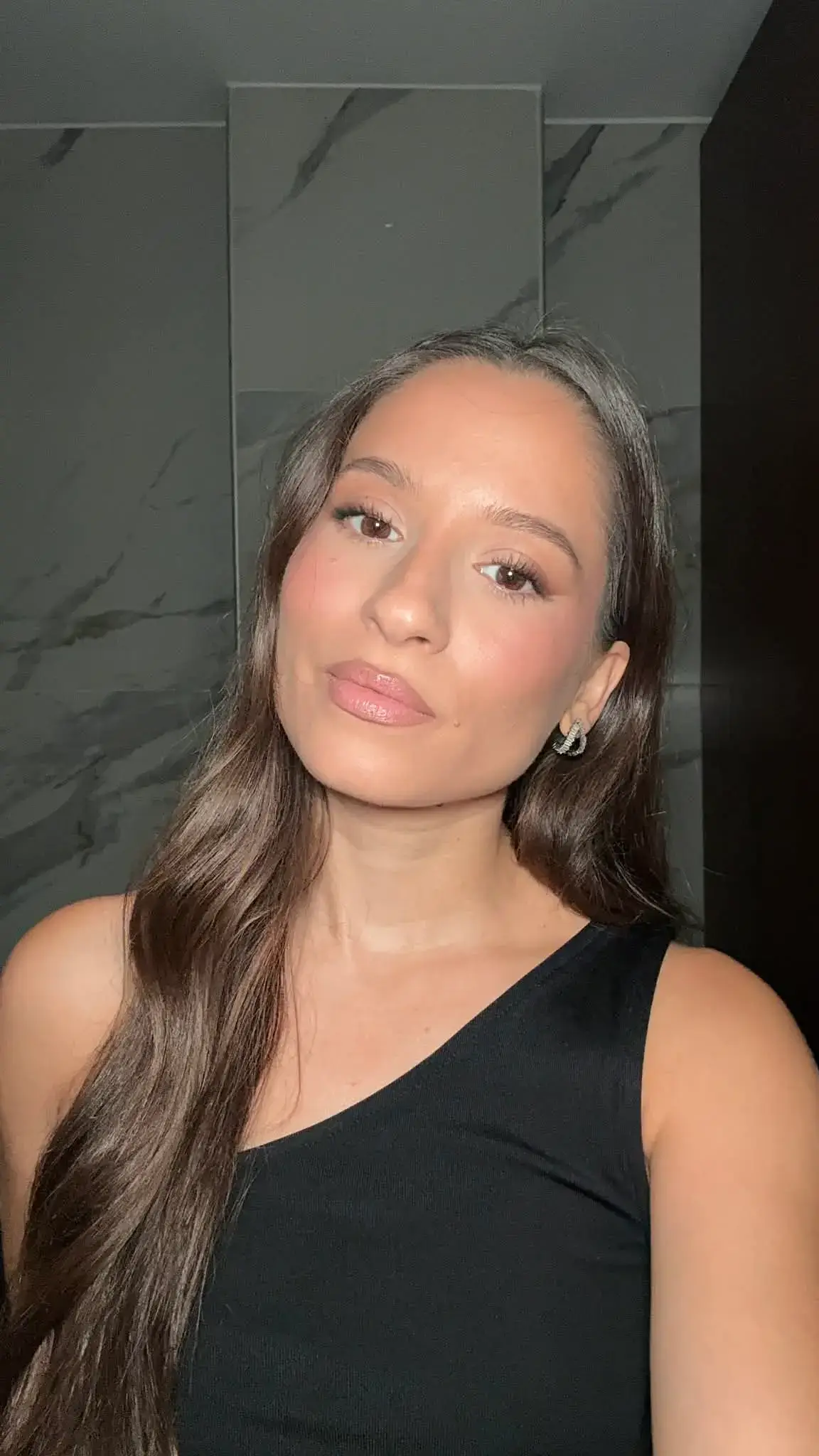
"Built from beauty work, developed for the business around it"
Glamorph co-founder Konstantina Tsormpa is a makeup and bridal artist. That background informs the attention to client history, while booking, payments and shared workspaces support independent professionals and small teams across beauty services.
Use Glamorph on iOS, Android and the web
Glamorph is beauty business software for independent professionals and small teams. It brings online booking, calendars, client history, photos, signed documents, payments, and team work together in one place.
Starting from €11.99 per month · Free trial included
Frequently asked questions
Can I save the products and shades used for a look?
Yes. Keep product notes, shades, finish, photos and client feedback in the session. Preferences and reported sensitivities can stay in the client profile, with each appointment adding its own history.
Can clients book online, or can I enter appointments myself?
Both. Add appointments to your calendar yourself, or set up services, hours and booking rules and publish your booking page when it is ready. Online booking is optional. Confirmed bookings connect to the calendar and client history.
Can I collect payments, not just record them?
Yes. Connect an eligible Stripe, SumUp or Square account to collect through supported payment links, phones or terminals. Methods depend on your business country, account and device. Recording cash or another payment manually does not charge the client.
Can clients sign forms, and can I keep existing PDFs?
Yes. Prepare documents for in-person or remote signing and keep the finalized PDF with the client or session. You can download, print or upload existing PDFs. Documents do not require online booking. You remain responsible for suitable wording and use.
Can I use Glamorph alone or with a small team?
Both. Work on your own without setting up a team, or invite people to a shared workspace with separate logins and calendars. Roles control access to clients, documents, booking and financial information.
Can I use Glamorph on my phone and computer?
Yes. Use Glamorph on iPhone, Android and in your browser. Client records and appointment history sync across your devices when connected to the internet.
What is included in the subscription?
The base subscription includes core features and one active appointment calendar. Additional active calendars can cost extra. Profiles and logins alone do not count as calendars. Check the current pricing and checkout terms. Integrated collection fees are separate from recording a payment manually.
Also works for
Ready to keep every client detail close?
Start with a client record. Add online booking and team access when you need them.
€11.99 per month
Trusted by beauty professionals across