Digital intake and consent forms, kept with each client
Ask the right questions before the service. Let clients complete their answers and sign, then keep the finished PDF in their Glamorph record.


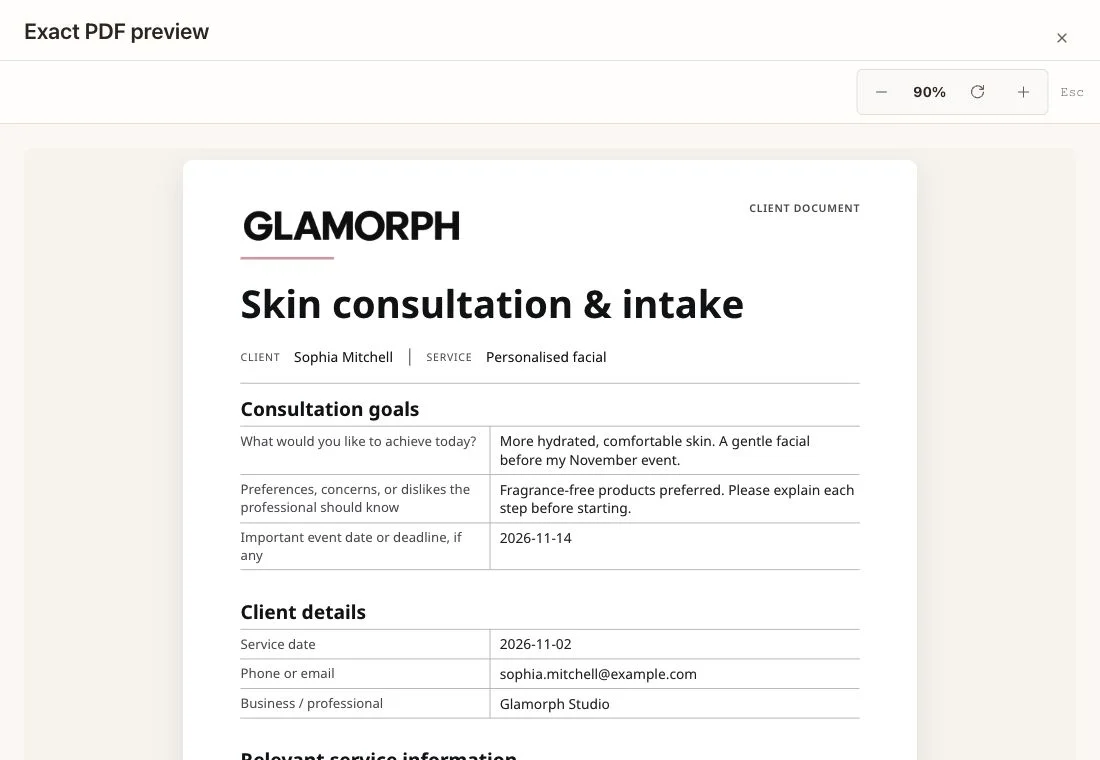
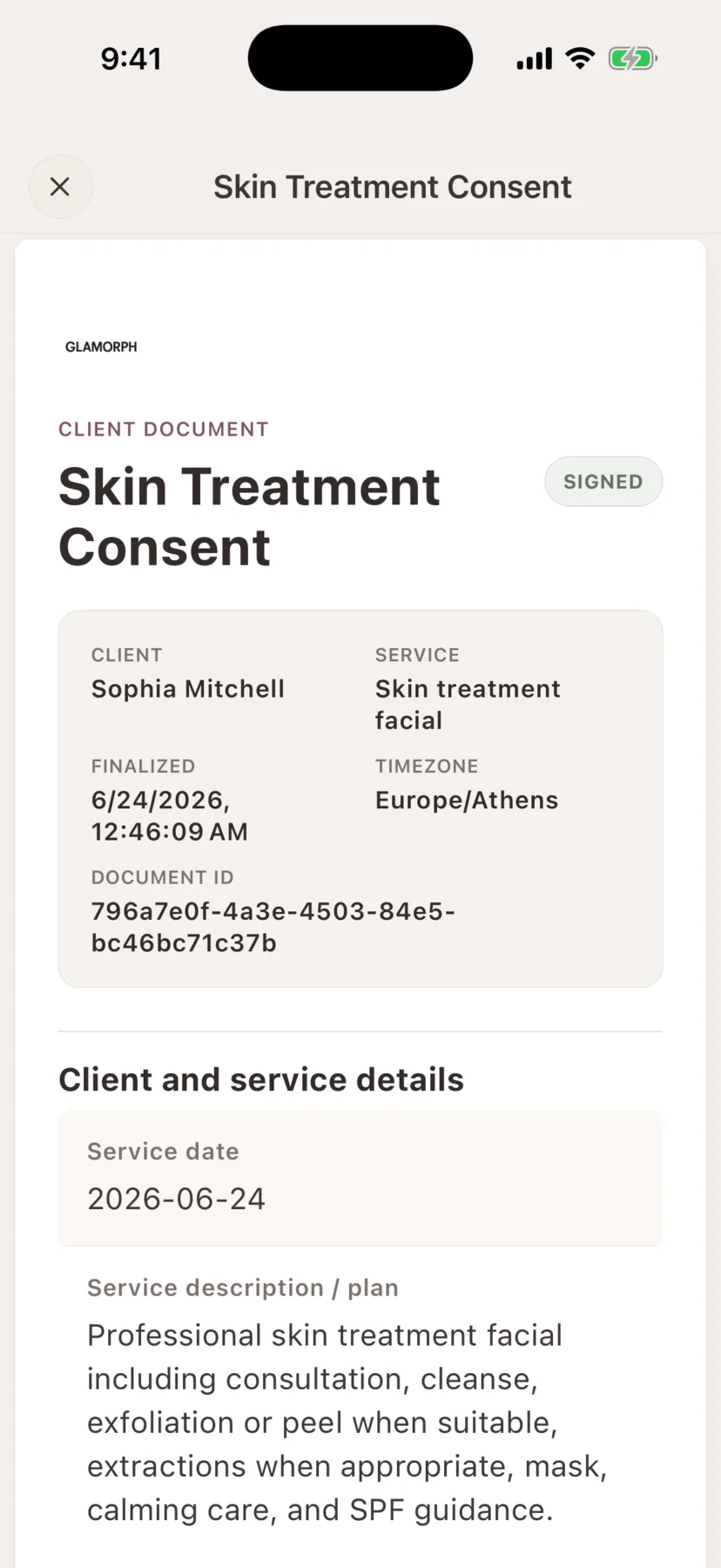
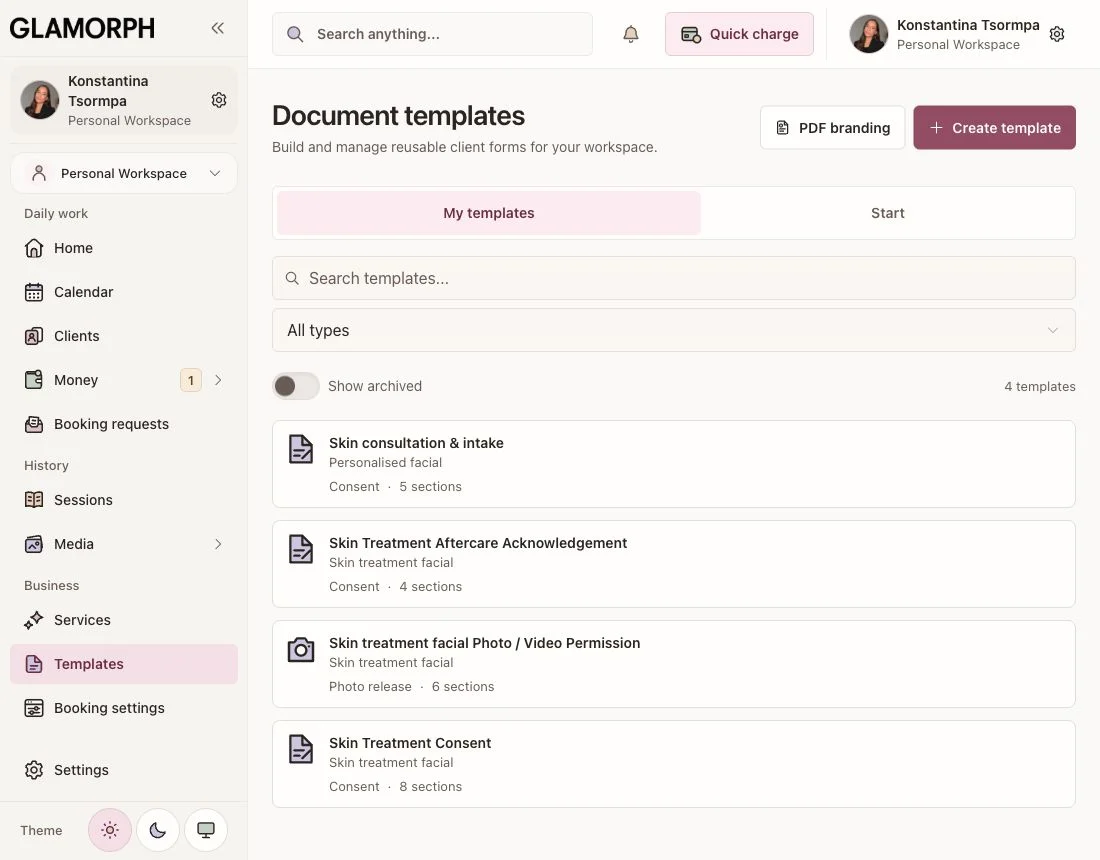
Prepare consultations, consent forms, patch-test records, aftercare and photo permissions on web, phone or tablet. Use documents on their own or alongside your bookings and client history.
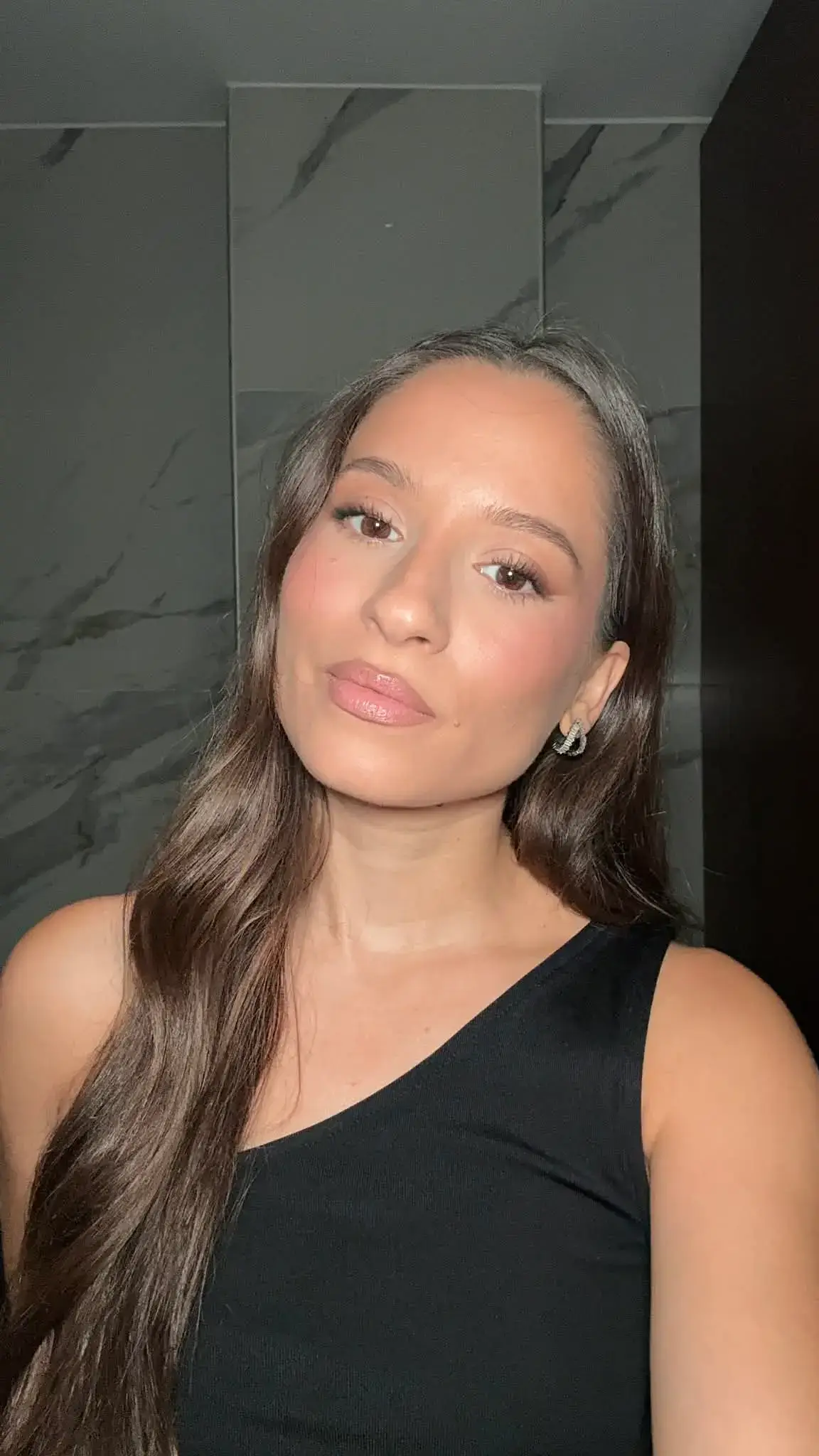
"Built from beauty work, developed for the business around it"
Glamorph co-founder Konstantina Tsormpa is a makeup and bridal artist. That background informs the attention to client history, while booking, payments and shared workspaces support independent professionals and small teams across beauty services.
How it helps your business
See how this feature makes your daily work easier
Build a digital intake form around your service
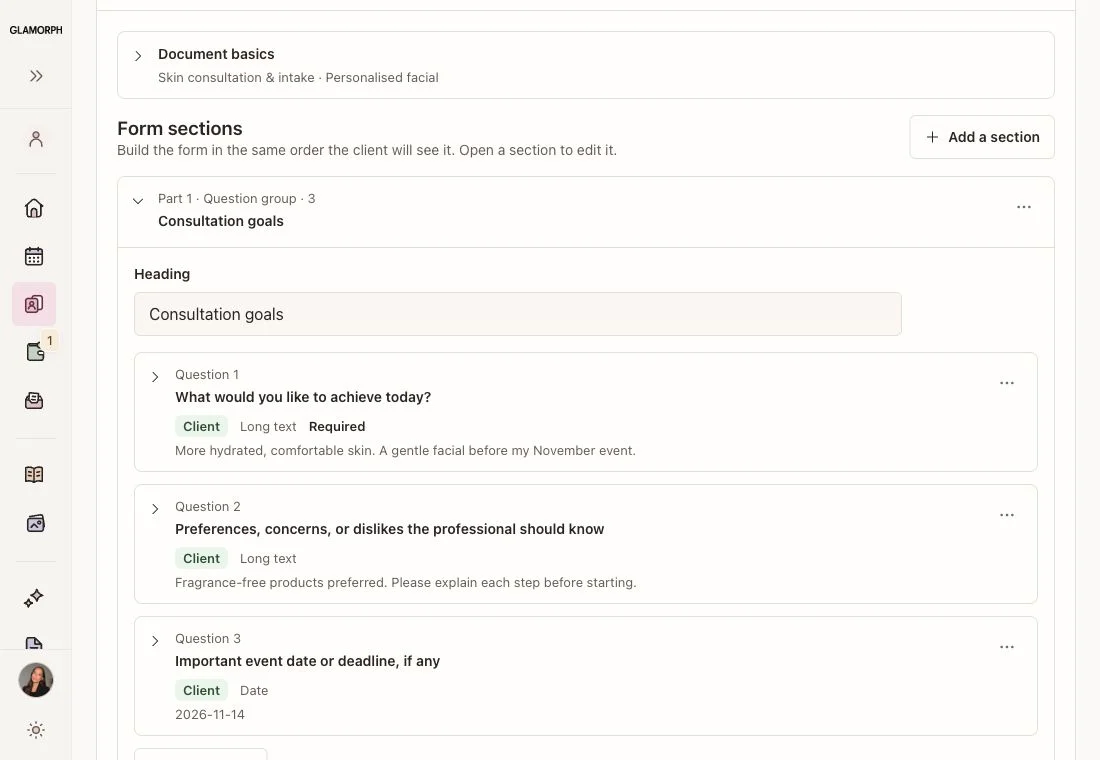
Start with a beauty form or a blank document. Add questions, required answers and checkboxes, then choose which fields the client or professional completes.
Keep existing PDFs with the client
Upload a PDF to the client or appointment record. Keep consultation forms, signed documents and other files together, ready to open when you need them.
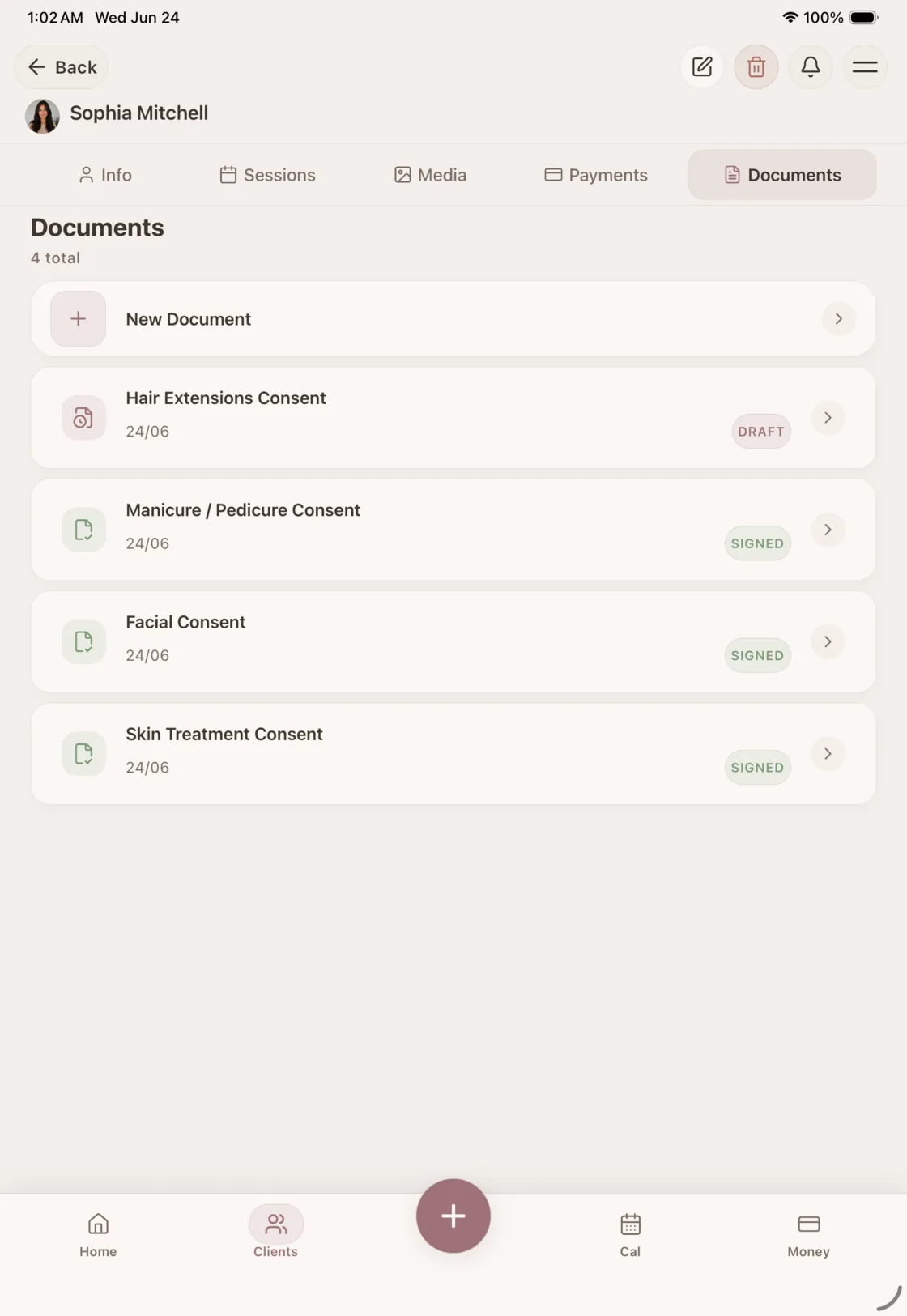
Let the client complete and sign
Review the answers together on your phone or tablet, or share a remote signing link. The client completes the allowed fields and draws their signature.
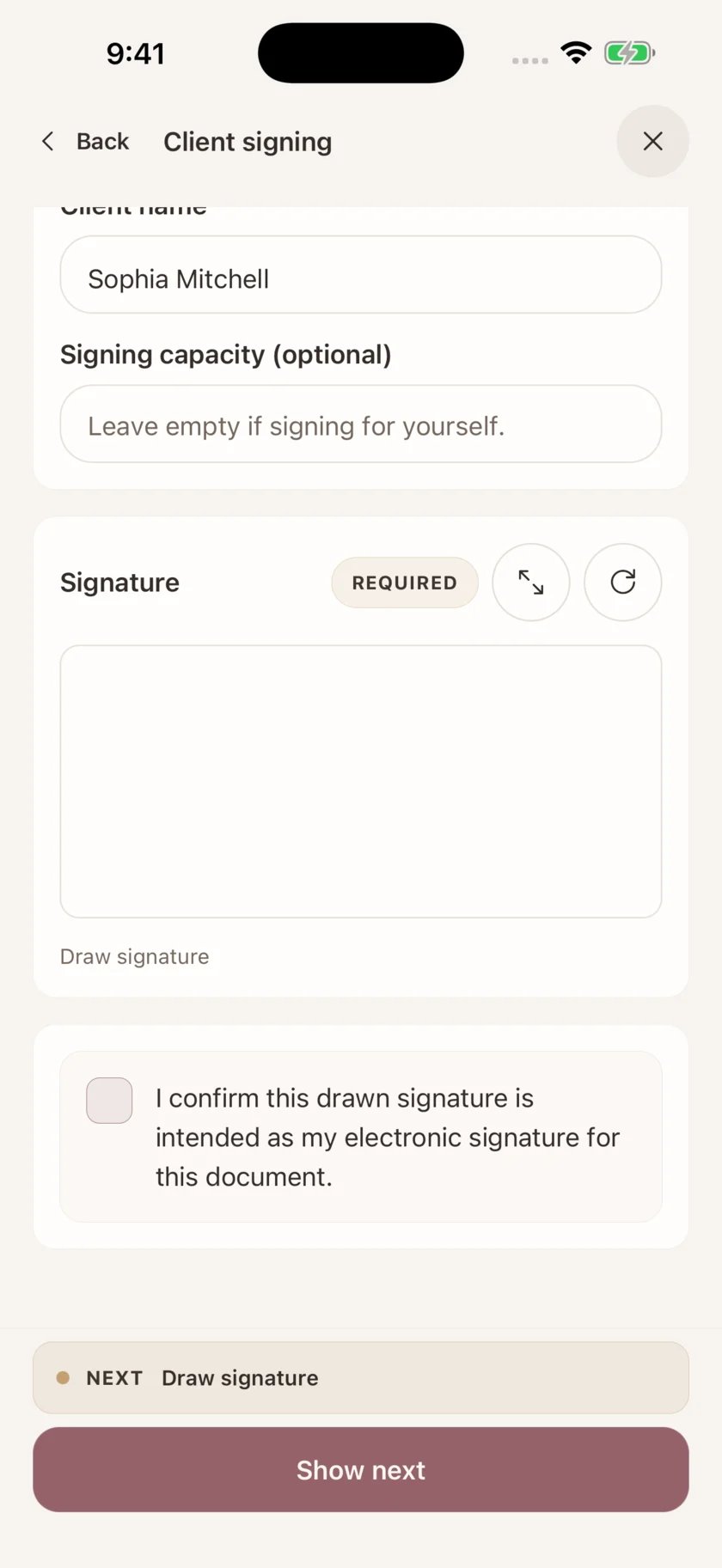
Print a copy when paper works better
Print an unsigned form, collect the handwritten signature and upload the signed PDF to the original draft. Keep the signing details with the file.
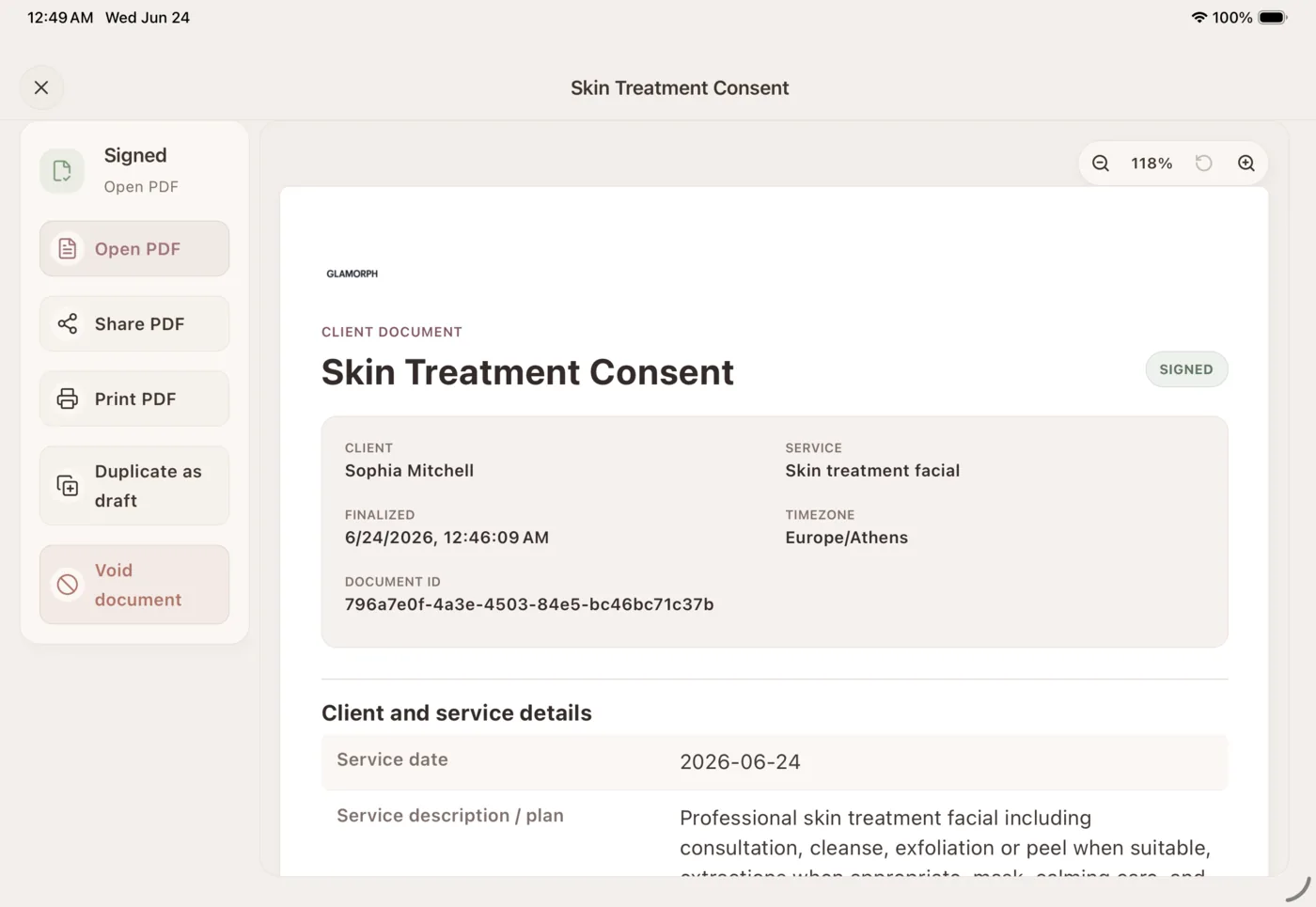
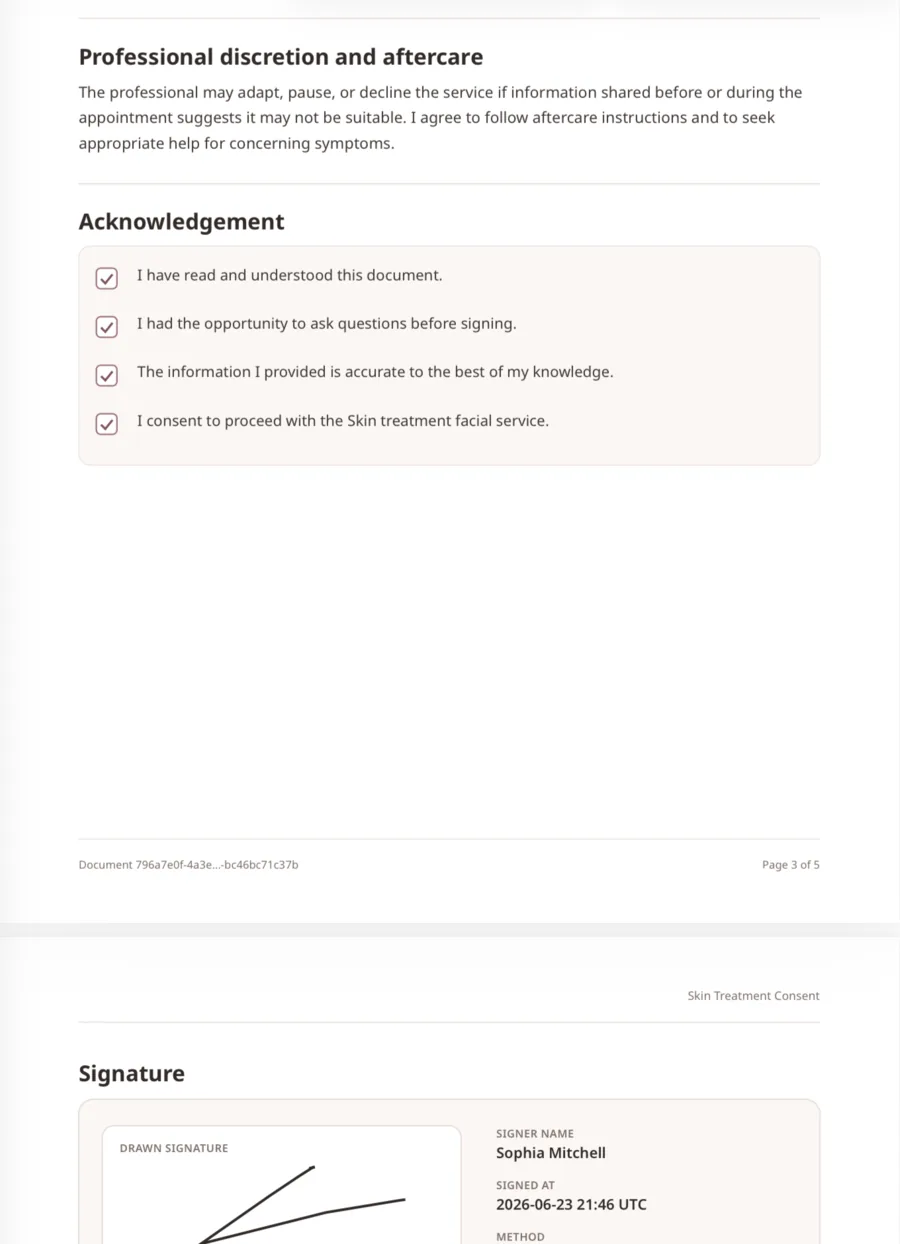
Keep the completed record
Signed content is locked into a final PDF. Open, share, print or download the record with the signature, signer name and signing date.
Reuse your forms and prepare document packs
Save your own templates for the next client. Combine related documents in an ordered pack, such as intake, consent and aftercare, and track what is complete.
Where this fits in real client work
Connect this feature with the parts of Glamorph that help you remember the client, prepare faster, and follow up cleanly.
See all featuresUse it with
Stay ready before the next appointment
Know what happened last time, what is booked next, and what still needs your attention.
Starting from €11.99 per month · Free trial included
Frequently asked questions
Can I use consent forms without online booking?
Yes. Create a document directly in a client record or attach it to an appointment you entered yourself. You do not need to publish a booking page or take an online booking to use forms and signatures.
Can my team access client documents without seeing finances?
Yes. Give each team member their own login and configure their role. Client access, document access and financial permissions are separate, so you can let someone work with the relevant client documents without granting access to payments and financial reports.
Can I create a digital intake form clients can fill in?
Yes. Add questions and checkboxes, mark required fields, and decide who completes each answer. Clients can complete permitted fields in person or through a signing link. Existing uploaded PDFs stay as files and are not converted into editable questionnaires.
What client documents can I create in Glamorph?
You can create consent forms, consultation and intake forms, patch test records, aftercare acknowledgements, aftercare instructions, photo/video releases, saved templates, and custom documents.
Can clients sign forms remotely?
Yes. You can create a remote signing link for signature-required documents and send it to the client. They can review the document, complete required fields, and sign online.
Can I import an existing consent form or other PDF?
Yes. Upload an existing PDF from phone or web and attach it to the correct client and, when relevant, appointment. Glamorph preserves it as a completed client document. It does not claim to convert the PDF into editable form fields.
Can I export a template, have it signed by hand, and import it again?
Yes. Open, download or print an unsigned document or template PDF, collect the handwritten signature, scan it as a PDF, then upload that signed paper copy to finalize the original draft. Glamorph keeps the signed file with the signer and signing-date details.
Can I export signed consent forms as PDFs?
Yes. Final records can be opened, shared, printed, or downloaded as PDFs from Glamorph.
Are Glamorph templates legal advice?
No. Templates are provided for convenience and should be reviewed for your services and location. Glamorph helps you keep clear client records. It does not replace legal advice.
Take your client history with you
Use Glamorph for the details that usually live in DMs, notes, and your camera roll.
€11.99 per month
Trusted by beauty professionals across
From the blog
Tips and guides for beauty professionals