Prepare for every repeat beauty appointment from real client history
See what happened last time, what the client preferred, what changed, and what is booked next—without reconstructing the story from memory or messages.


The problem
Your workflow
Repeat clients expect continuity. When service notes, preferences, reported sensitivities, photos, formulas, payments, and the next appointment live in different places, even a familiar client can feel like a first visit.
Problem solved
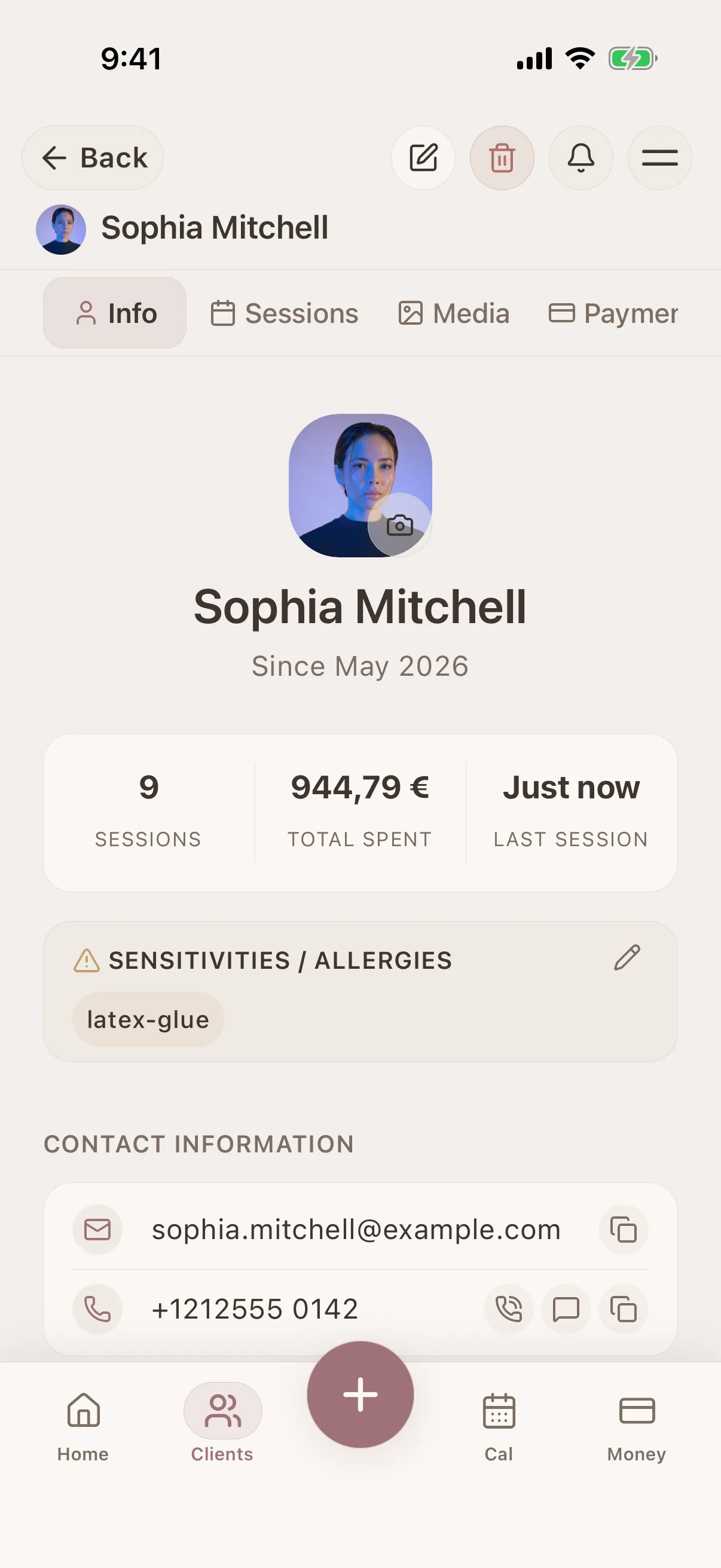
Glamorph connects each confirmed appointment to the same chronological client record used for sessions, notes, photos, formulas, documents, and payment history. Review the record before the visit, complete it after the service, and keep the next booking attached to the same client.
How it works
A simple way to keep the details together before, during, and after the appointment.
Start with the client and confirmed appointment
Keep the booking, contact details, preferences, and reported sensitivities attached to the correct person.
Record what actually happened
Add the service outcome, formulas or products, useful photos, payment status, and a clear note for next time.
Review the timeline before the return visit
Check previous sessions and decisions before the client arrives instead of asking her to repeat the whole history.
Rebook with context intact
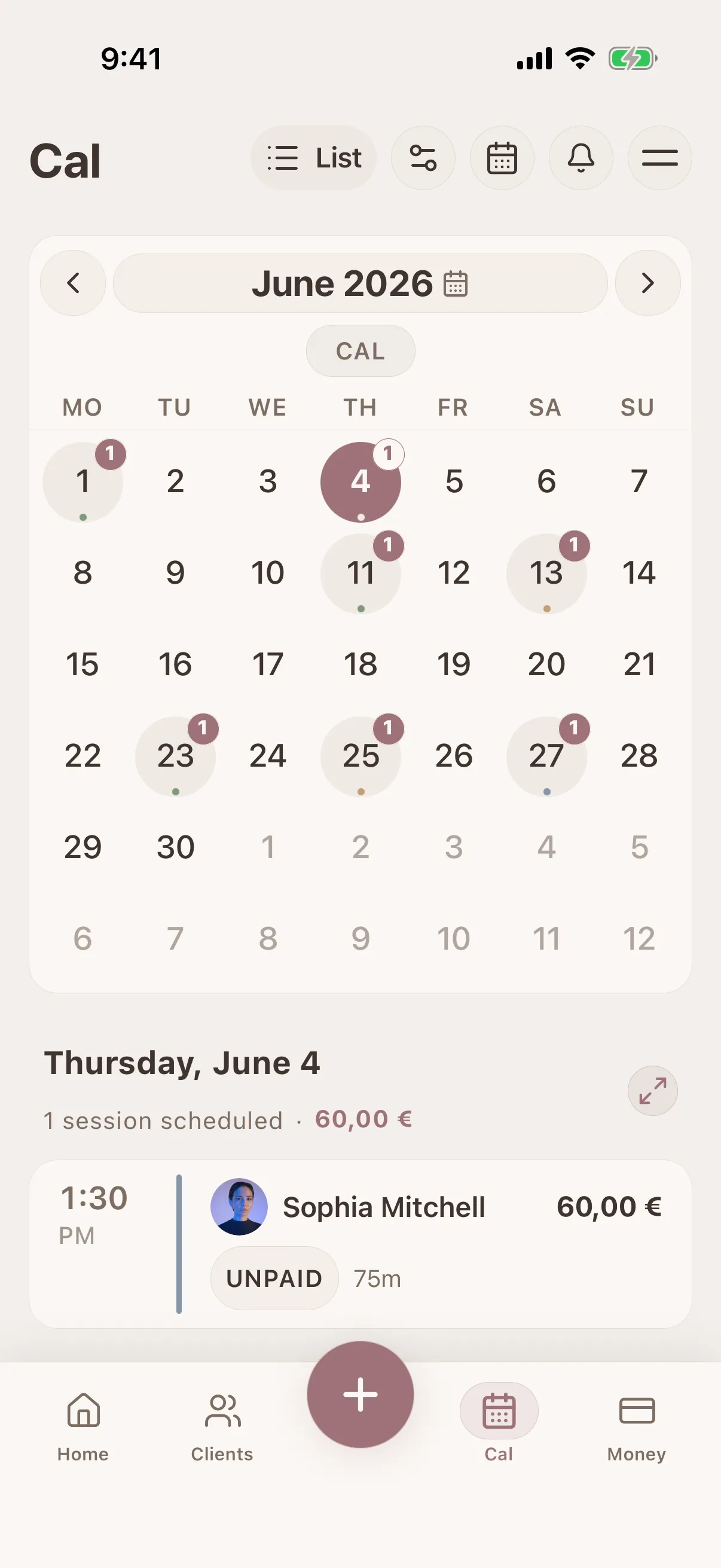
Keep the next confirmed appointment in the same calendar and client history so preparation begins with the latest record.
What connects this workflow in Glamorph
Glamorph connects each confirmed appointment to the same chronological client record used for sessions, notes, photos, formulas, documents, and payment history. Review the record before the visit, complete it after the service, and keep the next booking attached to the same client.
Features
Use Cases
Keep the whole workflow clear
Use Glamorph to keep client details, session history, photos, and payments connected around the work you actually do.
Starting from €11.99 per month · Free trial included
Frequently asked questions
Can I see a client's complete history before an appointment?
Yes. Open the client profile to review chronological sessions, notes, photos, documents, appointments, and recorded payments before the next service.
How do I track client preferences?
Add preferences to the client profile or include them in session notes. Notes are searchable, so you can find any detail instantly.
Does the next online booking stay connected to the client?
A confirmed Glamorph booking joins the same calendar and client history used for the rest of the client workflow.
Trusted by beauty professionals across
For Businesses
Independent practice, salon or studio: explore the workflow that fits your services and team.