Before-and-after photos in your client records
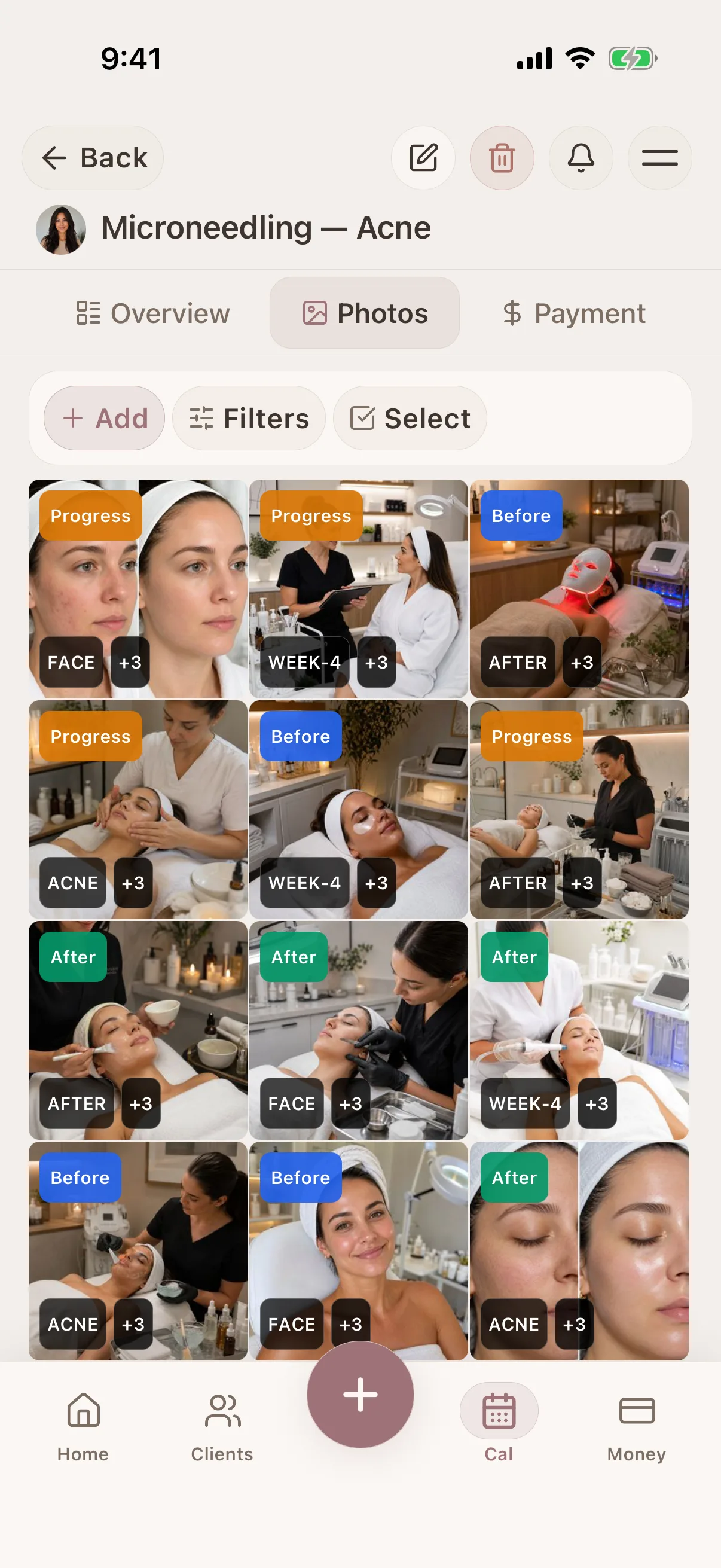
Keep each photo with the client, treatment notes and date that explain it. Review progress and share selected photos in galleries with access controls.


Glamorph is beauty business software for independent professionals and small teams. It brings online booking, calendars, client history, photos, signed documents, payments, and team work together in one place.

"Built from beauty work, developed for the business around it"
Glamorph co-founder Konstantina Tsormpa is a makeup and bridal artist. That background informs the attention to client history, while booking, payments and shared workspaces support independent professionals and small teams across beauty services.
How it helps your business
See how this feature makes your daily work easier
Optional for every client and session
A photo is never required to create a client or record a service. Add one from the camera or photo library only when visual context will help with consultation, progress, repeat work or approved sharing.
Context beyond the camera roll
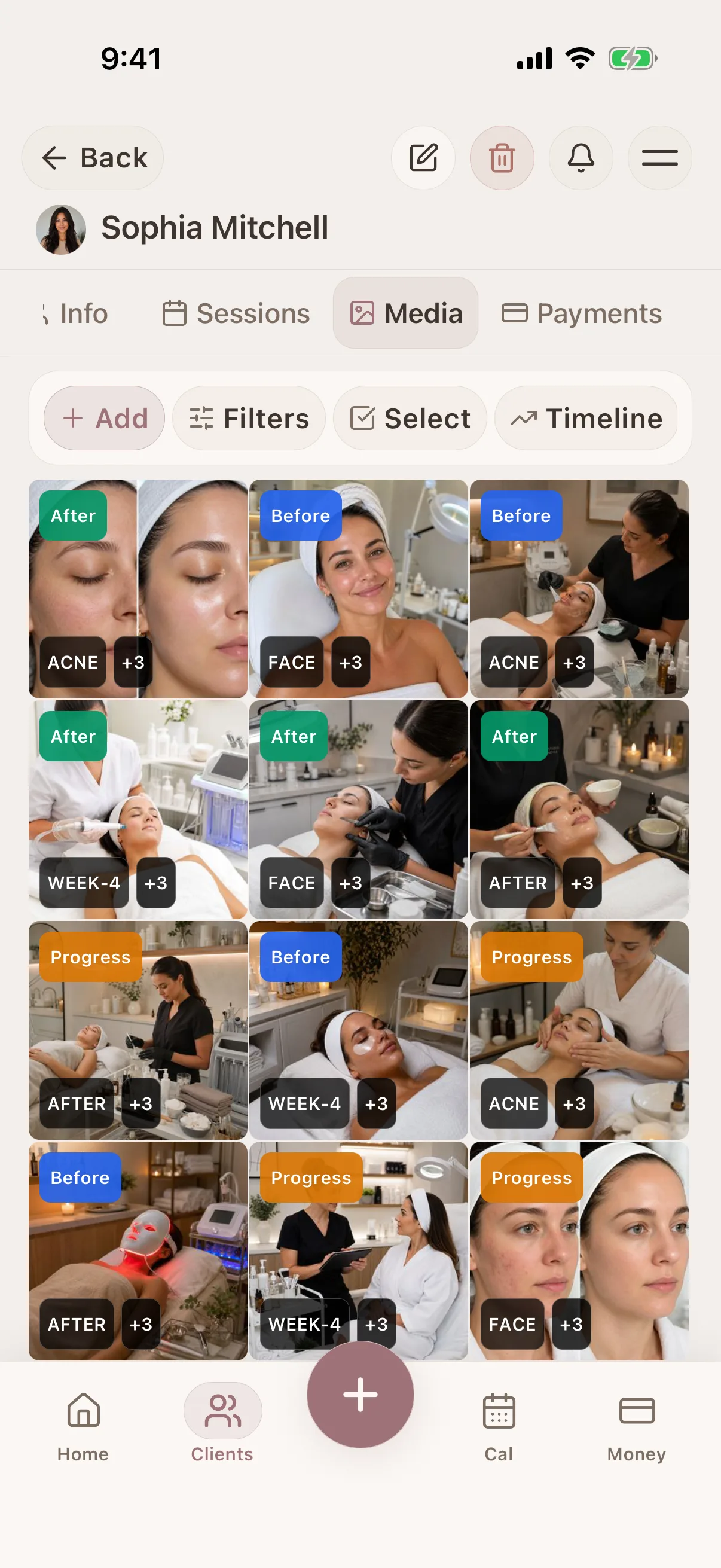
Attach the image to the correct client and session so the date, service, formula, products, notes and client-reported response can explain what the photo shows.
Before, progress, after and custom tags
Mark the stage and add useful custom tags for a service, technique, area or result. Search Glamorph's uploaded records instead of expecting the app to scan your entire phone gallery.
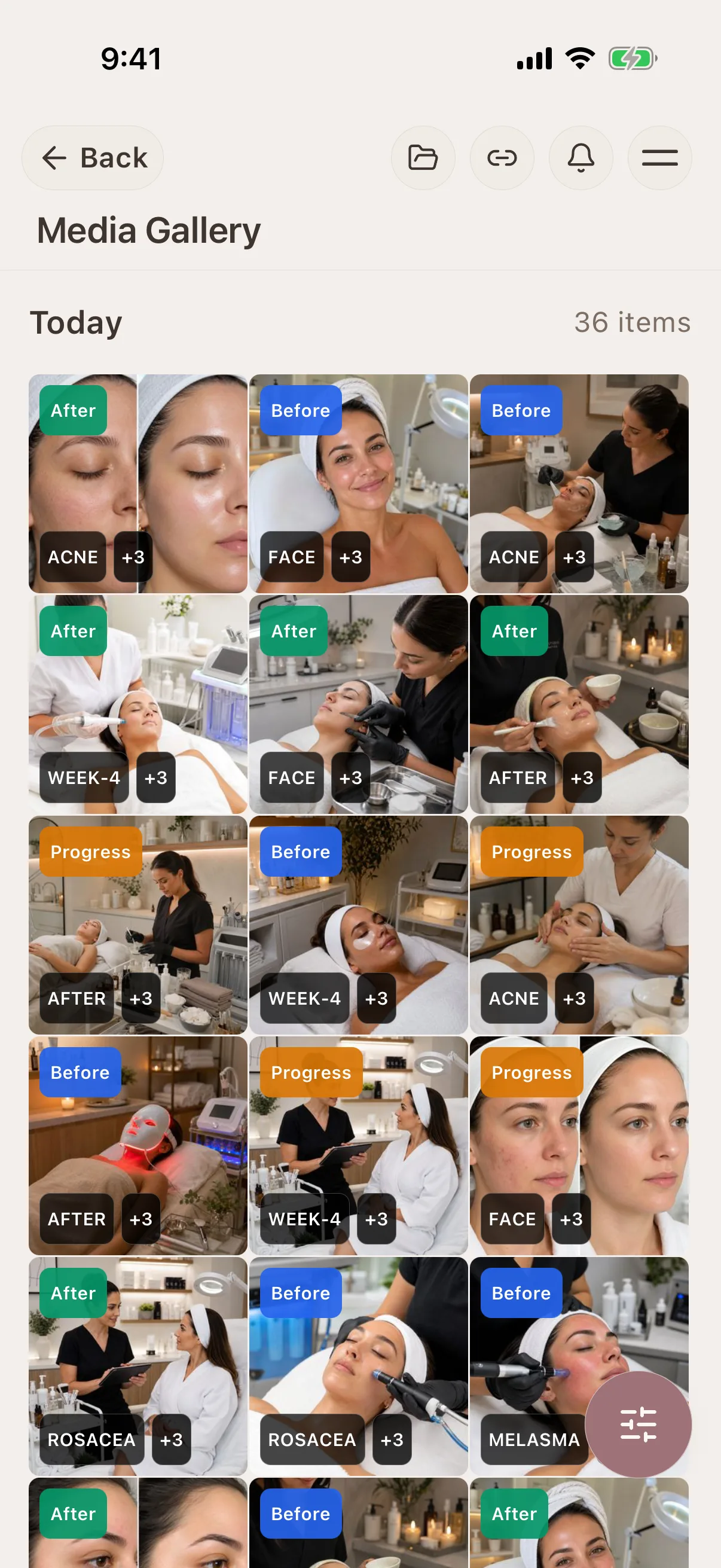
Compare the same client over time
Review earlier sessions beside the current record to prepare for a repeat service, discuss visible progress or understand which formula and technique produced a previous result.
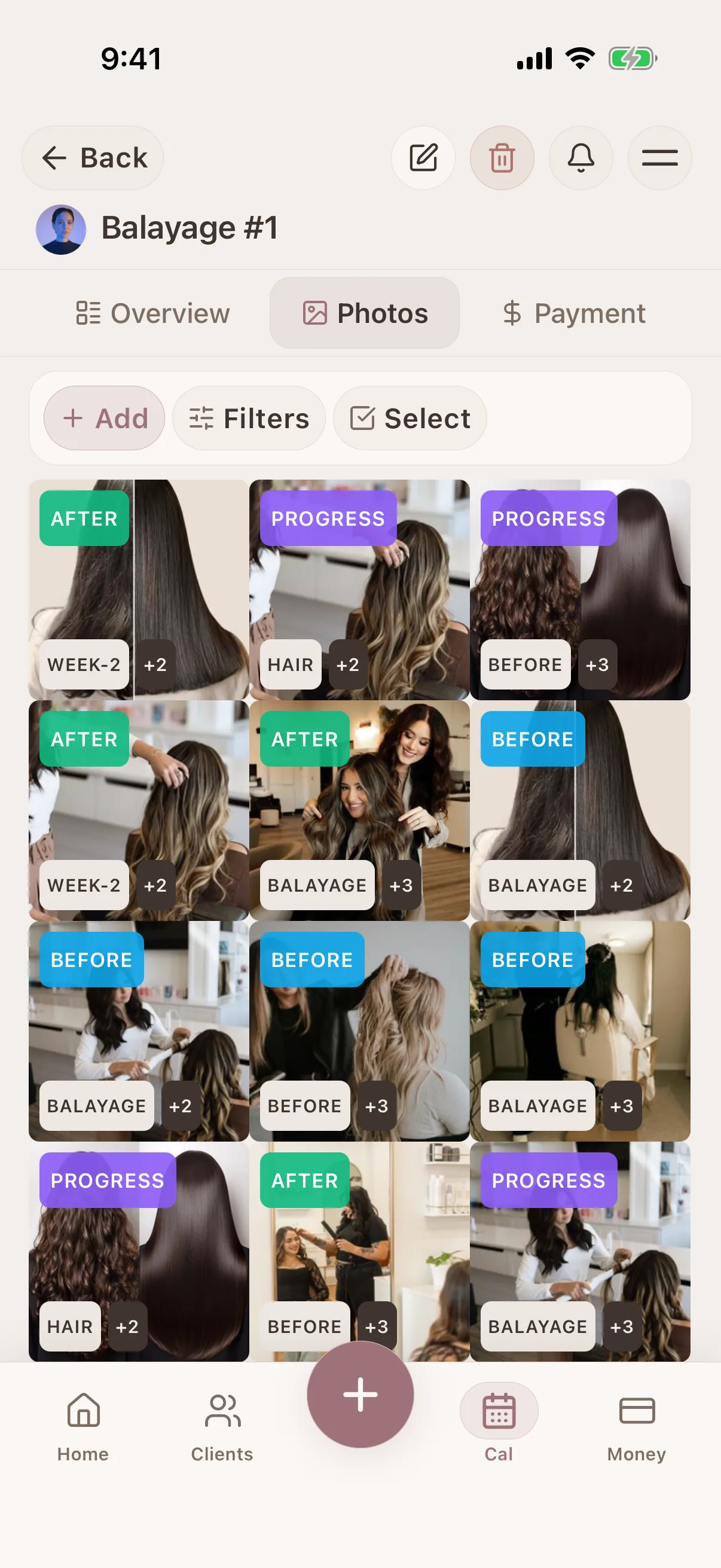
Share only the images you select
Create an album or shareable gallery from chosen photos without exposing the client's notes, documents or remaining media. You remain responsible for consent and the privacy rules that apply to your work.
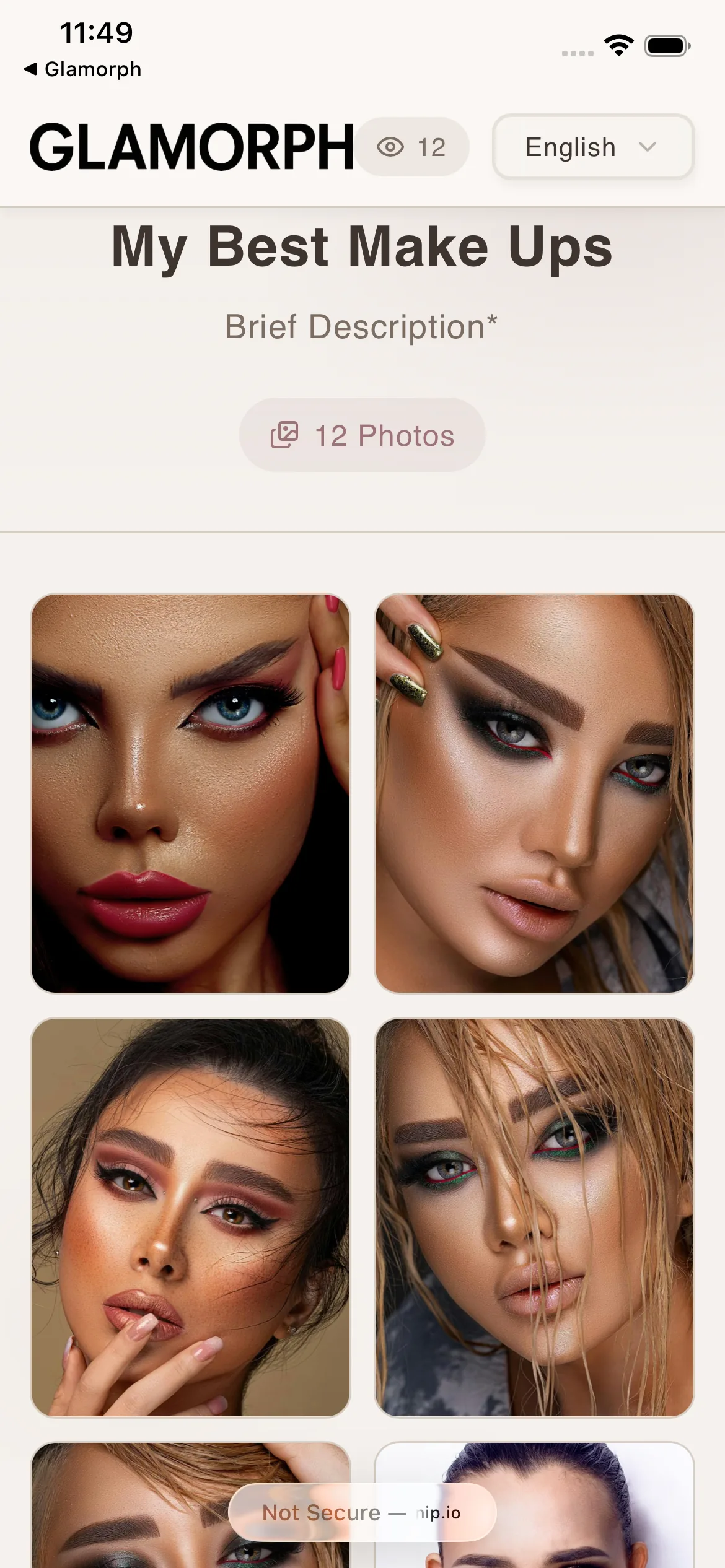
Complete control over every share
Set a password. Add an expiration date. Limit how many times it can be viewed. Allow or block downloads. Hide client or session details. Every share link has its own permissions: you decide what clients see and do.
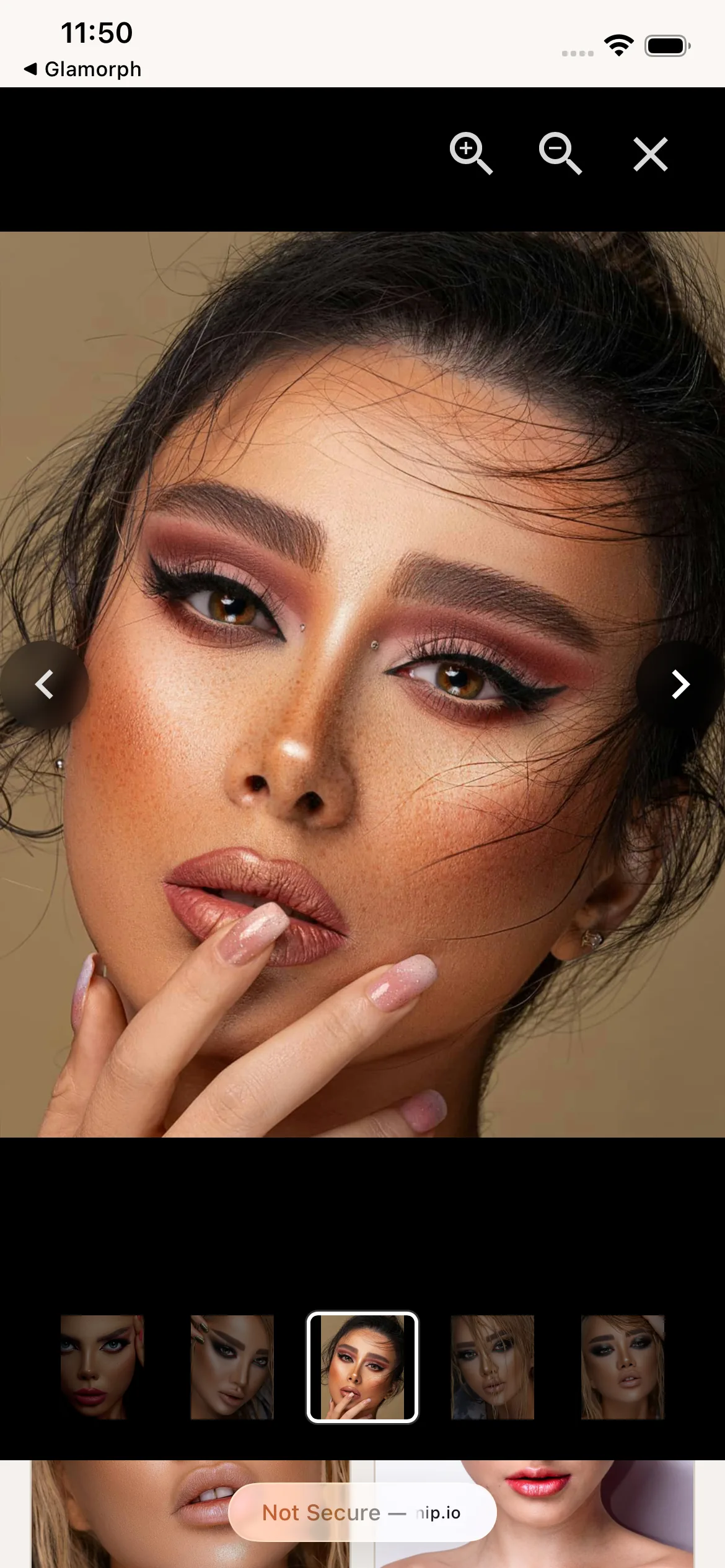
Continue supported photo work with weak signal
Supported mobile photo workflows can continue without a reliable connection and sync later. Sync timing and previously available media depend on the device, record state and restored connectivity.
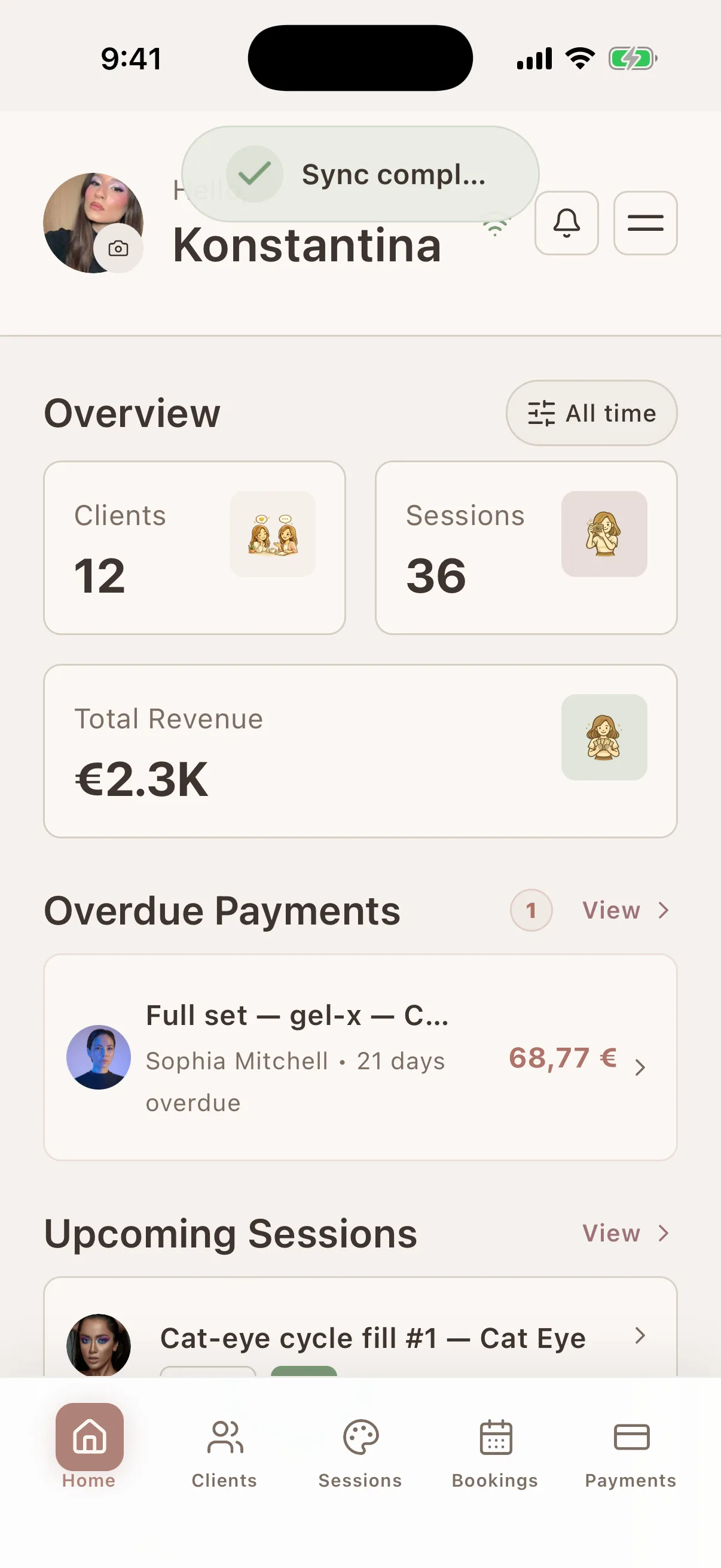
Where this fits in real client work
Connect this feature with the parts of Glamorph that help you remember the client, prepare faster, and follow up cleanly.
See all featuresUse it with
Stay ready before the next appointment
Know what happened last time, what is booked next, and what still needs your attention.
Starting from €11.99 per month · Free trial included
Frequently asked questions
Do I have to take before-and-after photos for every client?
No. Photos are optional. Use them only when they improve the service record, consultation, progress review, repeat appointment or an approved gallery. A client profile and session can still be useful without media.
Does Glamorph scan or organize my whole camera roll automatically?
No. You choose which photos to take or import into Glamorph and which client and session they belong to. Glamorph searches and organizes those uploaded records. It does not search the rest of your phone gallery.
Can I keep consultation, progress and final photos together?
Yes. Attach them to the relevant client and sessions, then use before, progress, after or custom tags to keep the visual timeline understandable.
Can I share photos with clients?
Yes. Build an album or shareable gallery from selected images. The share does not expose the complete private client record, and you should confirm that you have the permission required for the intended use.
Do photos work offline?
Supported mobile photo workflows can work without a reliable connection and sync when connectivity returns. Online sharing and completed cloud sync require internet.
Is this a general photo editor or a salon CRM that stores client photos?
It is not a general photo editor. Glamorph is a beauty client-management app that stores selected photos with client profiles, sessions, notes, formulas, documents, payments and appointment history.
Can clients download photos from a shared gallery?
Only if you allow it. When creating a share, you choose whether downloads are enabled. You can change this setting anytime.
Can I password-protect a gallery?
Yes. Add a password when creating the share. Clients must enter it before they can view the gallery.
Can I set galleries to expire?
Yes. Set an expiration date, a maximum number of views, or both. Once the limit is reached, the link stops working automatically.
Can I use galleries as my portfolio?
Yes. Create an album with your best work, share it as a gallery link, and use that link as your professional portfolio. Update the album anytime: the link always shows the latest version.
Can I see if someone viewed my gallery?
Yes. Every share tracks how many times it was viewed and when it was last accessed.
Can I share specific photos from a session, not all of them?
Yes. When creating a share, you select exactly which photos to include. Share the highlights, not the outtakes.
Take your client history with you
Use Glamorph for the details that usually live in DMs, notes, and your camera roll.
€11.99 per month
Trusted by beauty professionals across
From the blog
Tips and guides for beauty professionals
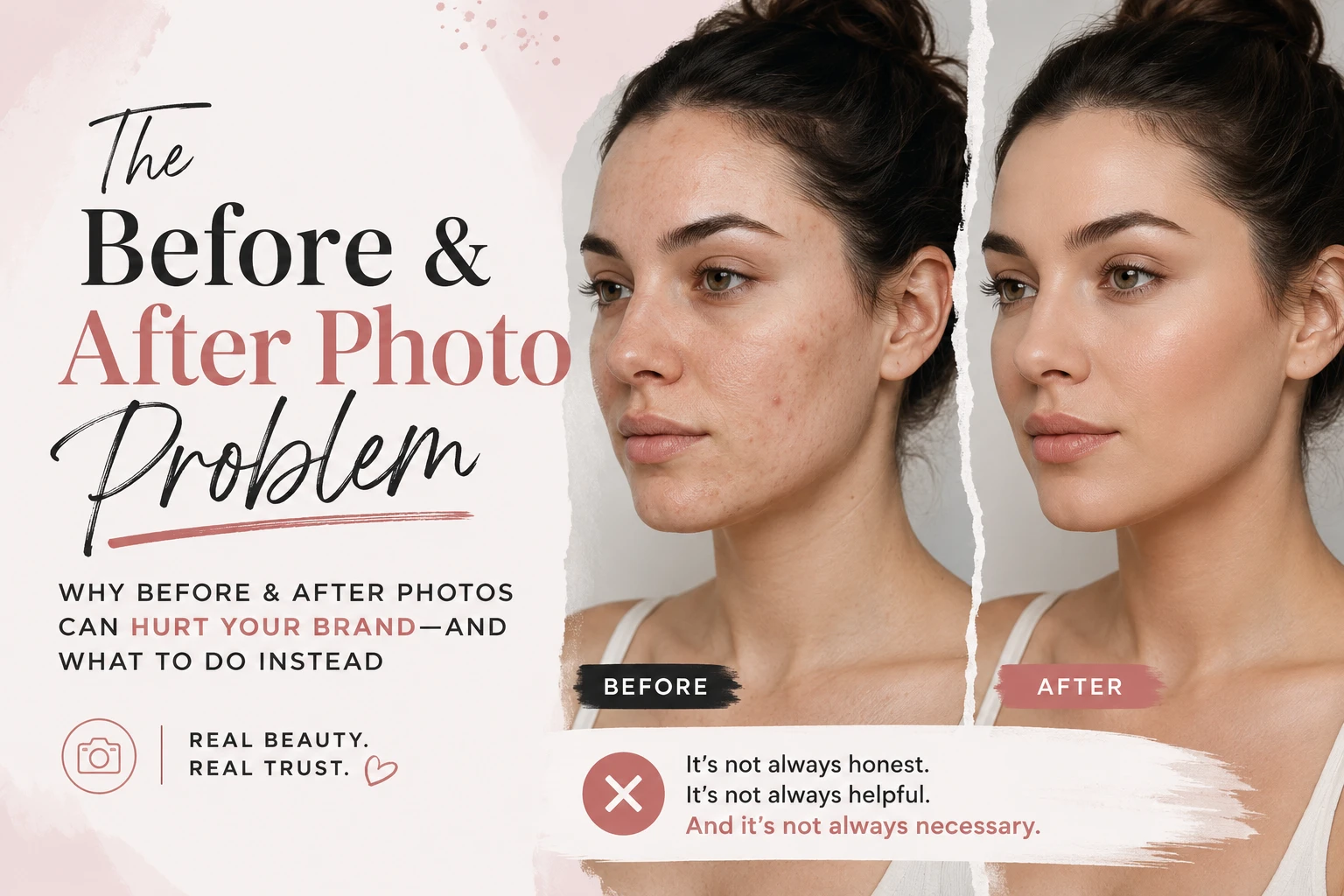
How to Organize Before-and-After Client Photos
Organize before-and-after client photos in Glamorph: link images to sessions, add useful tags, retrieve past looks and share only selected work.
Read article
Freelance Makeup Artist Client Management
See how Glamorph connects makeup bookings, trial notes, product shades, photos, signed forms and payments in one client-management workflow.
Read article