Beauty Portfolio App with Photo Albums
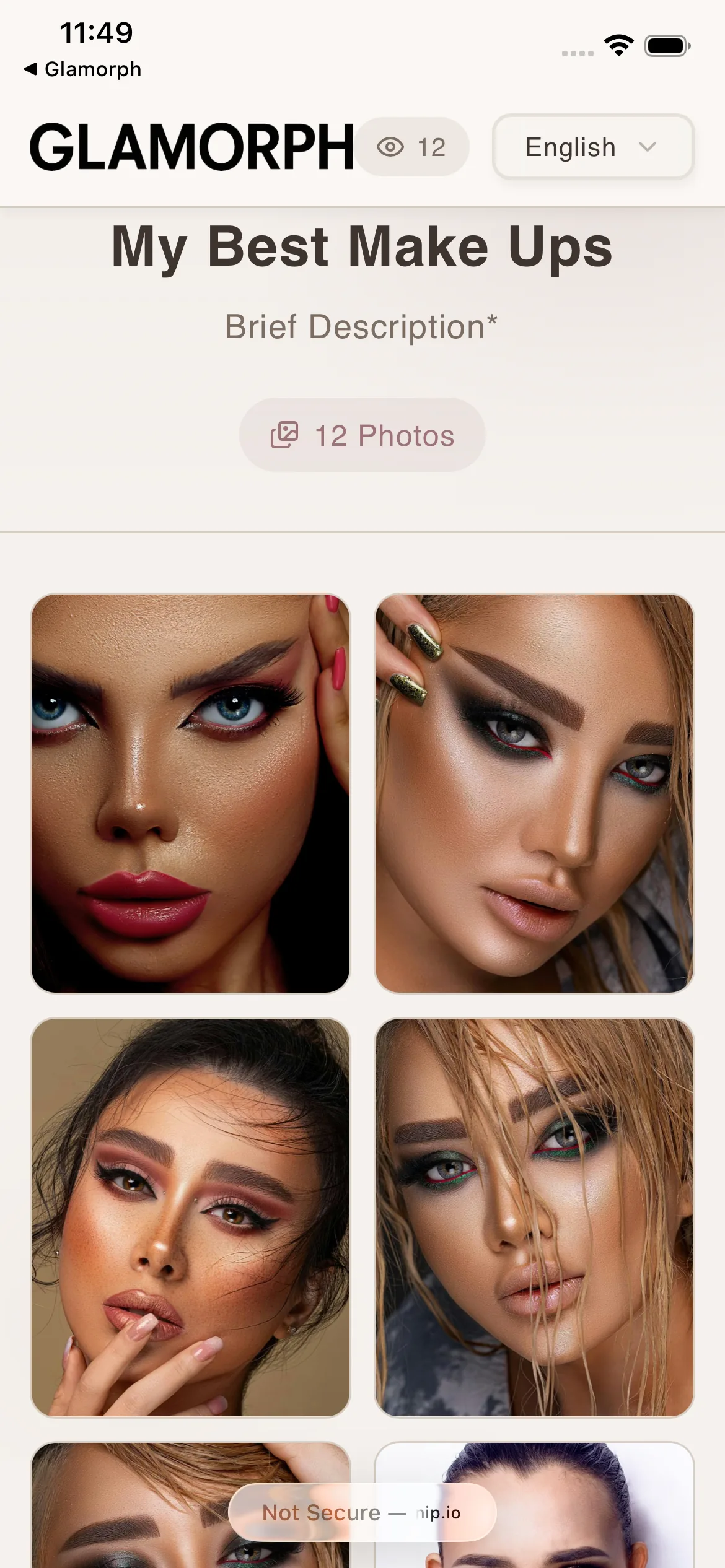
Collect your best photos into albums. Reorder them perfectly. Share a beautiful gallery link in one tap: clients see a curated collection, no app needed.


Glamorph is beauty business software for independent professionals and small teams. It brings online booking, calendars, client history, photos, signed documents, payments, and team work together in one place.
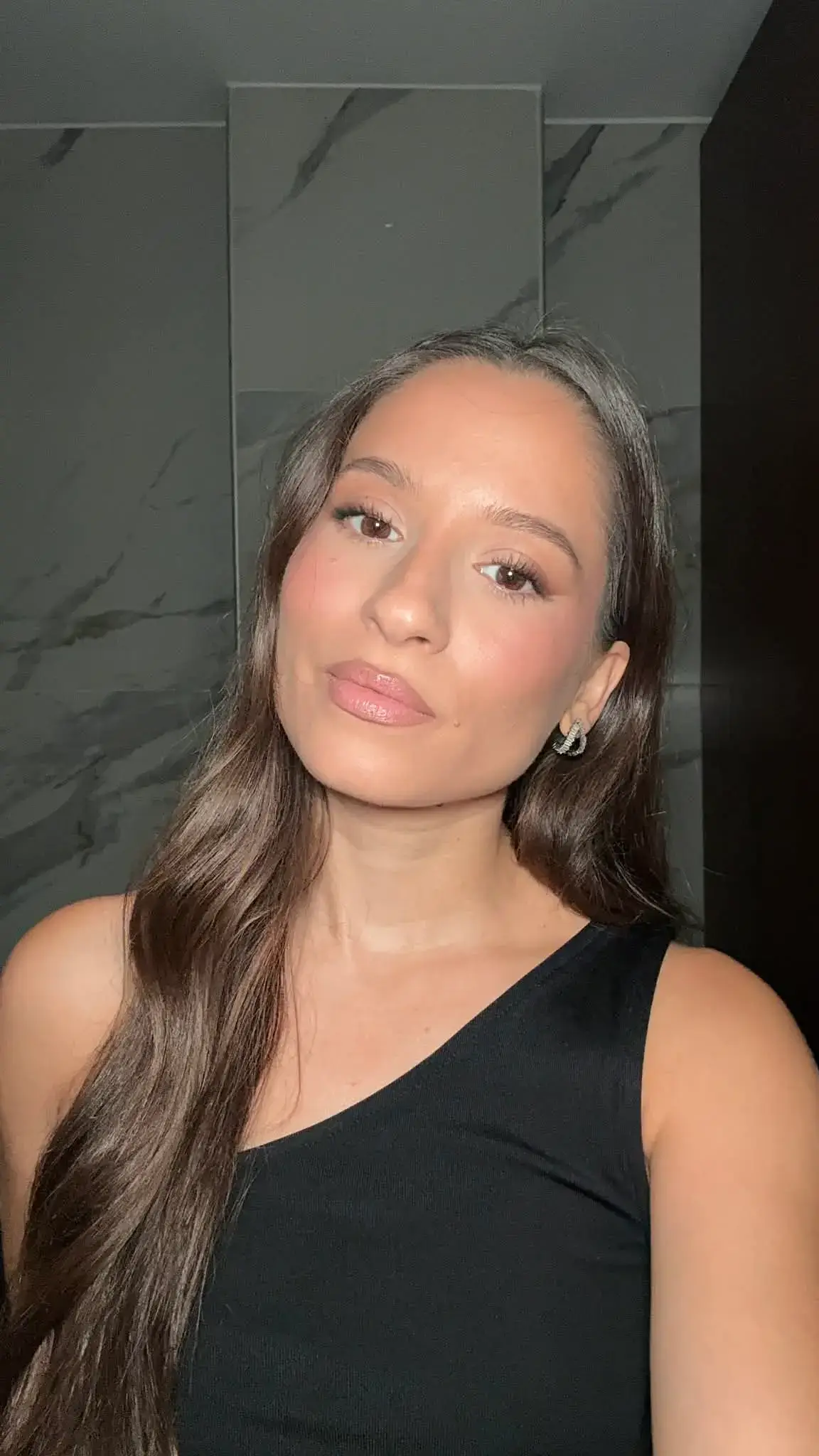
"Built from beauty work, developed for the business around it"
Glamorph co-founder Konstantina Tsormpa is a makeup and bridal artist. That background informs the attention to client history, while booking, payments and shared workspaces support independent professionals and small teams across beauty services.
How it helps your business
See how this feature makes your daily work easier
Organize your best work
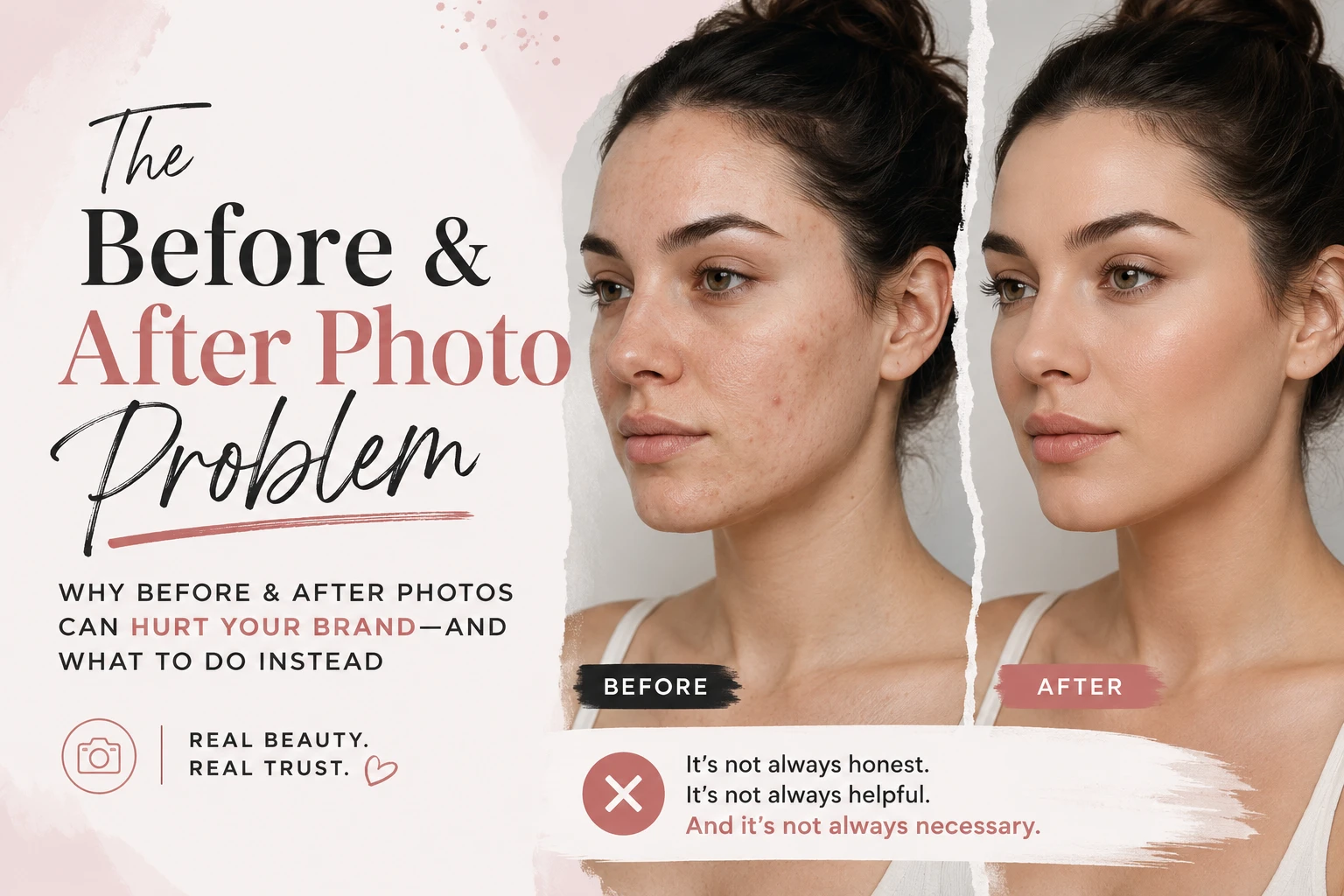
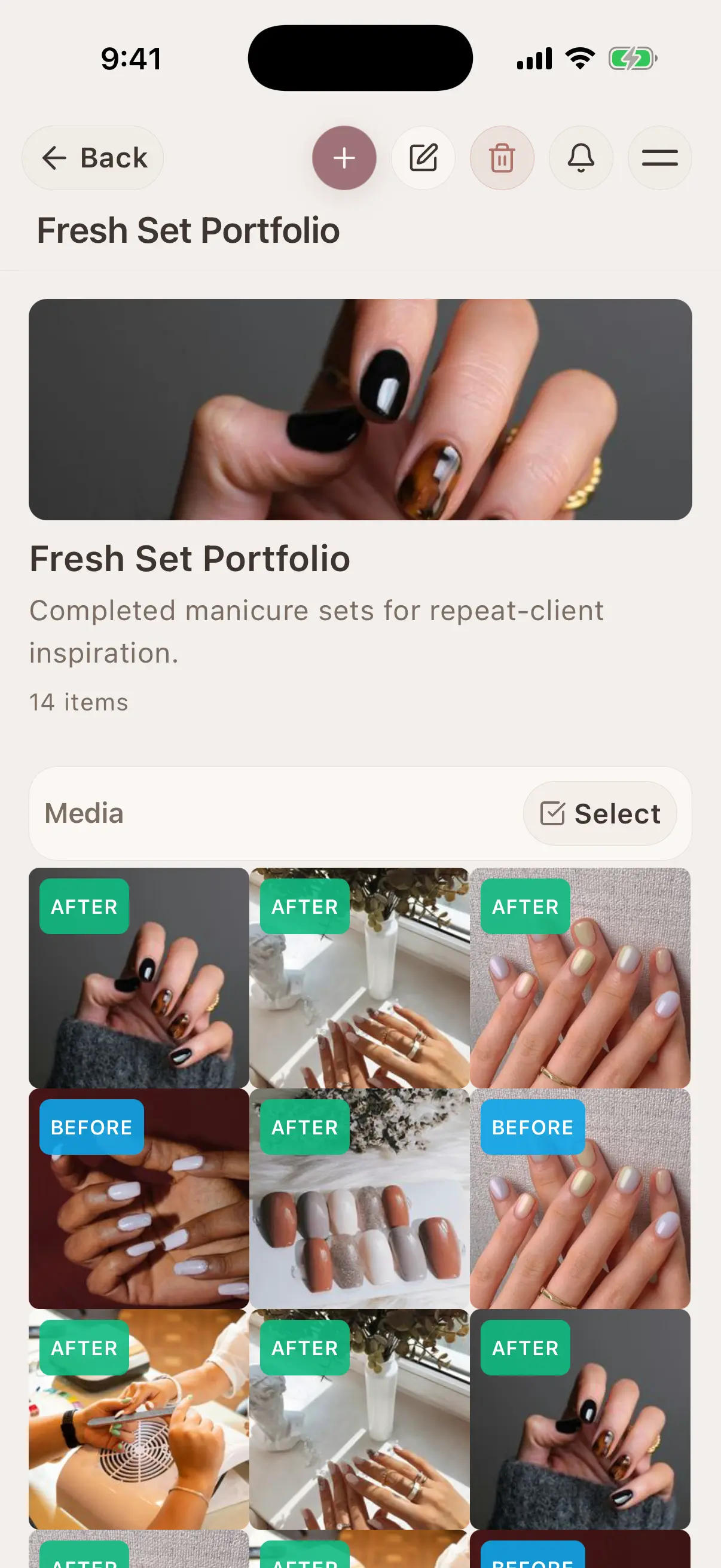
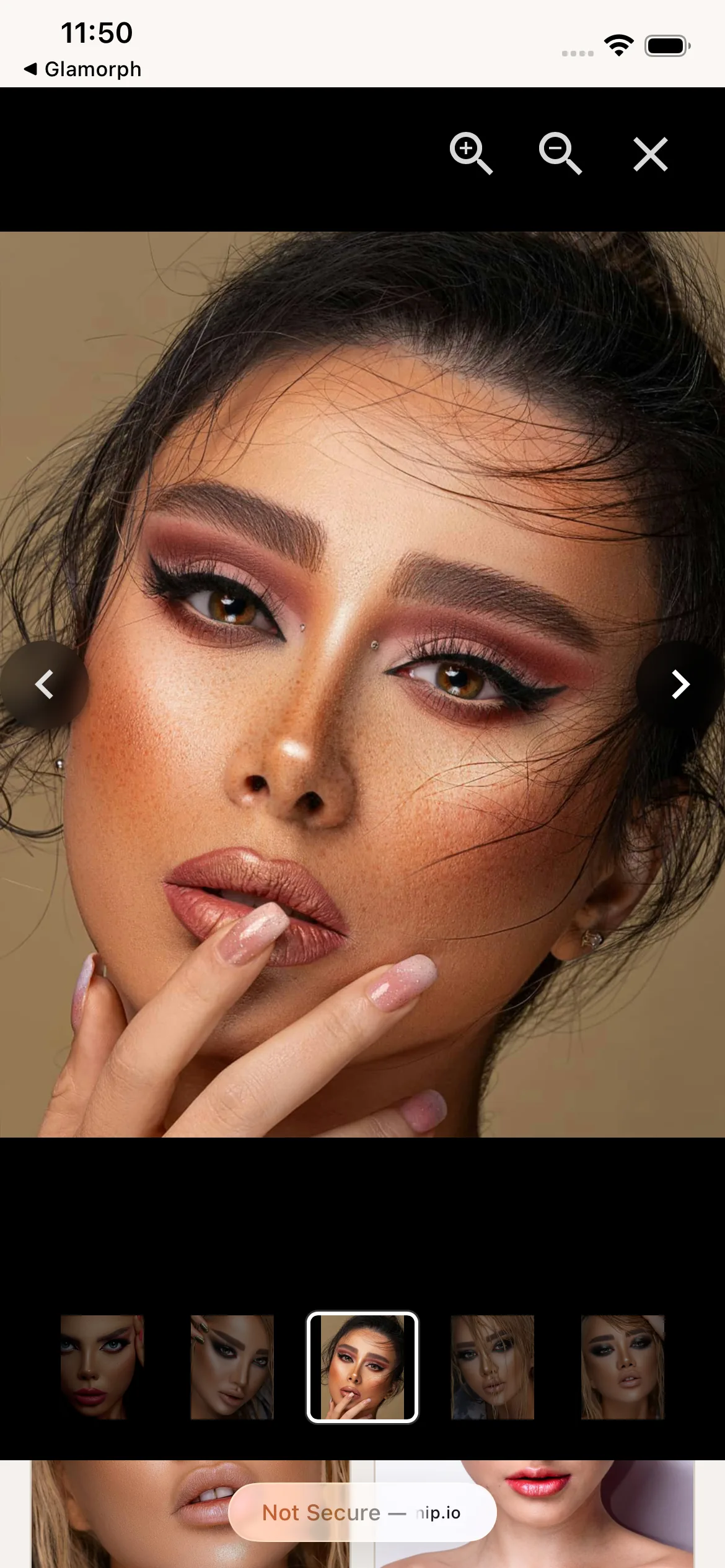
Create albums for weddings, specific clients, techniques, or anything else. Group before/afters, bridal looks, nail art: your portfolio takes shape as you work.
Drag to reorder, pick a cover
Rearrange photos in any order. Pick the strongest photo as your album cover: that's what people see first when you share the link.
Share as a gallery link
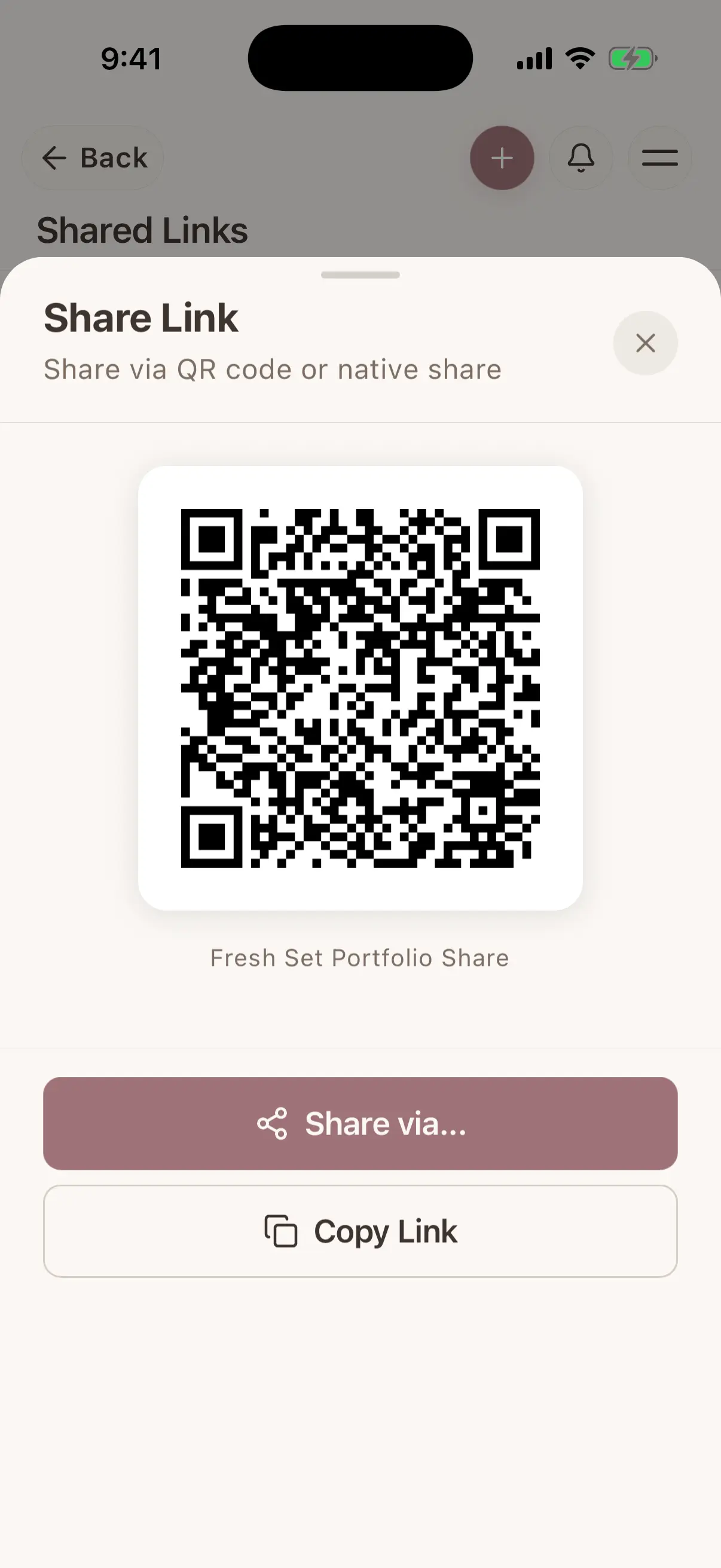
One album → one link. Send it on WhatsApp, DM, email, or paste it on your website. Clients see a clean, professional gallery in their browser.
Control who sees what
Set a password. Limit how many times it can be viewed. Allow or block downloads. Expire the link after a date. Your work, your rules.
Where this fits in real client work
Connect this feature with the parts of Glamorph that help you remember the client, prepare faster, and follow up cleanly.
See all featuresUse it with
Stay ready before the next appointment
Know what happened last time, what is booked next, and what still needs your attention.
Starting from €11.99 per month · Free trial included
Frequently asked questions
How many albums can I create?
Unlimited. Create one per client, one per technique, one for your main portfolio: as many as you need.
Can I reorganize an album after creating it?
Yes. Drag photos to reorder instantly. Swap the cover image. Add or remove photos. Albums are always editable.
What's the difference between an album and a shared gallery?
Albums live in your app and organize your photos. Shared galleries are public links you create from albums (or sessions). One album can have multiple different shared links with different permissions.
Can clients download photos from a shared album?
Only if you allow it. When creating a share link, you choose whether downloads are enabled or not.
Take your client history with you
Use Glamorph for the details that usually live in DMs, notes, and your camera roll.
€11.99 per month
Trusted by beauty professionals across
From the blog
Tips and guides for beauty professionals