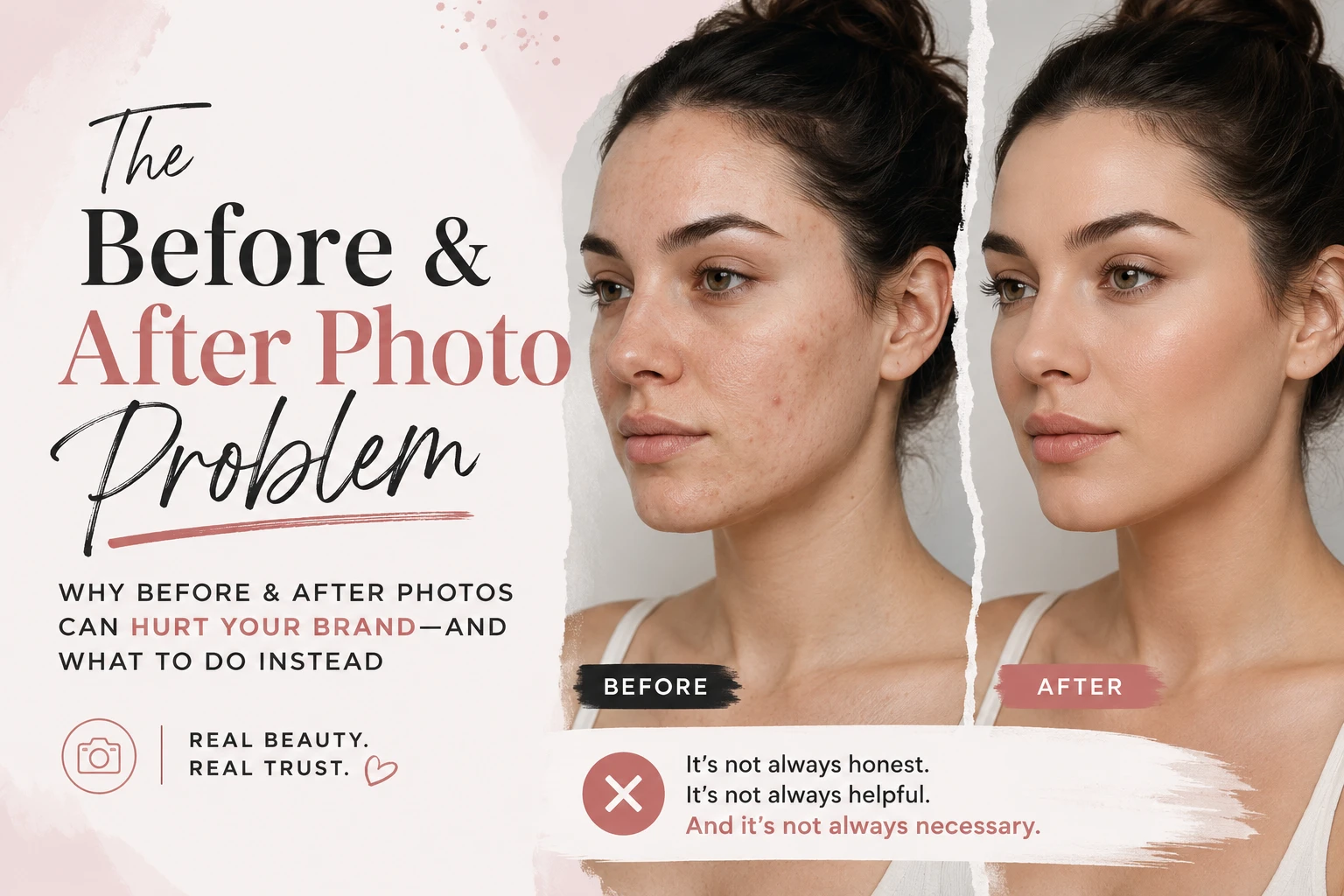
To organize before-and-after client photos, attach each image to the correct client and session, mark its stage, and add a few useful tags. Glamorph keeps those photos beside the service notes, so you can find both a previous result and the products or formula behind it.
I’m Konstantina, a makeup artist and Glamorph’s founder. This is a product walkthrough for beauty professionals who need their photos for consultations, repeat appointments or selected portfolio sharing. The examples below use fictional demo records.
Where should each client photo go?
Open the relevant client and session, then take or import the photos you want to keep. A bridal trial, color appointment or lash refill gets its own session, so the date and notes explain the images.
Keep product names, shades, formulas and client feedback in the session note. A photograph shows the result. The note records how you approached it and what to review next time.
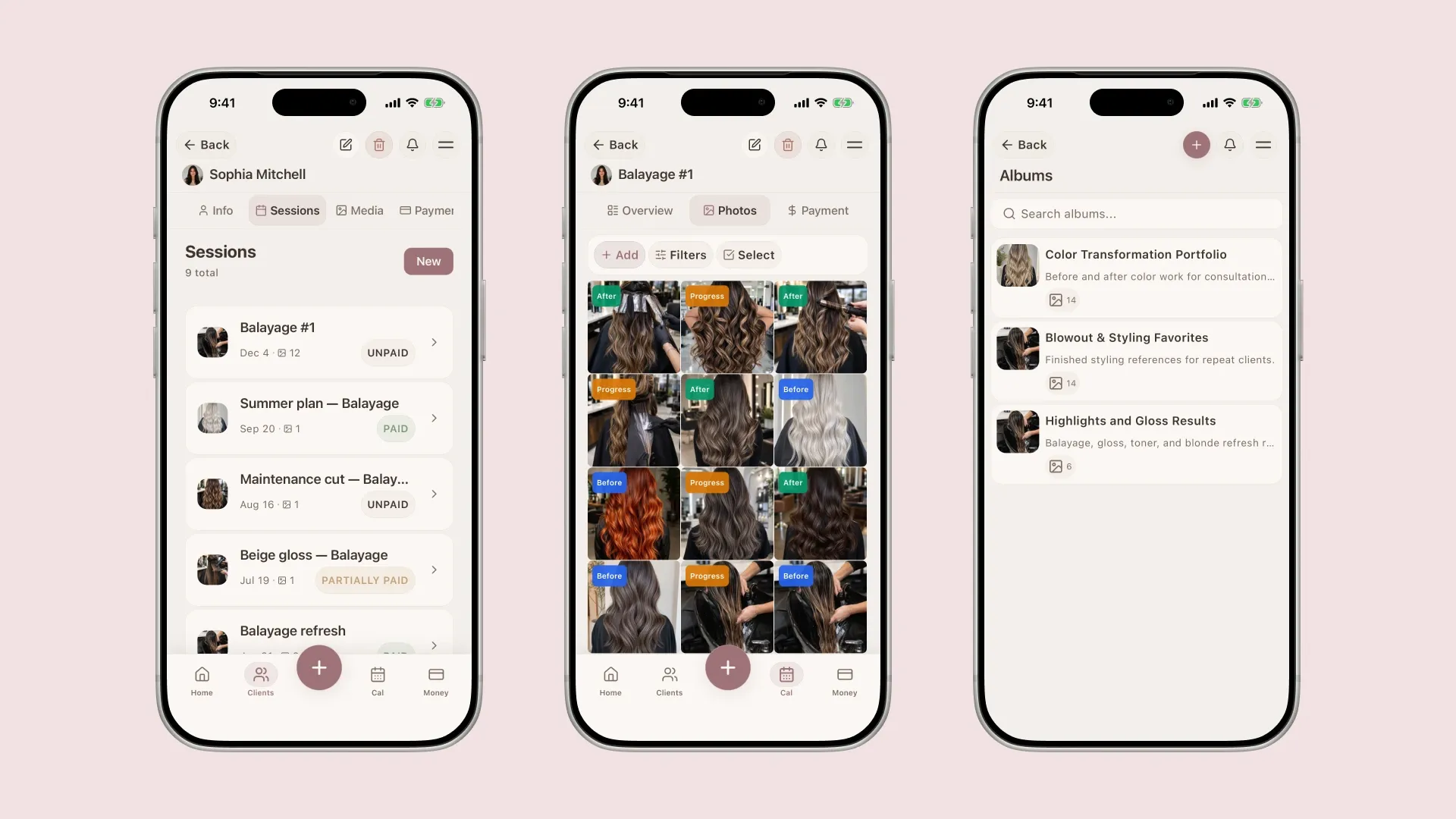
Demo records showing how sessions, photos and albums connect. These are not a single client’s before-and-after results or examples of Konstantina’s hair work.
Glamorph organizes the images you choose to add. It does not scan your entire phone library or automatically identify clients. Photos are optional, so a useful client record does not depend on taking one at every visit.
Which categories and tags help you find a look?
Use Before, Progress or After when the stage adds useful context. Then add custom tags for the service or look you actually want to retrieve, such as bridal, soft glam, balayage or lash lift.
Keep the labels consistent. For example, use the same soft glam tag across relevant makeup sessions rather than creating several names for the same look. You do not need to turn every product in the session note into a photo tag.
The before-and-after photo feature connects these categories and tags to the client’s history. It is a record of your work, not an automatic photo editor or transformation generator.
How do you find photos for the next appointment?
For a returning client, open their history and the relevant previous session. Review the images alongside the notes before agreeing what to repeat or change.
To find a look across your uploaded library, use the relevant stage and custom-tag filters. For example, choose after images and the soft glam tag, then review the matching records. Use a specific tag for a combination you regularly need, such as soft glam bridal.
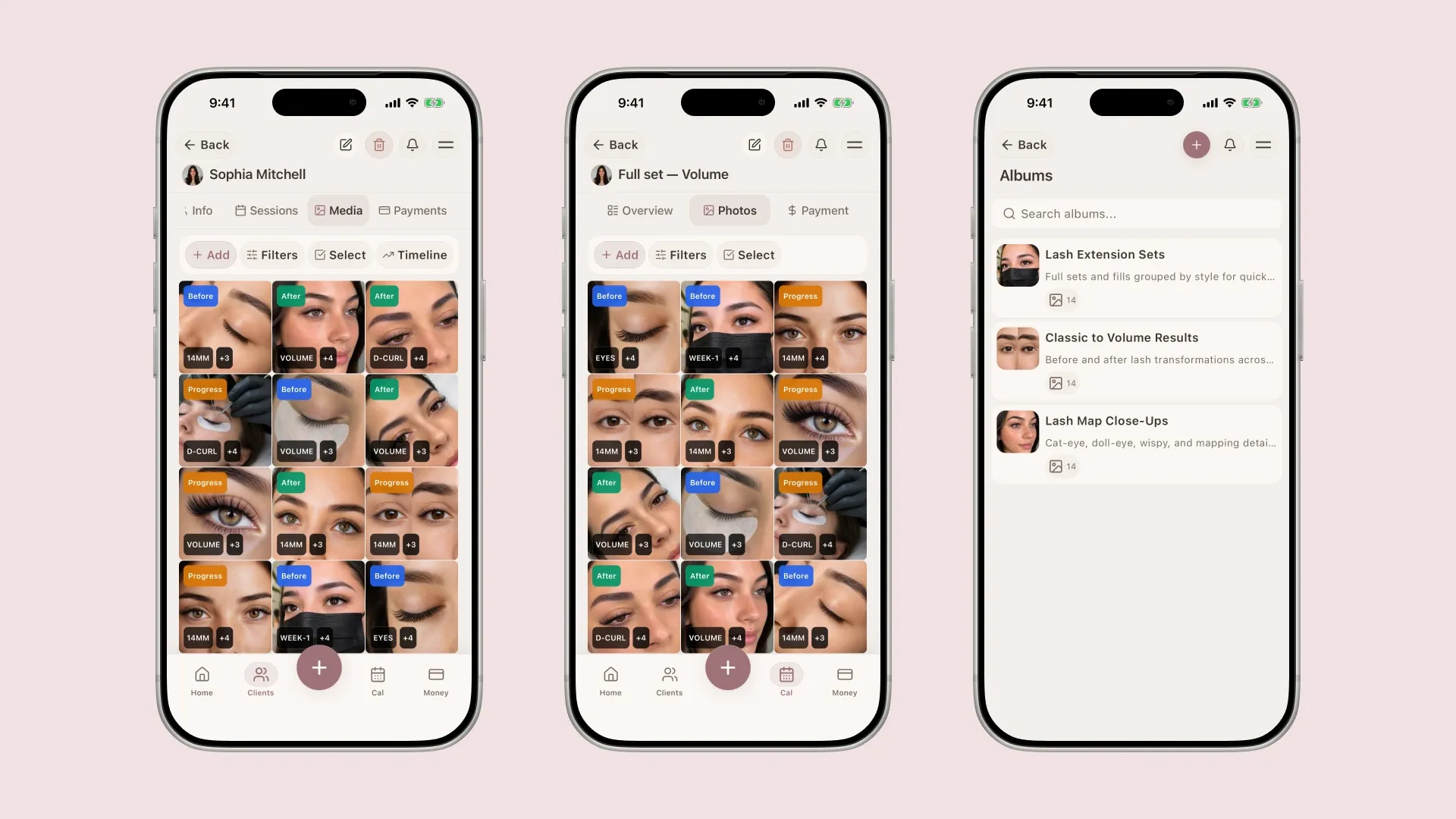
Demo images illustrate the library structure and tagging. They are not a documented treatment sequence or customer outcome.
A selected image can help explain the next service. Keep it connected to the session rather than treating a portfolio photo as the complete client record.
How do you share selected work?
Choose the images you intend to share and create an album or shareable gallery. Review its settings, including client and session information, downloads, password protection and expiry where needed.
A private service-record photo is not automatically approved for public marketing. Keep the client’s specific permission with the record and check it before sharing. A custom tag is a reminder to review that permission, not a substitute for it. The photo-permission and consent guide covers that distinction.
Where do you start with an existing archive?
Start with a recent appointment or the client you are seeing next. Add the useful images, connect them to the correct session, and save the notes that explain them. Older work can follow when you need it.
Glamorph also connects this history to bookings, documents, payments and permitted team access. You can begin with photos without setting up every other feature.
Try the client-photo workflow with one session: add the images, categorize them, then find them again through the client history or tags. That gives you something concrete to evaluate before moving a larger archive.
Written by

Professional makeup artist and founder of Glamorph
Makeup artist and Glamorph founder with 5+ years of experience. Working closely with professionals across the beauty industry, she writes about client management, booking and everyday salon workflows.
You might also like

Freelance Makeup Artist Client Management
See how Glamorph connects makeup bookings, trial notes, product shades, photos, signed forms and payments in one client-management workflow.
Read more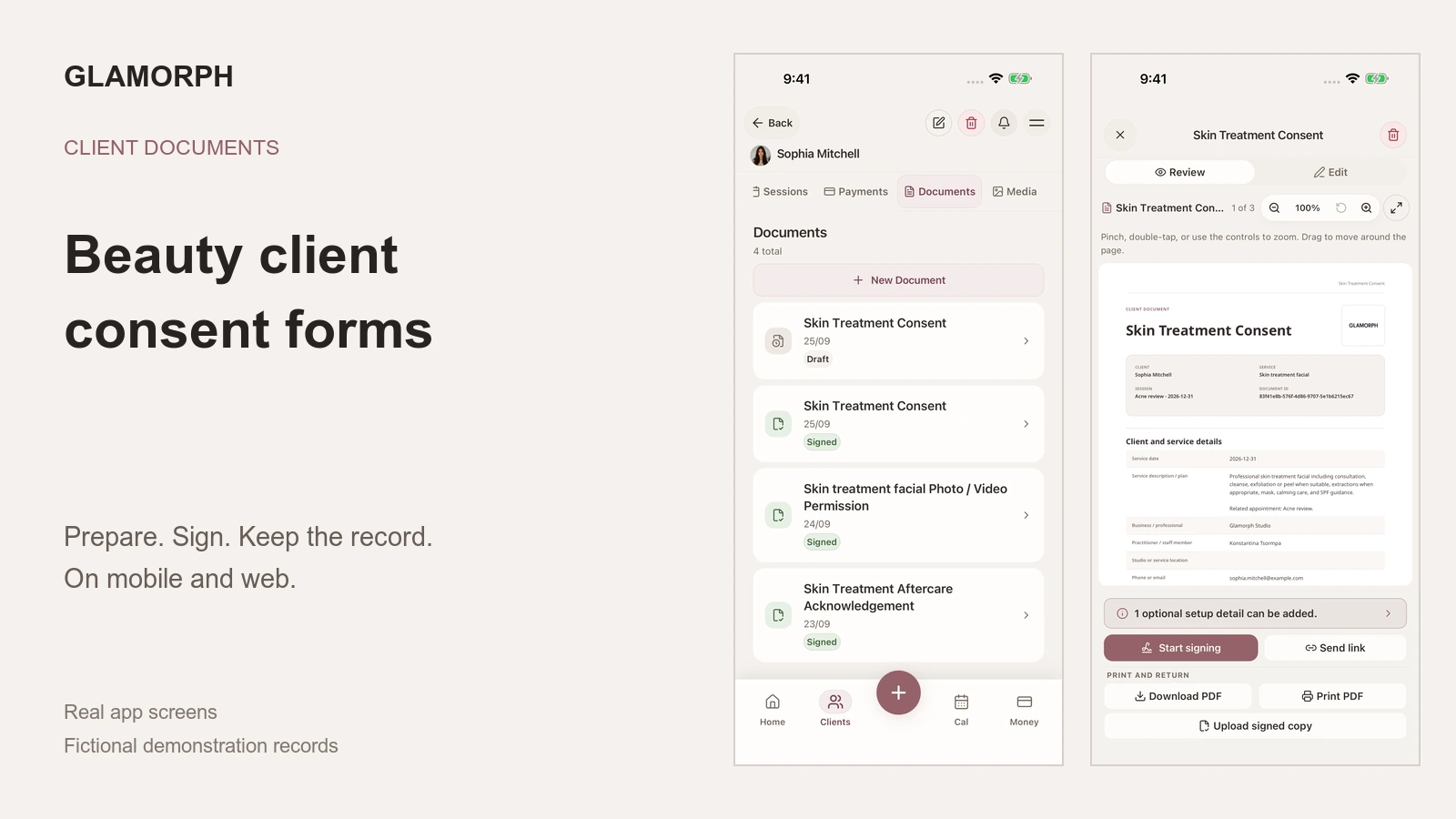
Beauty Client Consent Forms: What to Include and How to Use Them
What should a beauty consent form include? See how to prepare, sign, print, upload and retrieve client forms in Glamorph on mobile and web.
Read more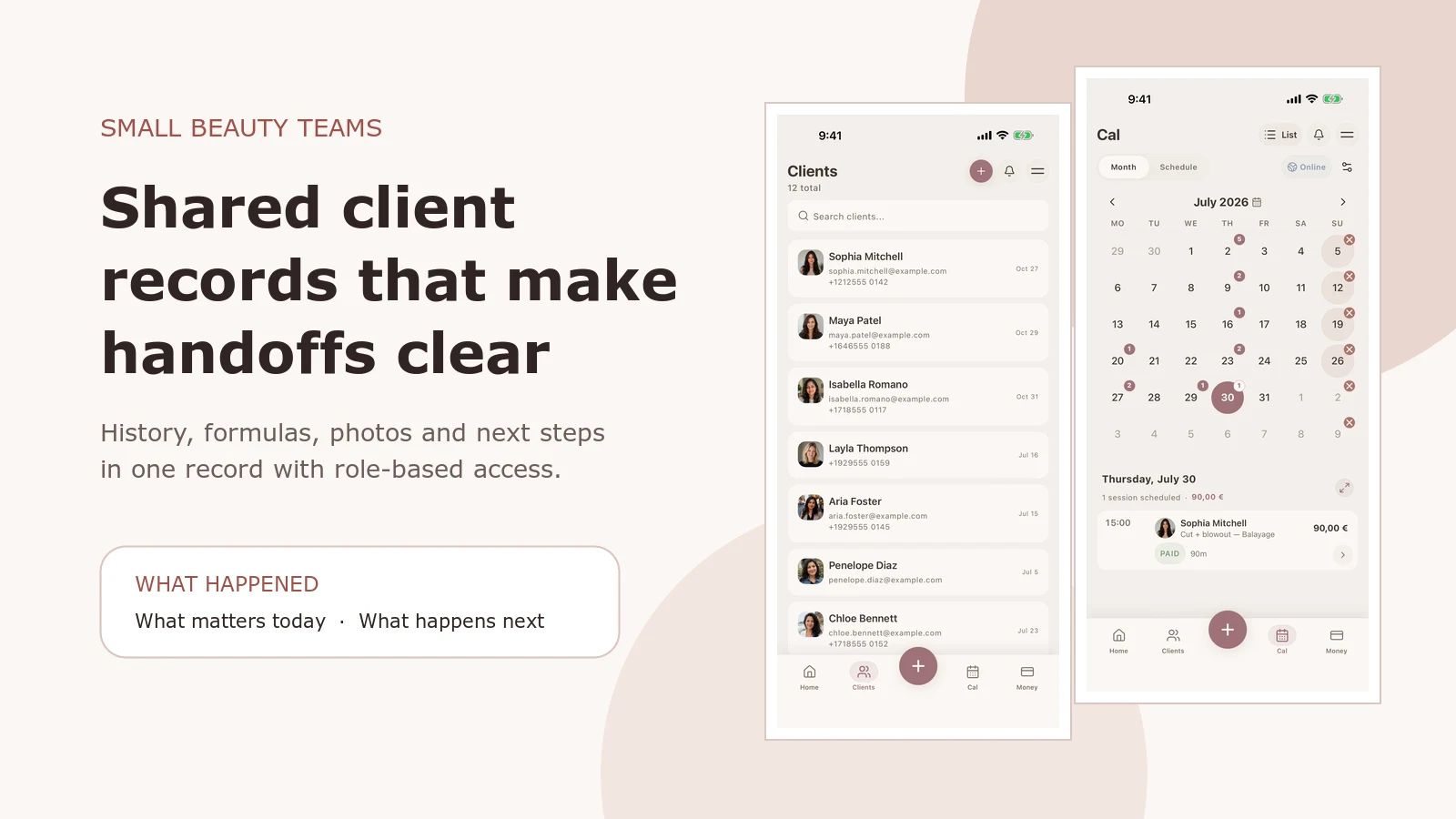
Salon Client Management Software: A Small-Team Workflow
See how Glamorph connects salon client records, booking, photos, signed forms, payments and team access. A practical workflow for small beauty teams.
Read more