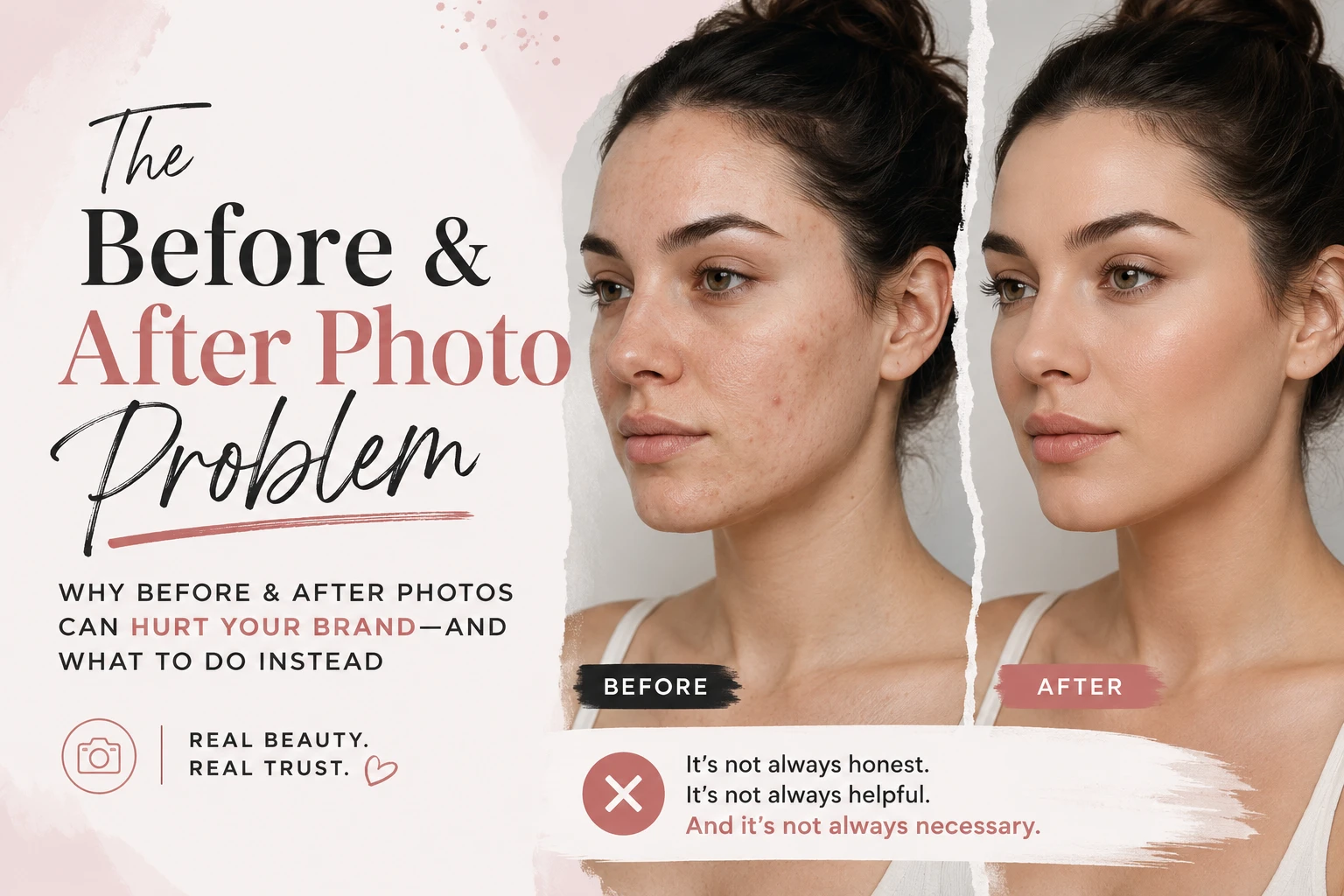
Shareable Beauty Galleries
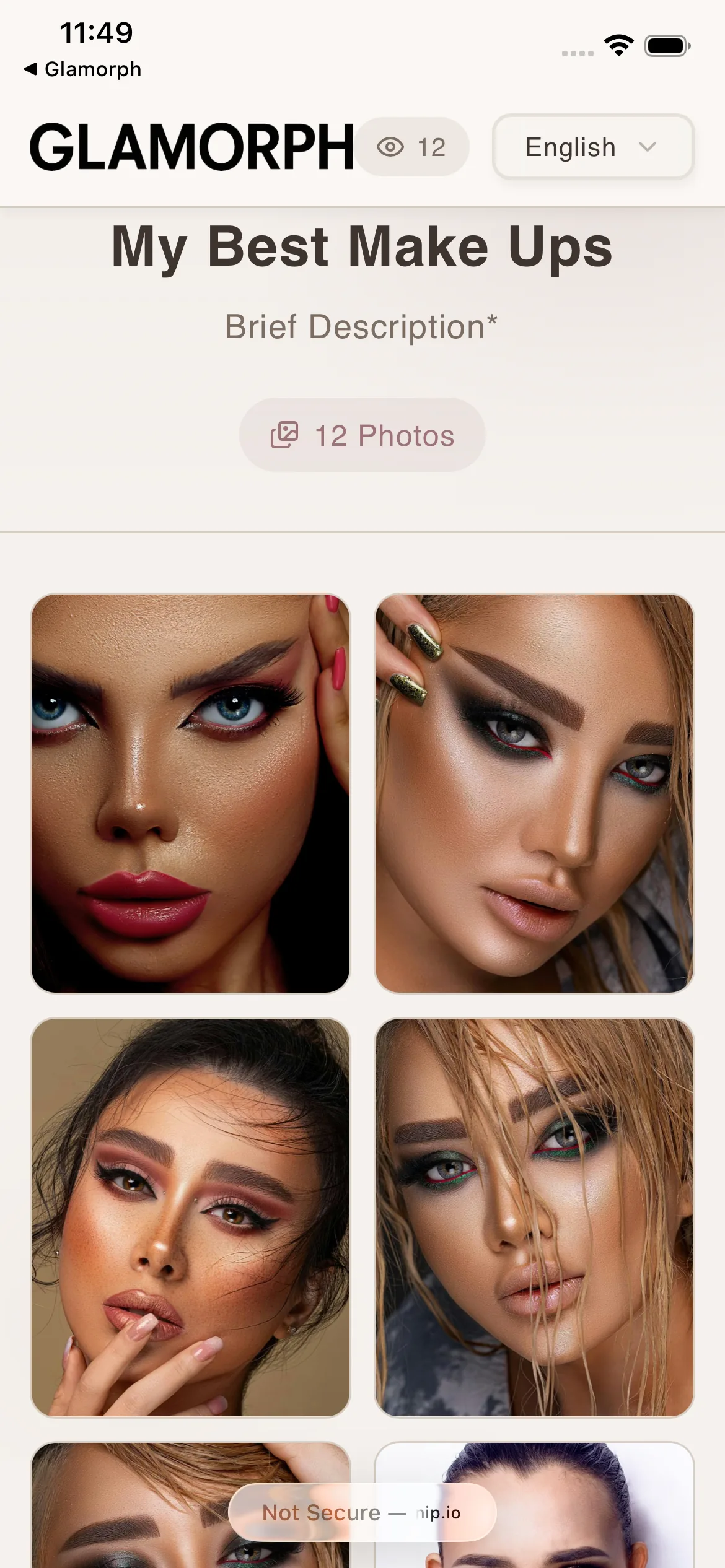
Turn your client photos into stunning shareable galleries. Build your portfolio and impress clients: all from Glamorph.
Glamorph
Glamorph is client management and online booking software for independent beauty professionals and small teams. It connects bookings, appointments, client details, signed documents, photos, payments, expenses, and service history in one complete client record. It is not a booking marketplace, salon POS, or enterprise salon suite.

"I was drowning in DMs and camera rolls"
50+ clients. Thousands of photos. Zero organization. I built Glamorph because I needed it myself: and every beauty pro I knew had the exact same problem.
How it helps your business
See how this feature makes your daily work easier
One-tap shareable links
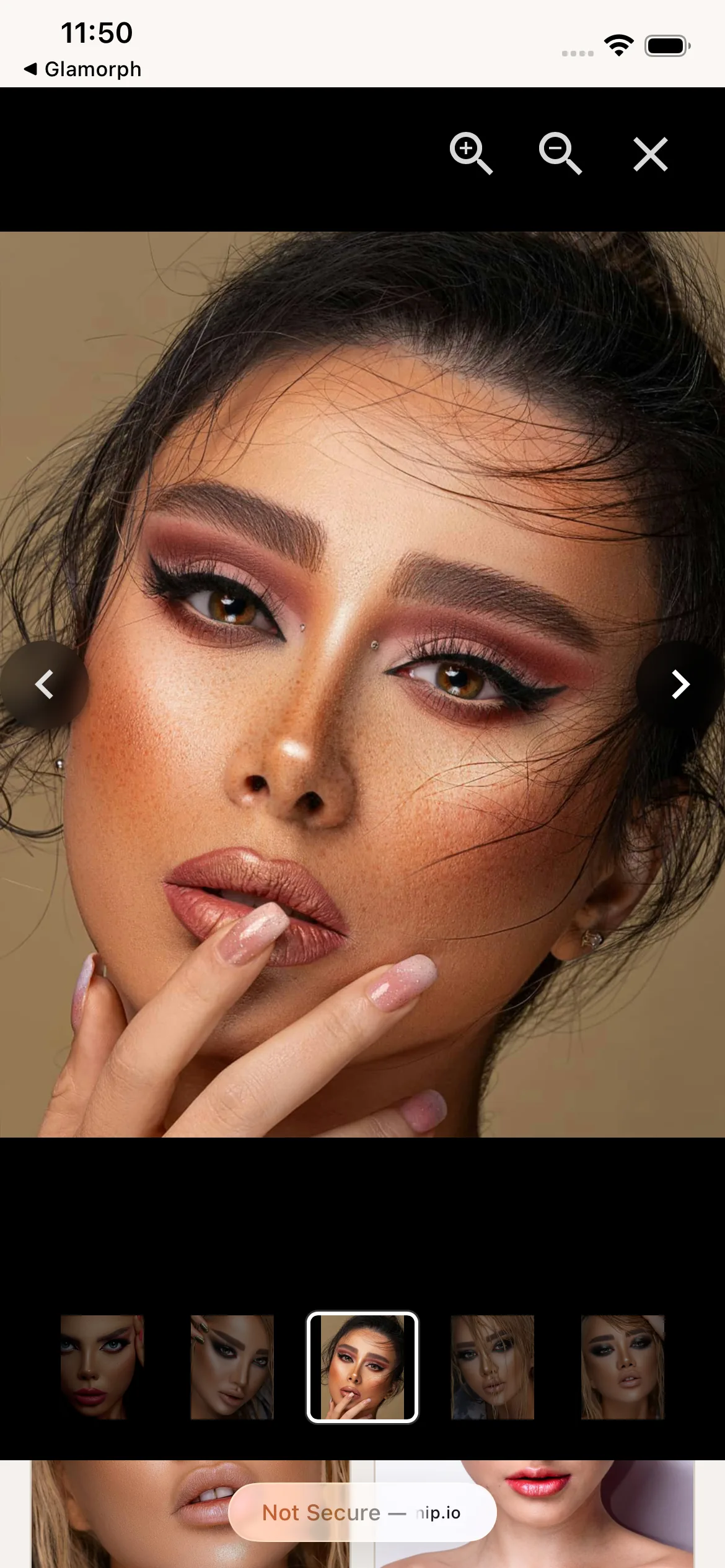
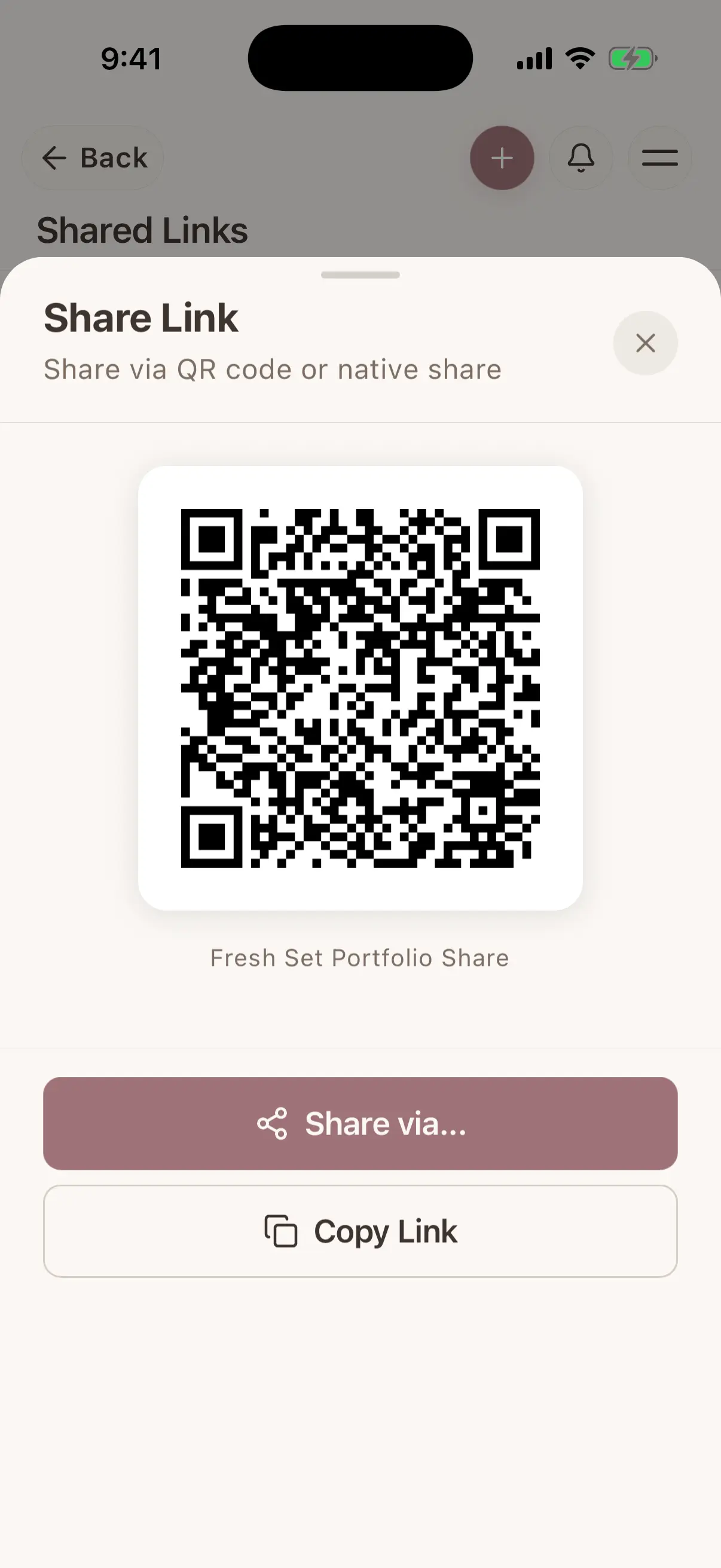
Select photos from a session or album, tap share, and get a beautiful gallery link. Send it via WhatsApp, DM, email: or paste it on your website. Clients see a professional gallery in their browser, no app needed.
Complete control over every share
Set a password. Add an expiration date. Limit how many times it can be viewed. Allow or block downloads. Hide client or session details. Every share link has its own permissions: you decide what clients see and do.
Custom titles & descriptions
Name each gallery: 'Bridal Trial: Maria' or '2025 Wedding Portfolio'. Add a description. Your galleries look intentional and branded, not generic.
Track who viewed your work
See exactly how many times each share was viewed and when it was last accessed. Know if a potential client actually looked at your portfolio: or if you need to follow up.
Glamorph
Where this fits in real client work
Connect this feature with the parts of Glamorph that help you remember the client, prepare faster, and follow up cleanly.
See all featuresUse it with
Glamorph
Stay ready before the next appointment
Know what happened last time, what is booked next, and what still needs your attention.
Starting from ≈ €9.99 per month · Free trial included
Frequently asked questions
Can clients download photos from a shared gallery?+
Only if you allow it. When creating a share, you choose whether downloads are enabled. You can change this setting anytime.
Can I password-protect a gallery?+
Yes. Add a password when creating the share. Clients must enter it before they can view the gallery.
Can I set galleries to expire?+
Yes. Set an expiration date, a maximum number of views, or both. Once the limit is reached, the link stops working automatically.
Can I use galleries as my portfolio?+
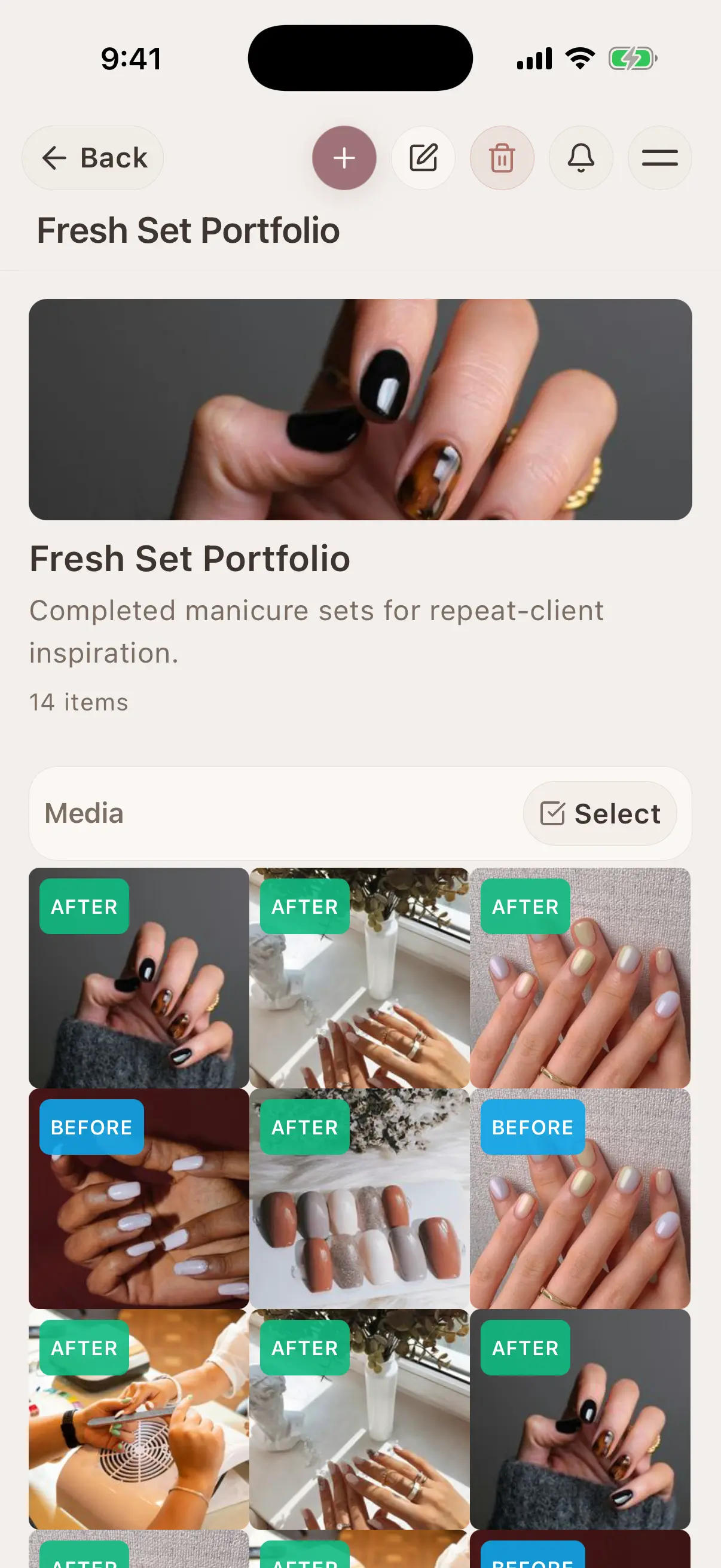
Yes. Create an album with your best work, share it as a gallery link, and use that link as your professional portfolio. Update the album anytime: the link always shows the latest version.
Can I see if someone viewed my gallery?+
Yes. Every share tracks how many times it was viewed and when it was last accessed. Great for knowing if a potential client checked out your portfolio.
Can I share specific photos from a session, not all of them?+
Yes. When creating a share, you select exactly which photos to include. Share the highlights, not the outtakes.
Take your client history with you
Use Glamorph for the details that usually live in DMs, notes, and your camera roll.
≈ €9.99 per month
Trusted by beauty professionals across
From the blog
Tips and guides for beauty professionals