

Choose a channel for each appointment
Add or edit an appointment and choose email, SMS or WhatsApp independently. Check the contact details, timing and client permission before saving. Online booking is optional.
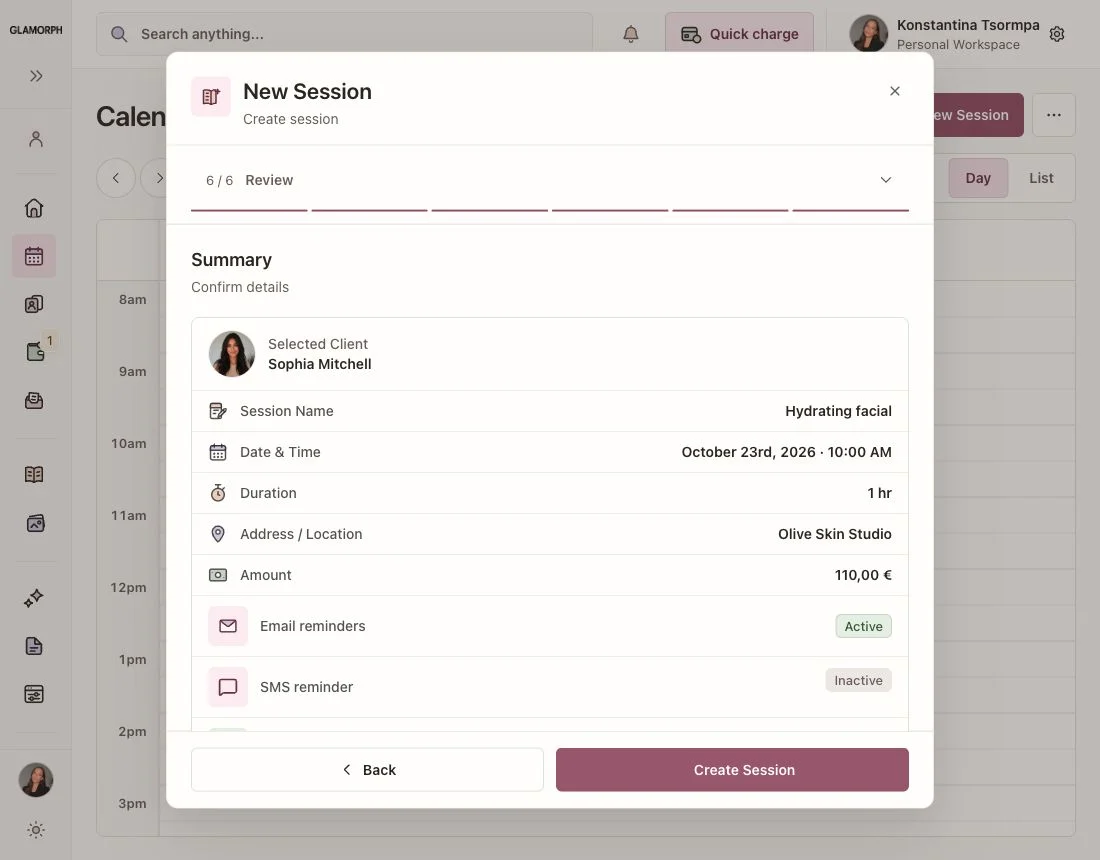
Send automatic reminders for appointments you add yourself and confirmed online bookings. Choose WhatsApp, SMS or email, with separate settings for each channel.
SMS destinations and sender options vary. WhatsApp requires an eligible business connection, approved messages and client permission.
Glamorph is beauty business software for independent professionals and small teams. It brings online booking, calendars, client history, photos, signed documents, payments, and team work together in one place.

"Built from beauty work, developed for the business around it"
Glamorph co-founder Konstantina Tsormpa is a makeup and bridal artist. That background informs the attention to client history, while booking, payments and shared workspaces support independent professionals and small teams across beauty services.
Configure reminders in the web app and review activity alongside your appointments. English interface with fictional demonstration data.
Add or edit an appointment and choose email, SMS or WhatsApp independently. Check the contact details, timing and client permission before saving. Online booking is optional.
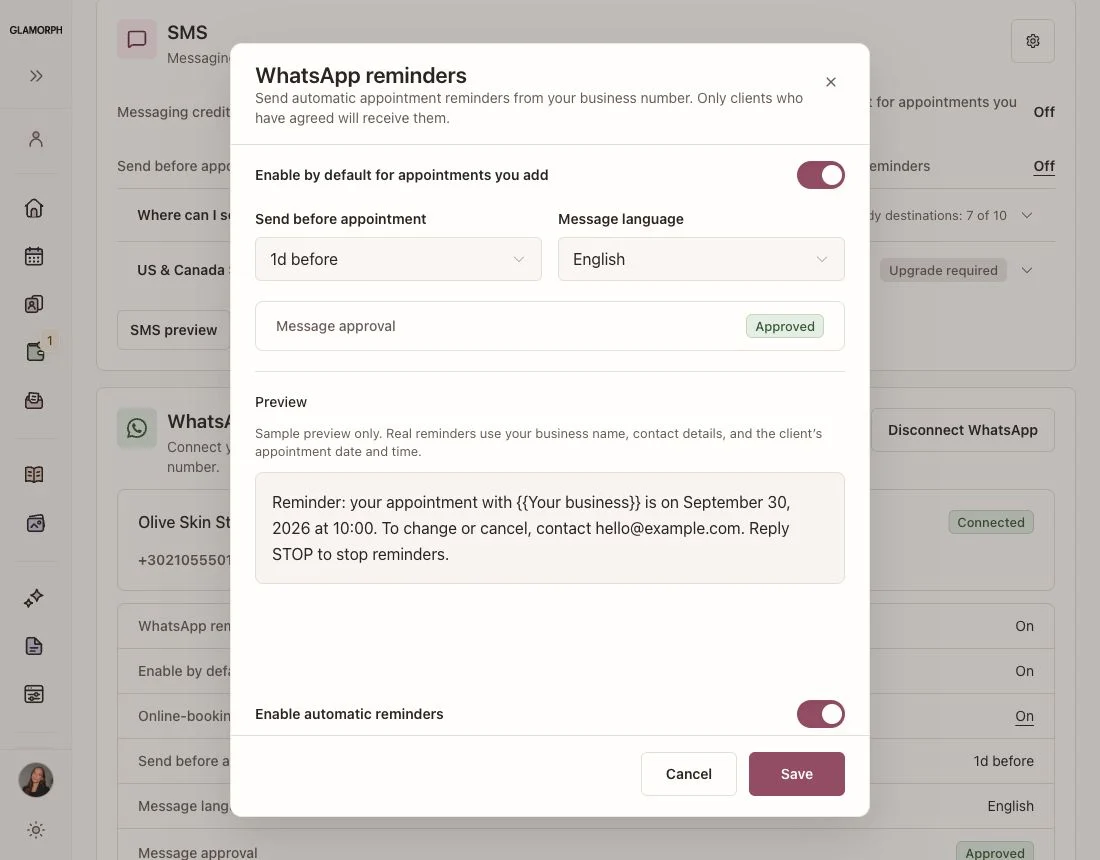
Connect your business WhatsApp in the web app. Choose the timing and language, preview the message and check its approval status. Sending requires a ready connection, an approved message and the client's permission.
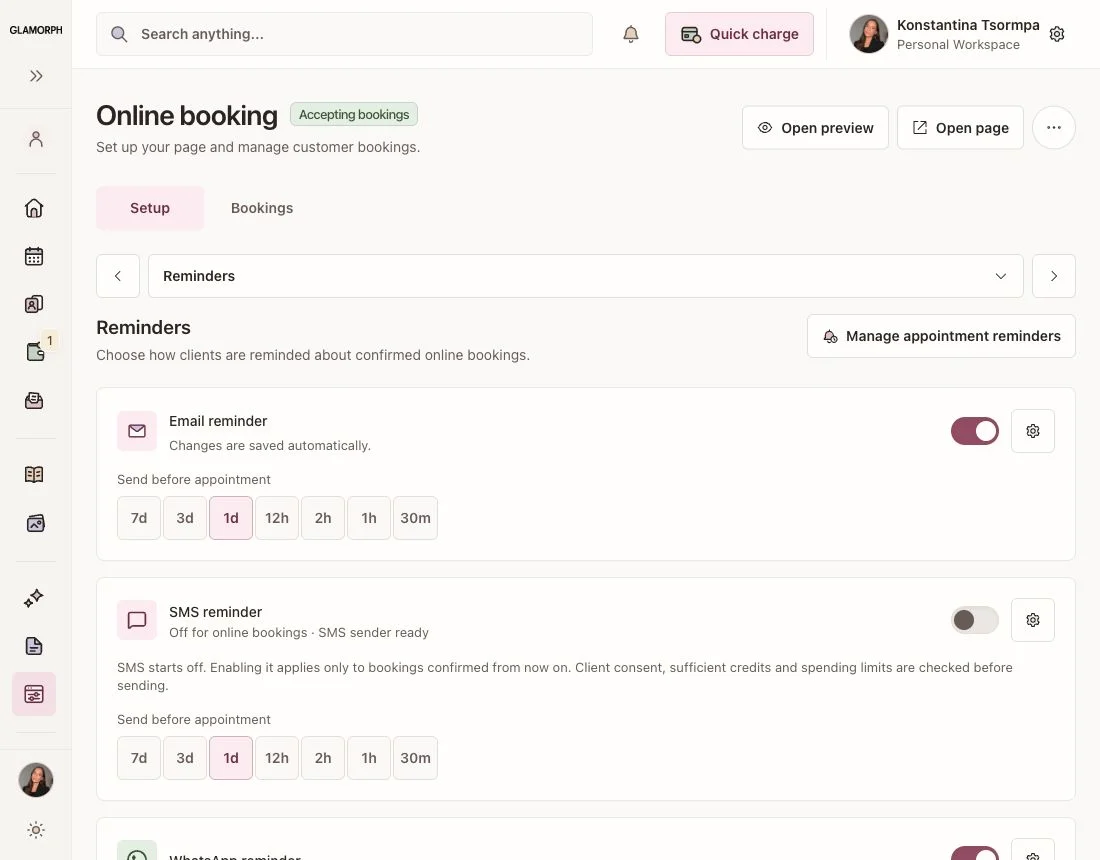
Enable reminders for newly confirmed online bookings. Choose multiple email reminder times and one timing each for SMS and WhatsApp. These settings are separate from appointments you enter yourself.
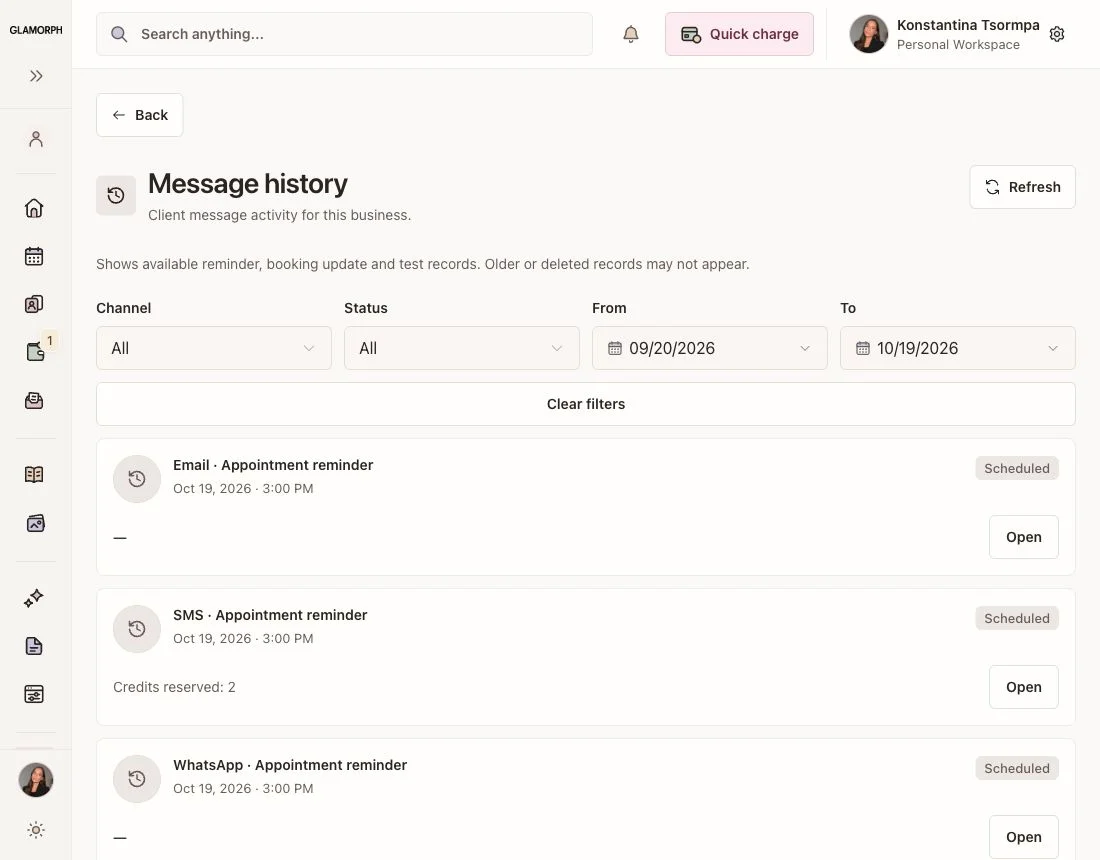
Review scheduled reminders, delivery activity and reasons a message was skipped or failed. WhatsApp delivery and read statuses appear when reported by the provider. SMS history also shows credit use.
See how this feature makes your daily work easier
Choose a supported email language for the appointment. The mobile app keeps this choice close to the visit details. SMS and WhatsApp preferences are managed separately in the web app.
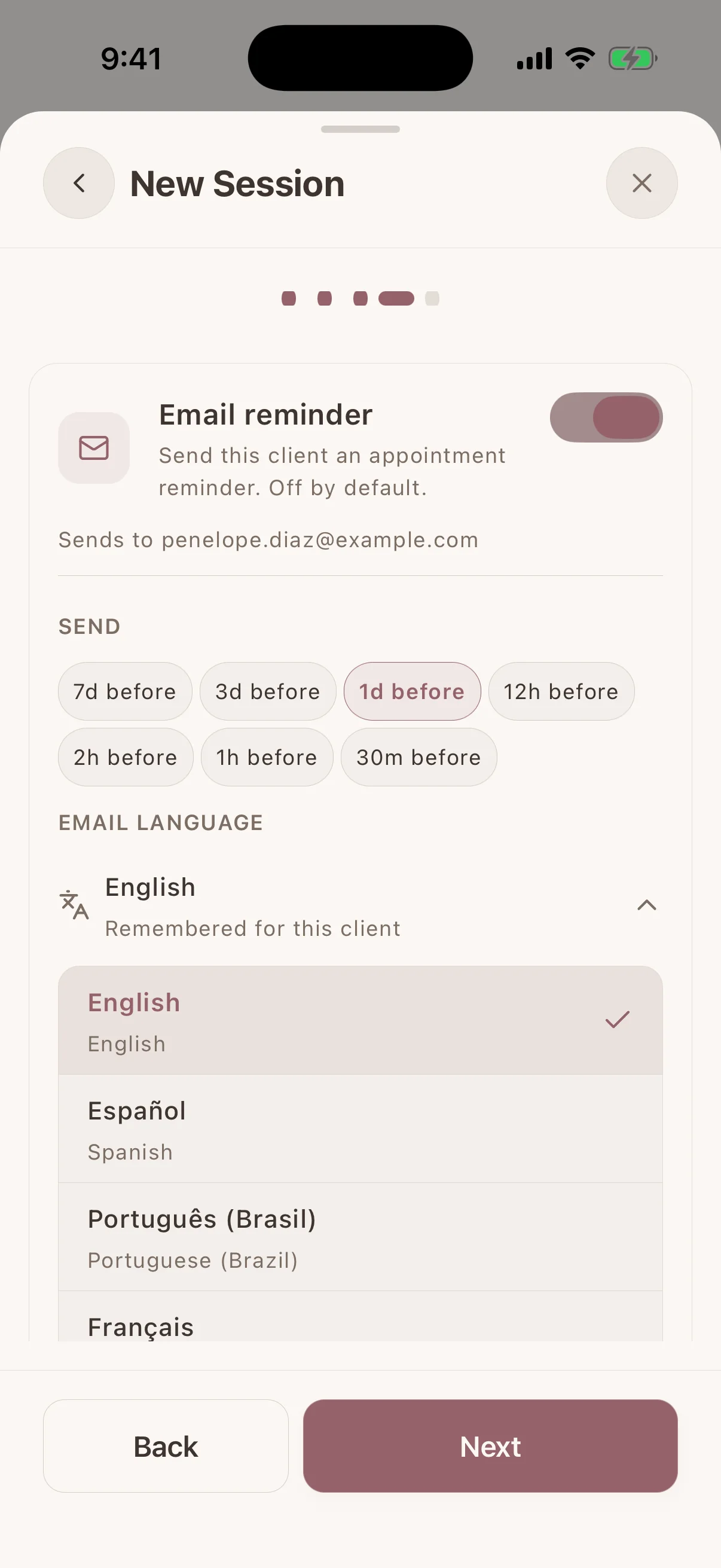
Keep the appointment connected to notes, photos, documents and payment history. Rescheduling or cancelling updates pending reminders. Messages already sent cannot be recalled.
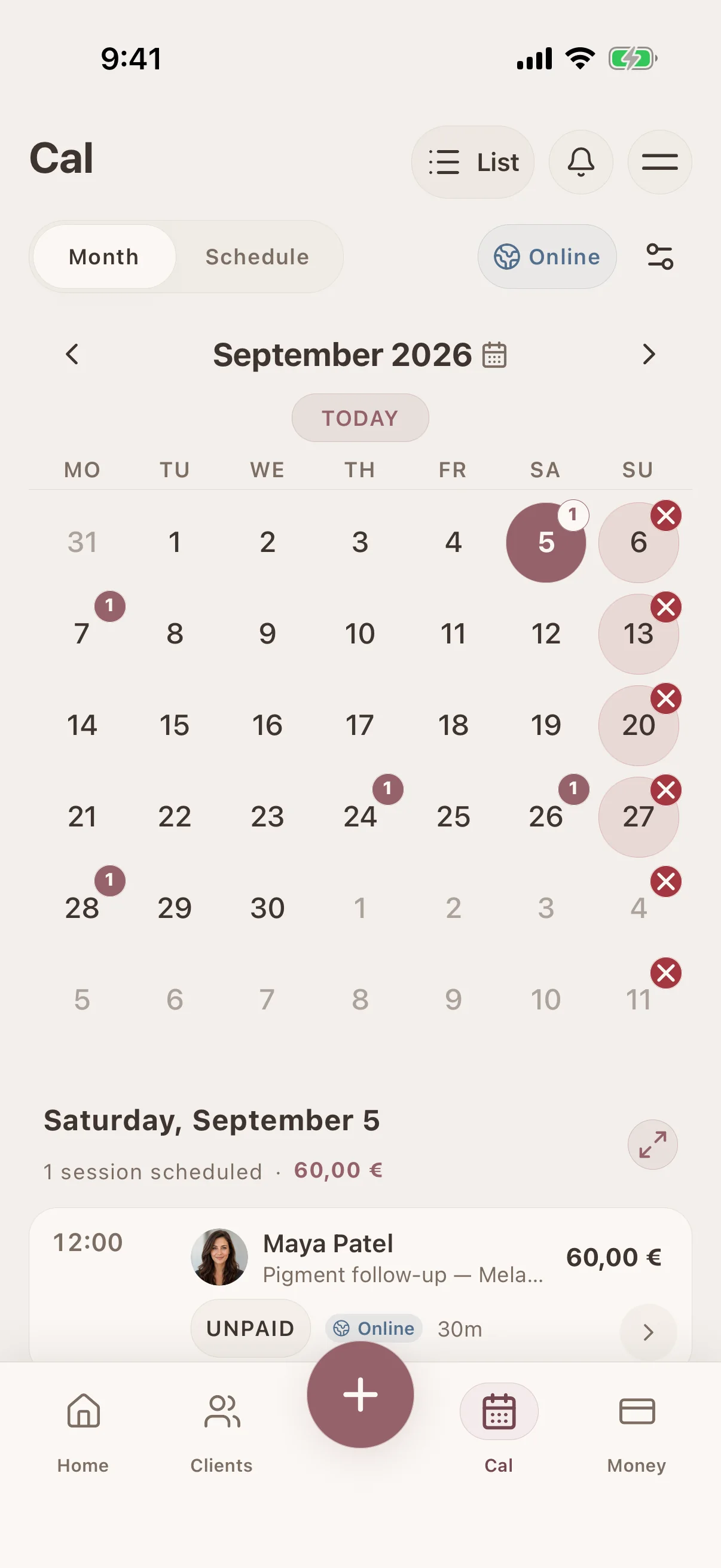
Connect this feature with the parts of Glamorph that help you remember the client, prepare faster, and follow up cleanly.
See all featuresKnow what happened last time, what is booked next, and what still needs your attention.
Starting from €11.99 per month · Free trial included
Yes. Connect your business WhatsApp in the web app, record the client's permission and enable the reminder on an appointment you create. You do not need to publish a booking page.
A business WhatsApp account and number that you can authorize through Meta. Glamorph shows connection and message approval status. Your number and approved reminder message must be ready before sending.
SMS and WhatsApp require the client's permission for that channel and current number. Record it on the client profile. An opt-out stops that channel's reminders without cancelling the appointment.
SMS uses prepaid Glamorph messaging credits. The destination and message length affect credit use, and some sender options have separate fees. WhatsApp Business charges may apply through Meta. Email reminders do not use messaging credits.
Yes. Email, SMS and WhatsApp have independent settings. Choose the channels deliberately to avoid duplicate notifications. Glamorph does not automatically switch an unsuccessful WhatsApp reminder to SMS.
Pending reminders are updated or cancelled with the appointment. A rescheduled reminder is sent only if its new send time is still in the future. Turning off a reminder stops its pending delivery.
No. Scheduled reminders are sent by the server. Sending still depends on valid contact details, permission, channel readiness and, for SMS, sufficient credits. Check message history for the result.
Choose the channels your clients use and manage reminders alongside your calendar and client records.
€11.99 per month
Trusted by beauty professionals across
Tips and guides for beauty professionals
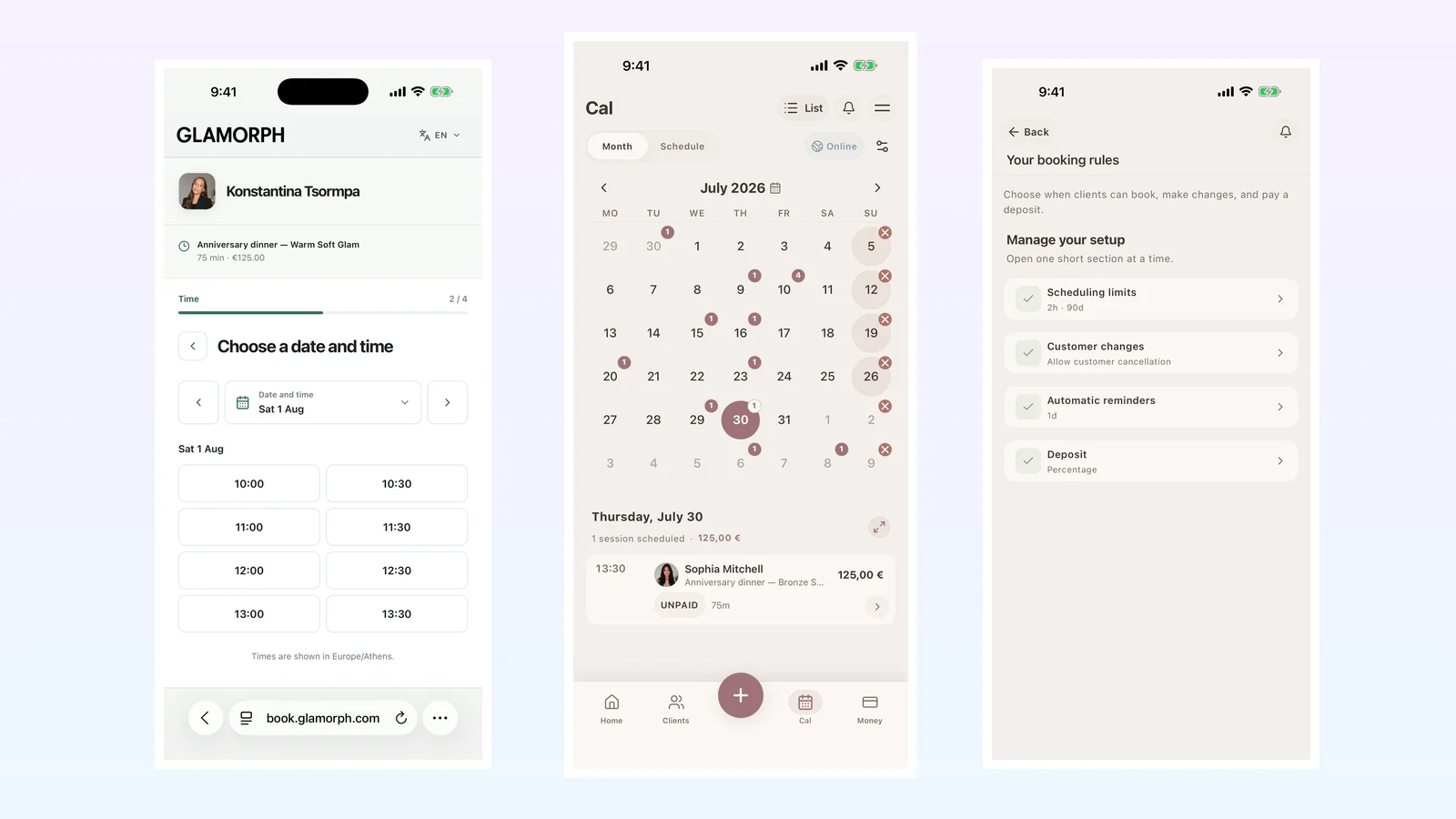
A practical guide to appointment reminder channels, timing, consent, costs and delivery history for beauty professionals and salons.
Read articleCompare six beauty salon booking systems for solo professionals and small teams: online booking, deposits, reminders, client records and everyday use.
Read article