For a solo beauty professional or small salon, Glamorph is a booking-software option when you want appointments, client records, signed forms and payments together. Clients book online. You manage the service and checkout from the same client history. Fresha and Booksy also offer marketplace discovery, while Goldie, GlossGenius and Square Appointments are worth comparing for their scheduling, messaging and business tools.
Written by Konstantina Tsormpa, professional makeup artist and founder of Glamorph. Competitor information was reviewed on 7 September 2026 against the linked official pages. Glamorph’s booking, document and payment workflow coverage was updated on 3 October 2026. We have not tested paid competitor accounts. This is a comparison of documented capabilities and practical fit. Availability and plans vary by country.
Which booking system fits your beauty business?
| Product | A reason to consider it | Check before choosing |
|---|---|---|
| Glamorph | Booking, treatment records, signed PDFs and payments for solo pros and small teams | Whether its payment methods fit your business, and whether you need inventory or fiscal POS |
| Goldie | Scheduling, client management and reminders, with additional team features | The plan needed for automated messages, forms and multiple calendars |
| GlossGenius | A branded booking experience with marketing and payment tools | Country availability and the plan needed for your workflow |
| Fresha | Consumer discovery alongside wider salon operations | Local subscription, marketplace, payment and add-on terms |
| Square Appointments | Booking connected to Square’s payments and POS ecosystem | Country support, plan limits and the depth of the client record |
| Booksy | Marketplace discovery, booking and rebooking | Local terms and how the service record supports repeat visits |
The question is not whether an app has a client profile. It is whether you can open the next appointment and find the previous service, products, photos, documents and payment state without reconstructing the visit.
If you run a lash or brow business, our lash and brow booking software comparison looks more closely at full sets, fills, consultation documents and returning-client records.
Glamorph: from the booking to the next service
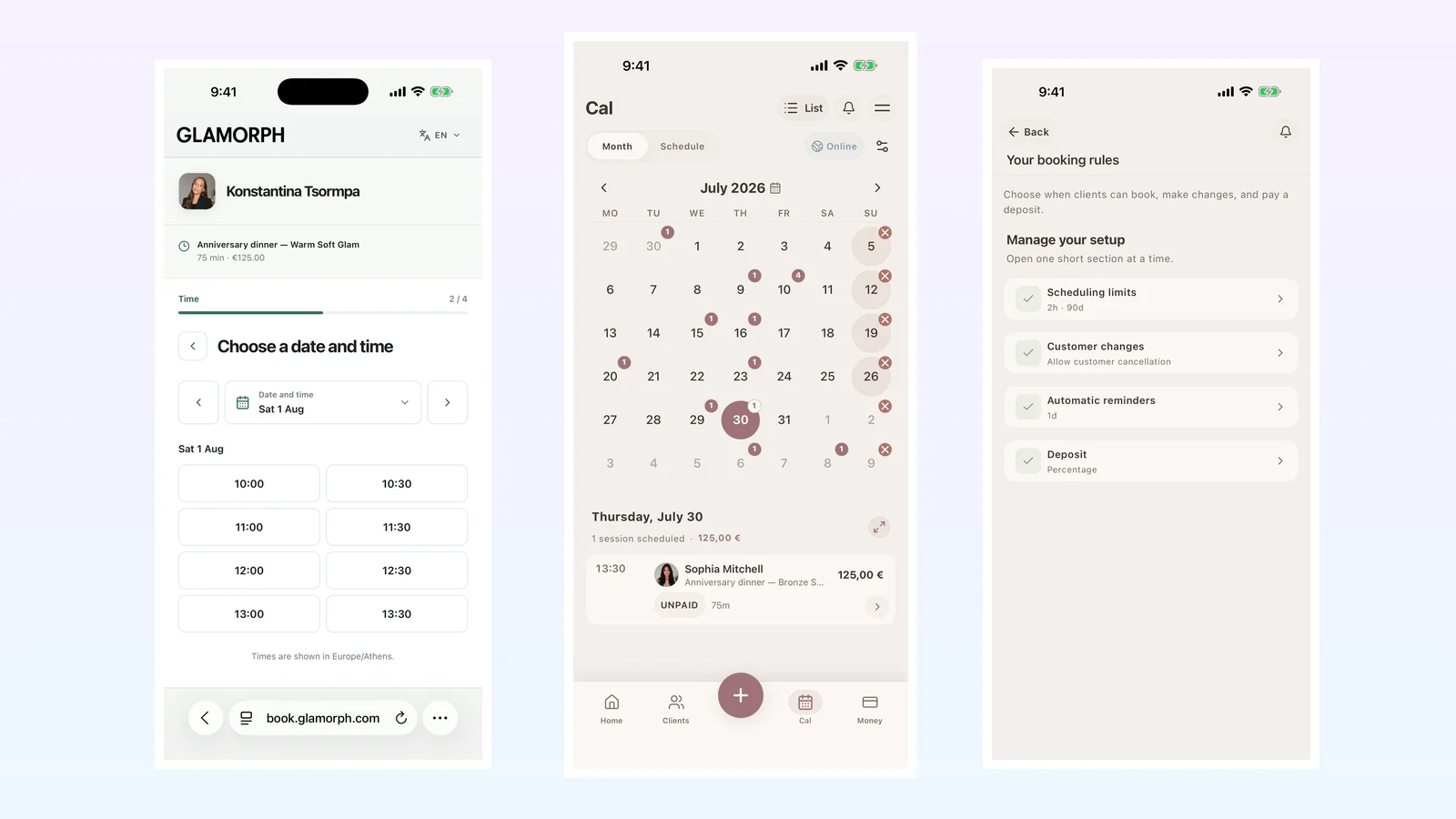
With Glamorph online booking, clients choose a service, professional and available time on your published page. They verify their email, then receive a confirmation or wait for your approval. Confirmed bookings join the same calendar as appointments you enter yourself.
Set professional hours, breaks, time off, service durations and buffers. Clients can reschedule or cancel within your rules. Email, SMS and WhatsApp reminders are available for confirmed online bookings and appointments you enter manually. Each channel has its own settings and readiness requirements.
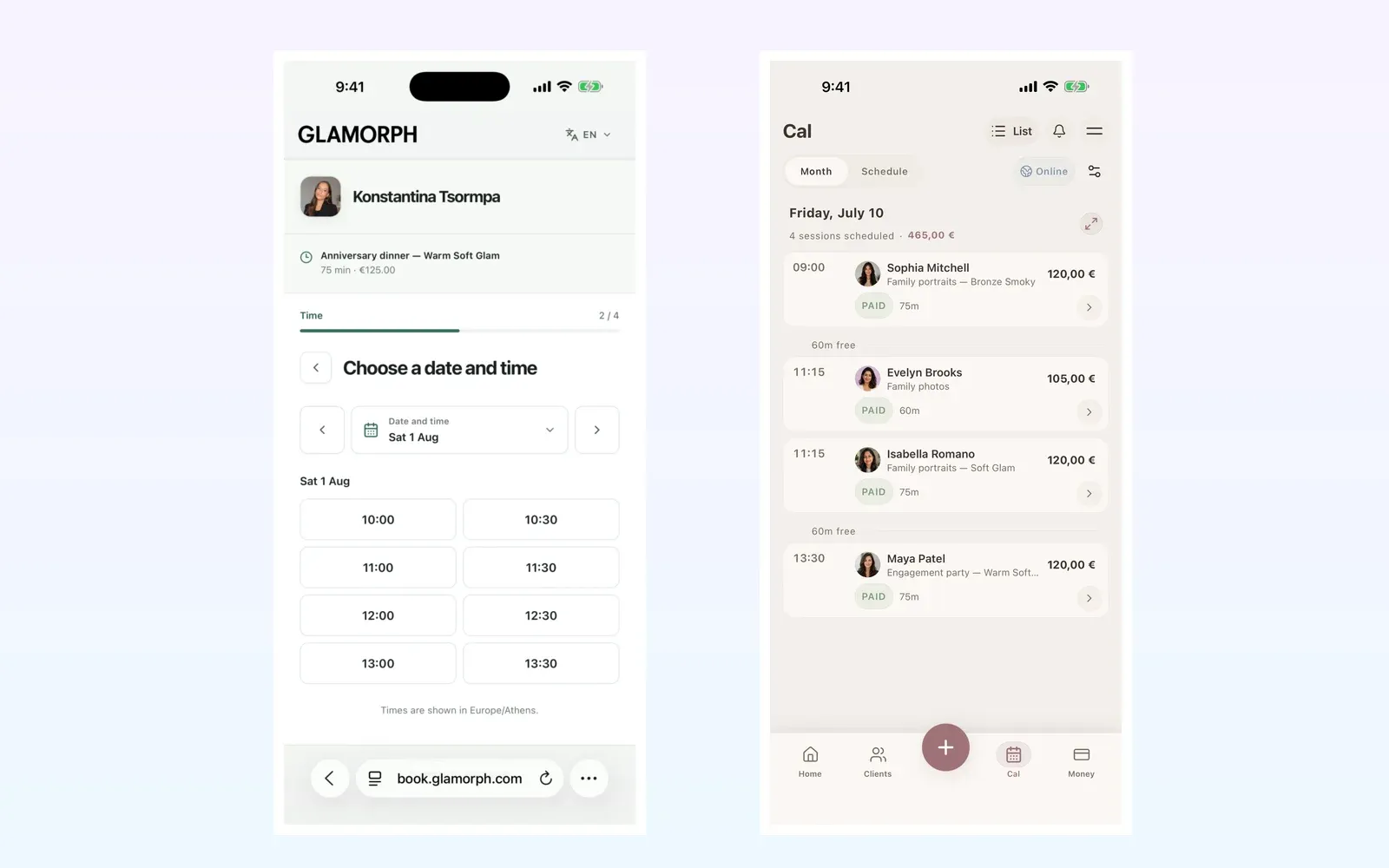
Real Glamorph screens with fictional demo data: available booking times and the professional calendar, including payment status.
The appointment also connects to the client’s history. A hairstylist can review the last formula and result photo. A nail or lash professional can check the previous design, products and return-visit notes. An esthetician can keep treatment notes, progress photos and signed documents with the relevant visit.
Can you keep signed consultation forms with the appointment?
Yes. In Glamorph, open the client or appointment, prepare the consultation document and collect a signature on your device or send a signing link. The completed document stays in that client’s history. At the next visit, open the earlier record instead of asking the client to repeat information already on file.
Client documents can be downloaded or printed as PDFs. You can also attach an existing PDF. A walk-in or personally arranged appointment can use the same workflow without publishing an online-booking page.
For a small salon, each team member has a separate login. Assign roles and permissions so people can work with the appropriate calendars and client records without automatically seeing every financial detail. Booking and team setup are optional: you can start by creating a client and recording one service.
Can you collect the deposit and balance in the same system?
Yes. Glamorph payments connects Stripe, SumUp or Square. Send a payment link before the appointment, or collect in person using a supported phone payment method or a paired SumUp Solo or Square Terminal. Confirmed payments stay with the client and appointment, so you can see the deposit and remaining balance together.
For a returning client, you can also save a card with their permission in the web app. At the next checkout, select an eligible saved card, review the service amount and any tip, then confirm the charge. The card stays with the provider account that saved it. Saving it does not authorize every future charge.
Supported booking payment rules let you request a fixed deposit, a percentage or the full service price. Eligible full or partial refunds stay linked to the original payment. The available methods depend on your business country, connected account and device, and processing fees apply. You can still record cash, bank transfers and payments collected elsewhere.
Choose Glamorph when you need booking and this connected working record in one product. It does not replace a consumer marketplace, fiscal POS, inventory, payroll, direct Google Calendar sync or complex room and multi-location operations.
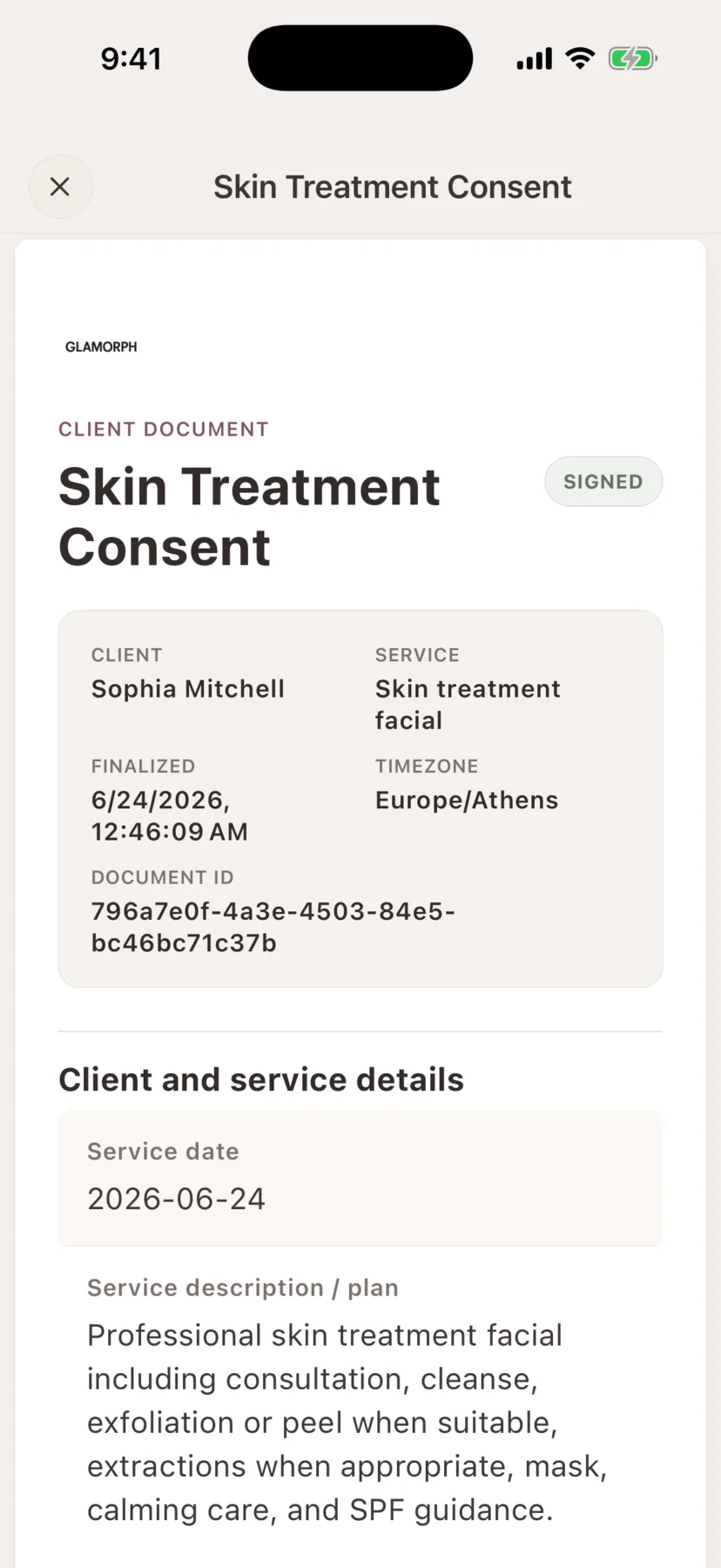
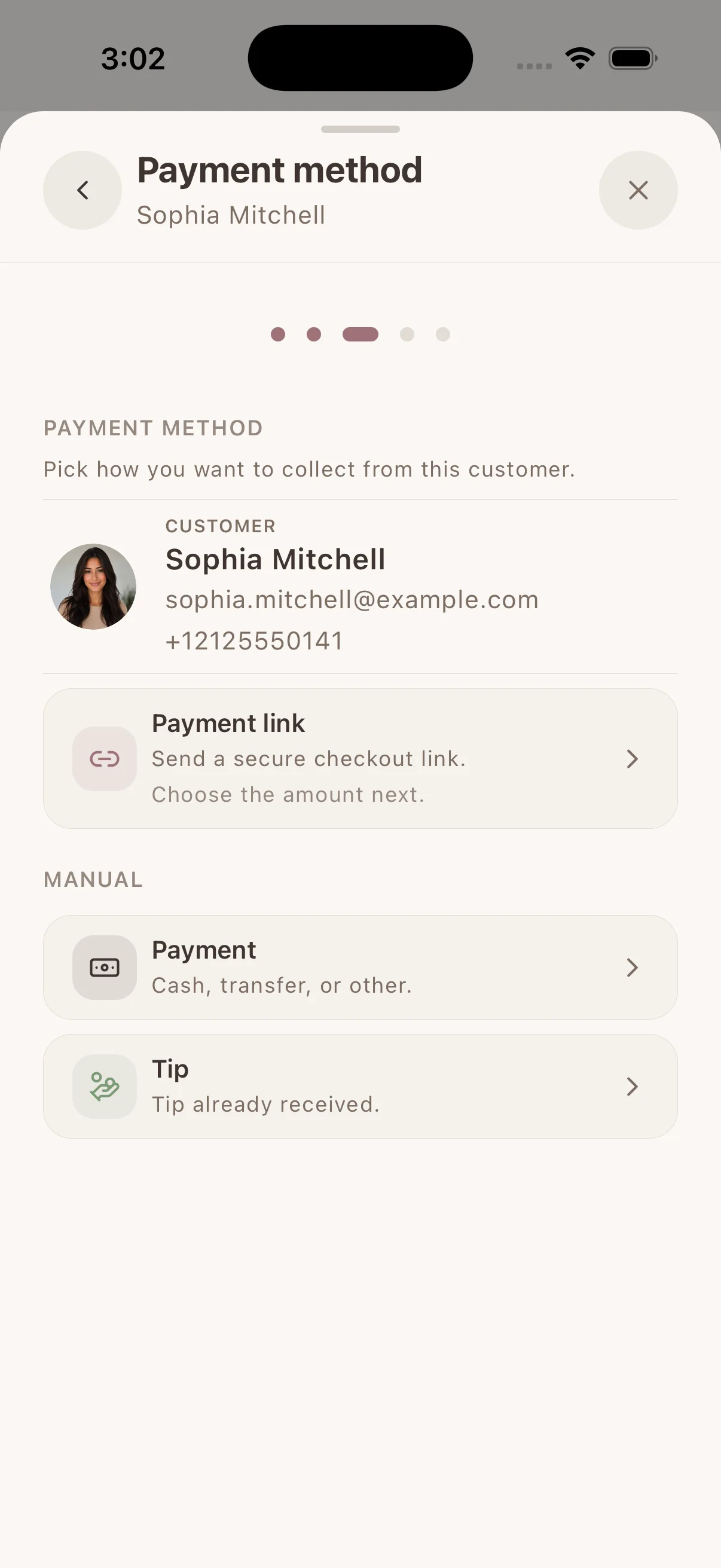
Demo screens: a signed consent PDF and the payment options on a client record.
Goldie: scheduling with solo and small-team plans
Goldie’s current plans include a booking website and client management, with automated reminders on paid plans. Pro Plus lists multiple calendars, team logins, permissions, online forms and inventory. It is not merely a solo calendar.
Consider Goldie when its appointment and messaging workflow fits your business. Check the required plan, then compare how you would retrieve products, photos and changes across a returning client’s visits.
GlossGenius: booking, branding and marketing
GlossGenius combines a branded booking experience with payments, forms, client information and marketing tools. Its broader offering also serves teams.
Consider it when the booking storefront and marketing are important parts of your buying decision. Verify availability in your country and the features included in the relevant plan. A polished booking page and a useful service history are separate things to evaluate.
Fresha: marketplace discovery and salon operations
Fresha’s feature overview covers booking, client management, consultation forms, staff tools, inventory, payments and wider salon operations. Its marketplace can also help clients discover a business.
Consider it when you need that discovery or operational breadth. Check the current Fresha pricing page for your country, including the distinction between direct and marketplace bookings. Do not assume a fee shown for another market applies to you.
Our Glamorph and Fresha comparison focuses on whether the booking, client-history and team workflow fits a potential switch.
Square Appointments: booking alongside payments and POS
Square Appointments connects scheduling with Square’s customer, payment and business tools. Depending on the plan and market, its offering includes capabilities such as resources and multi-location management.
Consider it when Square already runs your checkout or the wider POS workflow is central. Check the actual treatment record you need, not just whether the product lists customer profiles.
Glamorph also connects supported Square accounts and Square Terminal. You do not have to choose Square Appointments solely to keep taking payments through Square. Compare how each product handles your bookings, client history and wider business needs.
Booksy: discovery, booking and rebooking
Booksy’s product overview describes marketplace discovery, online booking, reminders, client management, payments and marketing.
Consider it when attracting and rebooking clients through that ecosystem matters. Check local terms and how the client profile holds the service details you need to prepare for a return visit.
What should you try before moving your bookings?
Use fictional demo data first. Create a realistic service, assign the professional, set working hours and block some time off. Book as a client and check the confirmation, calendar result and rescheduling rules.
Then add the details from an example service: products or formula, photos, a relevant document and payment state. Open that client’s next appointment. If you work in a team, repeat the check with a restricted member account.
This is a buying test you can perform, not a timed setup promise or a report of hands-on testing every product. Verify deposit and refund behavior in a supported test environment before using real client payments.
Do clients need a Glamorph account to book?
No. They choose the service, professional and time, then verify their email. The secure booking-management link lets them view, reschedule or cancel the appointment when your rules allow it.
Does Glamorph send appointment reminders?
Automatic email, SMS and WhatsApp appointment reminders are available for manual appointments and confirmed online bookings, with separate settings. SMS availability and costs vary. WhatsApp requires a connected business number, an approved message and client permission. SMS uses prepaid messaging credits. Meta charges may apply to WhatsApp. See the appointment reminder workflow.
How do you get started?
Create a client record and add one service, or configure your services and hours and preview your booking page. Publish only when you are ready to accept online bookings. Invite the team and assign roles if you need shared access.
You do not have to configure every feature to start using Glamorph. Begin with the work you want to keep connected, then add the other parts when they help.
Written by
Professional makeup artist and founder of Glamorph
Makeup artist and Glamorph founder with 5+ years of experience. Working closely with professionals across the beauty industry, she writes about client management, booking and everyday salon workflows.
You might also like
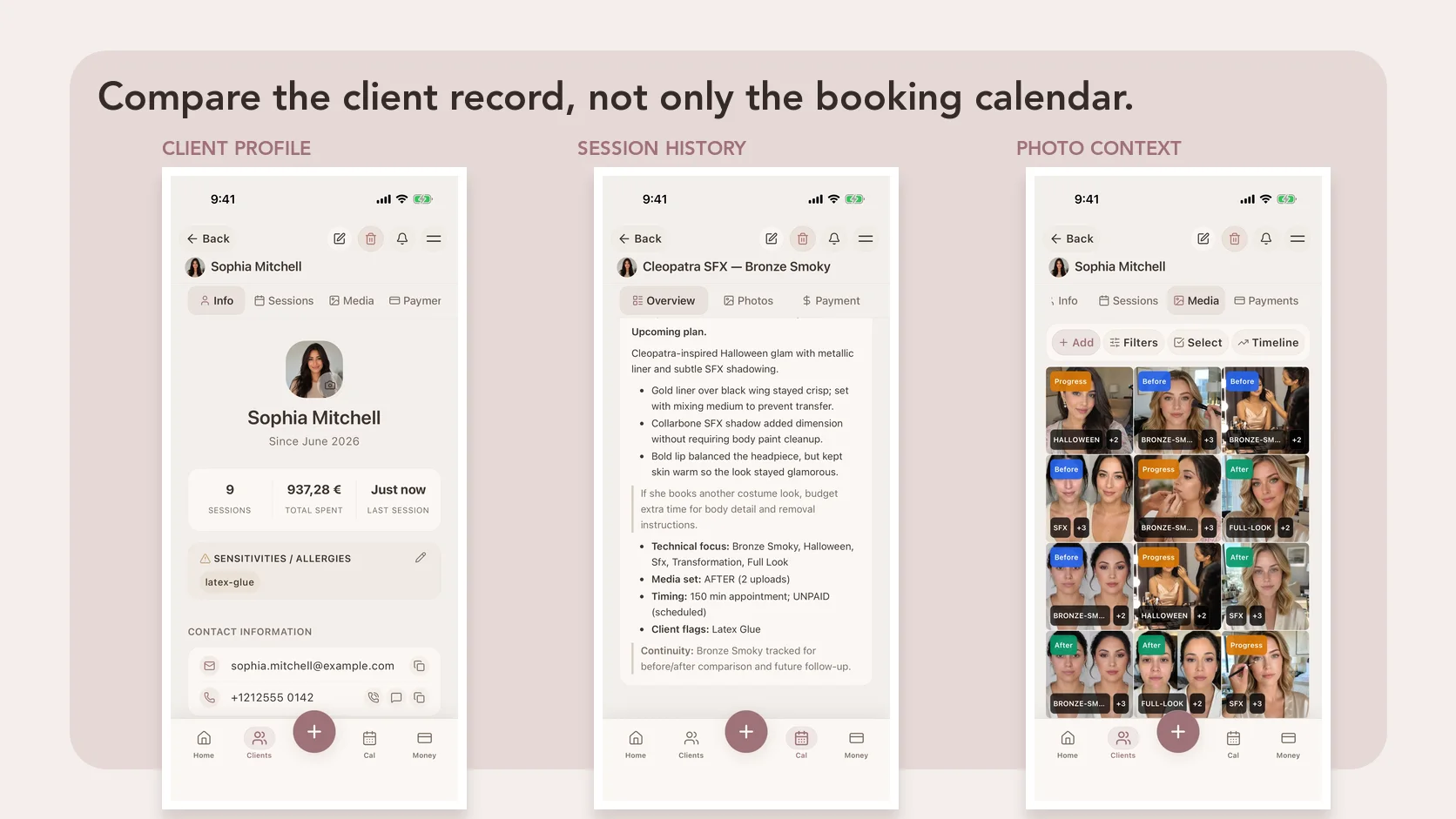
Best Makeup Artist Software in 2026: 6 Apps Compared
Compare six makeup artist software options for client records, bridal notes, products and shades, photos, forms, booking, deposits, offline access, and devices.
Read more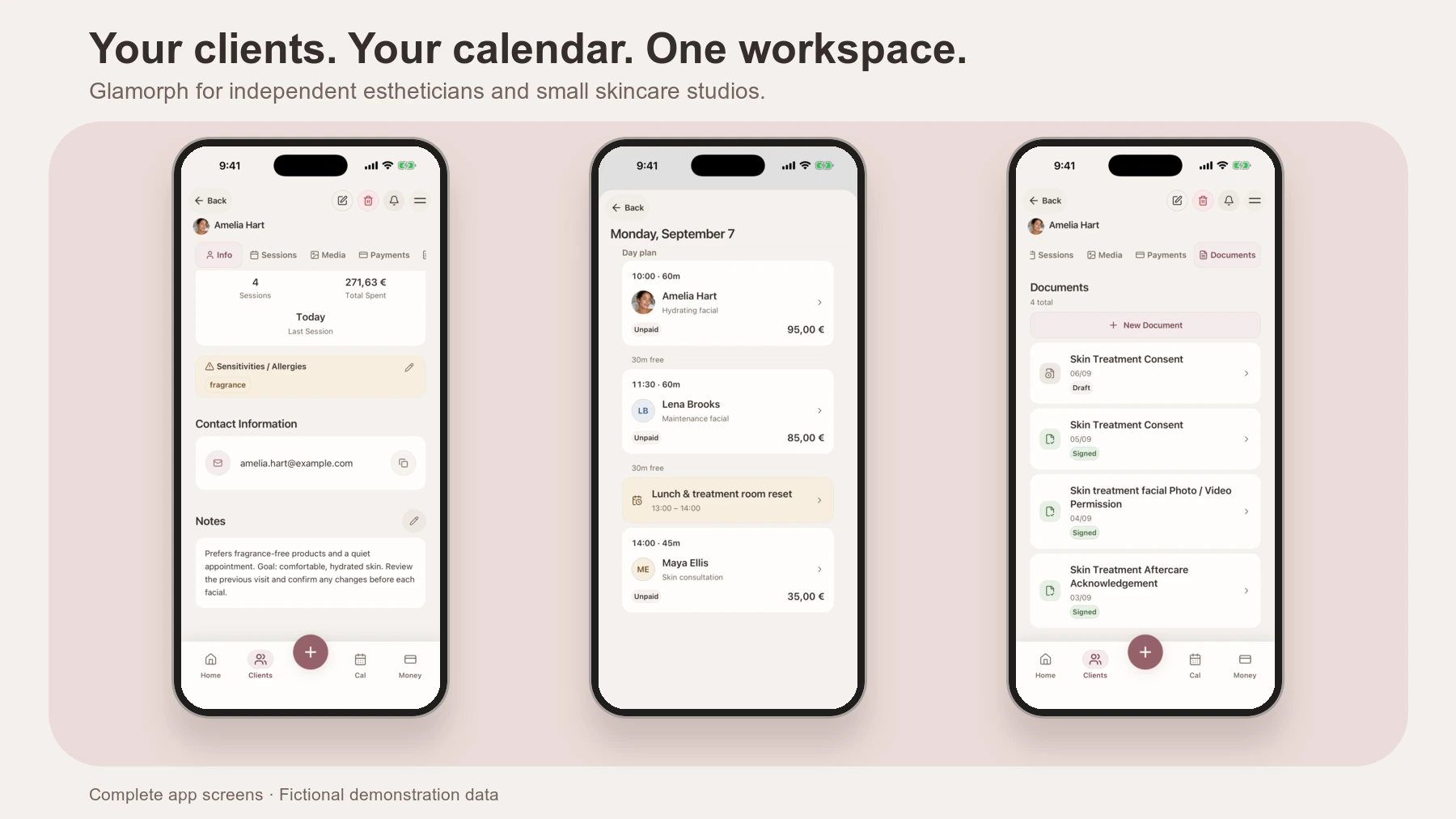
Best Apps and Software for Estheticians
Compare Glamorph, Vagaro, GlossGenius and Fresha for esthetician booking, consultation forms, treatment records and payments. Find the fit for your studio.
Read more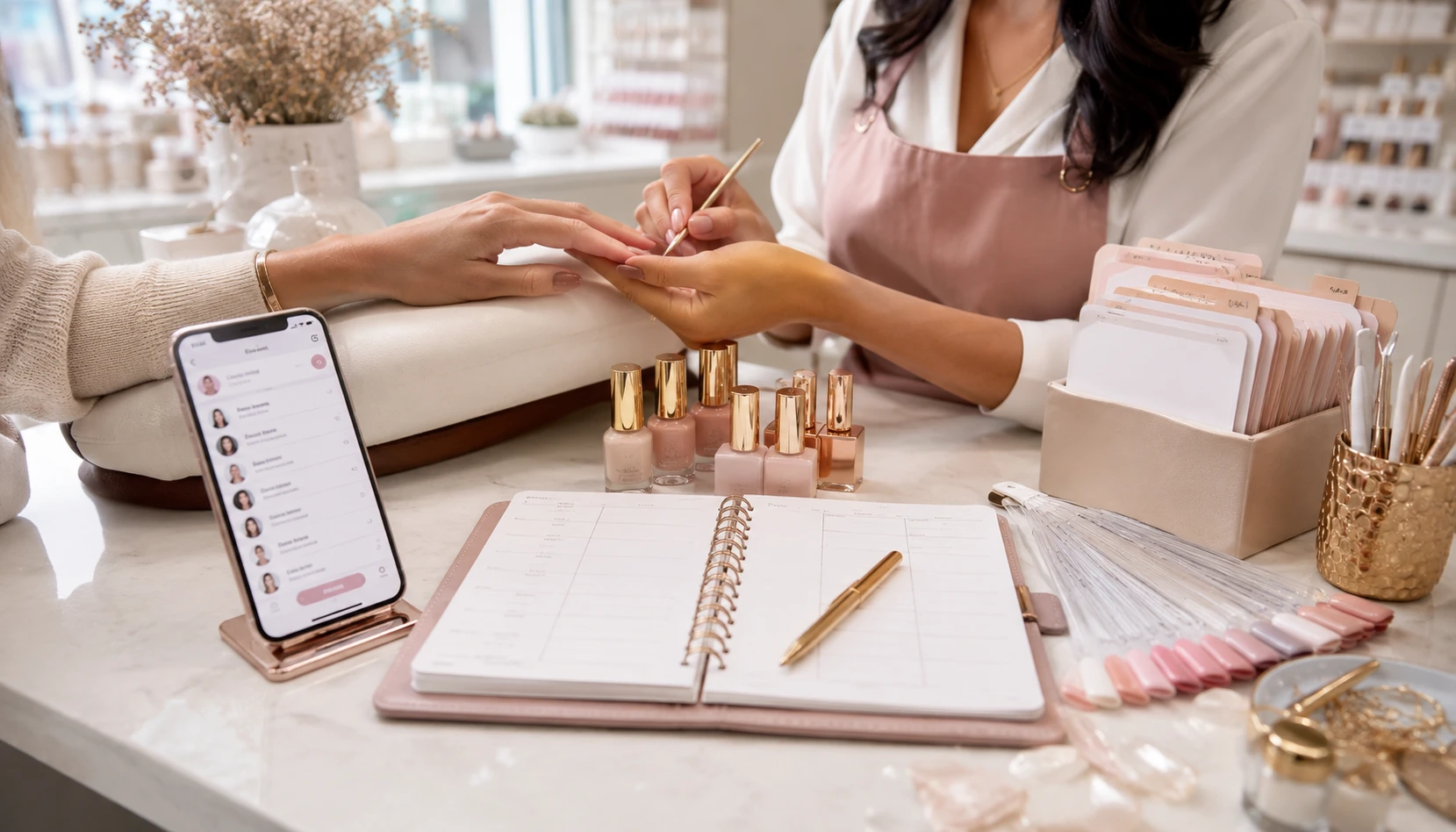
Best Nail Tech Apps for Client Records and Booking
Compare Glamorph, Goldie and Fresha for your nail business: client notes, product and shade history, design photos, consent forms and online booking.
Read more