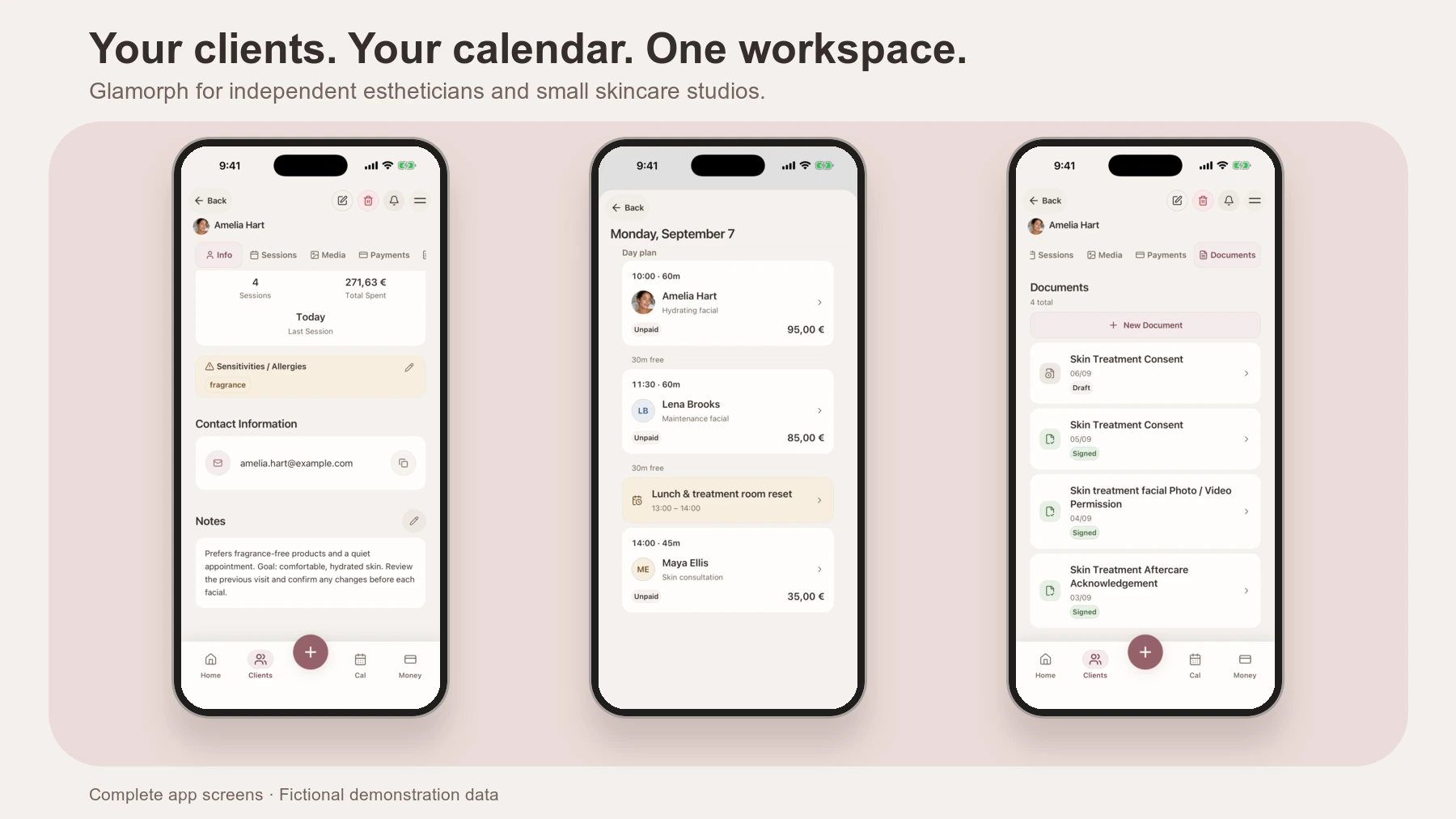
For a solo esthetician or small skincare studio, choose software that connects bookings, consultation forms, treatment history and payments. Glamorph brings those jobs together across phone and web. Vagaro is another option for configurable forms, GlossGenius for booking and retail operations, and Fresha for booking through a consumer marketplace.
The right choice depends on how you run the studio: working alone, sharing clients with a team, selling retail products or looking for marketplace bookings. This comparison covers non-medical esthetics, not diagnostic skin apps or medical-record systems.
I’m Konstantina, a makeup artist and Glamorph’s founder. I work closely with professionals across beauty. That does not make me a practising esthetician. This guide combines verified Glamorph workflows with competitors’ public documentation, reviewed on September 22, 2026. We did not test paid competitor accounts. The screenshots use fictional clients.
What software do estheticians use?
Estheticians use booking and client-management software to schedule appointments, collect consultation forms, record treatments and take payments. A skincare studio may also need retail inventory, staff management or room scheduling. Those are different buying requirements, not interchangeable labels for the same app.
For repeat visits, check more than the appointment calendar. Can you find the previous facial, products used, reported sensitivities and signed document without searching several tools? Our separate esthetician client-record guide explains what to record. This guide helps you choose where to manage it.
| Software | Shortlist it for | Check before choosing |
|---|---|---|
| Glamorph | Booking, treatment history, signed documents and payments for solo professionals and small teams | Whether you also require inventory, payroll or complex room scheduling |
| Vagaro | Service-linked forms and documentation rules | The plan and add-ons needed for your workflow |
| GlossGenius | Booking, checkout, retail and marketing tools | Included features and availability in your country |
| Fresha | Marketplace booking with consultation forms and client files | Marketplace charges, payment fees and the client booking experience |
Which app is best for a solo esthetician or small studio?
Glamorph is a strong fit when you want the appointment, treatment record, signed document and payment together. The alternatives below may fit better when your main priority is retail operations, configurable form rules or marketplace acquisition.
Glamorph: booking, payments and treatment history together
With Glamorph for estheticians, clients book through your public page while manual appointments use the same calendar. Set services, working hours, buffers and confirmation rules. The client profile holds preferences and reported sensitivities. Each session keeps its own treatment notes, product details and photos.
Start with a client or with booking. Neither requires configuring the whole business first. Use iPhone, Android or web, with core client work available offline on mobile. Booking and payment collection require internet access. Glamorph does not replace inventory, payroll, fiscal POS, complex room scheduling or medical-record software.
Vagaro: configurable forms and documentation
Vagaro’s forms documentation describes consultation and SOAP forms, service-based sending rules, expiry dates and integration with online booking. Shortlist it when those rules are central to your work. Ask which plan and add-ons cover the forms, storage and documentation you need, then check how earlier answers remain accessible at a return visit.
GlossGenius: booking, checkout and business operations
GlossGenius combines a branded booking website with forms, client profiles, SOAP notes, progress images, checkout, inventory and marketing. It belongs on the shortlist when retail sales are an important part of your studio. Verify the plan containing your required tools and its availability in your country. An English-language website does not establish worldwide availability.
Fresha: marketplace booking with forms and client files
Fresha combines booking through its consumer marketplace with consultation forms and client files, including documents and before-and-after images. Check the actual customer booking experience alongside current marketplace-acquisition charges and payment fees in your country. Being listed is not a guarantee of new bookings.
Can clients book facials around breaks and cleanup time?
Yes. In Glamorph, service duration, buffers and professional work schedules control the times offered online. You can reserve breaks and time off to prevent bookings, while retaining control over manually added appointments. Use the online-booking setup to preview your availability before publishing.
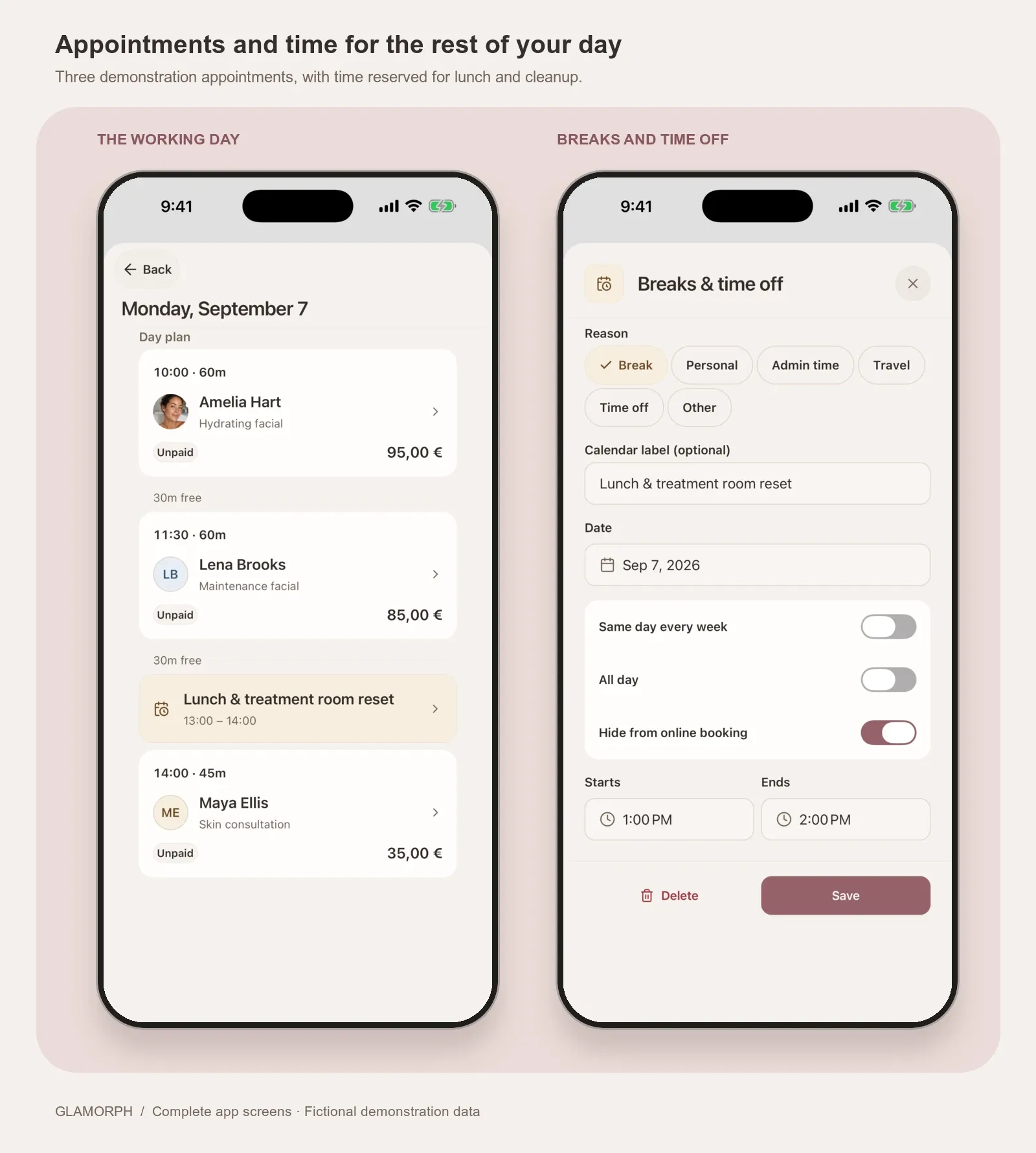
A sample working day with manual appointments and a lunch break. “Hide from online booking” reserves that time so clients cannot book it.
For a shared studio, team workspaces provide individual logins, professional calendars and permission roles. The owner controls access to clients, documents and finances. During any software trial, test those permissions as a team member, not only as the owner.
How do you keep treatment records and consent forms together?
Keep ongoing preferences in the client profile and record each treatment separately. Glamorph connects sessions, photos and documents to the client, so a new visit does not overwrite the previous one. Add a consultation or consent document, request an in-person or remote signature, and retain the finalized PDF.
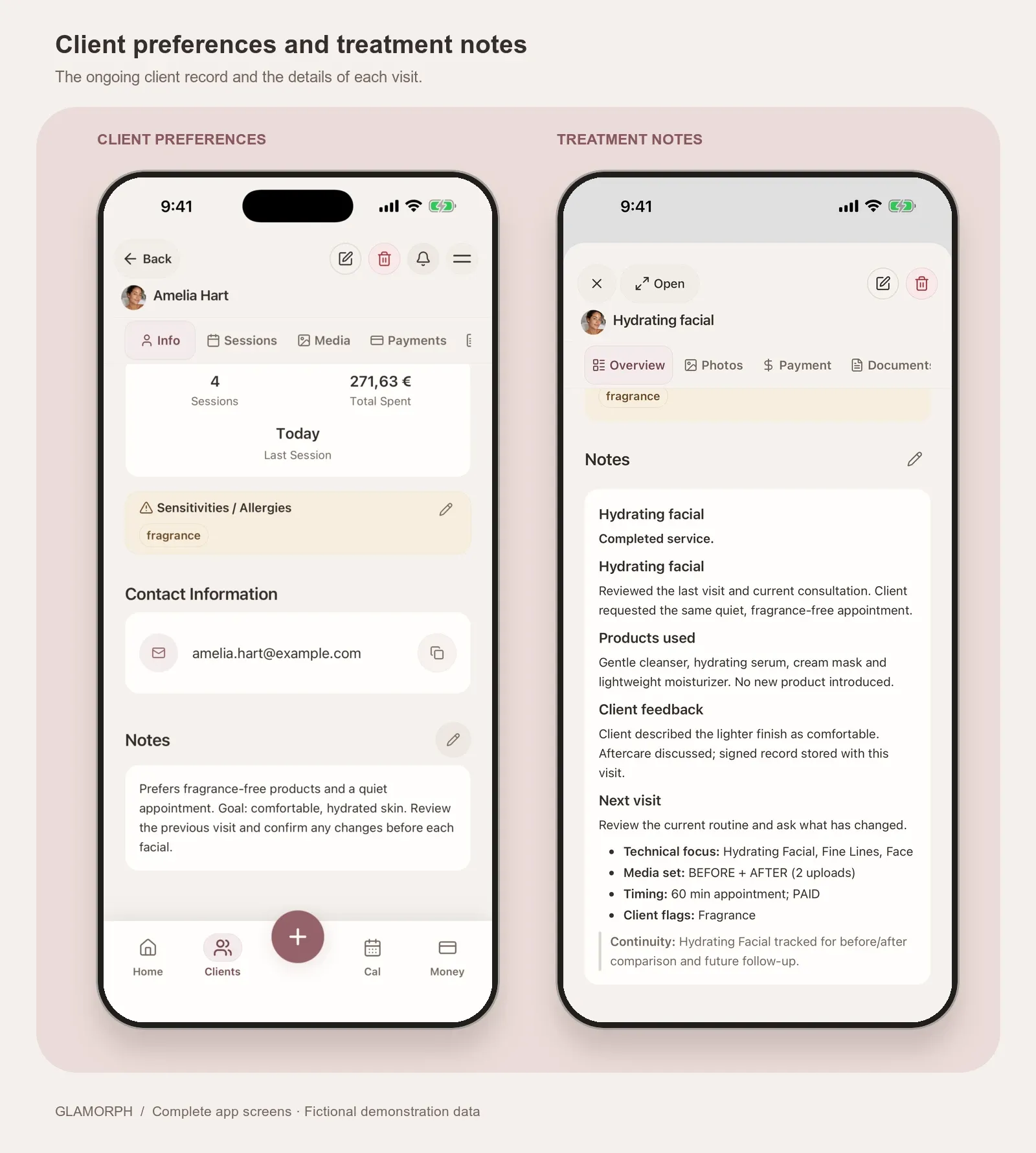
Real Glamorph simulator screens. Amelia is a fictional demonstration client, not a customer case study or evidence of a treatment result.
Client documents can be downloaded, printed or uploaded as existing PDFs. They work independently of online booking: you do not need to publish a booking page to organize consultation forms.
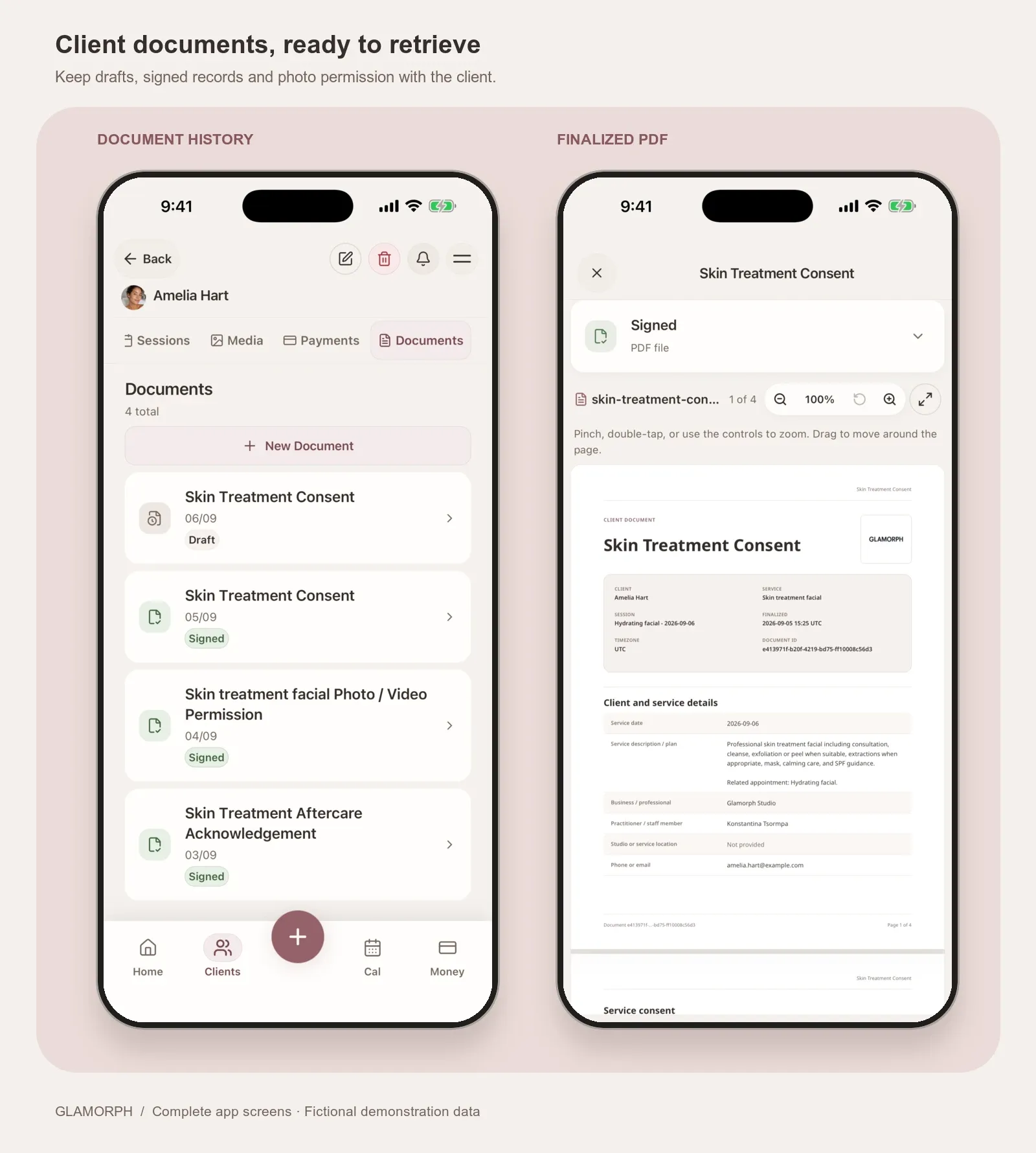
A demonstration document history and finalized PDF in Glamorph. Review form wording for your service and location before using it with clients.
Can you take a deposit and collect the balance after a facial?
Yes. Glamorph payments connect Stripe, SumUp or Square for payment links, supported phone payments and connected terminals, including SumUp Solo and Square Terminal. Supported booking rules can collect a deposit or full payment. Confirmed payments remain connected to the client and appointment. Cash or payments taken elsewhere can be recorded manually.
For a returning client, you can also save a card with their permission in the web app. At the next checkout, select an eligible saved card, review the service amount and any tip, then confirm the charge. The card stays with the provider account that saved it. Saving it does not authorize every future charge.
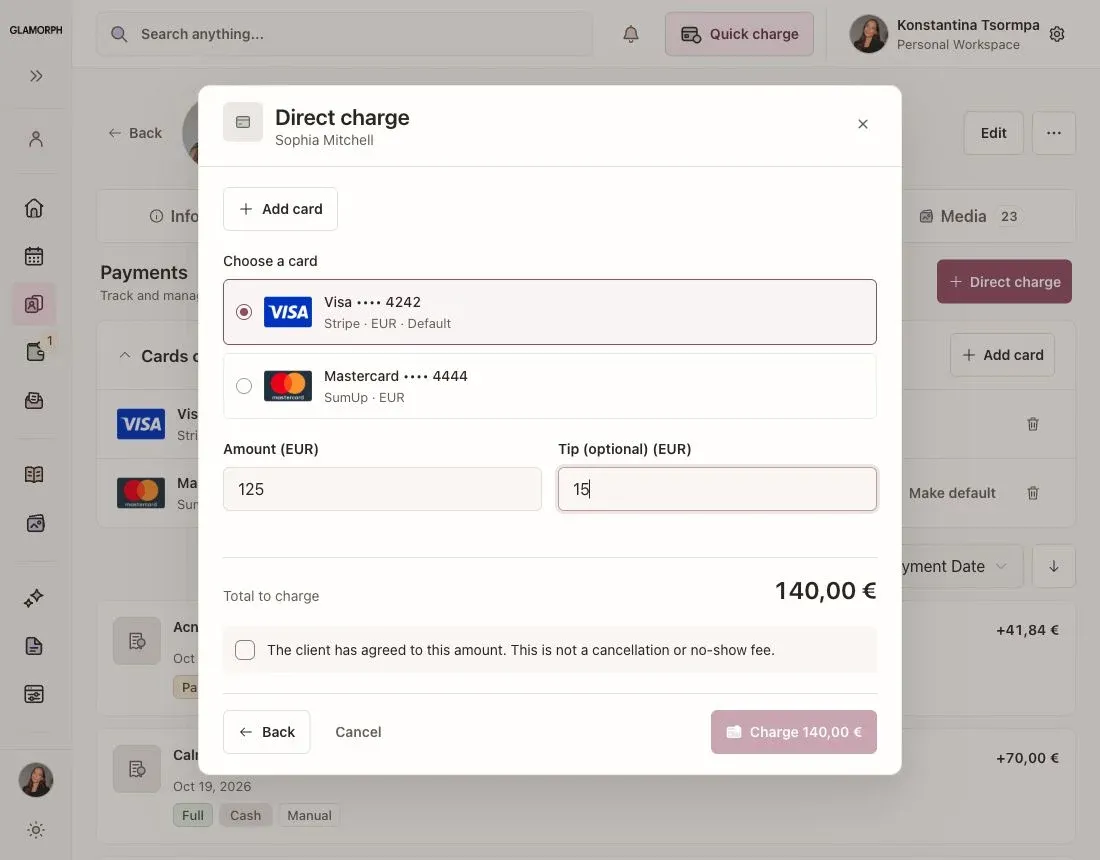
Real Glamorph web app in English, with fictional client and card data. No payment was submitted.
Available methods and provider fees depend on your business country, connected account and device. Check your setup before offering a particular payment method to clients.
How should you compare esthetician software pricing?
Compare the total for the same studio setup, rather than the advertised entry price. A solo facialist and a studio with three active calendars are different purchases.
| Cost to check | What to ask before starting a trial |
|---|---|
| Subscription and calendars | What is the total for your number of active appointment calendars? |
| Forms and treatment records | Are signed documents, photo storage and your required history included? |
| Booking and acquisition | Does the quote include your own booking page? Are marketplace or new-client fees separate? |
| Payment collection | What does the provider charge, and does the software add an integration fee? |
| Reminders and switching | Which messages cost extra, and how can you bring in or export your client list? |
For Glamorph, use the current pricing page for the subscription and calendar options, then check the payment methods and fees for your business country. Start the trial with one fictional client: book a service, record the treatment, attach a sample form and review the payment workflow before committing.
What should you check before paying for esthetician software?
Compare the cost for your actual number of professionals, forms, storage and payment methods. Include marketplace and processing charges where relevant. Glamorph pricing explains the subscription options separately from provider fees.
Before subscribing, create a fictional client and two sample visits. Change a product preference at the second visit, then retrieve both treatment notes, a completed document and a photo. Check the same workflow with the access a team member would have. Ask what you can export if you later switch.
If you want bookings, signed documents, payments and a complete history for each returning client in one place, start with that workflow in Glamorph. It is a more useful test than comparing the length of four feature lists.
Written by
Professional makeup artist and founder of Glamorph
Makeup artist and Glamorph founder with 5+ years of experience. Working closely with professionals across the beauty industry, she writes about client management, booking and everyday salon workflows.
You might also like
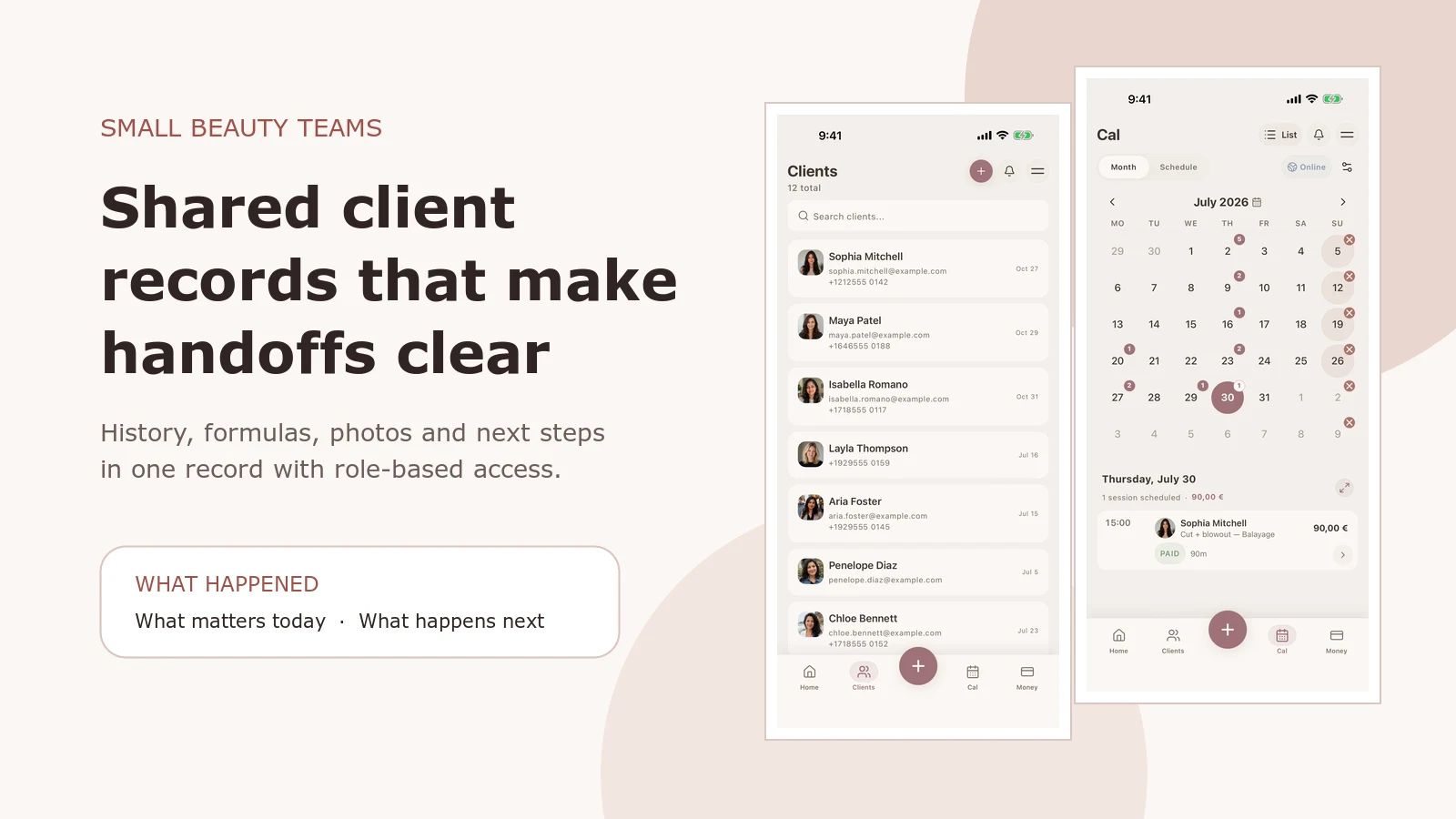
Salon Client Management Software: A Small-Team Workflow
See how Glamorph connects salon client records, booking, photos, signed forms, payments and team access. A practical workflow for small beauty teams.
Read more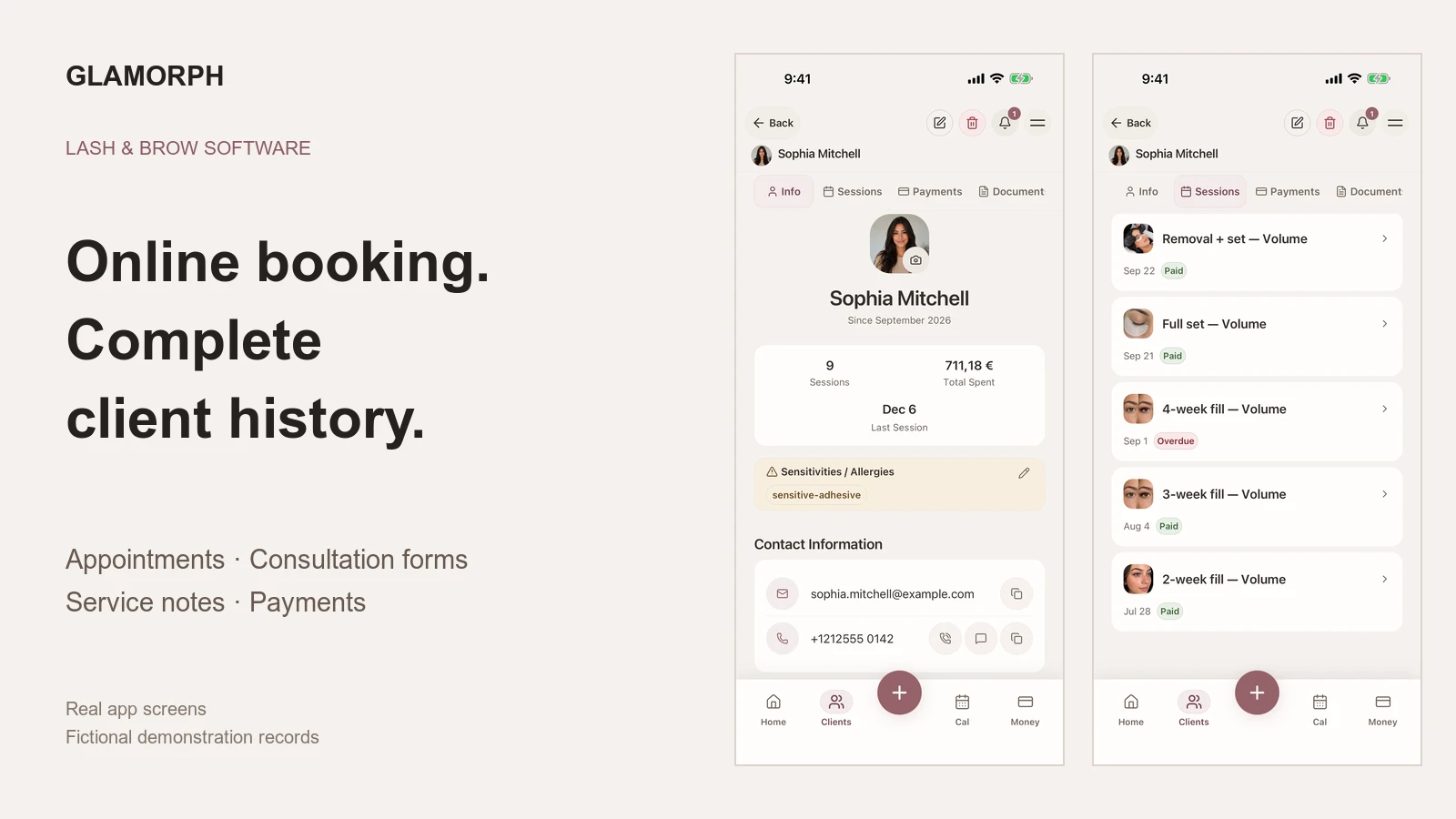
Best Booking Software for Lash and Brow Artists
Compare Glamorph, GlossGenius and Vagaro for lash and brow bookings, deposits, consultation forms and returning-client history, solo or with a small team.
Read more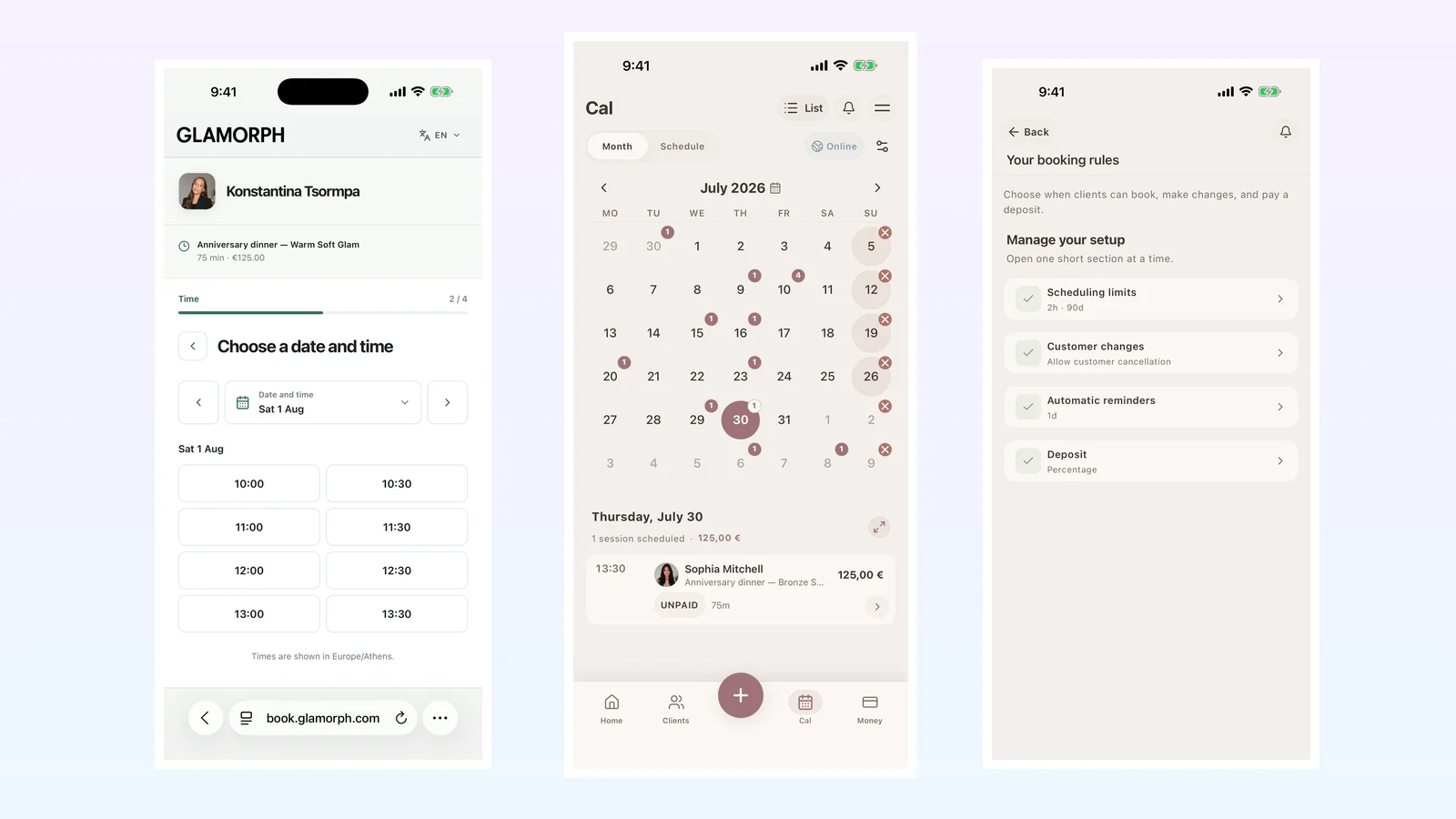
Best Beauty Salon Booking Software in 2026: 6 Systems Compared
Compare six beauty salon booking systems for solo professionals and small teams: online booking, deposits, reminders, client records and everyday use.
Read more