
Skip to content

Nail Salon Software for Appointments & Client History

Manage nail appointments, client records and team calendars in one workspace. Keep product notes, design photos, signed documents and payment history with each client.

✓Client Management✓Salon Team Management✓Appointment Calendar
Nail salon appointment overview in Glamorph, shown in English
One client history, with role-based access — Glamorph

Features

One connected workspace for appointments, client work, payments and your team. Use it on laptop, iPhone and Android.

Client Management

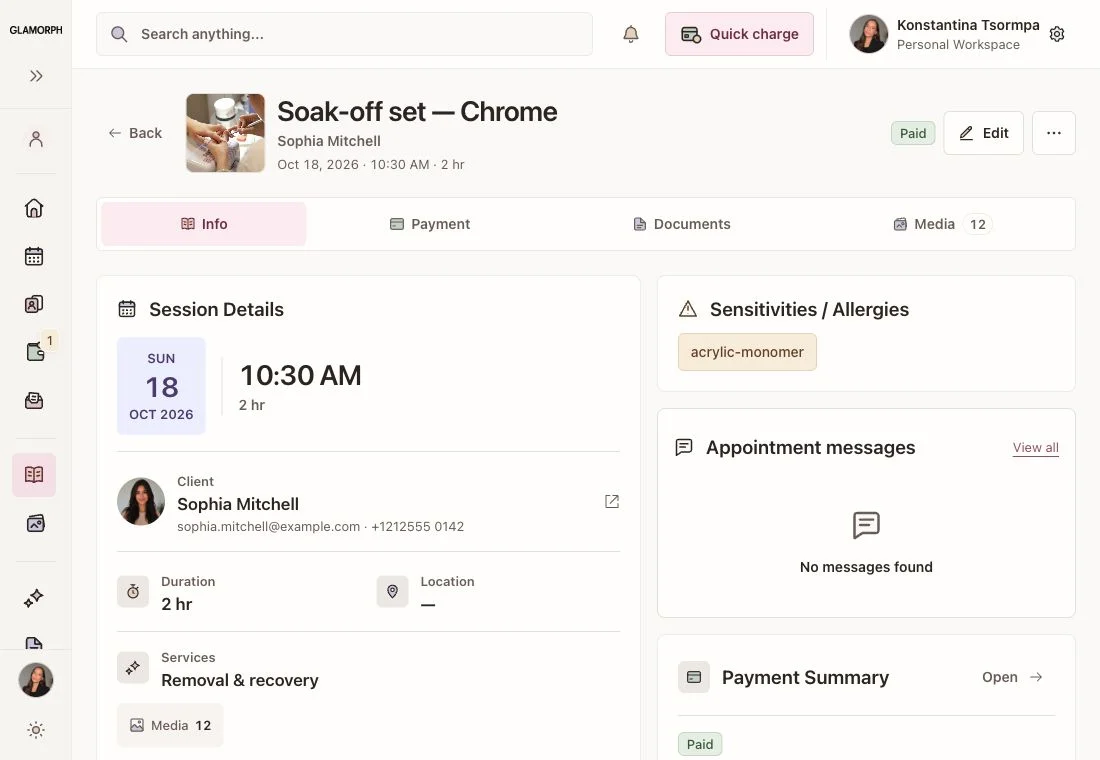
Manage nail salon client profiles, appointment history and consultation documents. Record product systems, shades, designs, photos and reported sensitivities for each service. Keep full sets, fills and removals in the client’s service history, alongside signed forms, payments and balances. Each team member accesses the records allowed by their workspace role.

Learn More
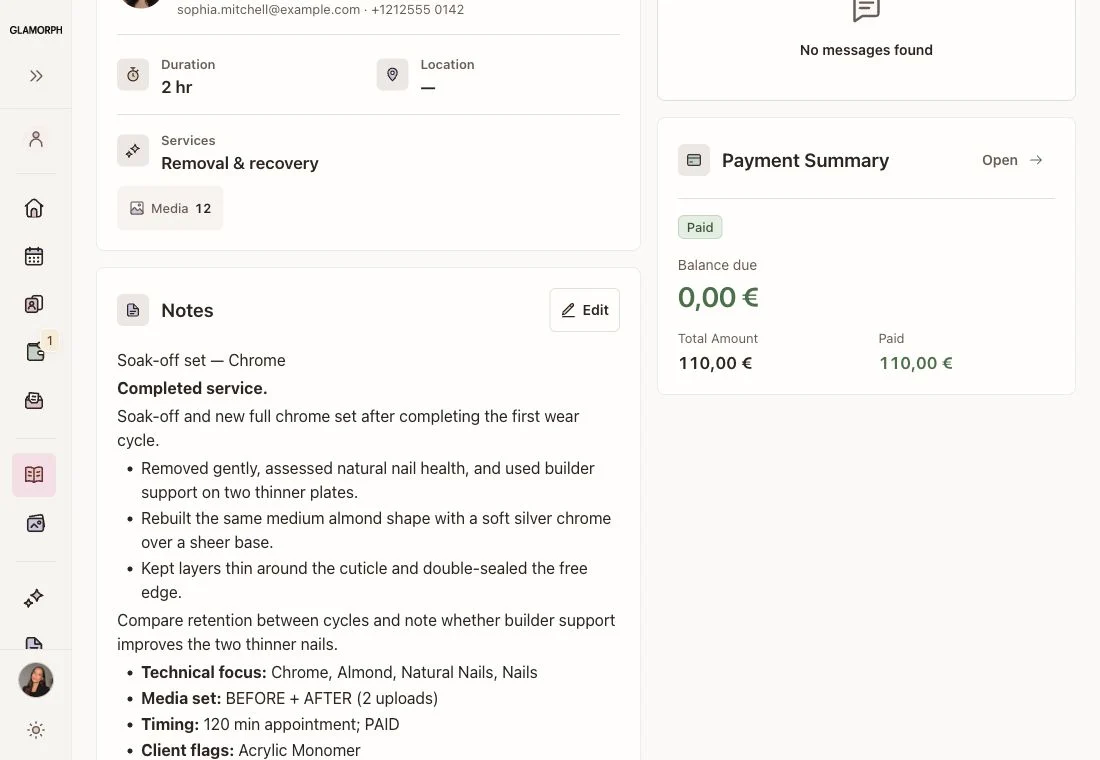
Nail appointment record with design and product notes in Glamorph, shown in English

Appointment Calendar

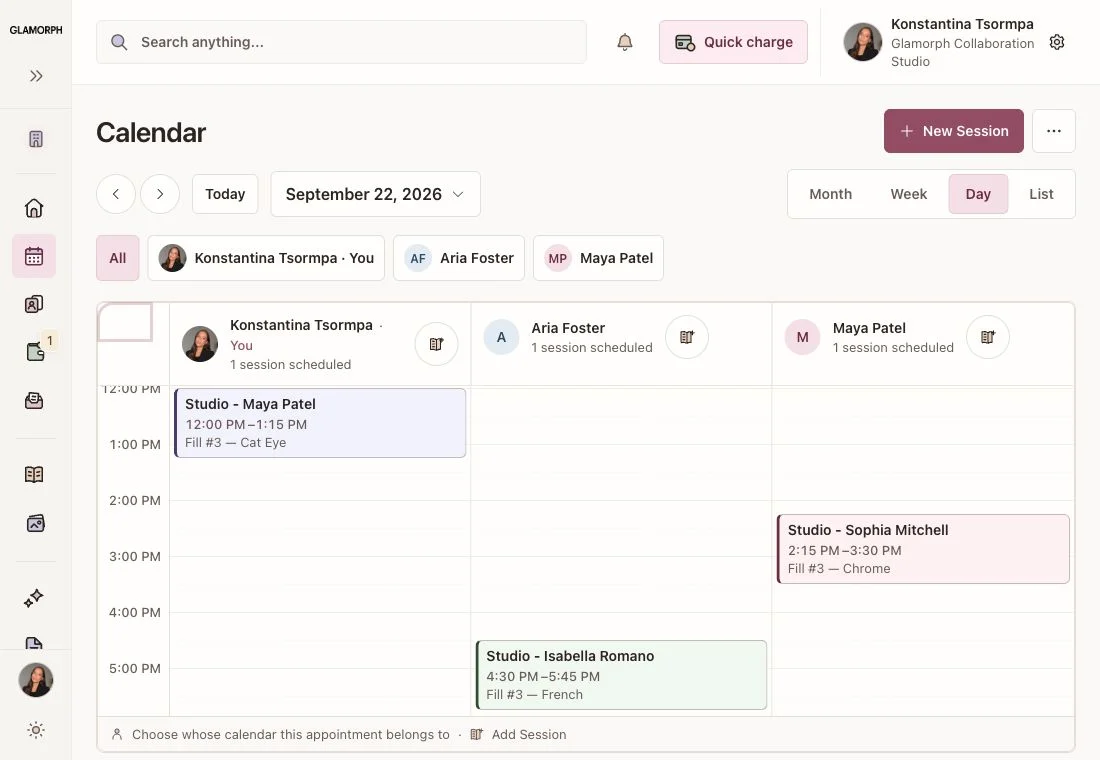
Create separate services with clear durations and buffers, then assign the professionals who offer them. Manage each person’s hours, breaks and time off in the same calendar as online bookings and manually entered appointments.

Learn More
Glamorph nail salon calendar with professional appointments, shown in English

Salon Team Management

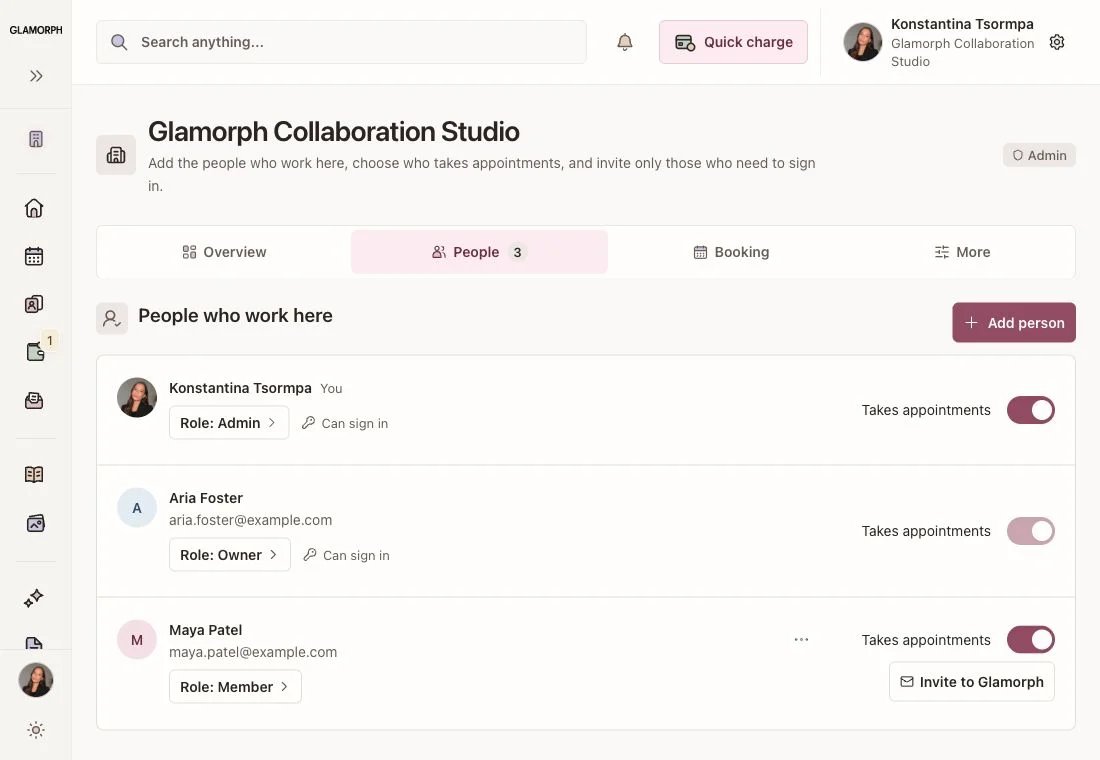
Give each team member a separate login and an appropriate role. Control which clients, appointments, documents and financial information they can access. The owner can review the day while individual professionals work in their permitted calendars.

Learn More
Nail salon workspace members and roles in Glamorph, shown in English

Client Documents

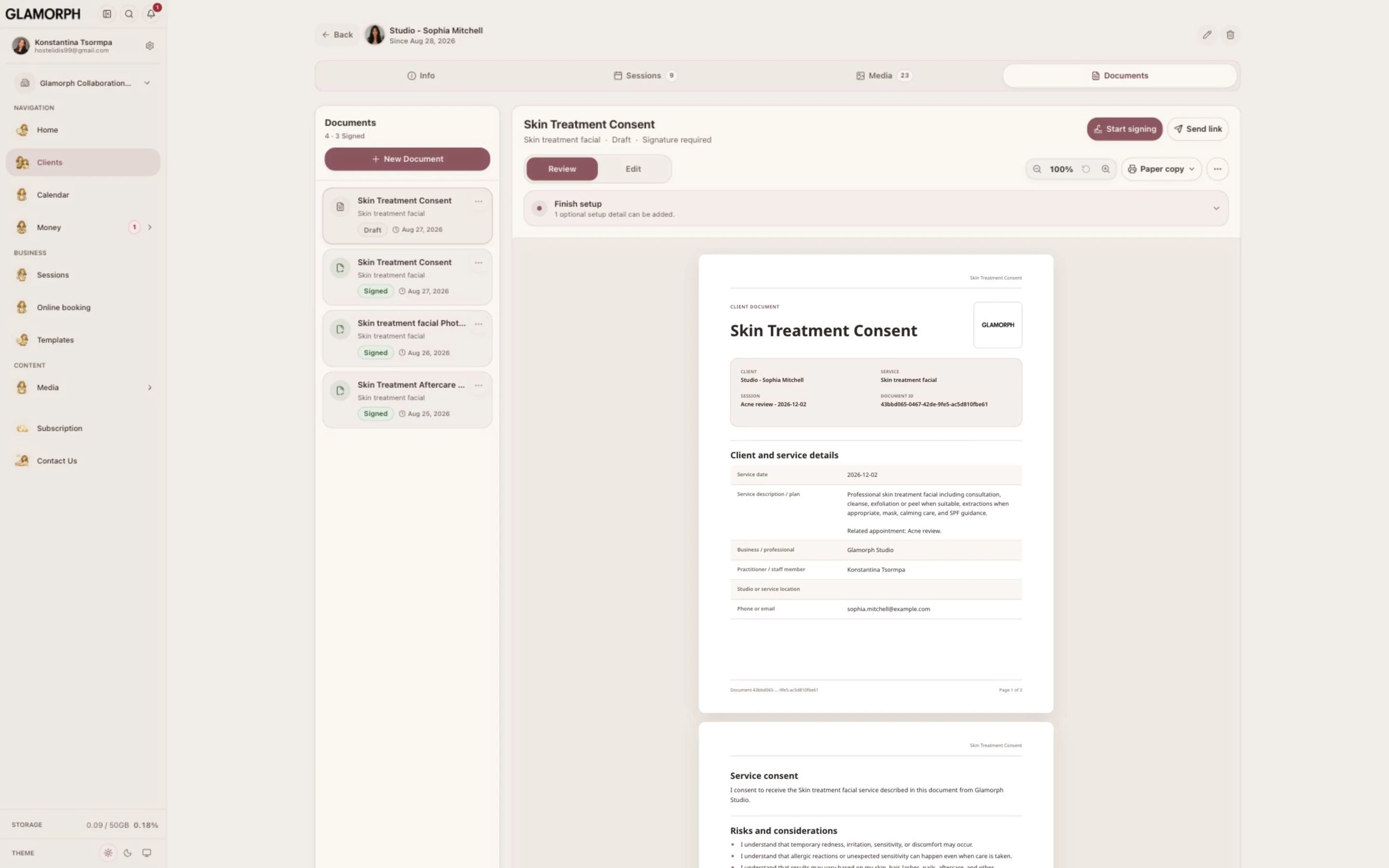
Signed content is locked into a final PDF. Open, share, print or download the record with the signature, signer name and signing date.

Learn More
Keep the completed record — Glamorph

Optional online booking

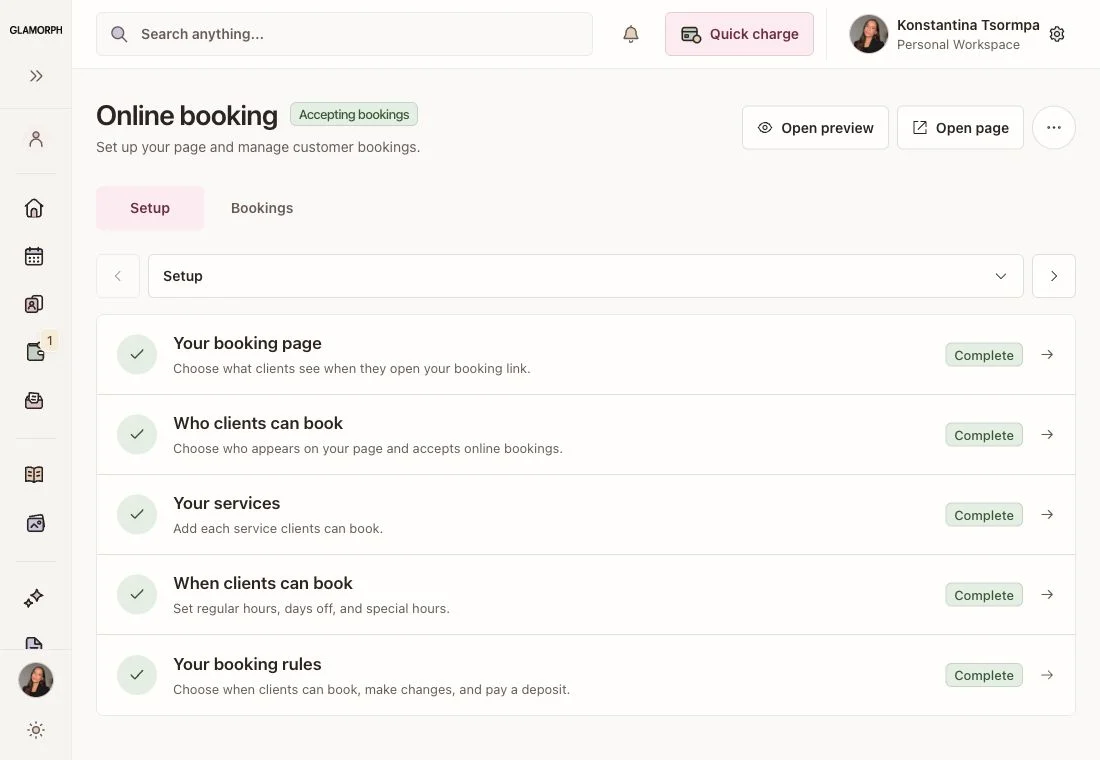
Let clients choose a service, professional and available time on your booking page. Manage confirmed bookings and appointments you add yourself in the same calendar. Set your hours and booking rules. Your page stays private until you publish it.

Learn More
Online booking settings in Glamorph on laptop
Client booking and available appointment times on phone

Appointment reminders by WhatsApp, SMS and email

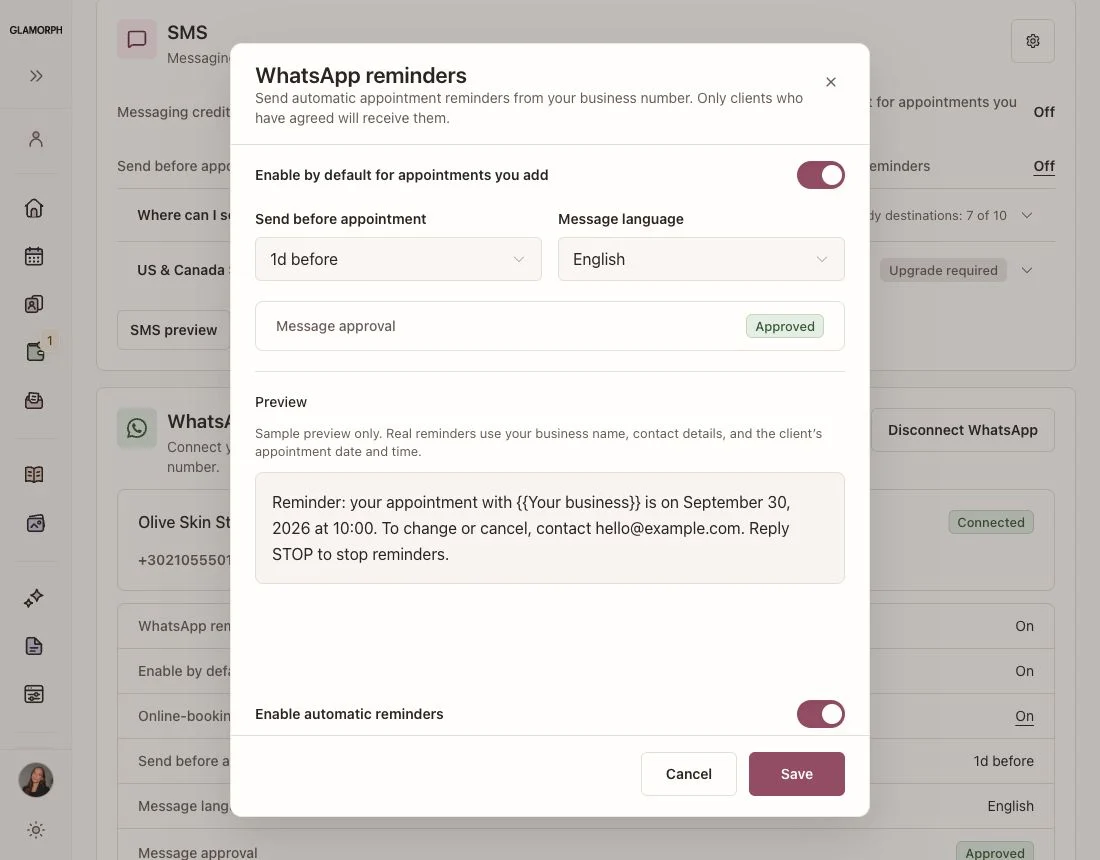
Send automatic reminders for appointments you add yourself and confirmed online bookings. Choose WhatsApp, SMS or email, with separate settings for each channel. Connect your business WhatsApp in the web app. Choose the timing and language, preview the message and check its approval status. Sending requires a ready connection, an approved message and the client's permission.

Learn More
WhatsApp reminders from your business number — Glamorph English interface with example data

Optional payment processing

Record cash, bank transfers and payments received elsewhere. For integrated collection, connect an eligible Stripe, SumUp or Square account.

  • Save cards with client permission in the web app
  • Collect in person with a compatible SumUp or Square terminal
  • Request deposits and balances through payment links

Methods depend on the provider, merchant country, account and device. Processing fees apply. Recording a manual payment does not charge a card.

Save a card for the next visit

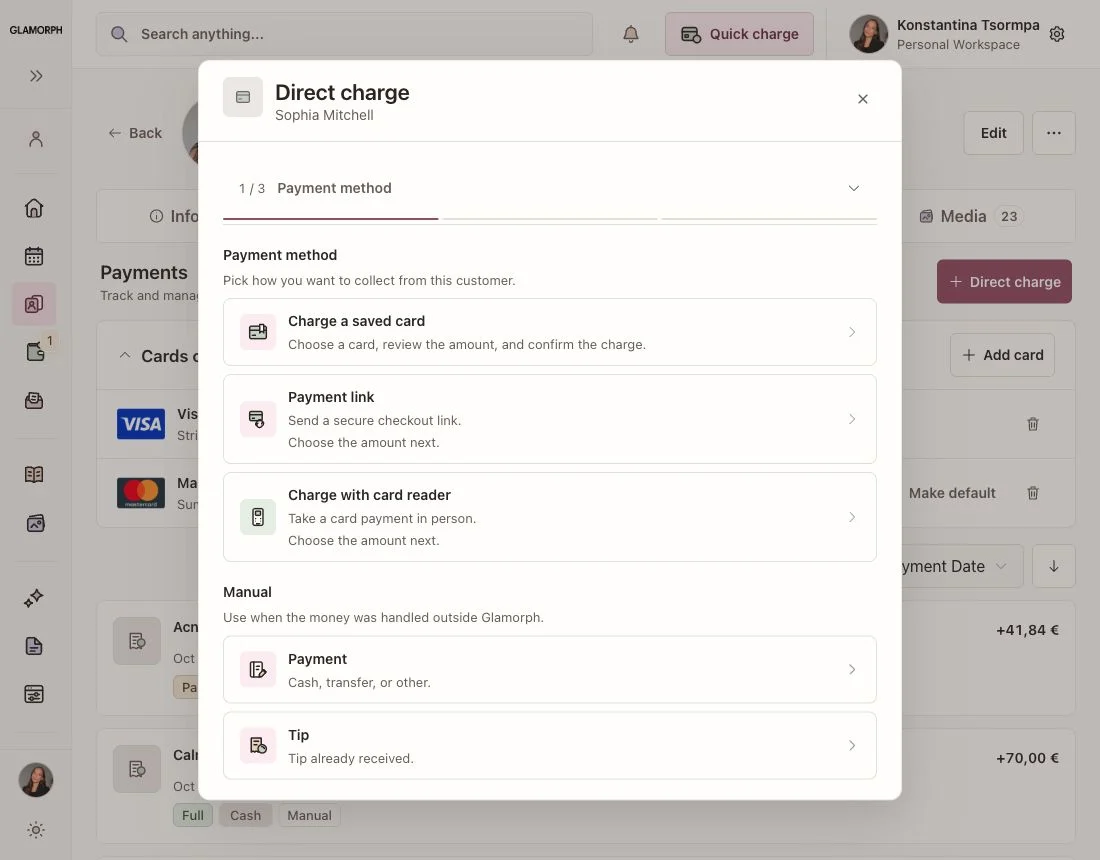
With the client's permission, add a card through the provider's secure form or send a card-saving request. Saved cards appear in the client's Payments tab with their brand, last four digits and provider, plus an expiry date when available. On the web app, select an eligible card for a future payment and review the amount before charging.

Glamorph payment choices for an appointment, including saved card, payment link, reader and manual payment, in the English web app
Stripe logo

Stripe

SumUp logo

SumUp

Square logo

Square

See payments for salons

Start with one calendar. Add bookable calendars as the team grows.

Plans start with one active appointment calendar. The plan changes only when you activate more calendars for professionals who take bookings.

Starting from

€11.99 per month

A person profile, front-desk login, assistant login or other non-bookable team access does not count as another appointment calendar.

Approximate web price. App Store and Google Play prices can vary by country and currency. The final amount appears before purchase.

Built for small beauty teams

Use Glamorph alone or share a workspace with your salon team. Start with clients and appointments, then enable online booking and eligible payments when ready. If you need stock control, payroll, fiscal POS or complex resource allocation, keep those requirements in your software evaluation.

Frequently asked questions

Can each nail technician have a separate calendar?

Yes. Set up professional calendars, services, working hours, breaks and time off. Online bookings and appointments added by your team appear in the same calendar.

Can I keep product sensitivities and signed forms together?

Yes. Record sensitivities reported by the client and keep consultation documents, signed PDFs, product notes and photos with their history. Documents can be created and signed without an online booking.

Are team logins charged like extra appointment calendars?

No. The base plan includes one active appointment calendar. Additional active bookable calendars determine the team plan. A reception login or a non-bookable profile does not count as another calendar. Checkout confirms the available plan and final price.

Can I send WhatsApp reminders without online booking?

Yes. Connect your business WhatsApp in the web app, record the client's permission and enable the reminder on an appointment you create. You do not need to publish a booking page.

Are there extra messaging charges?

SMS uses prepaid Glamorph messaging credits. The destination and message length affect credit use, and some sender options have separate fees. WhatsApp Business charges may apply through Meta. Email reminders do not use messaging credits.

Can I save a client's card and use it at the next visit?

Yes, in the web app with an eligible Stripe, SumUp or Square connection and the client's explicit permission. The provider handles the card details. Each card stays with its original provider account, and every later charge requires a separate action. Card saving is optional.