

People, logins, and calendars stay separate
Create one profile for each real person. Turn on an appointment calendar only when they take bookings, and send an invitation only when they need to sign in. One active appointment calendar is included.
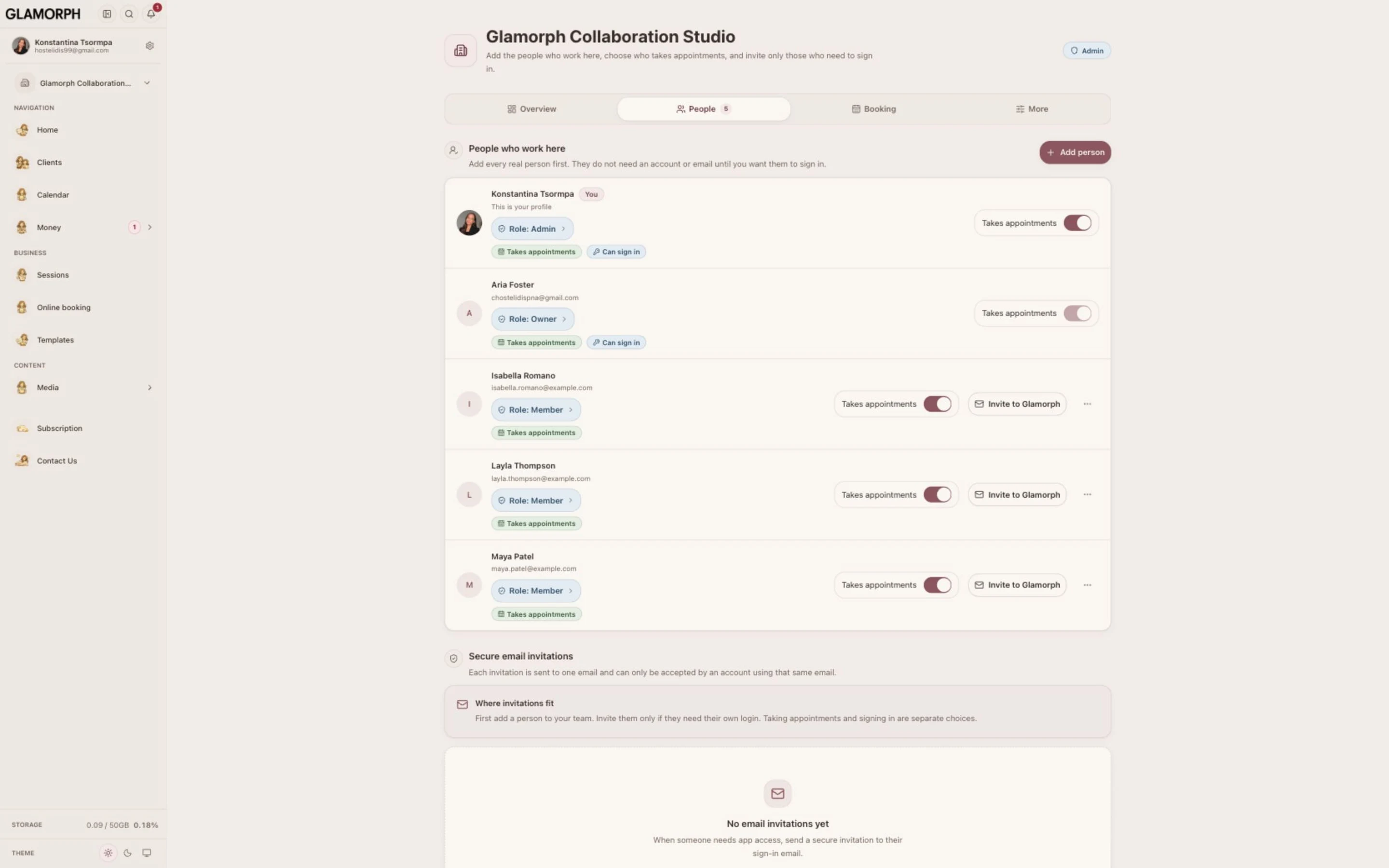
Add each person once, enable a calendar only when they take appointments, and invite only those who need their own Glamorph login.
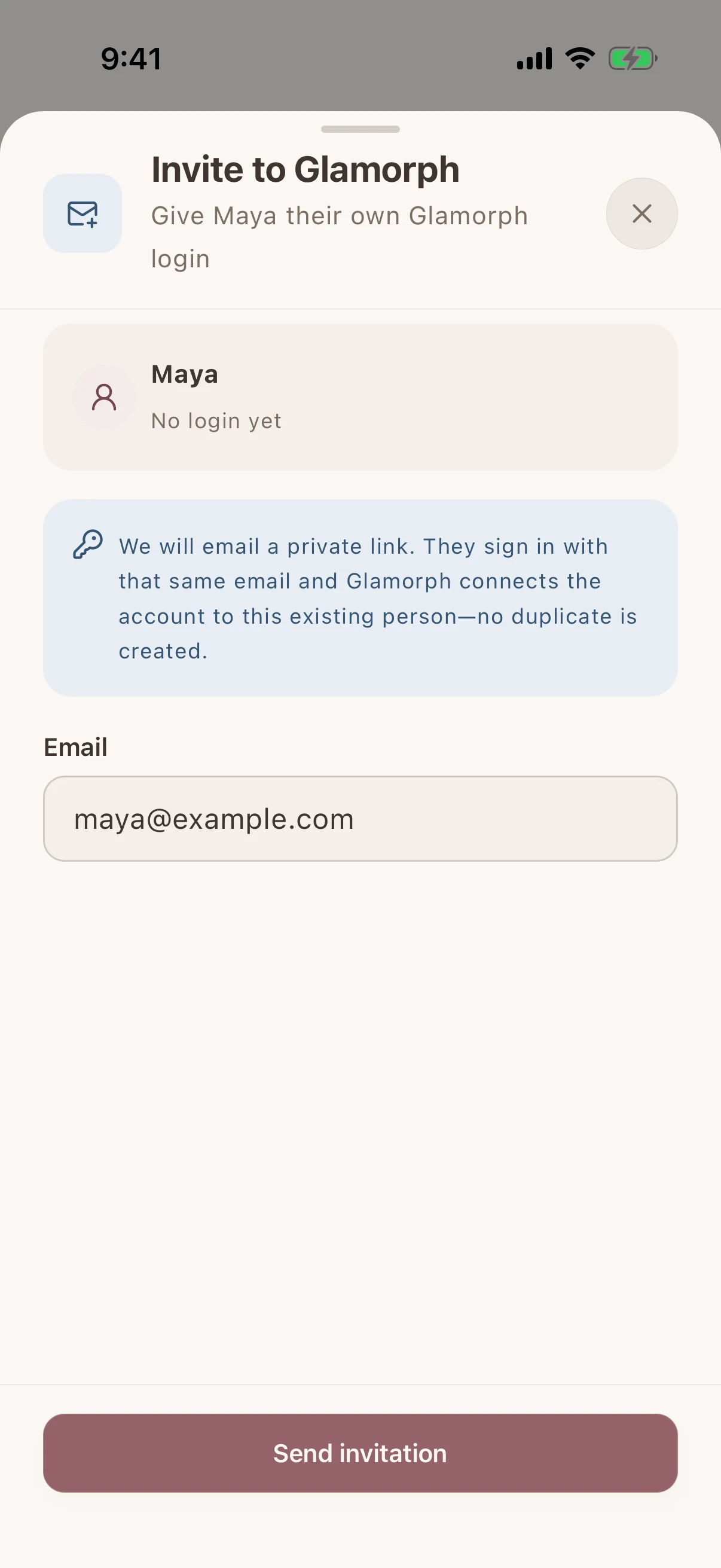
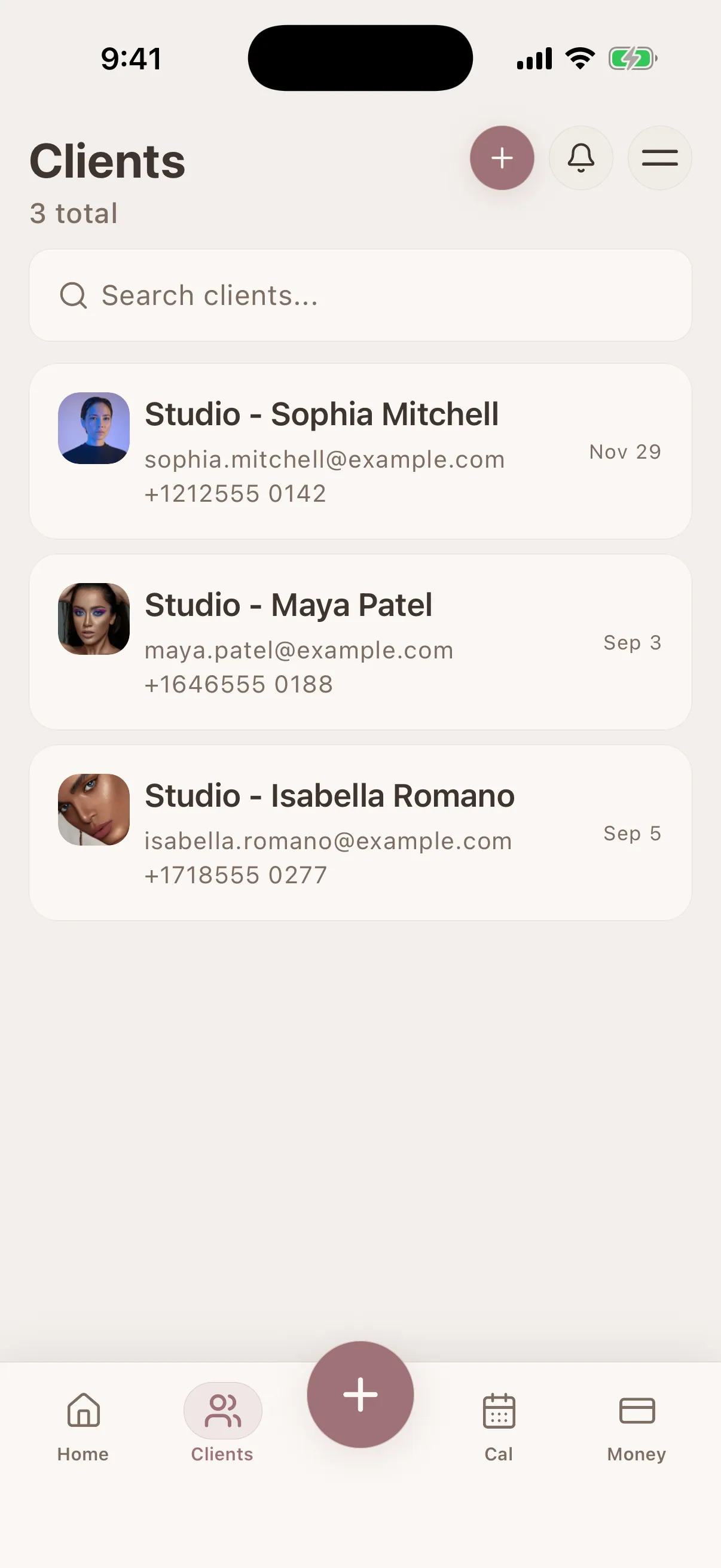
Glamorph is beauty business software for independent professionals and small teams. It brings online booking, calendars, client history, photos, signed documents, payments, and team work together in one place.

"Built from beauty work, developed for the business around it"
Glamorph co-founder Konstantina Tsormpa is a makeup and bridal artist. That background informs the attention to client history, while booking, payments and shared workspaces support independent professionals and small teams across beauty services.
The owner adds the people who actually work in the salon, decides who takes appointments, and gives a login only to those who need one. The team shares client records without sharing one account.
Create one profile for each real person. Turn on an appointment calendar only when they take bookings, and send an invitation only when they need to sign in. One active appointment calendar is included.
Keep client profiles, sessions, photos, documents, notes, and payments in one workspace. Roles determine whether a connected account can work with its own or the wider team's clients and calendars.
Assign each appointment to the professional doing the work. Own-or-all calendar permissions keep the schedule useful without giving every account the same access.
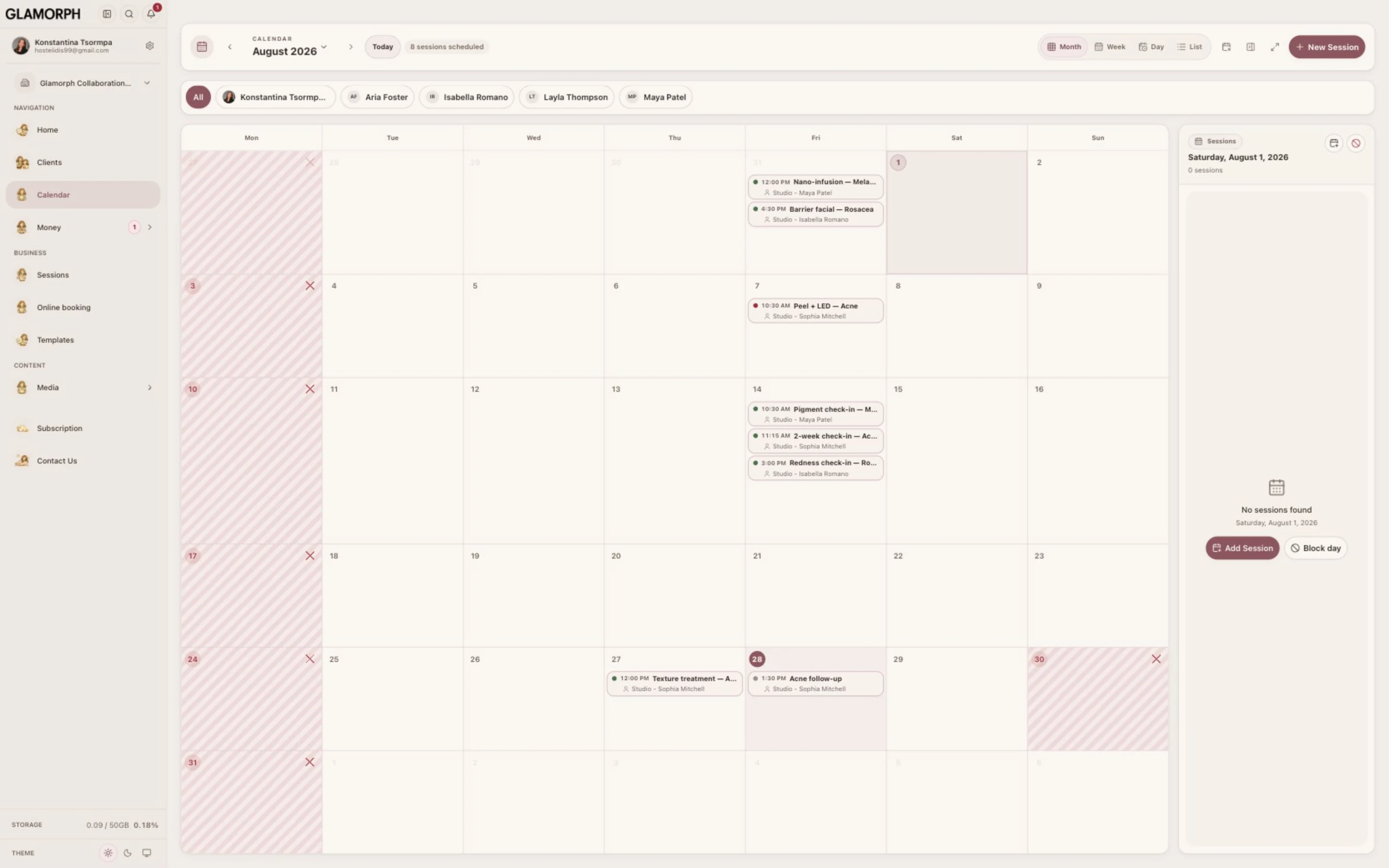
See how this feature makes your daily work easier
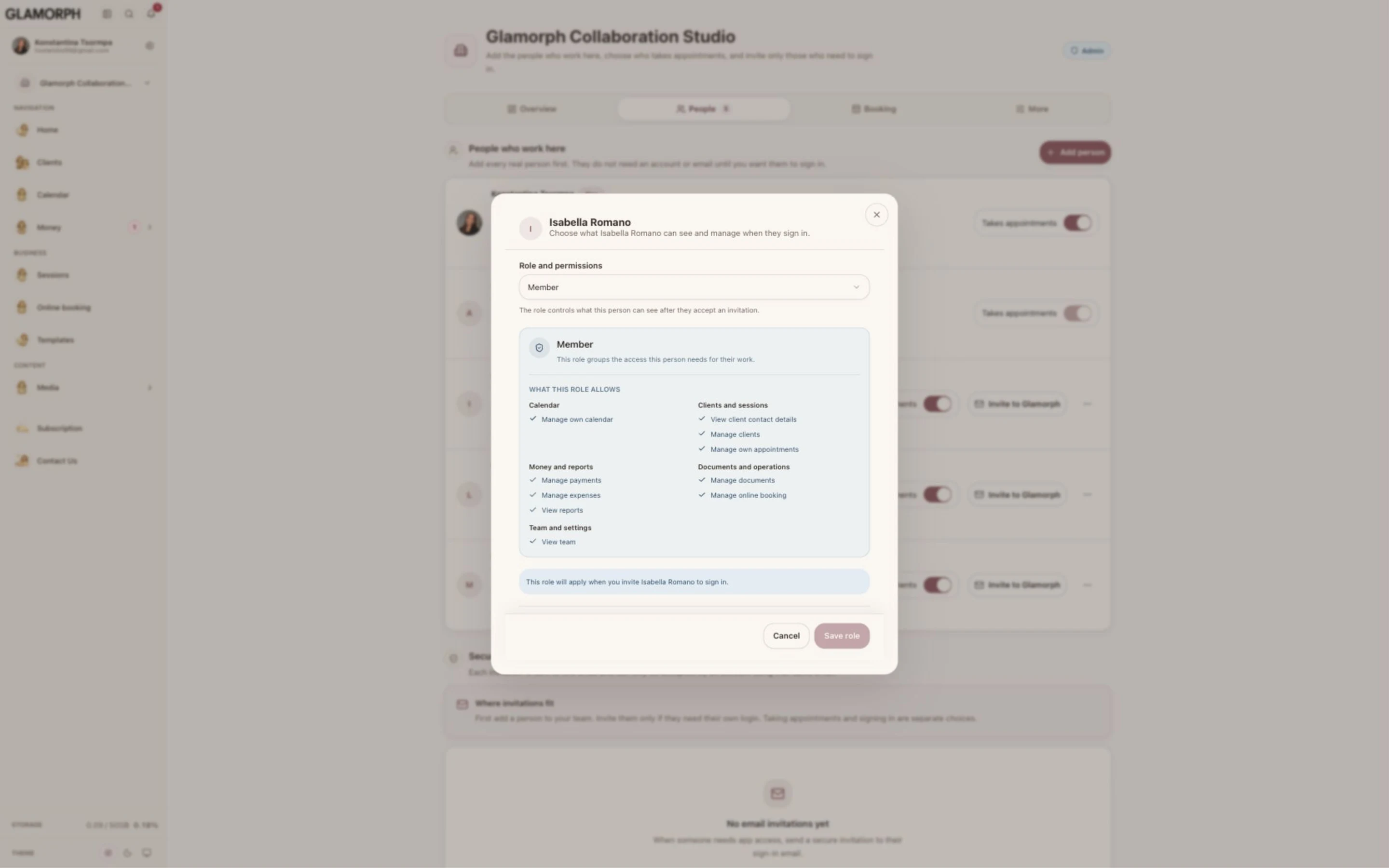
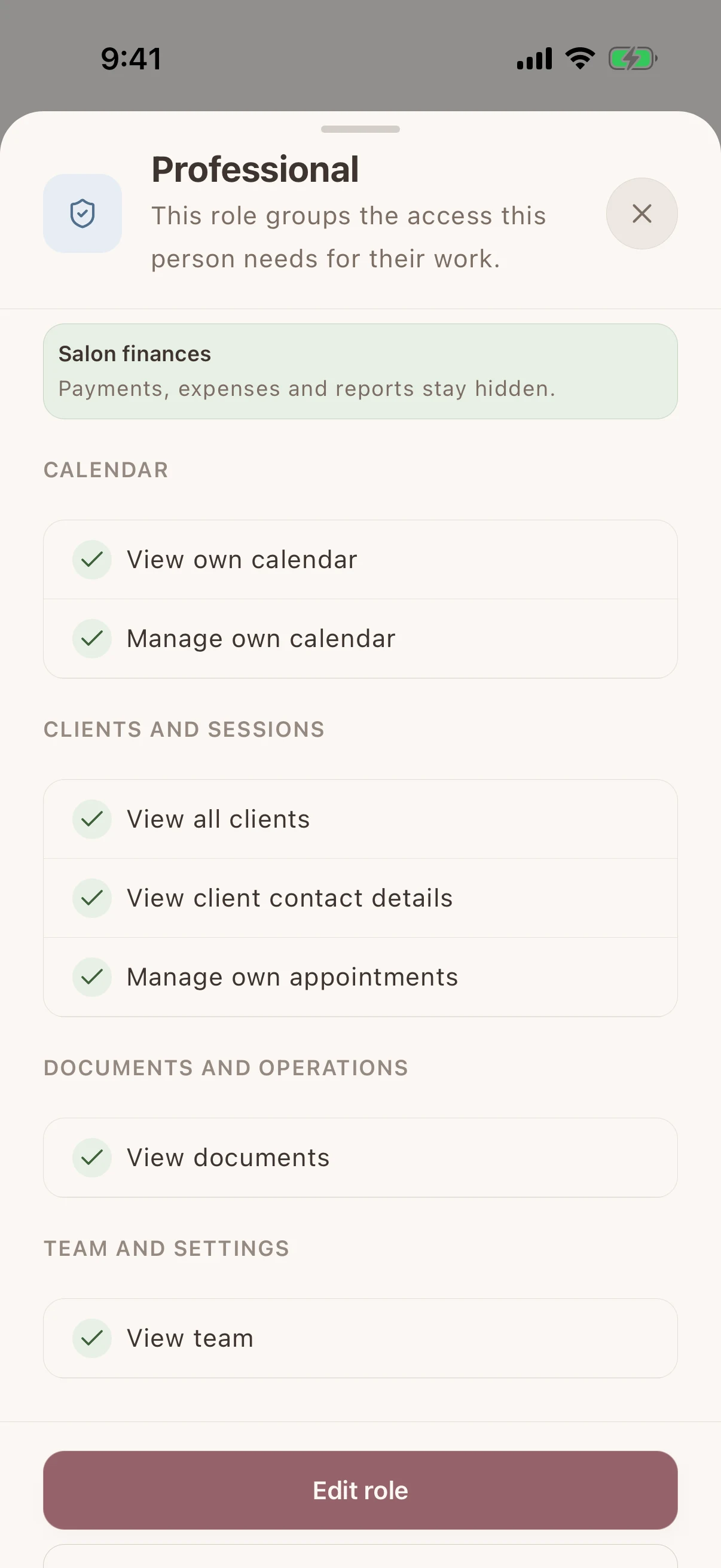
Let staff use the client records and calendars their work requires without showing them the salon's payments, expenses, or reports. Choose a ready-made role or adjust access as responsibilities change.
Use Glamorph when a small salon, studio, or group of independent professionals needs shared client history and appointment continuity. It is not payroll, inventory, fiscal POS, or enterprise multi-location software.
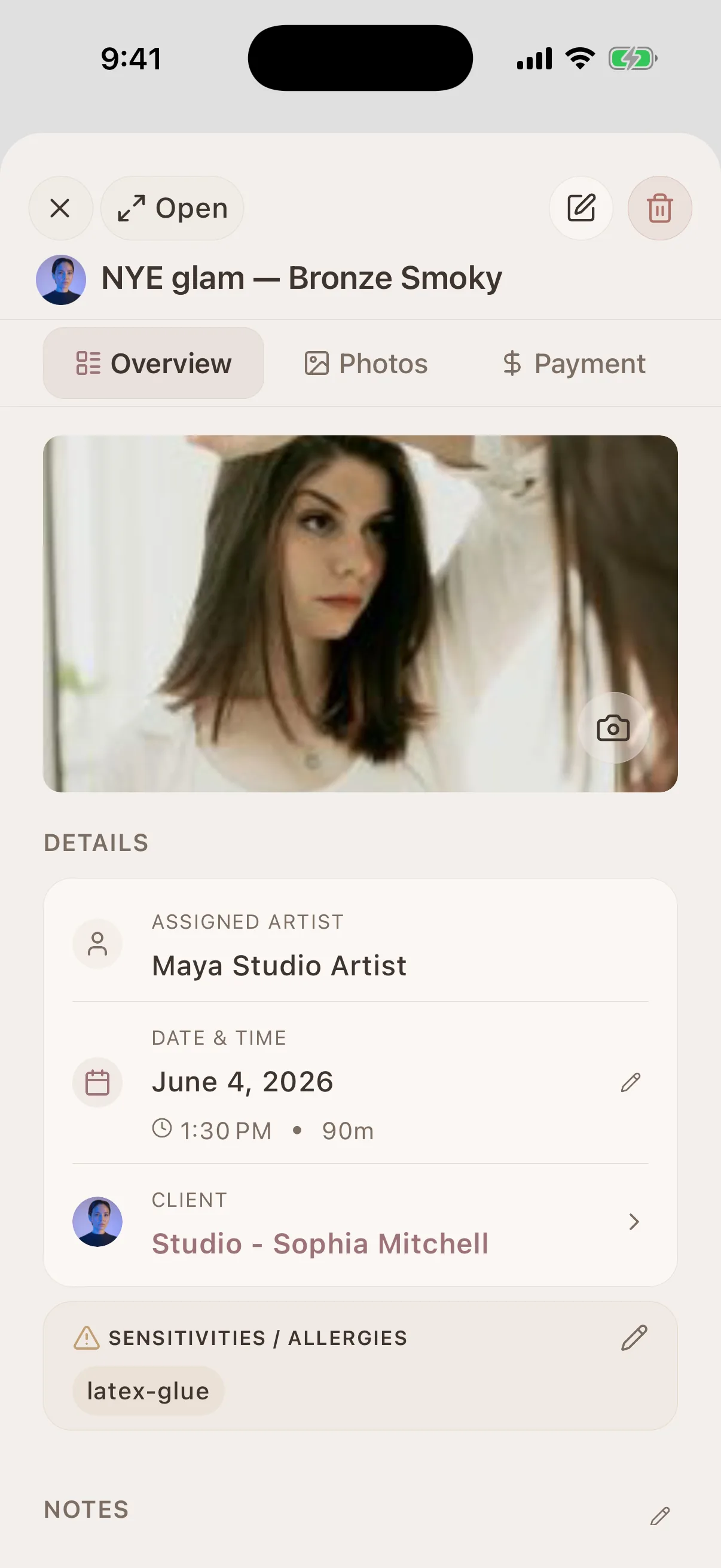
Connect this feature with the parts of Glamorph that help you remember the client, prepare faster, and follow up cleanly.
See all featuresKnow what happened last time, what is booked next, and what still needs your attention.
Starting from €11.99 per month · Free trial included
Yes. Add the person's name first. They can appear on appointments without an account or email, and you can invite them later only if they need to use Glamorph themselves.
No. Enable an appointment calendar only for professionals clients can book with. A receptionist, assistant, or other person can have app access without a bookable calendar.
Not automatically. The role assigned to a connected account controls whether it can view or manage its own or all client records and calendars, as well as contact details, payments, documents, reports, and settings.
Yes. Choose a role that keeps payments, expenses, and reports private. Staff can still work with the client records and calendars their role allows, and the owner can change that access later.
Past appointments and client history stay in the workspace. The owner can deactivate the person's profile and remove their app access without deleting the historical record.
The base subscription includes one active appointment calendar. Person profiles and login invitations do not add a fee. The plan is determined by the number of active appointment calendars. Your app store or payment provider shows the current price and terms before purchase.
Use Glamorph for the details that usually live in DMs, notes, and your camera roll.
€11.99 per month
Trusted by beauty professionals across
Tips and guides for beauty professionals
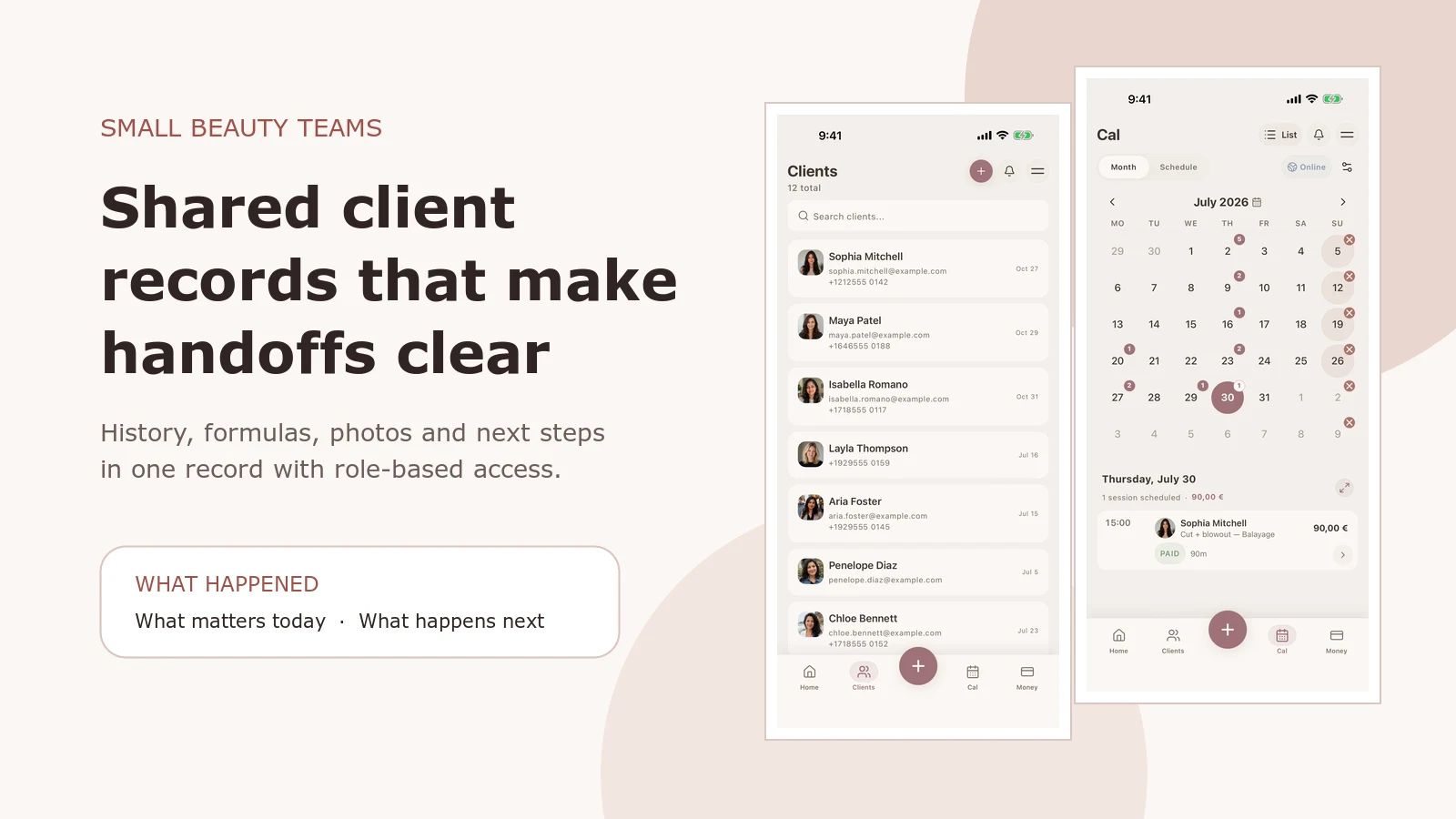
See how Glamorph connects salon client records, booking, photos, signed forms, payments and team access. A practical workflow for small beauty teams.
Read article
Compare six beauty salon booking systems for solo professionals and small teams: online booking, deposits, reminders, client records and everyday use.
Read article