

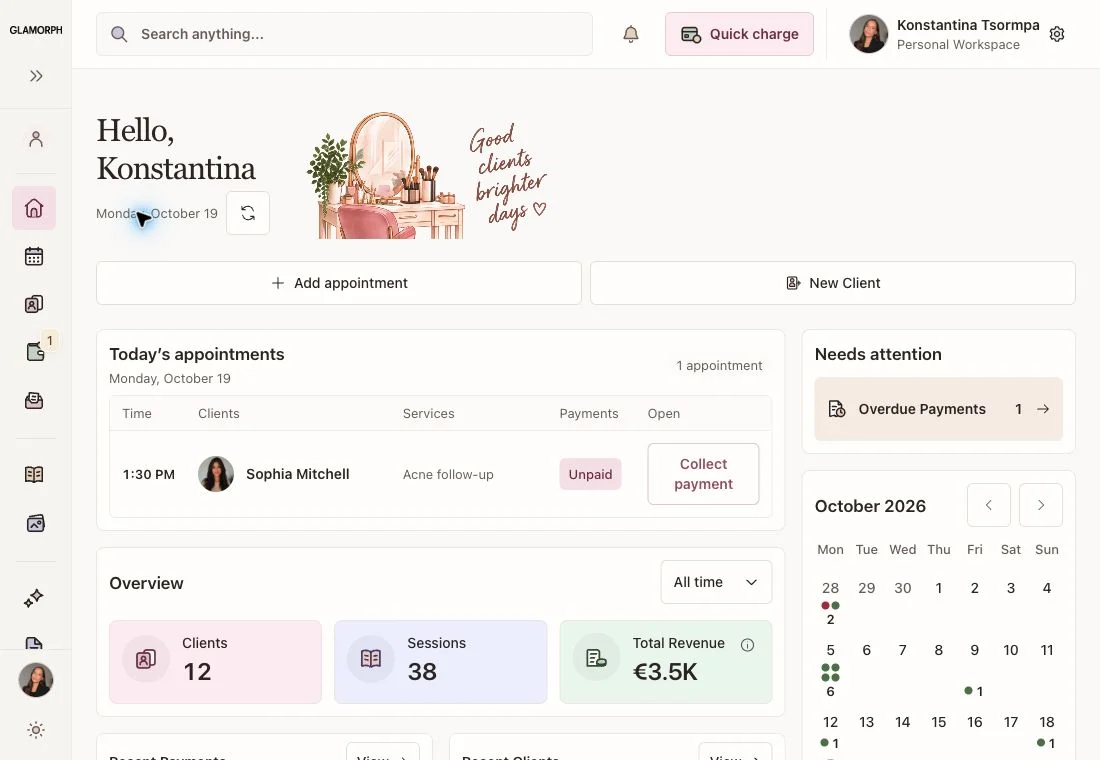
Create a useful client record
Add a client and record a service, formula, photo or document. Bring existing clients over manually, through the CSV preview-and-approve flow, or with founder help.
Learn MoreManage client records, documents, appointment history and payment history across laptop, tablet and phone. Work independently or with your team, and enable online booking and payment processing when you need them.
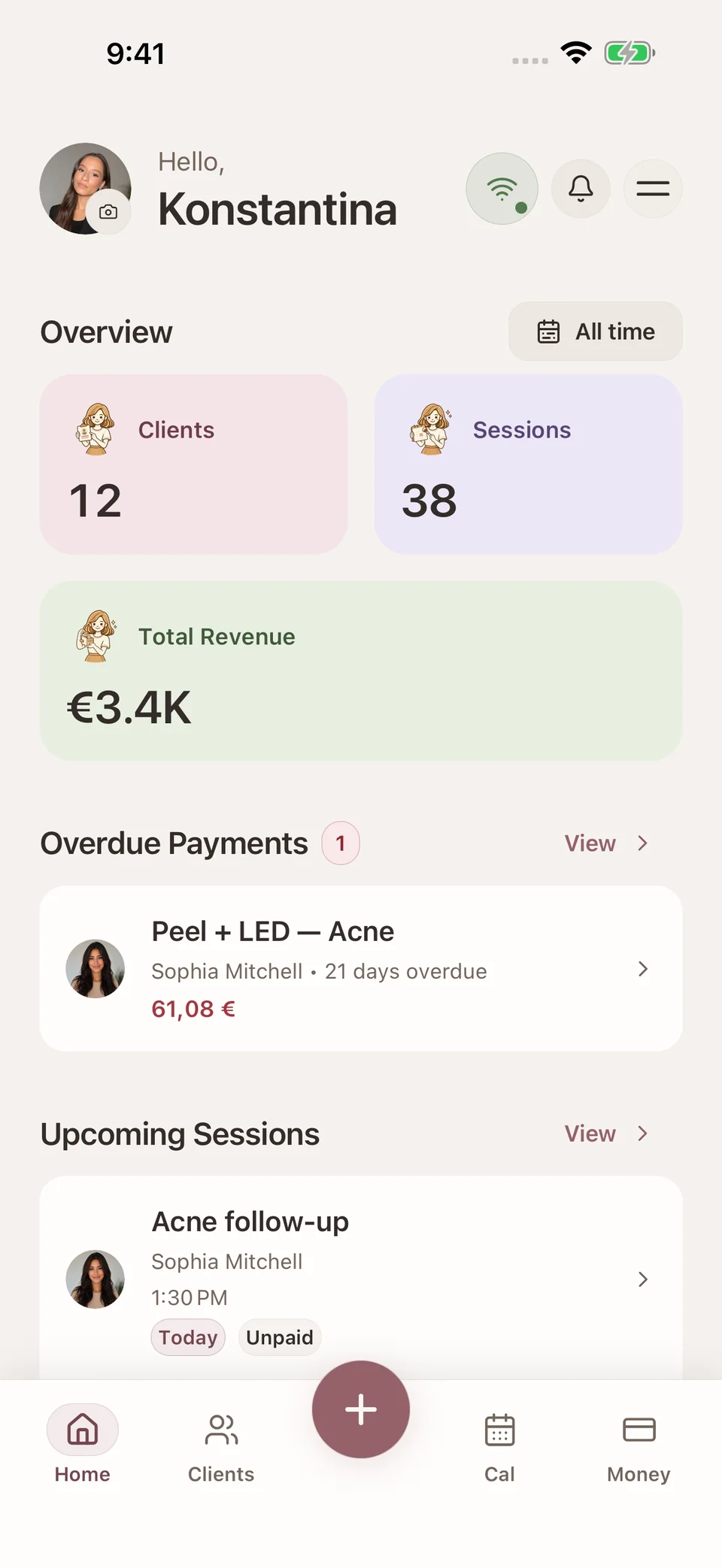
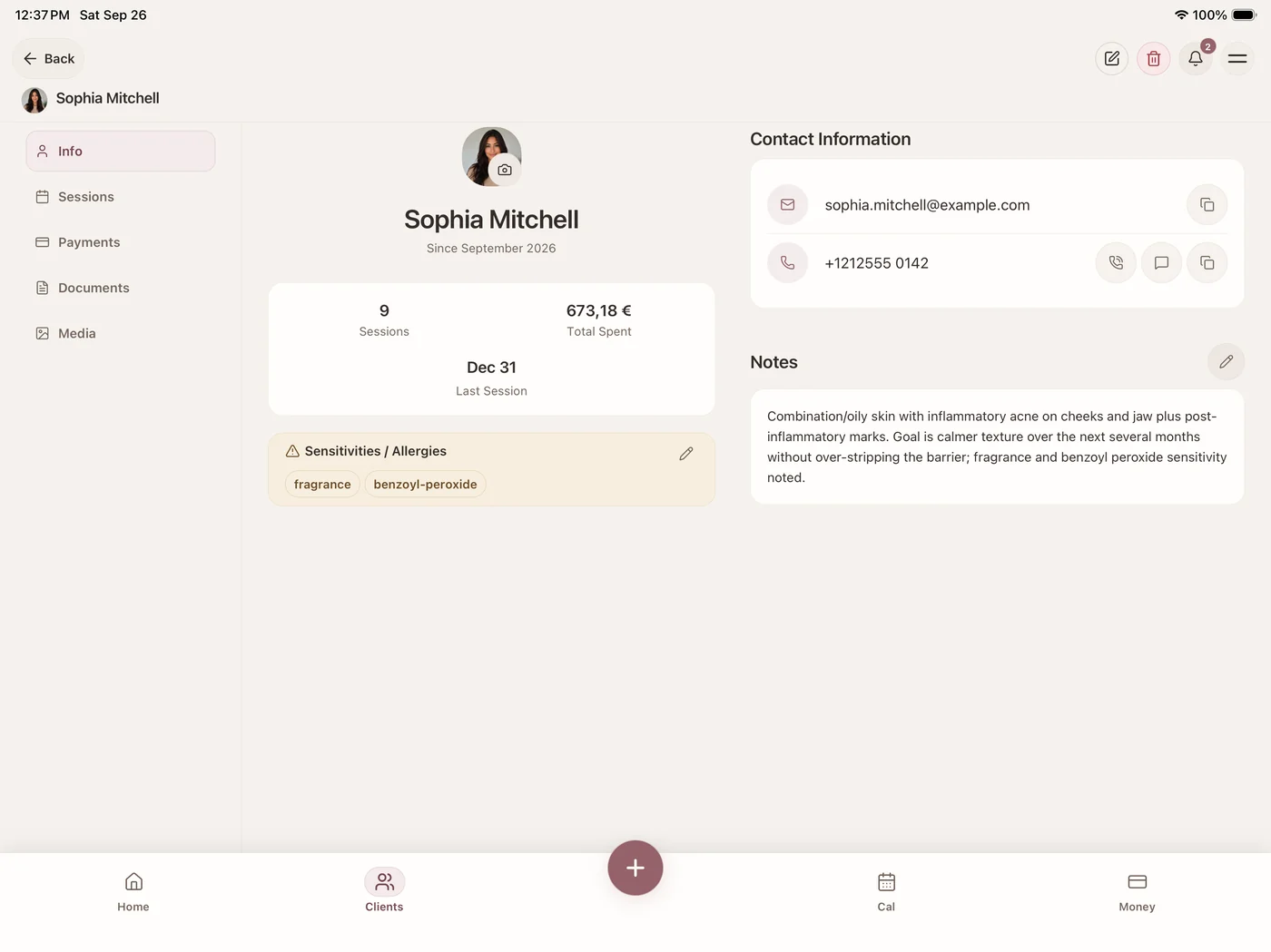
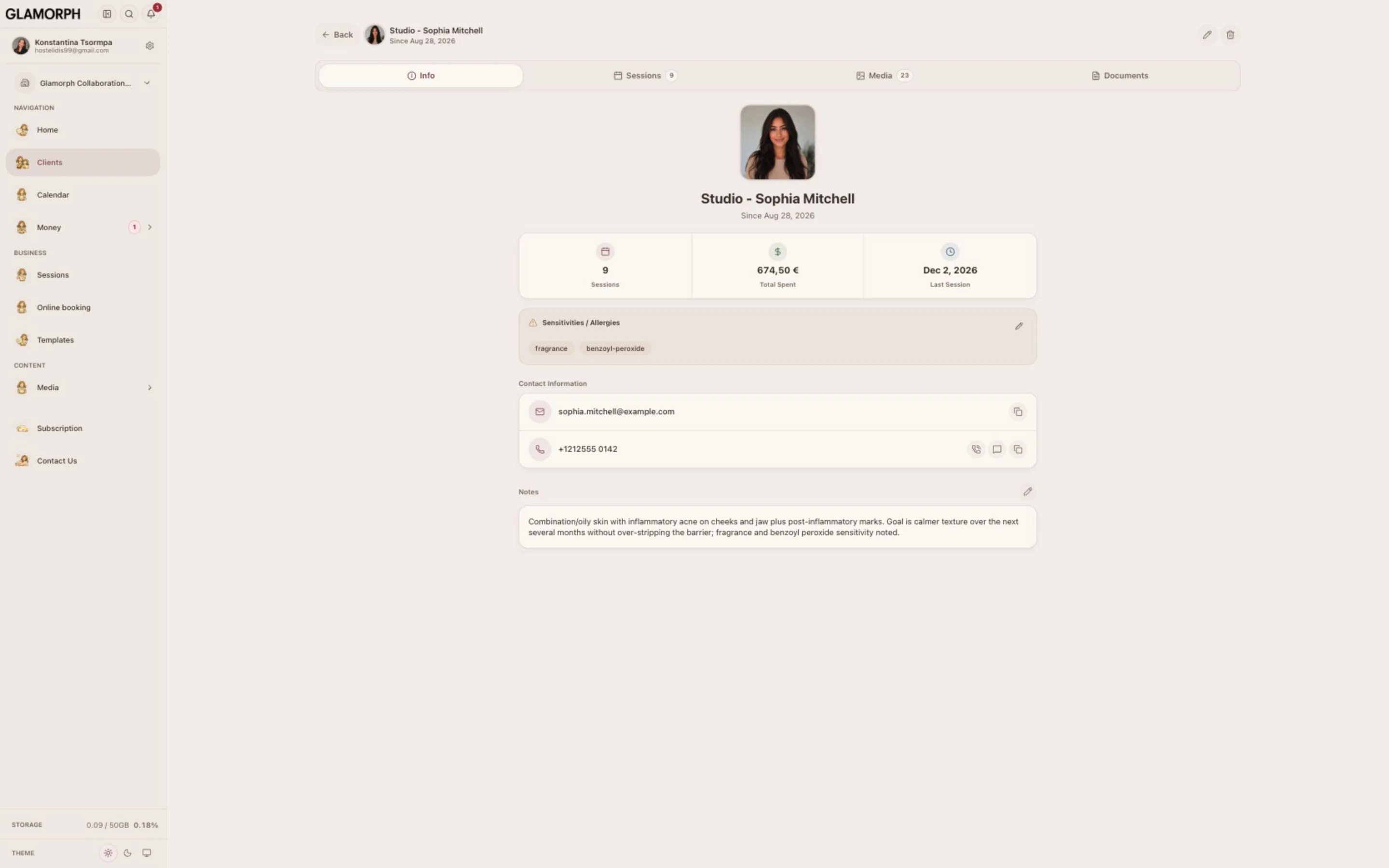
Keep client details, notes, photos and service history in one place. Documents, appointments and payments stay linked to the client, with access controlled by workspace roles.
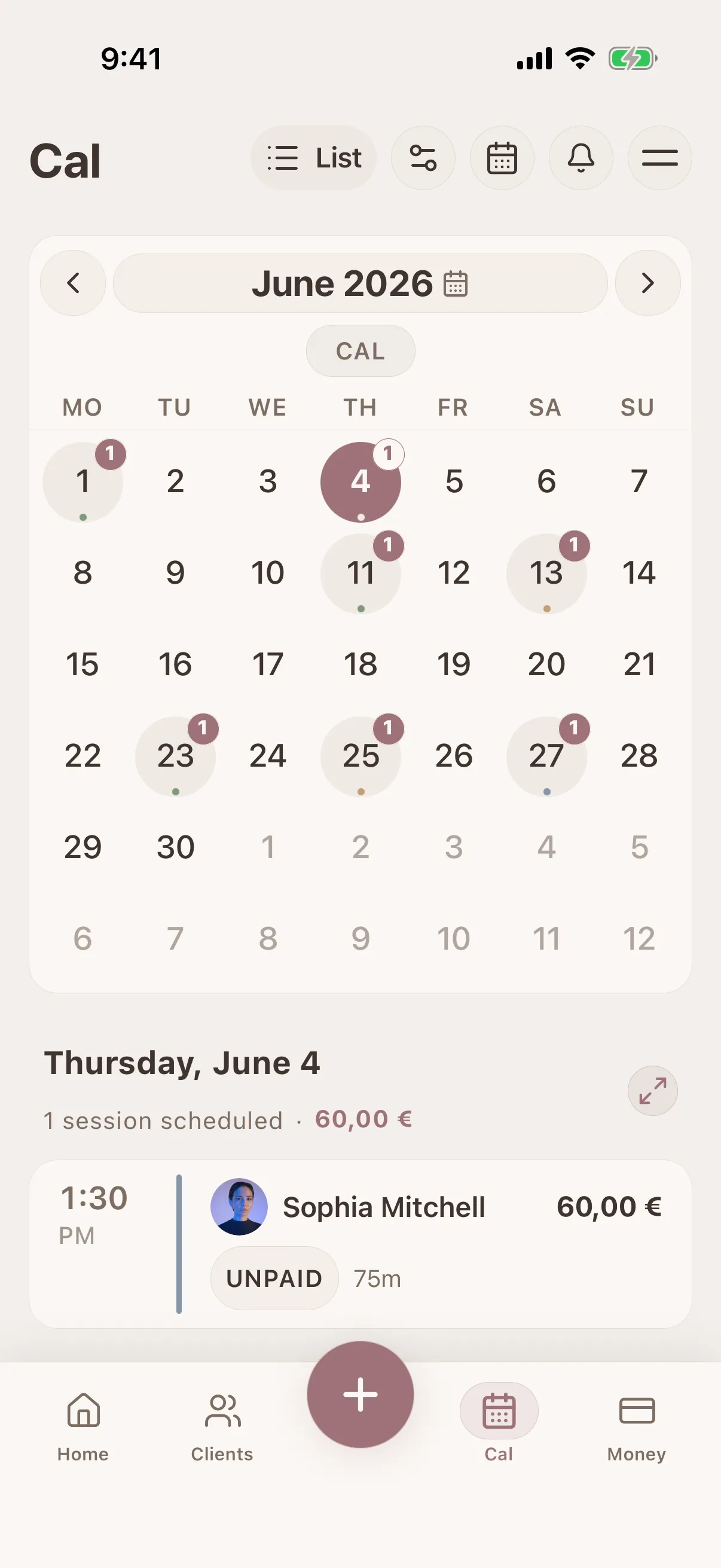
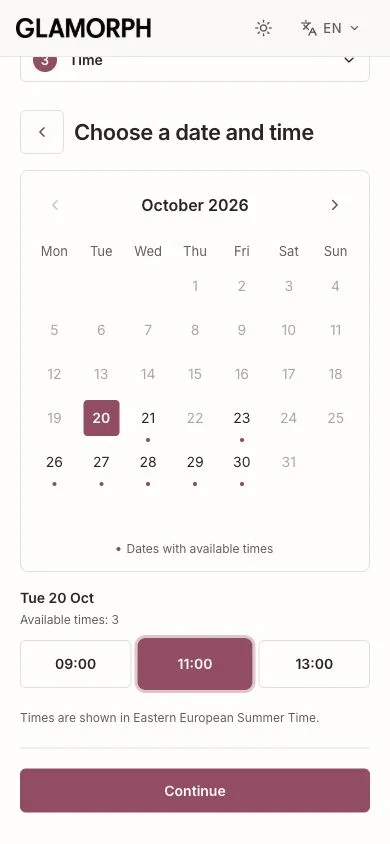
Let clients choose a service, professional and available time on your booking page. Manage confirmed bookings and appointments you add yourself in the same calendar.
Set your hours and booking rules. Your page stays private until you publish it.
Email, SMS & WhatsApp reminders
Explore online booking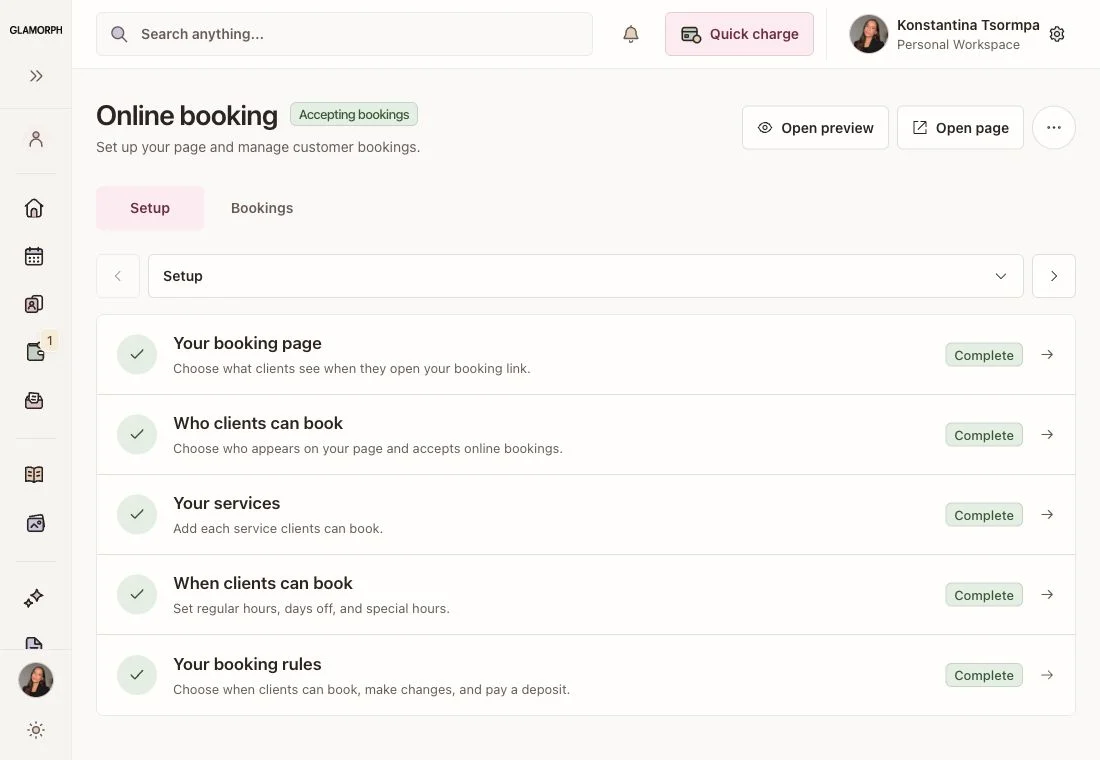
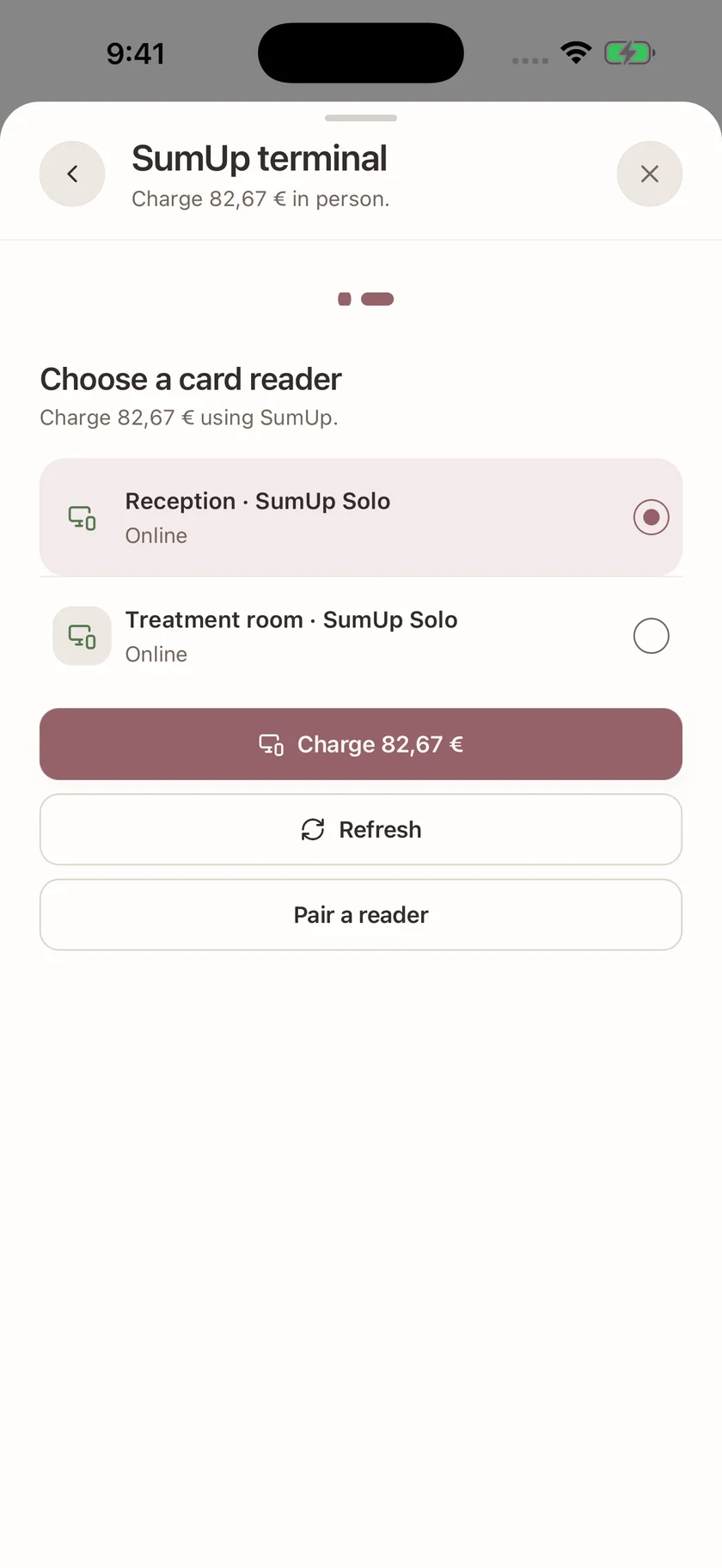
Record cash, bank transfers and payments received elsewhere. For integrated collection, connect an eligible Stripe, SumUp or Square account.
Methods depend on the provider, merchant country, account and device. Processing fees apply. Recording a manual payment does not charge a card.
Explore payment methods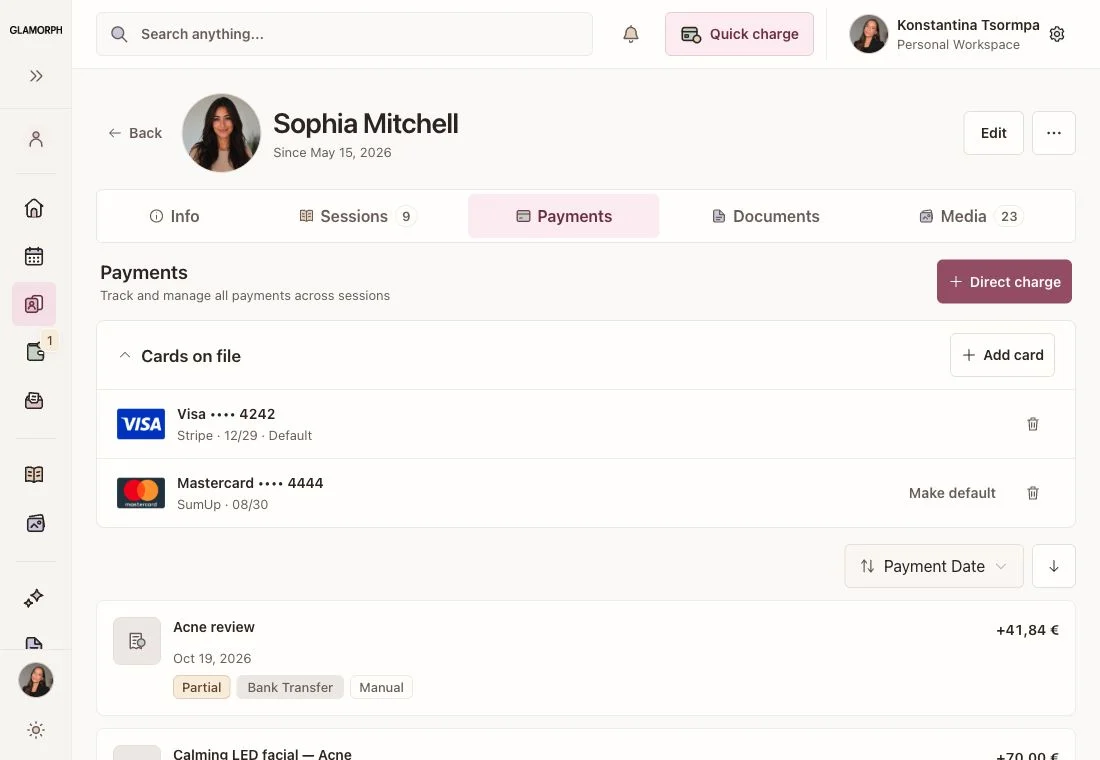
One connected workspace for appointments, client work, payments and your team. Use it on laptop, iPhone and Android.
Keep preferences, reported sensitivities, formulas, products and dated sessions with each client. Search the record before the appointment and add what changed while the work is still fresh.
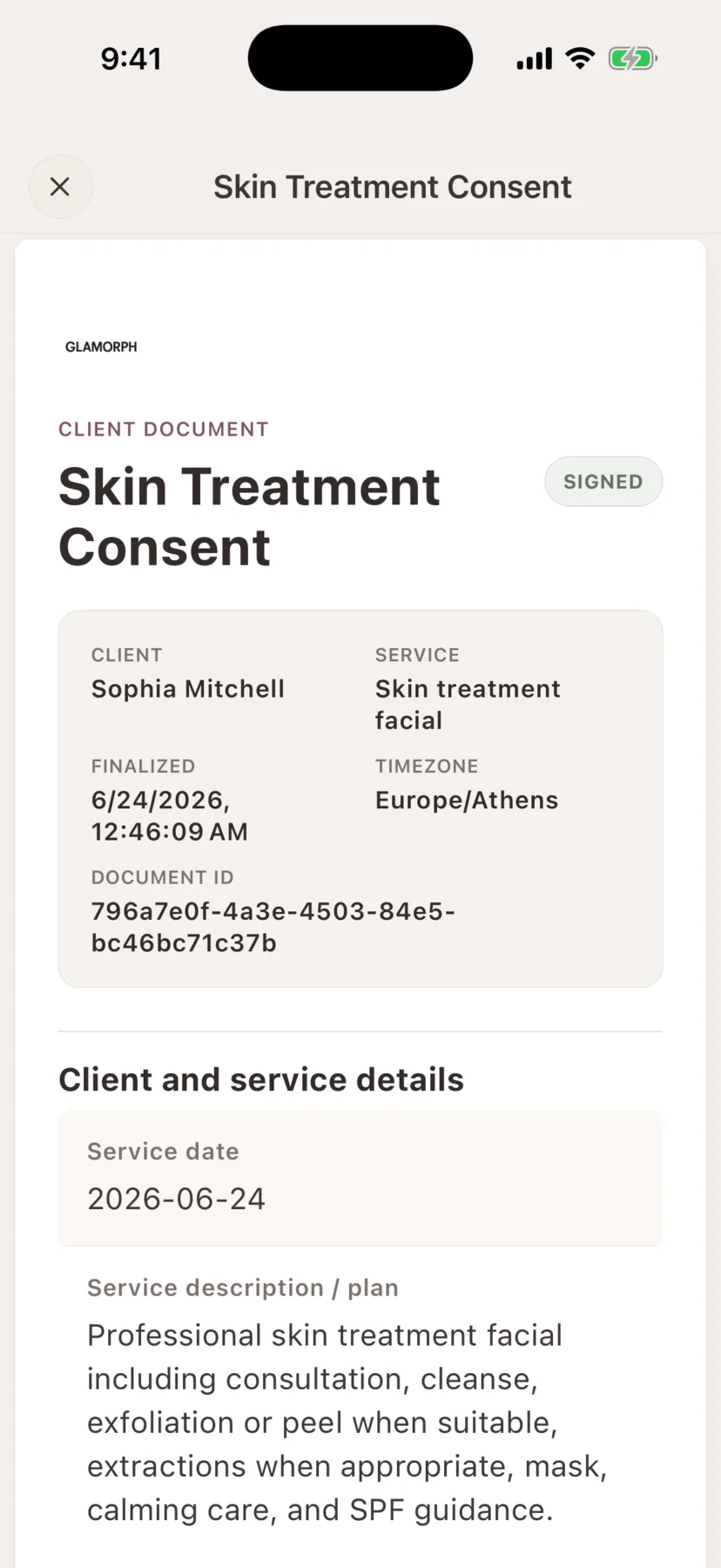
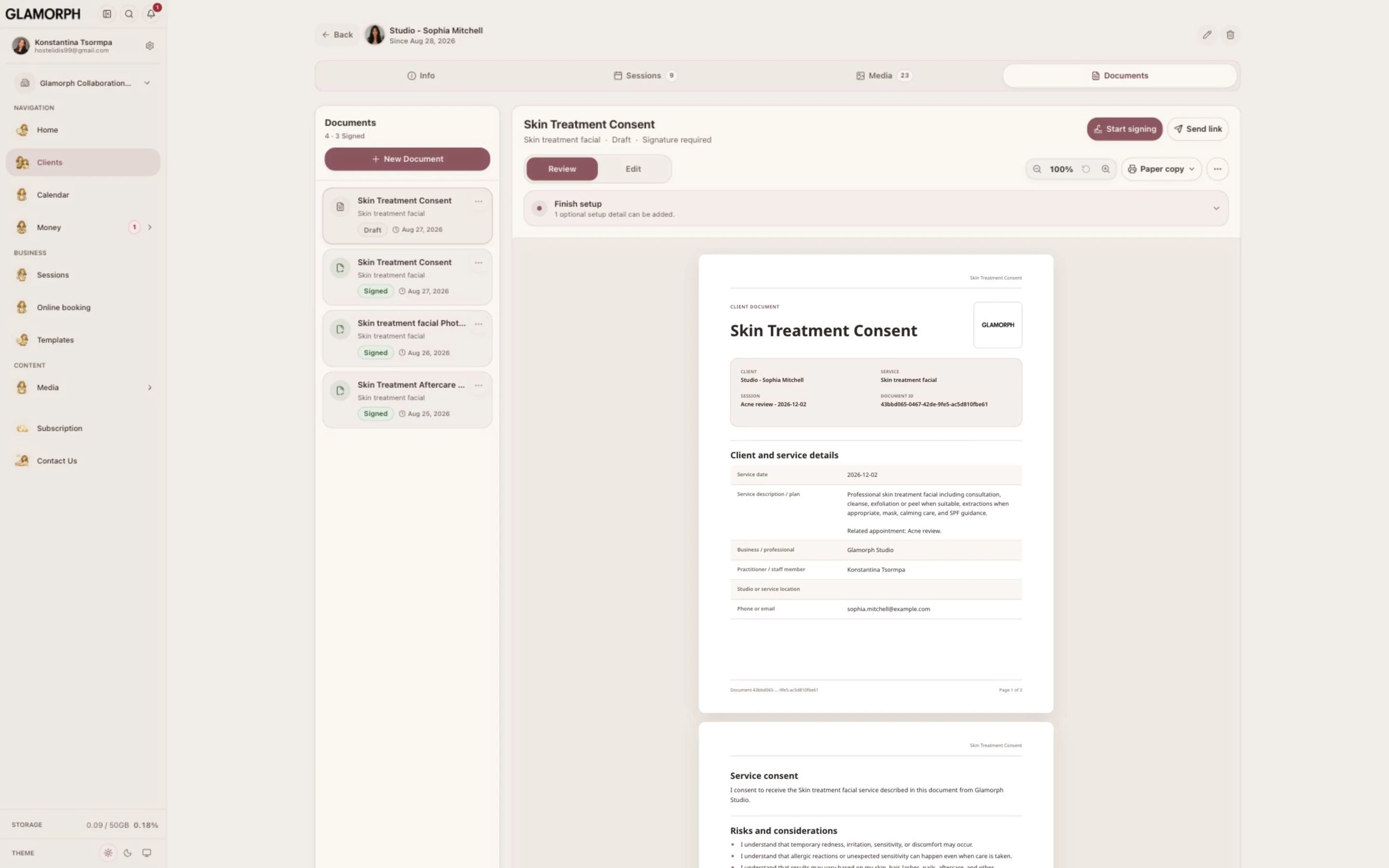
Prepare consultation and consent documents from the client record. Collect an in-person or remote signature, keep the finalized PDF, and attach existing files without requiring an online booking.
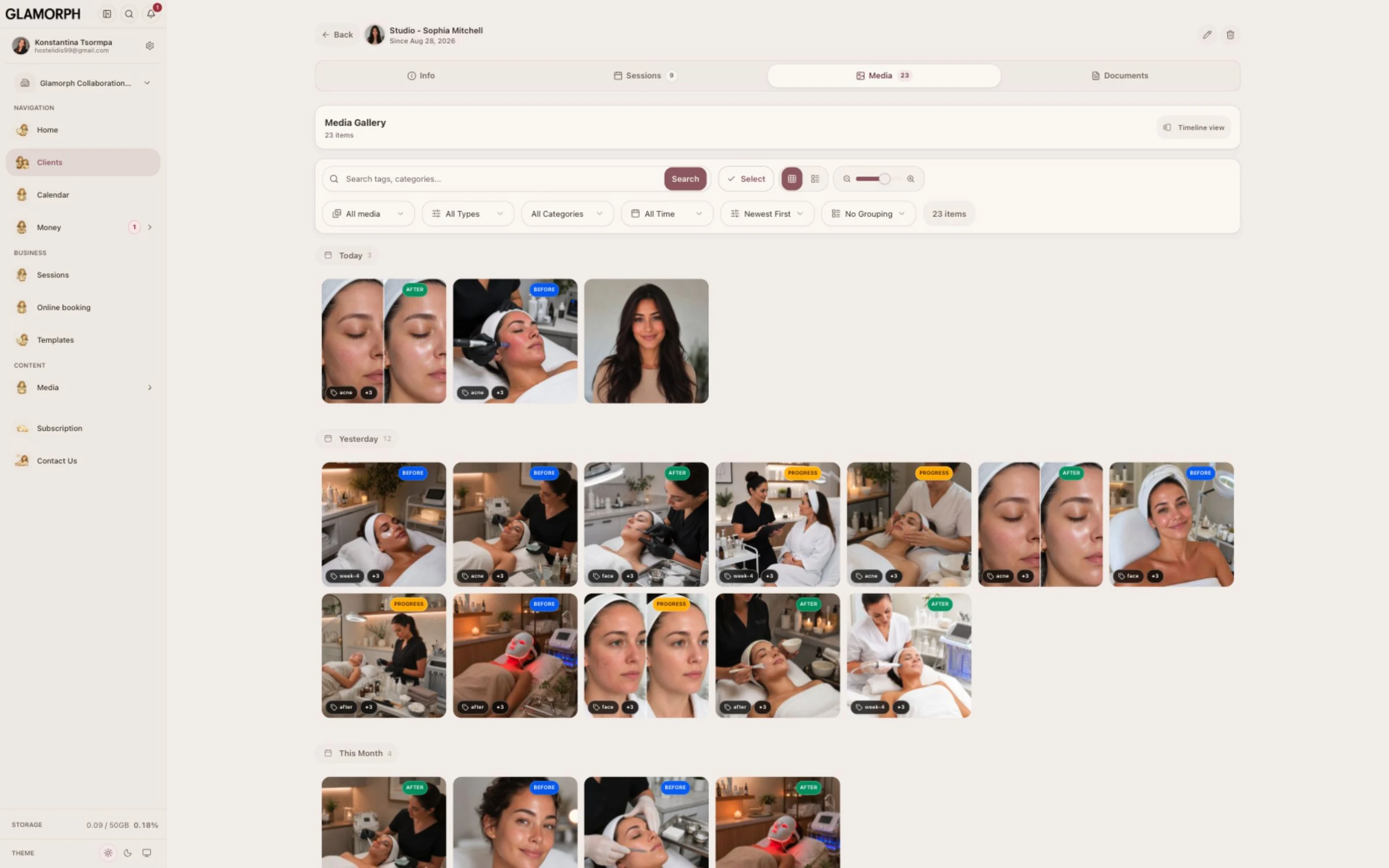
View previous and upcoming appointments with the services, professional, session notes and payment status. Keep manually scheduled appointments and confirmed online bookings connected to the same client.
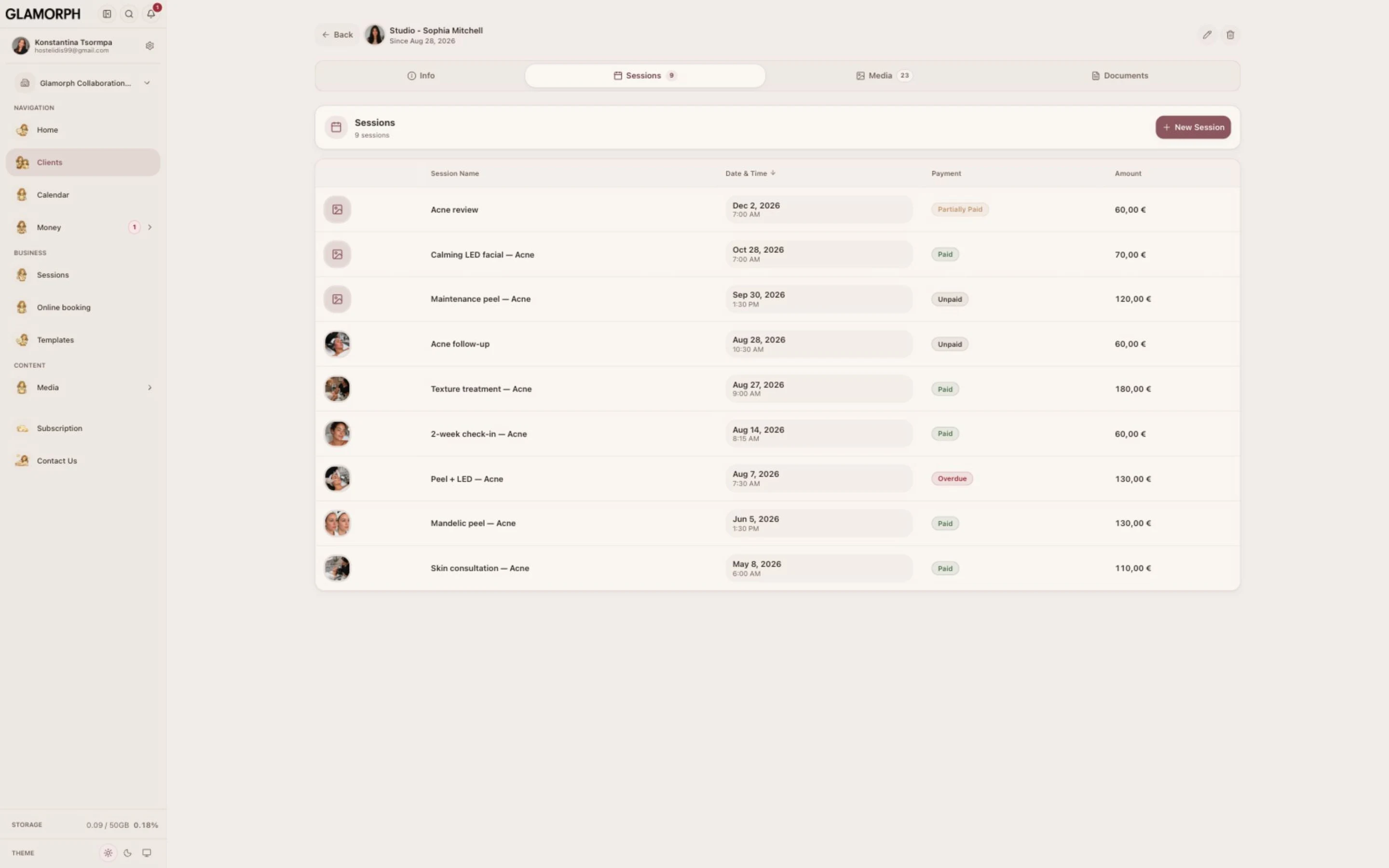
Collect deposits, balances and custom amounts through eligible Stripe, SumUp or Square connections. Keep confirmed payments and refunds with the client, record money received elsewhere, and track business expenses.
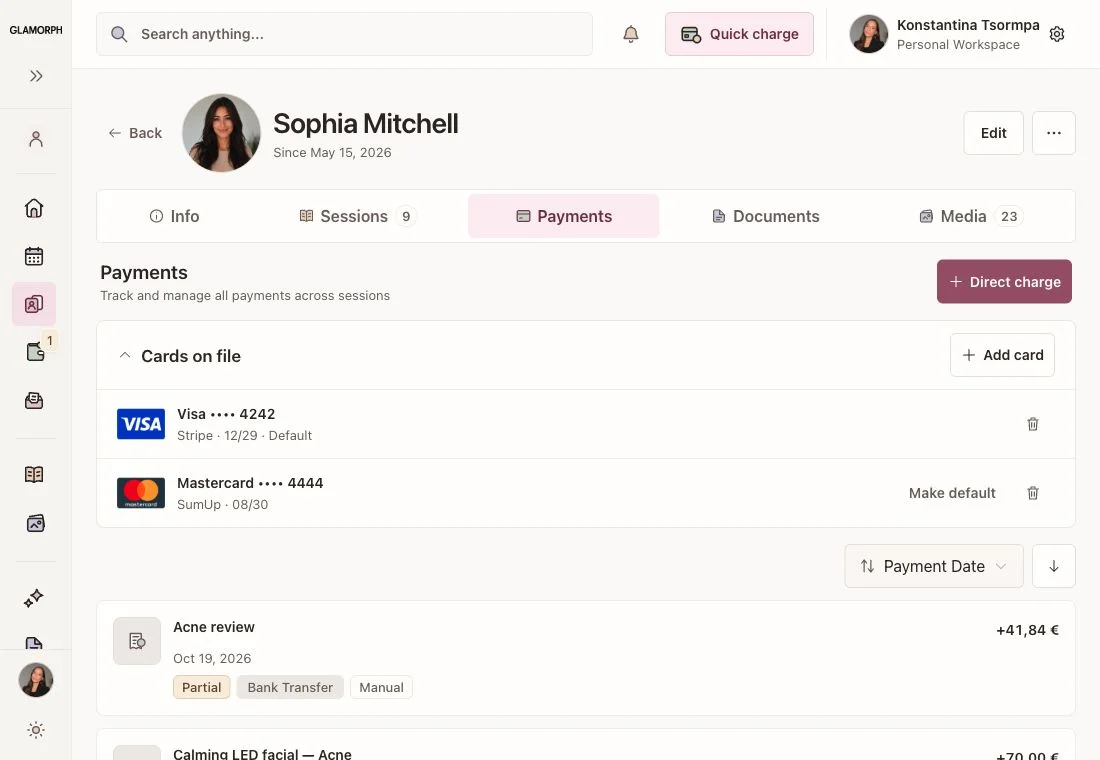
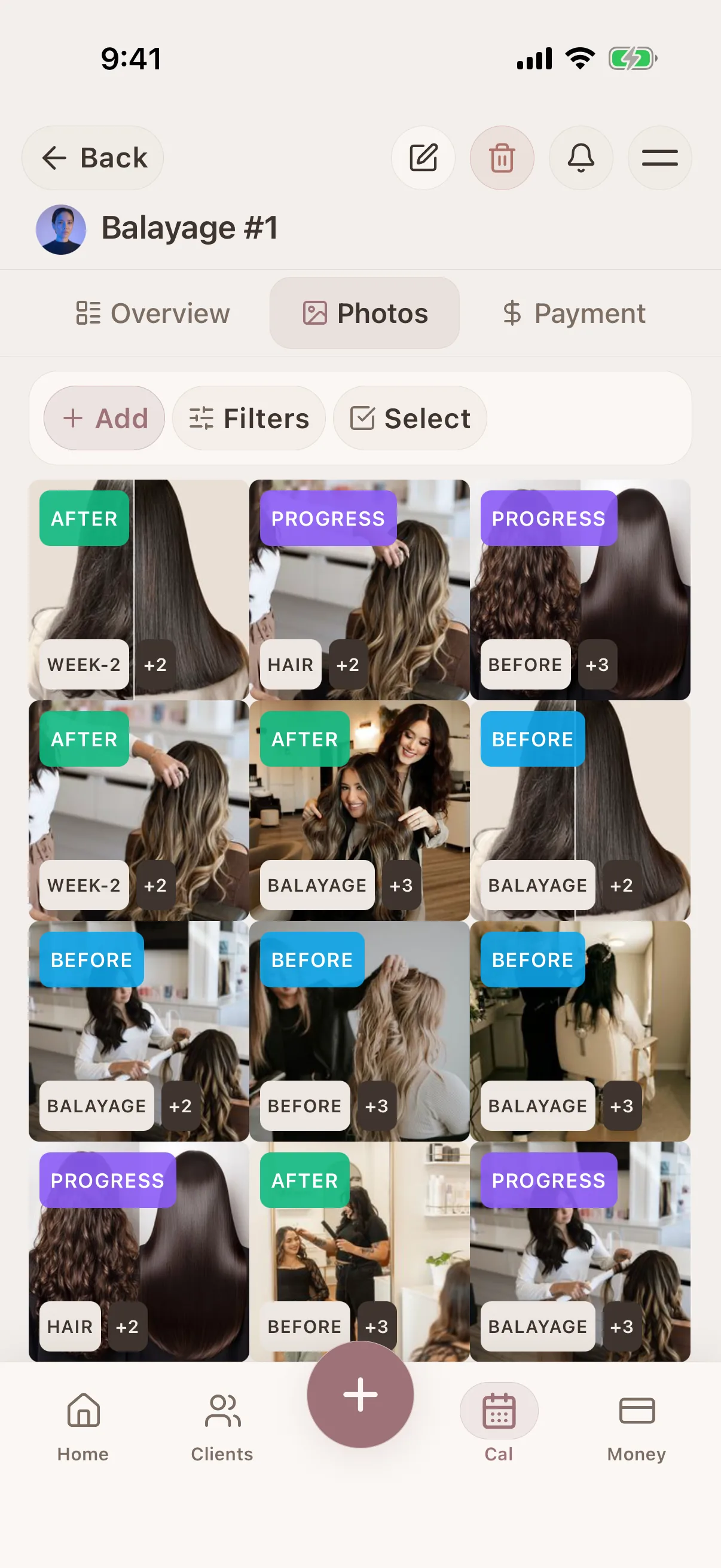
Attach before, progress and after photos to the relevant session. Use tags and albums to find previous work, and create a shareable gallery when you choose to share it with a client.
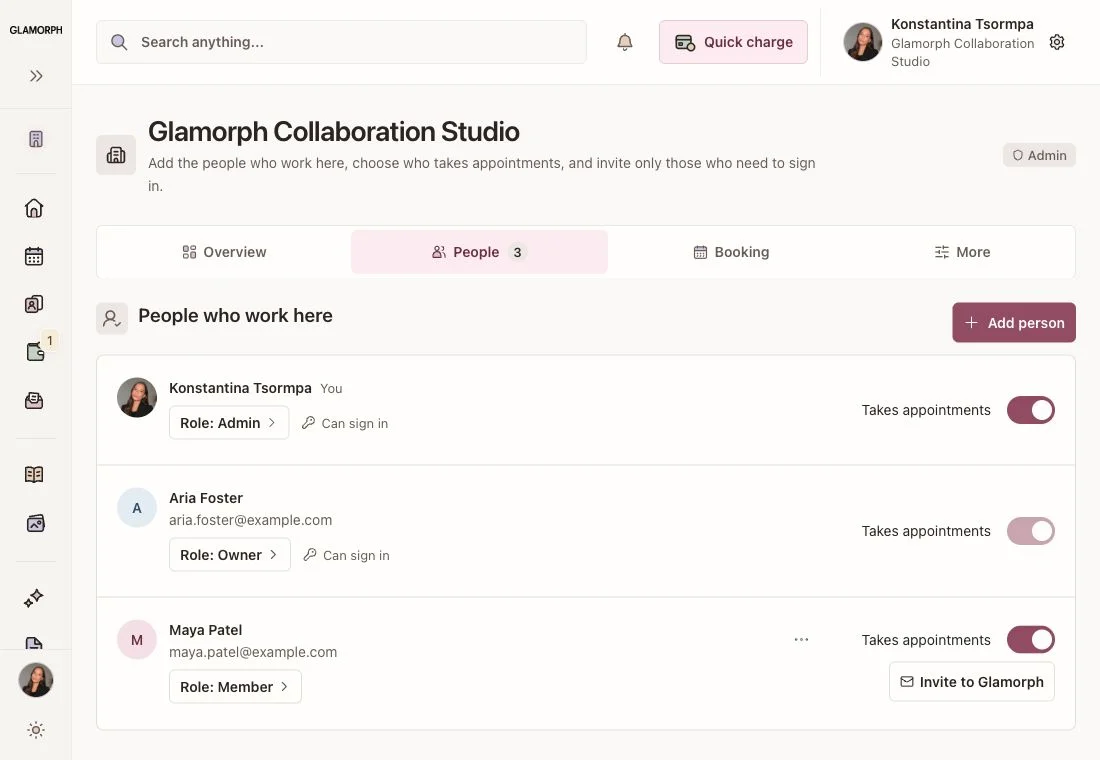
Give each member a separate login and the access their role requires. Manage professional calendars and shared client history while controlling document, financial and team-management permissions.
Set up your workspace yourself and choose where to begin. Client records, online booking and team access are independent choices. You can add the rest as your business needs it.
Add a client and record a service, formula, photo or document. Bring existing clients over manually, through the CSV preview-and-approve flow, or with founder help.
Learn MoreChoose services, professionals and hours, then review the booking rules. Preview the page and publish it only when you are ready to accept online bookings.
Learn MoreAdd professional profiles and calendars, invite people who need a login, and assign their roles. A reception login does not need its own bookable calendar.
Learn More
Glamorph co-founder Konstantina Tsormpa is a makeup and bridal artist. That background informs the attention to client history, while booking, payments and shared workspaces support independent professionals and small teams across beauty services.
Independent practice, salon or studio: explore the workflow that fits your services and team.
The base subscription includes one active appointment calendar. Choose additional calendar capacity for the professionals who take appointments.
€11.99per month
This is the web reference price. Your app store or web checkout confirms the final amount and any trial terms. Optional payment collection has separate fees.
PricingBooking, client history, documents, photos, payments and expenses belong in the same workflow. Use your account across web, iPhone and Android.
Separate member logins and reception access do not each require a paid calendar. Your team plan follows the active appointment calendars you enable.
Checkout confirms the subscription, tax and trial terms. Payment processing has separately disclosed charges. Recording a manual payment does not charge a card.
Glamorph is for independent beauty professionals, salons, studios and small teams. It combines client management, appointments, documents and payments, with optional online booking. You can use it on your own or share a workspace with your team.
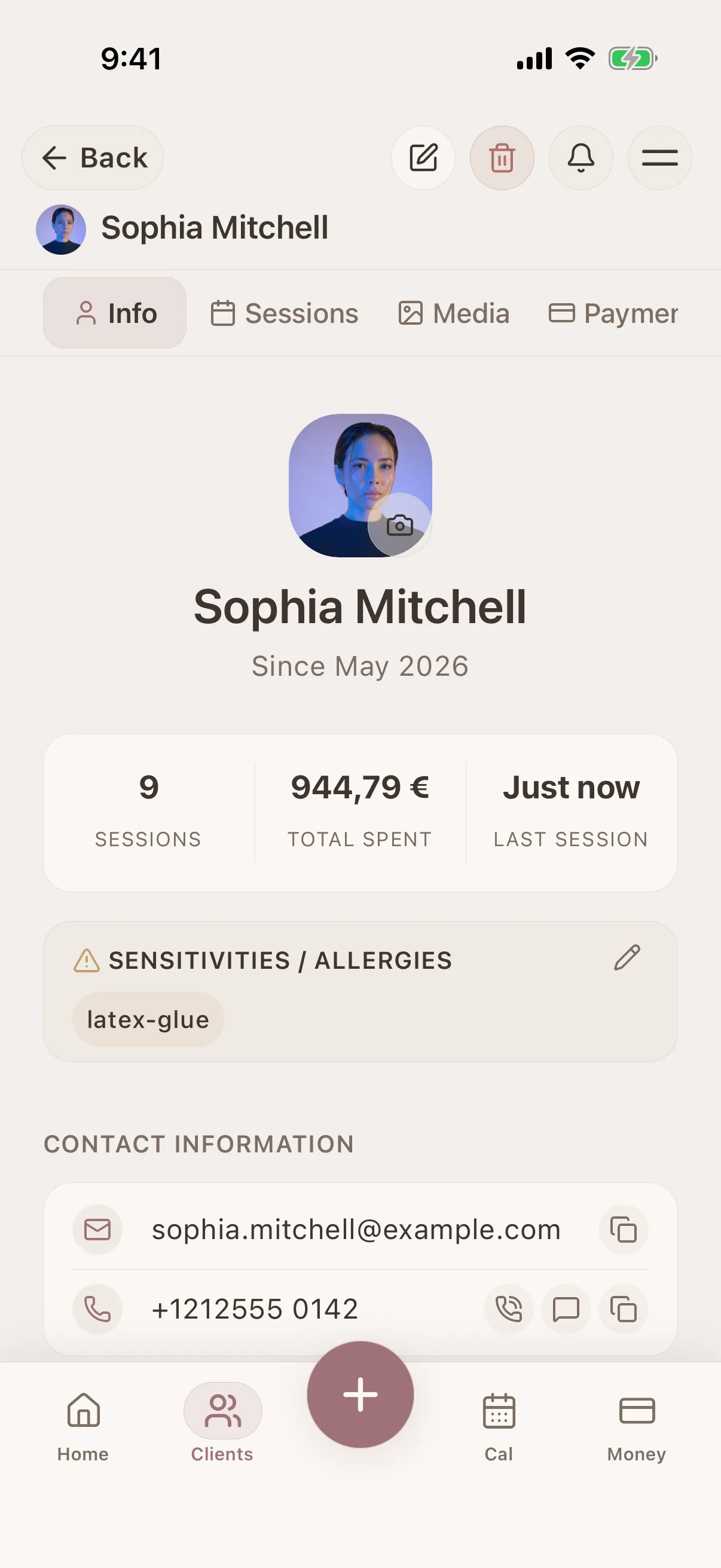
Keep contact details, preferences, reported sensitivities, service notes, formulas and photos together. Each client record also brings together appointment history, payment history and signed documents, so you can review previous work before the next visit.
Yes. Team members can have their own logins and appointment calendars in a shared workspace. Roles control access to their own or all calendars, client records, documents, financial information and team settings. You only need a calendar for people who take appointments.
No. You can add appointments yourself and use client records, documents and payments without a booking page. If you choose online booking, set your services, professionals, hours and booking rules, then preview and publish your page when you are ready.
Yes. Record payments received elsewhere, or connect an eligible Stripe, SumUp or Square account to collect deposits, balances and other client payments. Saved cards, terminals and Tap to Pay depend on the provider, merchant country, account and device. Payment collection is optional and has separate fees.
Use the web app on your laptop and the mobile apps on iPhone, iPad and Android. Your records sync when connected. Core client and session work remains available offline in the mobile apps. Online booking, payment collection, uploads and the web app require internet.
The web subscription reference price is €11.99 per month, including one active appointment calendar. Extra calendars and optional payment services are priced separately. Eligible accounts can receive a 14-day trial. Your App Store, Google Play or web checkout shows the final price, taxes and trial terms before you confirm.
Yes. You can request a copy of your data before deleting your account. Glamorph does not sell personal data. Access after a subscription ends and data retention follow the Privacy Policy. Cancel your subscription through the provider you used to purchase it.
Start with a client record, organise your calendar or prepare your booking page. Keep the details of the service connected as your business grows.
Compare software and explore booking and client management workflows.
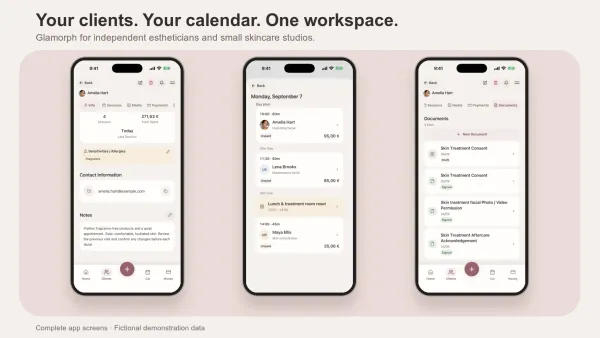
Compare Glamorph, Vagaro, GlossGenius and Fresha for esthetician booking, consultation forms, treatment records and payments. Find the fit for your studio.
Read more
Compare Glamorph, Goldie and Fresha for your nail business: client notes, product and shade history, design photos, consent forms and online booking.
Read more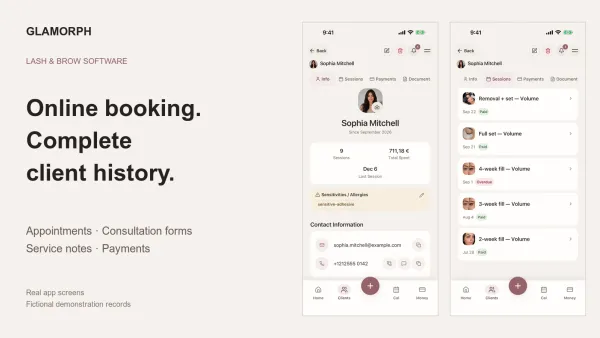
Compare Glamorph, GlossGenius and Vagaro for lash and brow bookings, deposits, consultation forms and returning-client history, solo or with a small team.
Read more