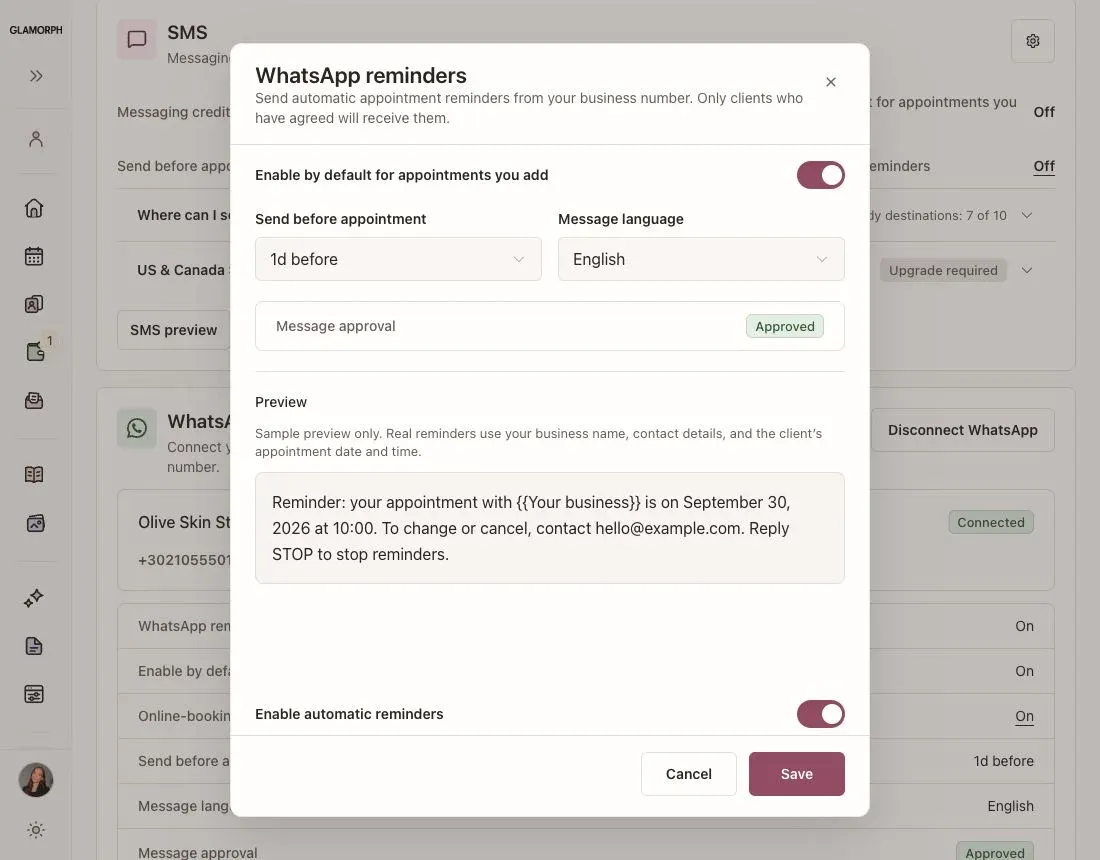
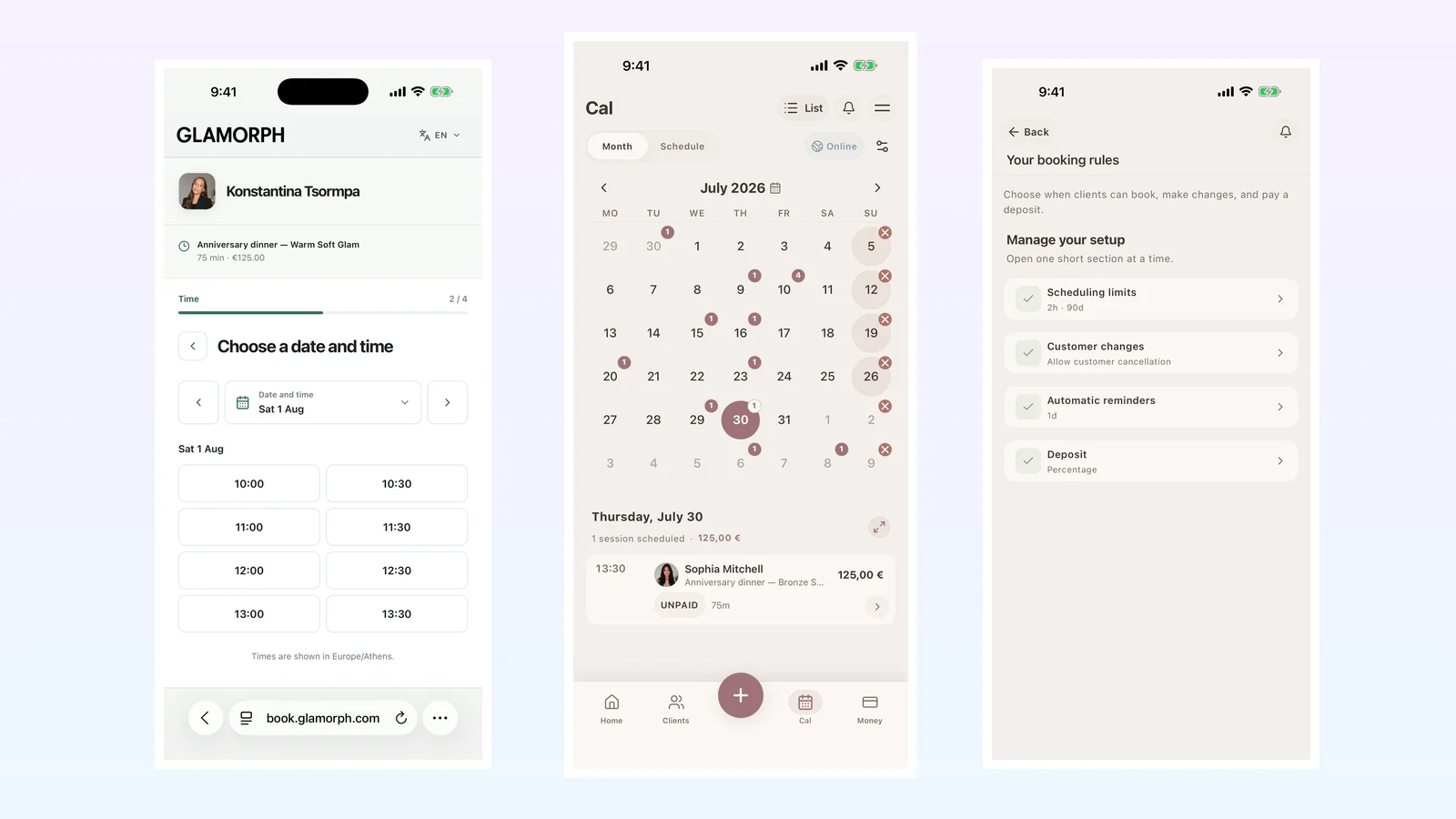
An effective appointment reminder tells a beauty client what is booked, when and where it happens, and how to contact you or manage the appointment. Set it before you save the appointment, send it early enough for the client to act, and make sure a reschedule or cancellation also updates the pending reminder.
Glamorph can send automatic appointment reminders for bookings made by a client online and for appointments you add yourself. The current reminder channel is email.
What should a beauty appointment reminder include?
A useful reminder should answer the client’s immediate questions without making her search through an old conversation:
- What service is booked?
- Which professional is the appointment with?
- What are the date, time, and time zone?
- Where will the service take place?
- How can the client contact the business?
- For an online booking, how can the client securely view, reschedule, or cancel within the business’s rules?
Keep the message practical. The reminder is there to make the appointment clear, not to carry a long sales pitch or replace service-specific consultation and consent.
Can I remind a client about an appointment I entered manually?
Yes. When you add an appointment to the Glamorph calendar, you can choose one automatic email reminder before saving it. The appointment needs a client email address, and you need a contact email that the client can reply to.
This covers appointments agreed in person, by phone, or through another conversation. The client does not need to have used your public booking page for the reminder to be scheduled.
Online booking has a wider setup: you can configure one or more reminder times for confirmed bookings. That distinction matters when comparing software. Ask whether “automatic reminders” cover only self-booked appointments or also the appointments the professional enters.
When should I send an appointment reminder?
There is no single timing that fits every beauty service. Choose a point that gives the client enough time to notice the message and follow your policy.
For a short, routine appointment, a reminder one day beforehand may be enough. A bridal trial, long color correction, mobile appointment, or service with preparation instructions may need earlier notice. If you use more than one reminder for online bookings, each message should have a clear purpose rather than repeating the same notification too frequently.
Consider:
- how far clients usually travel;
- whether the service needs preparation;
- how much time you need to offer a released slot to someone else;
- the cancellation and rescheduling deadline you have communicated;
- when your clients are likely to read email.
A reminder does not replace a clear cancellation policy. The timing and the rule should make sense together.
What happens after an appointment changes?
A reminder must follow the current appointment, not the time that was originally booked. In Glamorph, rescheduling or cancelling an appointment removes its pending reminder. If the appointment is rescheduled, a new reminder is scheduled from the new start time when the reminder still falls in the future.
That behavior is worth testing in any appointment reminder app. A stale message for an old time creates more confusion than no reminder at all.
Use a fictional client and test the complete path:
- Create an appointment with a reminder.
- Confirm the date, time, service, and contact details in the email.
- Reschedule it and check that the old reminder will not be sent.
- Cancel another test appointment and verify that its reminder is removed.
- Repeat the test for both a manually added appointment and an online booking.
Does the app need to stay open?
No. After the reminder has been scheduled, Glamorph’s server sends it at the selected time. Your phone or browser does not need to remain open.
The client receives the message in the language used for that appointment or booking flow. Check the final email in the exact language your clients will receive rather than relying only on an admin preview.
Appointment reminders and rebooking reminders are different
An appointment reminder concerns a visit that already exists. A rebooking reminder asks a client to arrange a future visit around an expected return window. Treating them as the same message can confuse both the client and your measurement.
If the appointment is already in the calendar, use an appointment reminder. If there is no future appointment, record the relevant next step in the client history and follow a deliberate, properly permitted rebooking process. The broader beauty client retention guide explains how that fits into the return journey.
How to choose an appointment reminder app for a beauty business
Do not stop at a feature-list check mark. Test whether the reminder stays connected to the client record and calendar you use during the service.
Ask these buying questions:
- Does it remind clients about manually entered appointments as well as online bookings?
- Can I choose the timing, and can online bookings use more than one reminder?
- Does a reschedule cancel the old reminder and calculate the new one correctly?
- Does a cancellation stop the reminder?
- Can the client see the right service, professional, time, location, and contact route?
- Is the reminder sent in the client’s language?
- Does sending continue when my app is closed?
- Can I open the appointment and find the client’s previous services, formulas, photos, documents, and next-time notes?
Glamorph is a record-first choice for independent beauty professionals and small teams that need appointments to connect with detailed client history. It is not fiscal POS, inventory, payroll, room scheduling, or enterprise multi-location software. Compare the whole workflow you need, not just the reminder channel.
Frequently asked questions
Can Glamorph send an automatic reminder for a manual appointment?
Yes. Select one email reminder when you create or edit the appointment. The client needs an email address, and your business needs a reply-to contact email.
Can online bookings have more than one reminder?
Yes. Glamorph’s online-booking settings can schedule one or more email reminders for confirmed bookings. A manually entered appointment currently supports one reminder.
Can the client reply to the reminder?
For a manually entered appointment, replies go to the business contact email configured for the appointment. For online bookings, the email includes the appropriate secure appointment-management route.
Will a cancelled appointment still send a reminder?
No. Cancelling an appointment removes its pending reminder. Rescheduling also removes the old reminder and schedules a new one from the changed start time when applicable.
Do clients need a Glamorph account to receive reminders?
No. The reminder is sent to the client’s email address. A Glamorph account is not required.
Set up a real reminder test
Create one manual appointment and one online test booking, schedule their reminders, then reschedule and cancel them before using the workflow with clients. See how Glamorph appointment reminders work →
Written by

Professional makeup artist, bridal MUA, and founder of Glamorph
Professional makeup artist and bridal MUA with 5+ years of experience, founder of Glamorph, writing about bridal beauty, soft glam, and freelance beauty work.
You might also like

Best Online Booking Software for Beauty Professionals in 2026
Compare six beauty booking systems by the full client journey: availability, approval, deposits, reminders, client changes, calendar, and client records.
Read more
How to Keep Beauty Clients Coming Back: 7 Retention Habits
Beauty client retention tips: prebook the next visit, make booking easy, follow up, personalize each service, measure return rate, and win clients back.
Read more
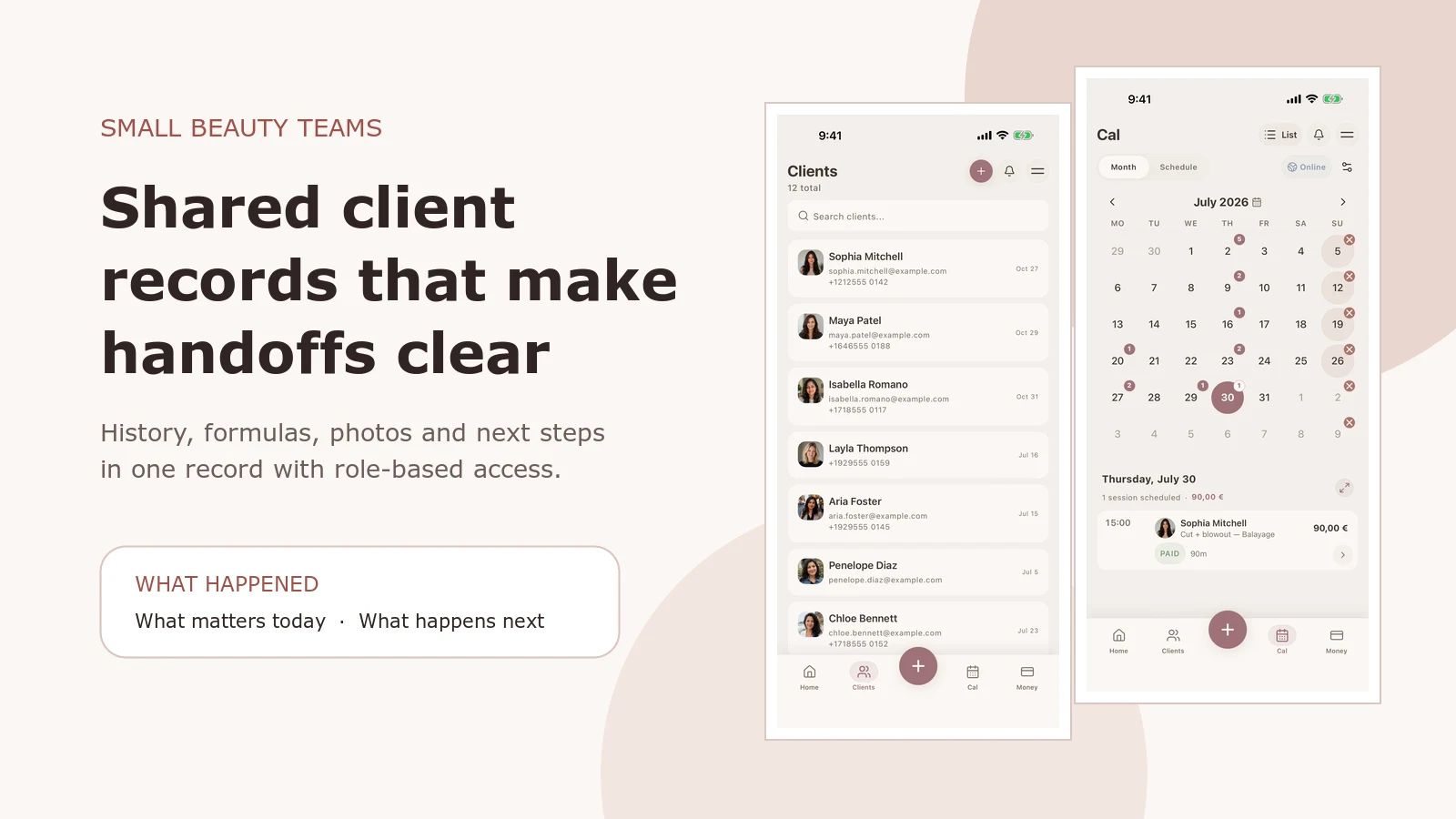
Salon Client Records: What Small Beauty Teams Should Track
What to record after each salon visit: formulas, products, sensitivities, photos and next-time notes, plus online booking and staff access.
Read more