Let beauty clients book without back-and-forth messages
Share one booking link from your social profiles, website, or anywhere clients find you. They choose a service, professional, and genuinely available time without waiting for you to answer.


The problem
Your workflow
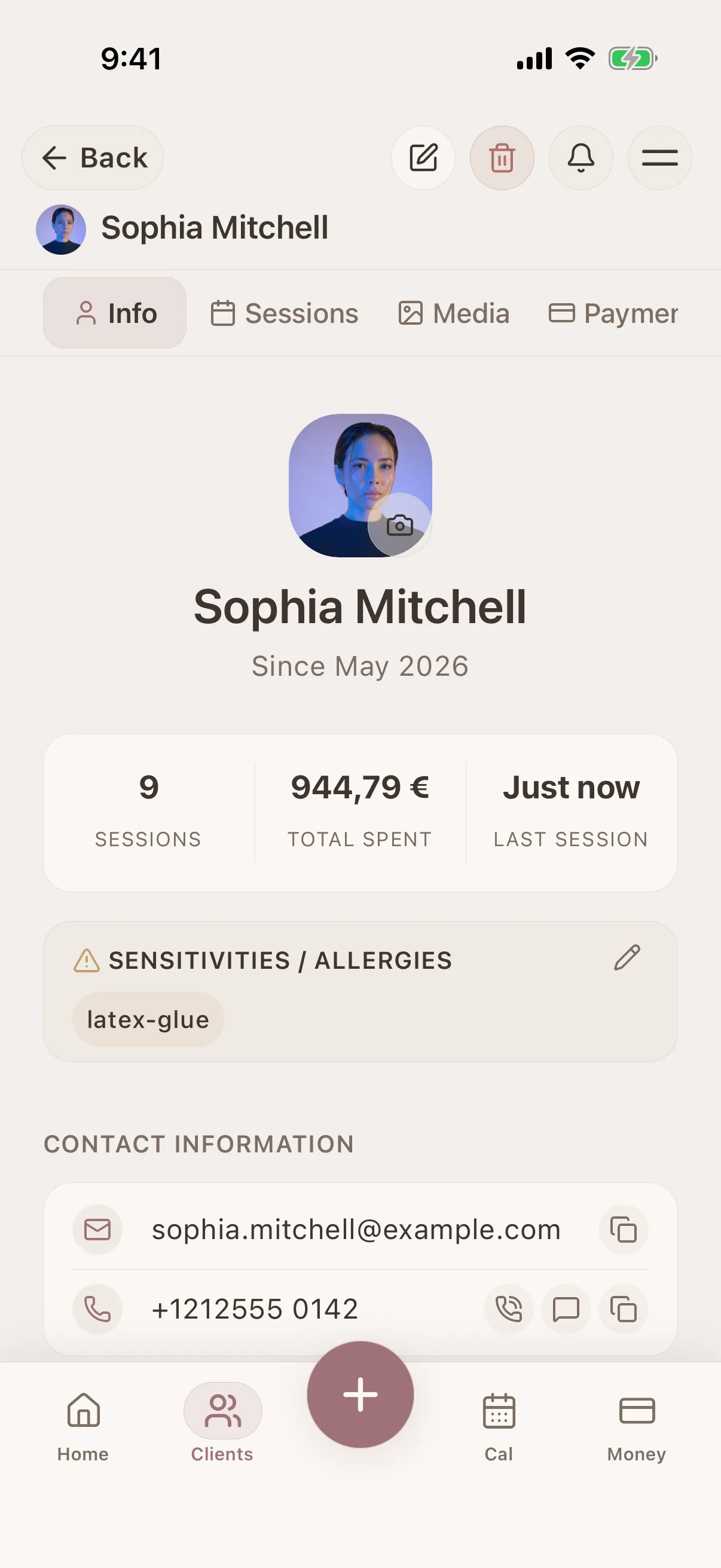
Appointment requests arrive while you are working, sleeping, or travelling. The client asks for a time in a message, you check the calendar, the time disappears, and both of you start again. Important booking details can remain separated from the client record you need for the service.
Problem solved
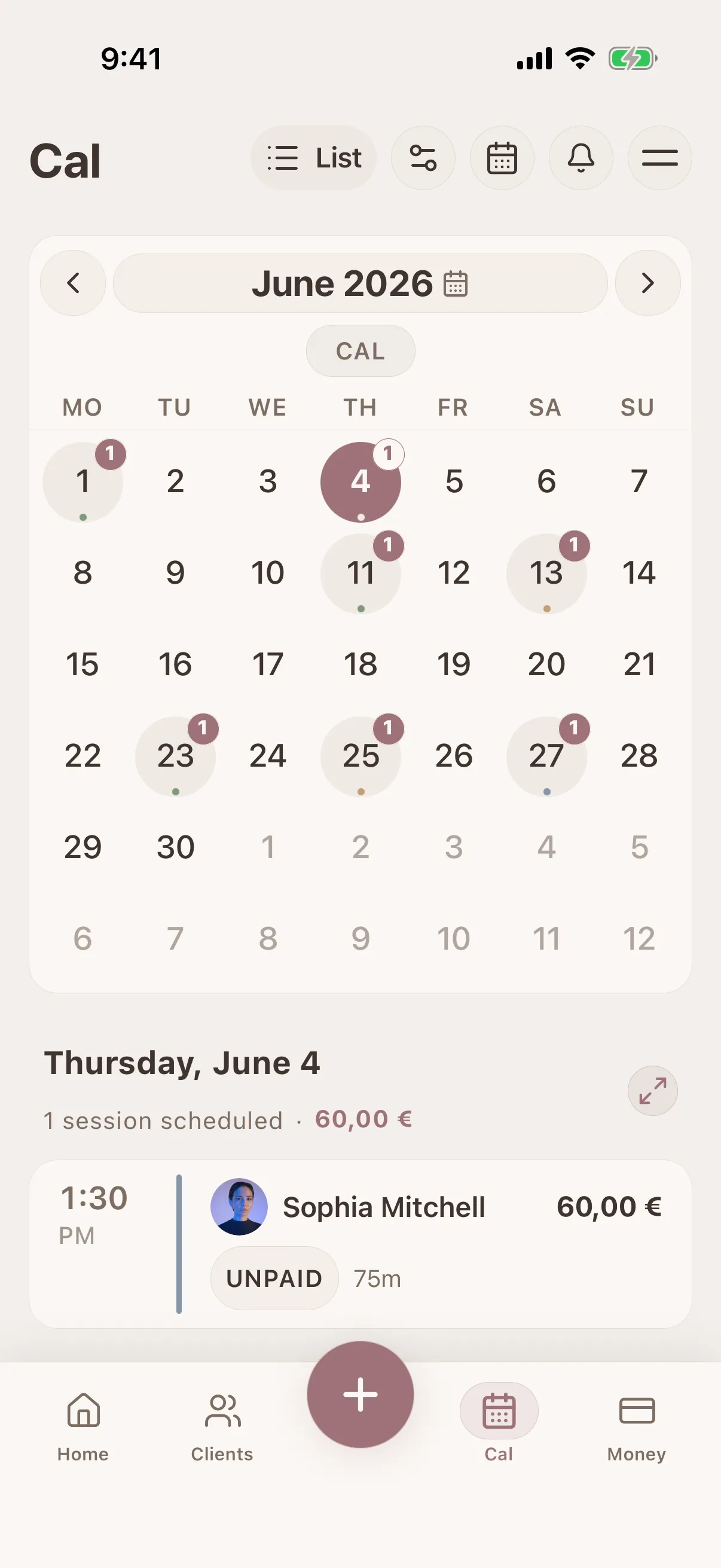
Glamorph gives your business a public booking page connected to your services, professionals, availability rules, calendar, and client history. Clients verify their email and either confirm instantly or send a request for your approval. Confirmed bookings enter the same Glamorph workflow you use to prepare for the appointment and remember the client afterward.
How it works
A simple way to keep the details together before, during, and after the appointment.
Publish only the services clients can book
Set the service name, duration, price, assigned professionals, buffers, and whether an eligible service requires a deposit.
Define when a time is genuinely available
Configure weekly hours, date overrides, minimum notice, booking horizon, slot interval, buffers, and daily limits before sharing the page.
Choose instant confirmation or approval
Automatically confirm straightforward bookings or review requests when travel, preparation, or another dependency needs a human decision.
Share and test the booking link
Run one fictional client through email verification, confirmation, a reminder, and an allowed change or cancellation before adding the link to your public channels.
Continue with the complete client record
Use the confirmed appointment to review preferences, reported sensitivities, previous sessions, formulas, photos, documents, payments, and next-time notes.
What connects this workflow in Glamorph
Glamorph gives your business a public booking page connected to your services, professionals, availability rules, calendar, and client history. Clients verify their email and either confirm instantly or send a request for your approval. Confirmed bookings enter the same Glamorph workflow you use to prepare for the appointment and remember the client afterward.
Features
Perfect for
Use Cases
Keep the whole workflow clear
Use Glamorph to keep client details, session history, photos, and payments connected around the work you actually do.
Starting from €11.99 per month · Free trial included
Frequently asked questions
Can I put the Glamorph booking link in my social profiles?
Yes. Share the public link anywhere clients find you. Messages can still handle conversations, but the booking page becomes the source of truth for services, availability, confirmation, and appointment changes.
Does a client need the Glamorph app to book?
No. The client uses the public booking page and verifies the email address used for the booking.
Can I approve bookings manually?
Yes. Choose automatic confirmation or approval for the booking workflow that fits your services and preparation needs.
Can I collect a booking deposit?
A service can require a fixed or percentage deposit when the business country and connected payment provider account are eligible. Page language alone does not enable payment collection.
Does online booking work without internet?
Public booking, approval, payment, and customer appointment changes require internet. Synced mobile client records and session history can still support work through connection gaps.
Trusted by beauty professionals across
For Businesses
Independent practice, salon or studio: explore the workflow that fits your services and team.