Use Case
Build your beauty portfolio from everyday client sessions
Every client session is a portfolio opportunity. Glamorph organizes your before/after photos so your best work is always ready to share.
Glamorph
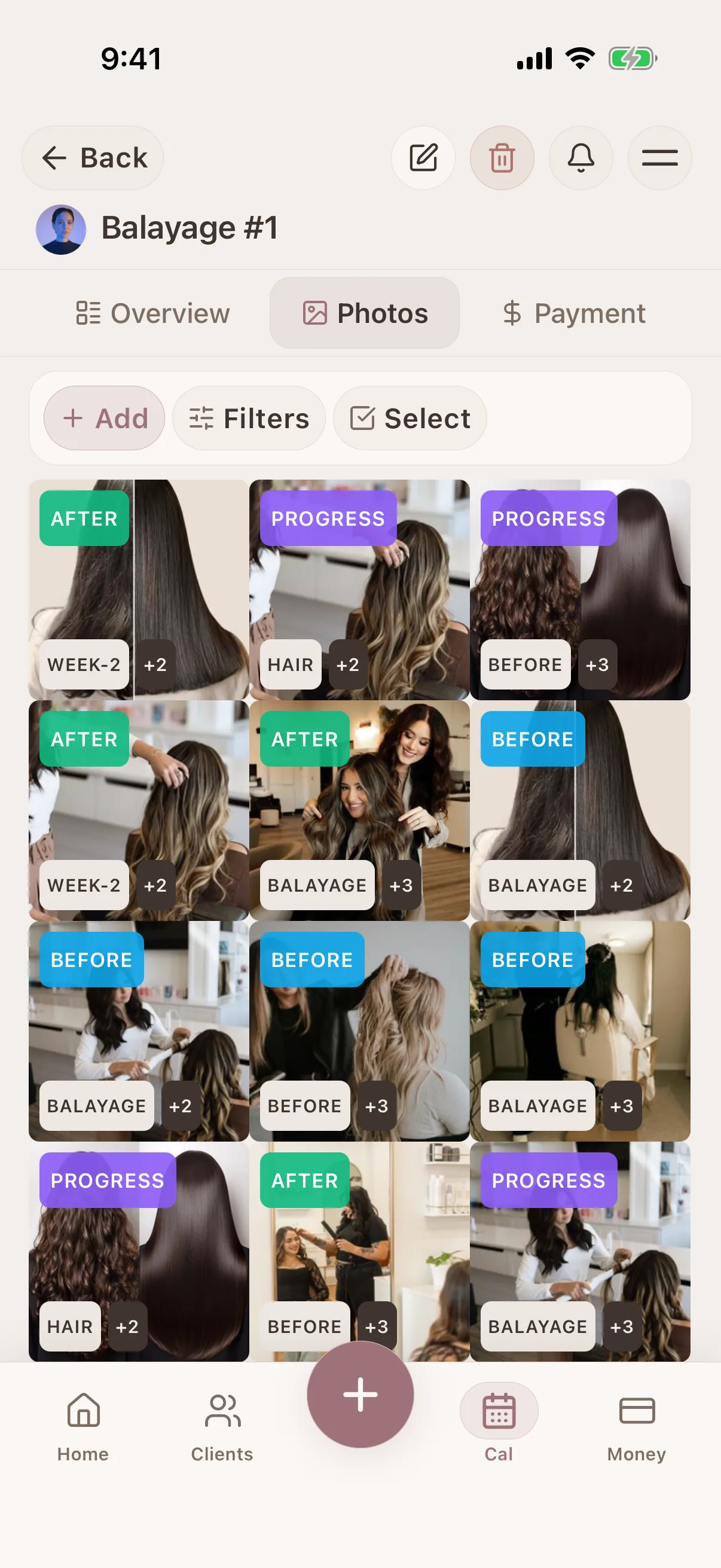
Glamorph automatically organizes session photos by client, date, and service type. Your before/after gallery becomes a living portfolio that grows with every appointment.

"I was drowning in DMs and camera rolls"
50+ clients. Thousands of photos. Zero organization. I built Glamorph because I needed it myself: and every beauty pro I knew had the exact same problem.
The problem
Your workflow
Beauty pros take amazing photos of their work but they end up buried in camera rolls, mixed with personal photos, and impossible to find when a potential client asks to see examples.
The Glamorph solution
Problem solved
Glamorph automatically organizes session photos by client, date, and service type. Your before/after gallery becomes a living portfolio that grows with every appointment.
Simple. Organized. Done.
How it works
A simple way to keep the details together before, during, and after the appointment.
Capture during every session
Take before/after photos directly in Glamorph. Photos are automatically linked to the client and session.
Add context and tags
Note the techniques used, products applied, and any special details that make the work stand out.
Browse your gallery
Filter your photo gallery by service type, date, or client to find your best work in seconds.
Share with potential clients
Export your best before/after pairs to share on social media or with clients during consultations.
Glamorph
What connects this workflow in Glamorph
Glamorph automatically organizes session photos by client, date, and service type. Your before/after gallery becomes a living portfolio that grows with every appointment.
Features
Use Cases
Glamorph
Keep the whole workflow clear
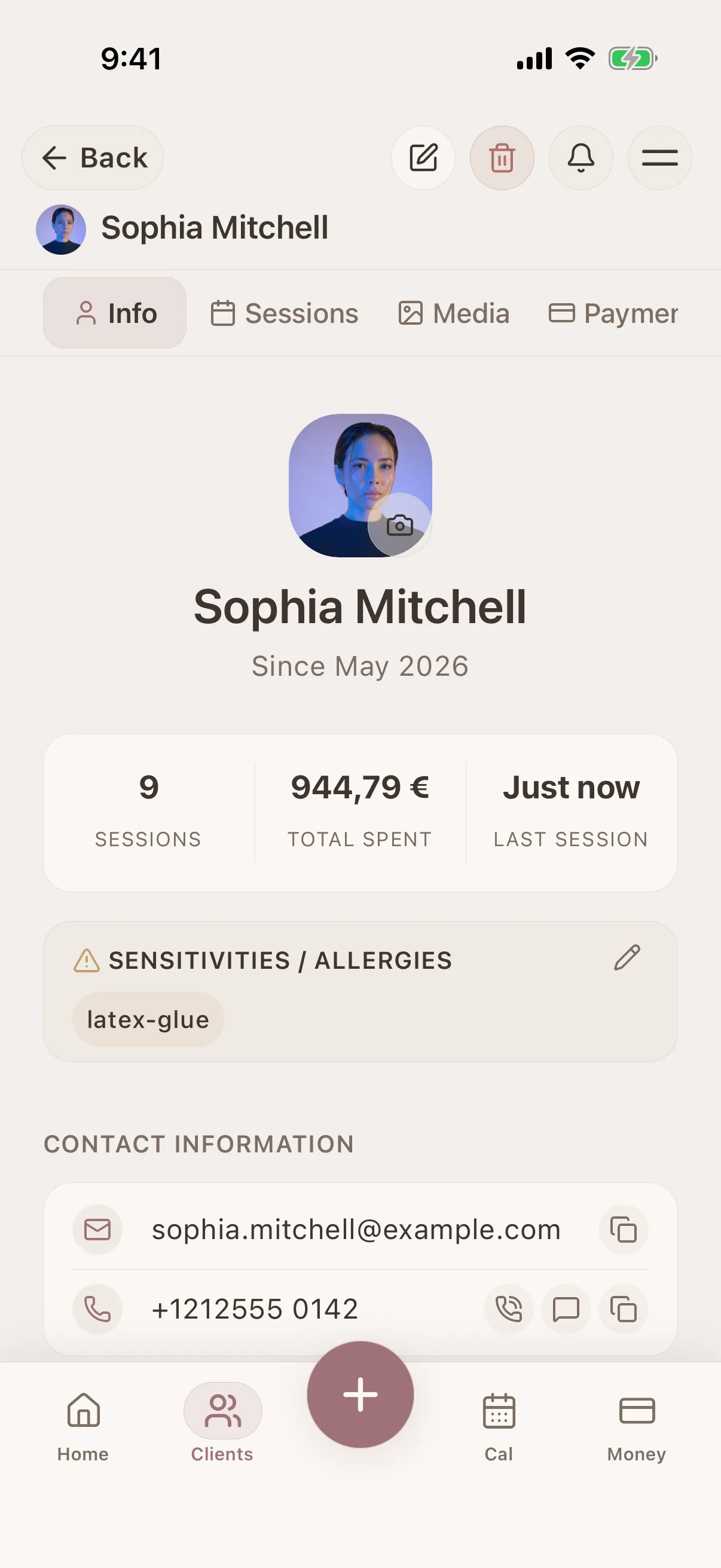
Use Glamorph to keep client details, session history, photos, and payments connected around the work you actually do.
€9.99/month · excl. VAT · Free trial included
Frequently asked questions
Can I use Glamorph photos on social media? +
Yes. Export any before/after photo from Glamorph and share on Instagram, TikTok, or anywhere else. Photos are full resolution and ready to post.
Do photos sync across my devices? +
Yes. With auto backup enabled, your entire photo gallery is available on all your devices: phone, tablet, and web.
How many photos can I store? +
Glamorph's auto backup stores your photos securely with generous storage limits. There's no per-photo charge.
How do I build a beauty portfolio from client work? +
With Glamorph, every session photo you take is automatically organized by client and date. Tag your favorites, group them into albums, and generate shareable gallery links: your portfolio builds itself as you work.
Trusted by beauty professionals across