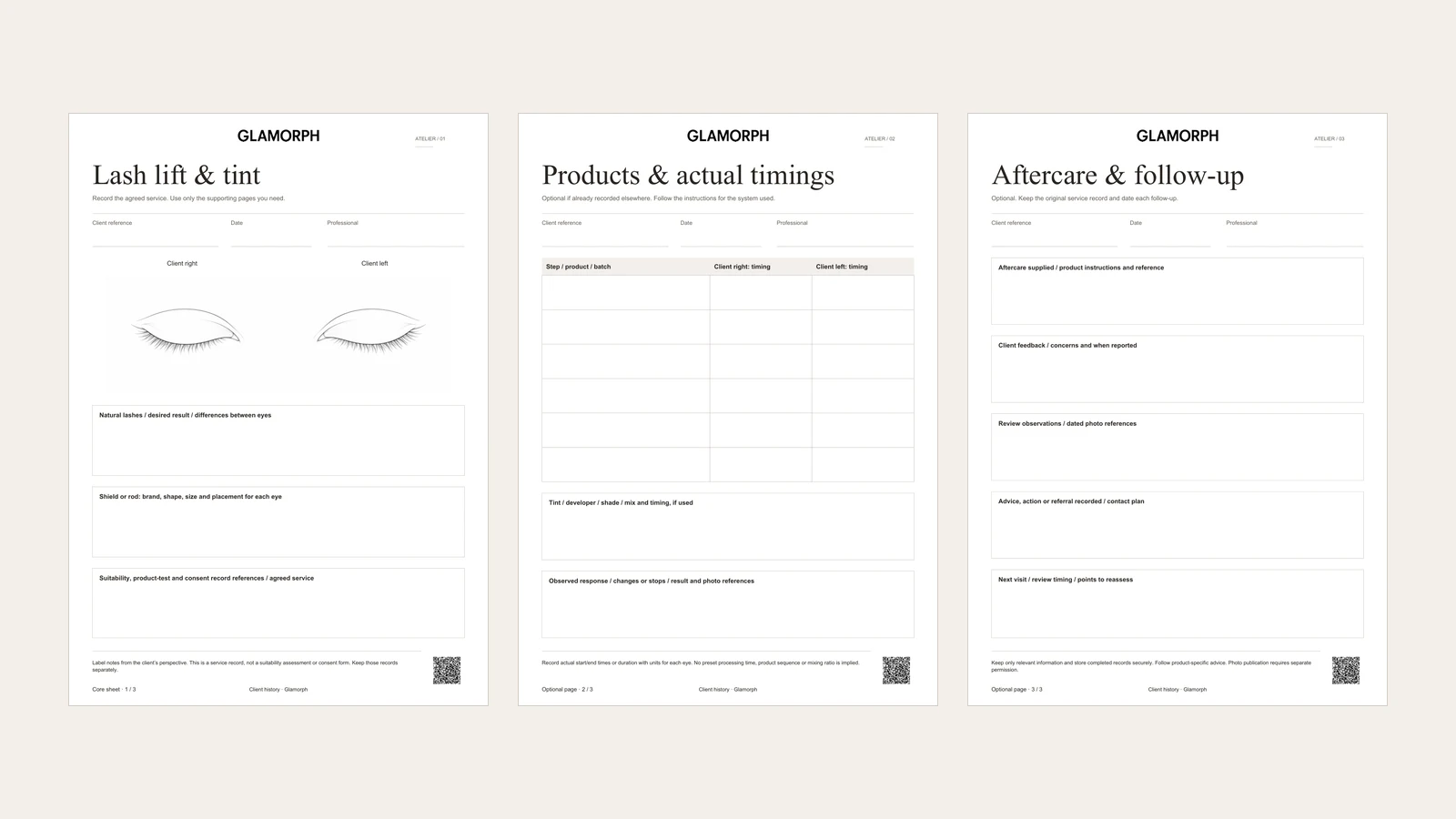
A lash-lift record needs to explain what happened at that appointment: the client’s natural lashes and agreed result, the shield or rod used, the products and actual timings for each eye, and the outcome. This three-page PDF gives those details a place without prescribing a treatment protocol. The supporting pages are optional when you already record the same information elsewhere.
In Glamorph, keep the completed PDF with the client or dated session through client documents. Notes, photos and previous appointments remain in the same client history, so the next visit can refer to the original record. Uploading a PDF keeps the file. It does not automatically import its fields into the app.
I’m Konstantina Tsormpa, a makeup artist and Glamorph’s founder. This guide explains our record template and the app workflow, not how to perform a lash lift. The product screenshots below use fictional demonstration records.
Download the lash-lift and tint workbook
Choose the pages you need
| Page | What it records |
|---|---|
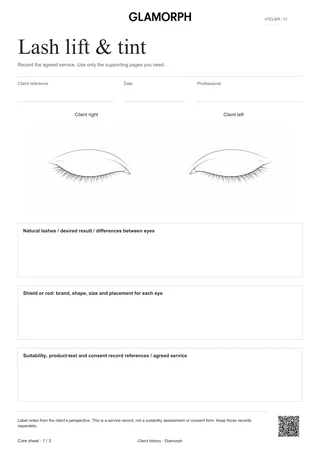
| 1. Lash lift and tint | Eye map, natural-lash observations, desired result, shield or rod choices and references to separate records |
| 2. Products and actual timings | Products and batches, actual timing for each eye, optional tint details, observed response and result |
| 3. Aftercare and follow-up | Advice supplied, client feedback, dated observations, actions and the next review |
Use the client reference and date on each page so that loose sheets remain identifiable. If your existing service record already contains products and timings, reference it instead of completing a second copy. Print another product page when you need more rows.
Record each eye clearly
The diagram shows the client’s right eye on the viewer’s left. Use the printed labels when adding notes, especially if the eyes need different shield sizes or have different natural-lash characteristics. Mark an area with a number and explain it in the notes. A photograph can provide context that a general outline cannot capture.
Record the actual brand, shape, size and placement of the shield or rod. Keep a result photo with the same appointment when appropriate, using a separate record for any permission to publish it. A service record is not publication permission.
Keep actual timings with the products used
The table deliberately contains no preset times. Elleebana’s processing guidance is specific to its products and the client’s lashes. It should not be turned into a universal setting for every system. Follow the current instructions and your training for the products you use.
Write the step, exact product and batch reference, then the actual start and finish time or duration for each eye. Include the unit so a number cannot be mistaken for a clock time. If tint was used, record the tint, developer, shade, actual mixture and timing in its own section. Leave that section blank when it was not part of the service.
The last box records the observed response, any changes or stops, and the result. Describe what was observed and reported without converting those notes into a diagnosis.
Keep consultation and consent separate
LashBase’s professional record cards distinguish client details, test documentation and treatment logging. Our workbook references those records rather than collecting a second full intake history.
Use the first page to identify the relevant suitability, product-test and consent records. This workbook is not a screening checklist, consent form or substitute for product-specific requirements. Record only information needed for the appointment and limit access to completed files.
Save the record and preserve later feedback
Use a compatible PDF reader for the text fields. For the eye map, use its drawing or annotation tools, or print at A4 and mark it by hand. Keep the blank original, save the completed copy under a new name and reopen it to check the entries. The file does not send client information to this website.
Aftercare notes should identify the advice actually supplied. If the client later reports a concern, add the date and their report on the follow-up page. Keep the original service record intact so later feedback does not overwrite what happened at the appointment.
In Glamorph for lash artists, create or open the client, add the dated session and attach the completed workbook. Keep relevant photos and follow-up notes with that history. You can use documents without publishing an online booking page.
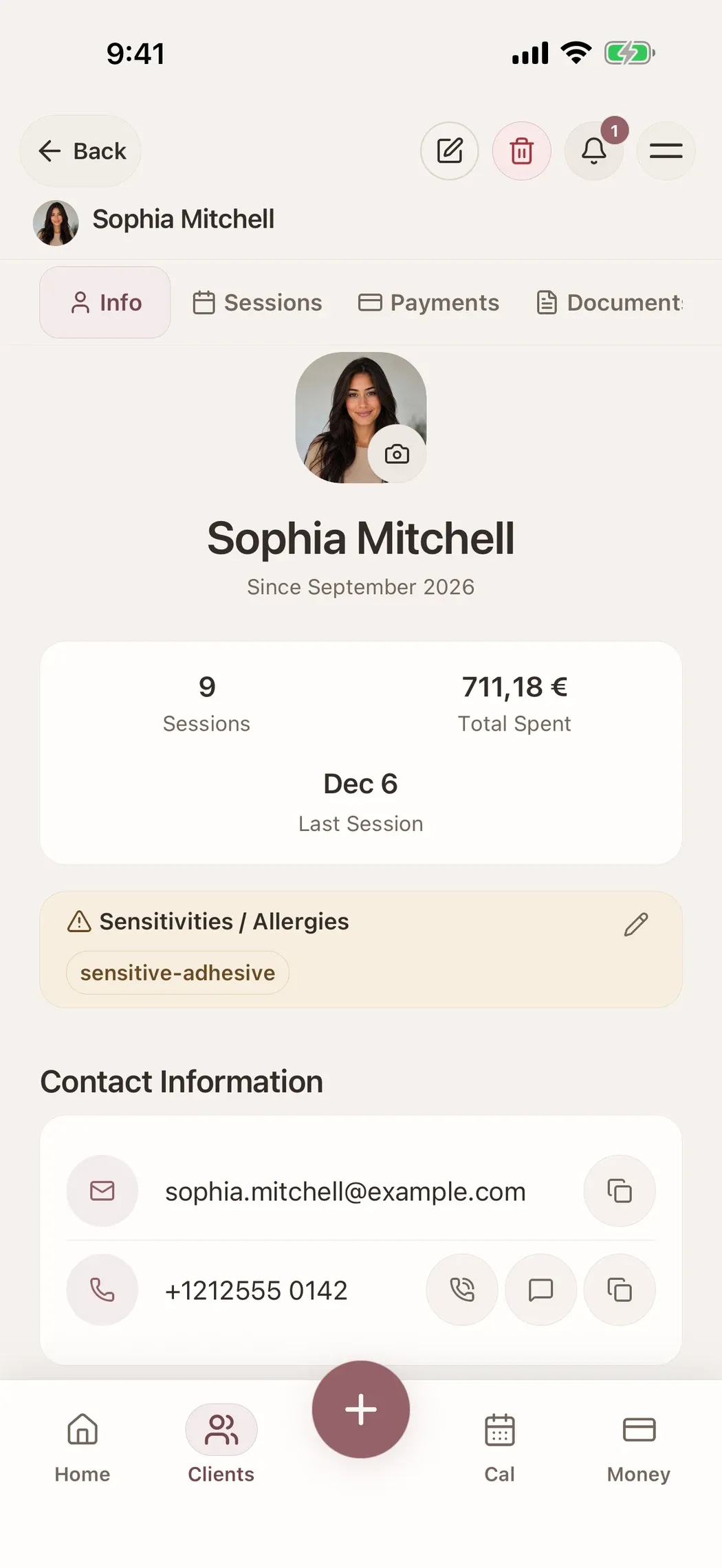
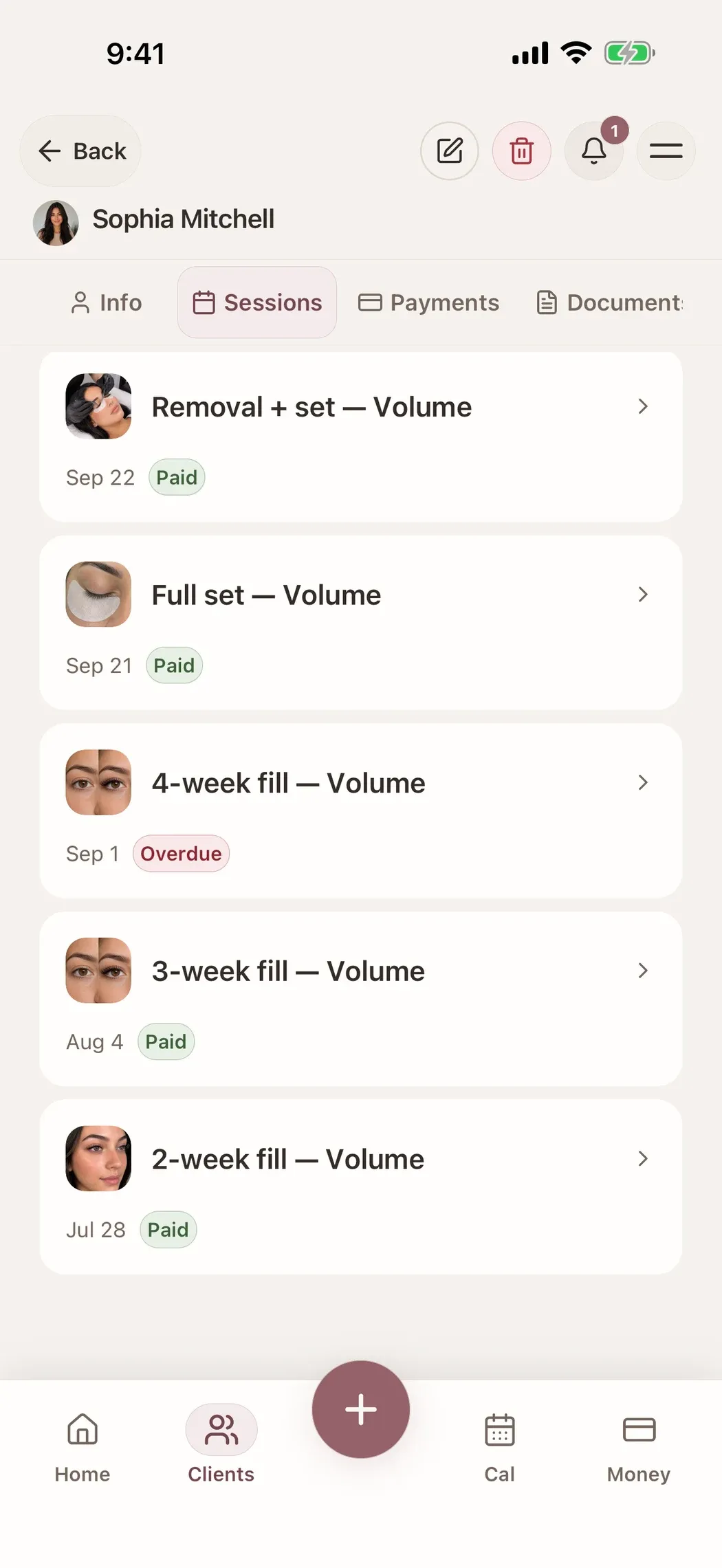
Existing simulator captures with fictional demo records show the client and visit context. They do not show automatic PDF-field import or treatment recommendations.
Written by
Professional makeup artist and founder of Glamorph
Makeup artist and Glamorph founder with 5+ years of experience. Working closely with professionals across the beauty industry, she writes about client management, booking and everyday salon workflows.